Coming soon
Stealth Job Search

How to Hide Your Job Search From Your Employer

How to hide job search from employer: a leak-point checklist for laptops, LinkedIn, job boards and references, plus how to apply and interview confidentially.

Mira Resume Editorial Team · Career content team Published Updated 11 min read
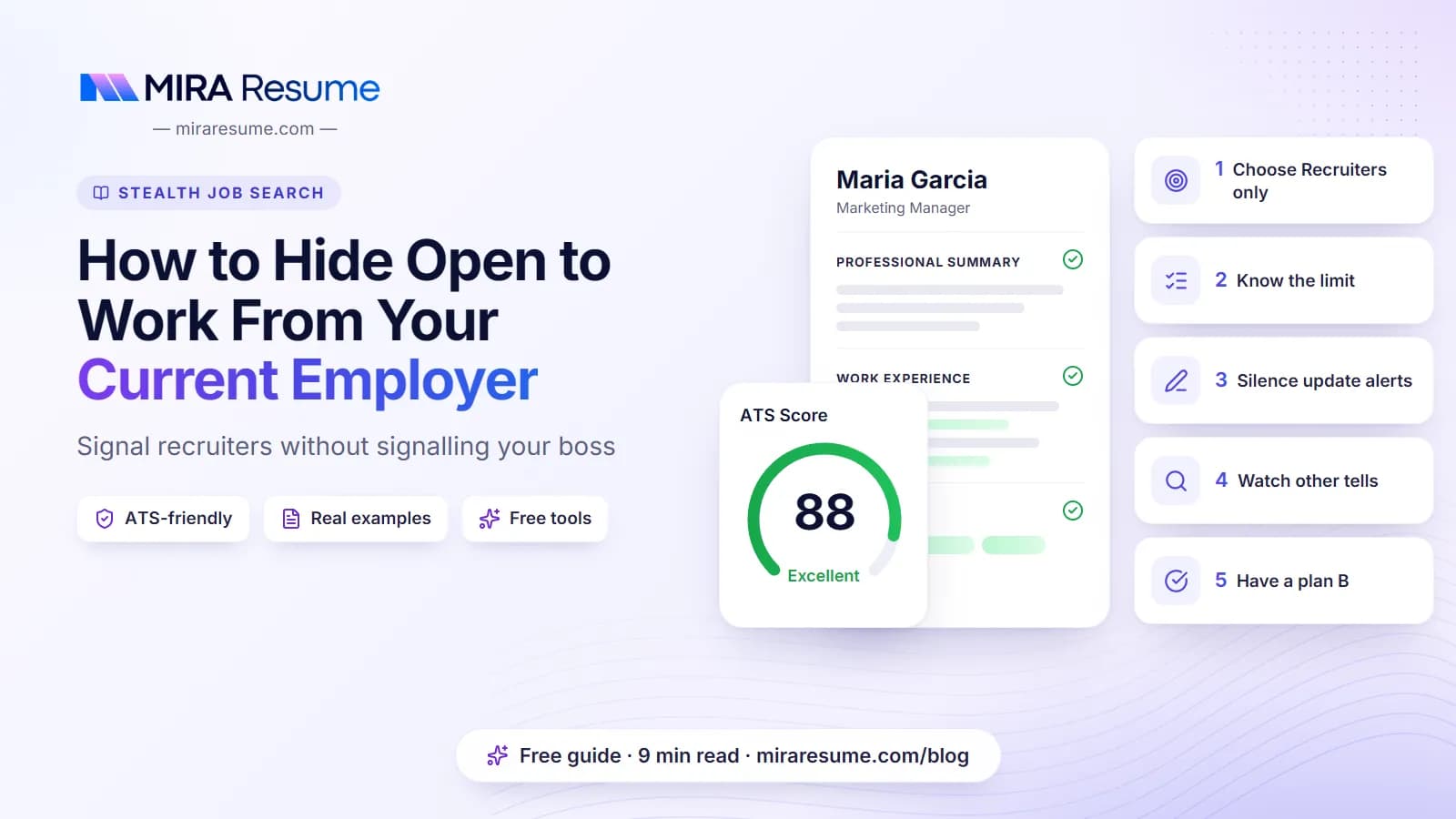
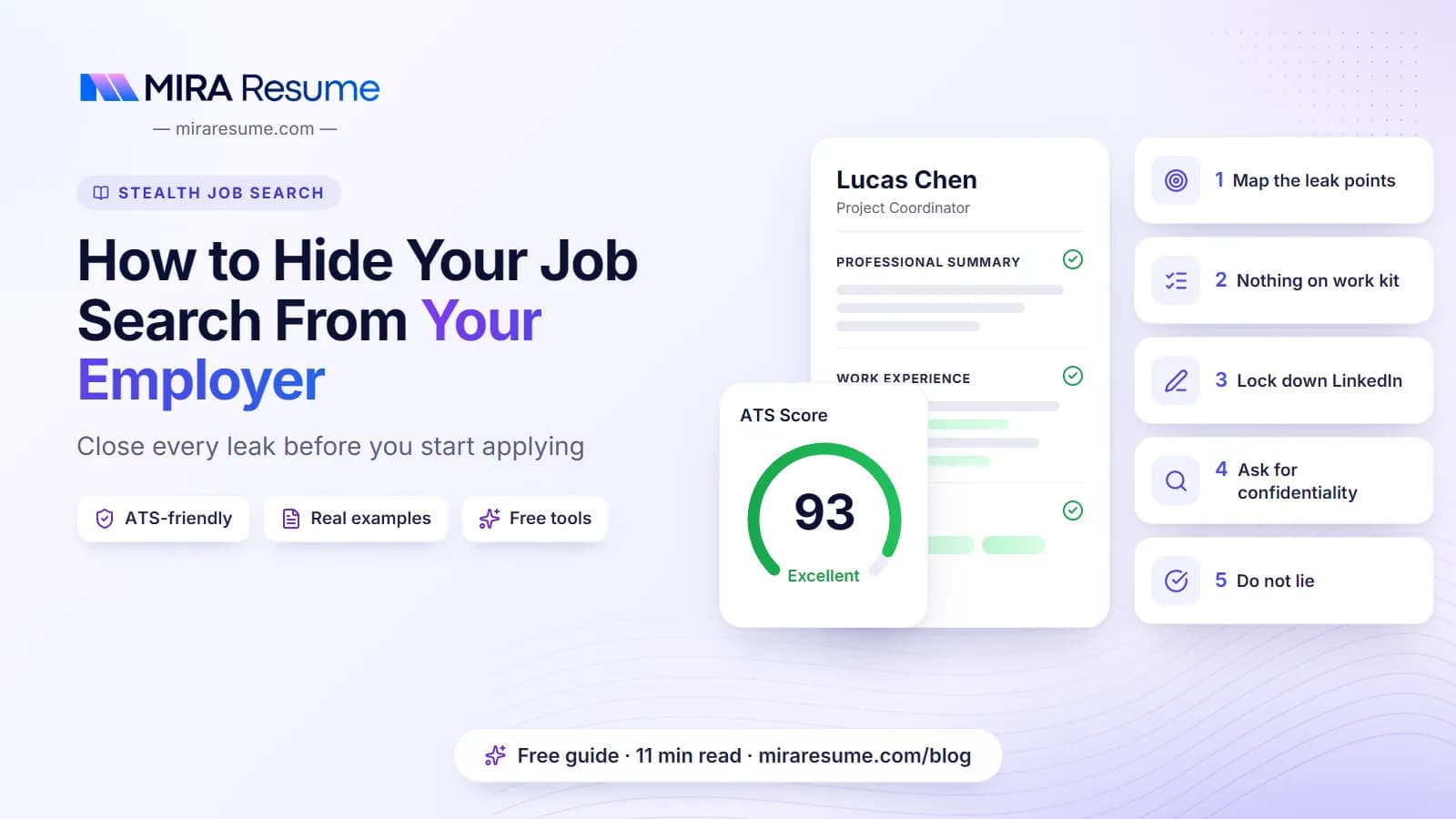
How to Hide Your Job Search From Your Employer: cover image for the Mira Resume guide, with an example resume and the 5 main points

If you have typed how to hide job search from employer into a search bar, you probably have a good reason. Maybe the market is uncertain, maybe your manager takes departures personally, or maybe you simply want to choose your next move without pressure. Looking quietly is normal, and in most workplaces it is not against any rule.

The good news is that job searches rarely leak through one dramatic mistake. They leak through small, predictable places: a resume saved on a work laptop, a LinkedIn edit that pings your whole network, a recruiter who calls the main office line. Close those gaps and you remove most of the risk.

This guide gives you a leak-point checklist, then walks through devices, LinkedIn, job boards, recruiters, references, colleagues and your calendar. It also covers how to apply confidentially and what to say if someone asks. For the bigger picture, start with our stealth job search guide, and if you are still deciding whether to look at all, read is it okay to look for a job while employed.

This is general information, not legal or HR advice. Employer policies, contracts and local laws vary, so check what applies to you.
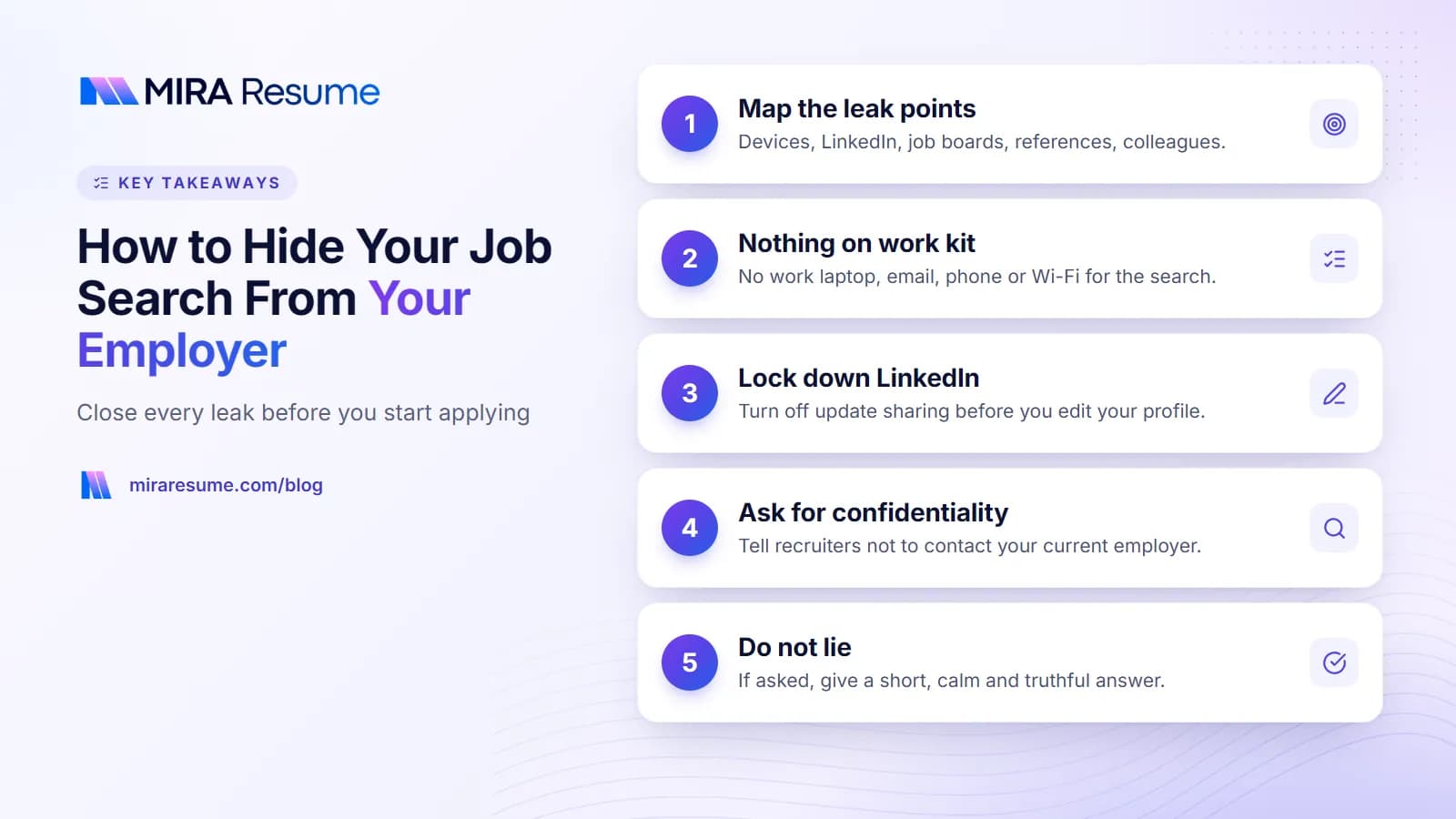
Key takeaways: 1. Map the leak points; 2. Nothing on work kit; 3. Lock down LinkedIn; 4. Ask for confidentiality; 5. Do not lie
Key takeaways from this guide.

The short answer: keep the search off everything your employer owns

The single most useful rule is simple: your employer's devices, accounts, networks and time are not for your job search. Everything else in this guide builds on that idea.

  • Own device. Search, write and apply on a personal phone or computer, never on a work laptop or work phone.
  • Own network. Use home internet or your mobile data, not the office Wi-Fi or the company VPN.
  • Own time. Apply in the evenings, at weekends or on a genuine break, not during paid hours.
  • Quiet profiles. Change LinkedIn and job-board settings before you edit anything.
  • Careful people. Tell as few people as possible, and ask the ones you do tell to keep it private.

None of this involves tricking anyone. You are not hiding misconduct. You are keeping a private matter private, the same way you would not discuss a medical appointment with the whole team. If you want a step-by-step plan for the search itself, see how to look for a job while employed.

Leak-point checklist: where job searches get found out

Use this table as a checklist. Go down each row and make sure you have closed the gap before you send your first application.

Leak pointHow it can give you awayWhat to do instead
Work laptopManaged laptops may log sites, files and screenshots; resumes left in Downloads are easy to spotDo nothing job-related on it, including drafting your resume
Work emailCompany email is usually stored, scanned and accessible to ITUse a personal email address on every application
Work phoneCompany phones are often managed; calls and apps may be visibleGive recruiters your personal number only
Work Wi-Fi and VPNThe network may record which sites you visit, even on a personal deviceSwitch to mobile data or wait until you are home
LinkedIn profile editsUpdates can be shared with your network, including your managerTurn off profile-update sharing before editing
LinkedIn activityLikes, comments and follows can appear in colleagues' feedsKeep public activity normal; avoid liking job posts
Open to WorkThe "All LinkedIn members" option adds a visible photo frameUse "Recruiters only", or skip it
Job-board resume visibilityA public resume can be found by your own company's recruitersSet it to private, or hide it from specific employers where the board allows
ReferencesListing your current manager tips them off immediatelyUse former managers and colleagues
RecruitersA recruiter may call the office or send your resume somewhere unexpectedAsk them to use personal contacts and check before submitting you
ColleaguesA secret shared with one person rarely stays with one personTell nobody at work until you have signed an offer
CalendarVague mid-day blocks and shared calendars invite questionsUse a personal calendar and schedule around work
Sudden behaviour changesNew clothes, long lunches, whispered calls, less effortKeep your routine and your work quality steady

Most people only need to fix three or four of these rows. A job search without your boss finding out is mostly about consistency: closing every gap once, then not reopening it on a busy day. The rest of this guide explains each row in more detail.

Work laptop, email, phone and network

Technology is where most people feel the most anxious, and where the fix is the most straightforward.

Work laptop

Treat a company laptop as something your employer can see into. Many organisations install security and monitoring tools that can record visited sites, installed apps and file activity, and some can take screenshots. Private or incognito windows do not change that. Do not draft your resume, store a copy, open job sites or join interview calls on it. Our guide on whether your employer can see your browsing history explains the details device by device.

Work email and accounts

Never apply from a work address, never forward your resume to yourself from work, and never save it in a company cloud drive. Also avoid signing into your personal email or personal browser profile on a work device. It mixes your private accounts with a machine your employer manages.

Work phone

If your employer gave you the phone, assume it is managed. Keep recruiter calls, job apps and interview reminders on your personal phone. Put your personal number on your resume and online applications.

Work Wi-Fi and company VPN

Even on your own phone, the office Wi-Fi may log which websites devices visit. When you are in the building, switch to mobile data before you open a job site, or simply wait until you are home. Do not try to get around company security tools; the clean solution is to keep the search entirely off company equipment and networks.

How to hide your job search on LinkedIn

LinkedIn is the place where most quiet searches become public, usually by accident. The goal is to look exactly as you did last month while being easier for recruiters to find.

Turn off profile-update sharing before you edit

LinkedIn has a setting, usually described as sharing profile updates with your network, that controls whether connections are notified when you change your headline, add a job or update other sections. Switch it off before you touch anything. Then make changes gradually over a few weeks rather than in one evening.

Choose "Recruiters only" for Open to Work

The Open to Work feature has two visibility choices. "All LinkedIn members" adds a green frame to your photo that anyone can see. "Recruiters only" shows your interest to recruiters using LinkedIn's recruiting tools, without the frame. LinkedIn says it takes steps to hide this signal from recruiters at your current company but cannot guarantee it. Our full guide on how to hide Open to Work from your current employer covers the setting step by step.

Watch your public activity

  • Liking or commenting on job posts can appear in your connections' feeds.
  • A sudden burst of posting, commenting or endorsing looks different from your usual pattern.
  • Following dozens of competitors and recruiters in one week can be noticed.
  • A headline that says "Seeking new opportunities" is the loudest signal of all.

Keep your headline focused on your skills and current work. If you want a second opinion on your profile before recruiters see it, run the free LinkedIn profile audit.

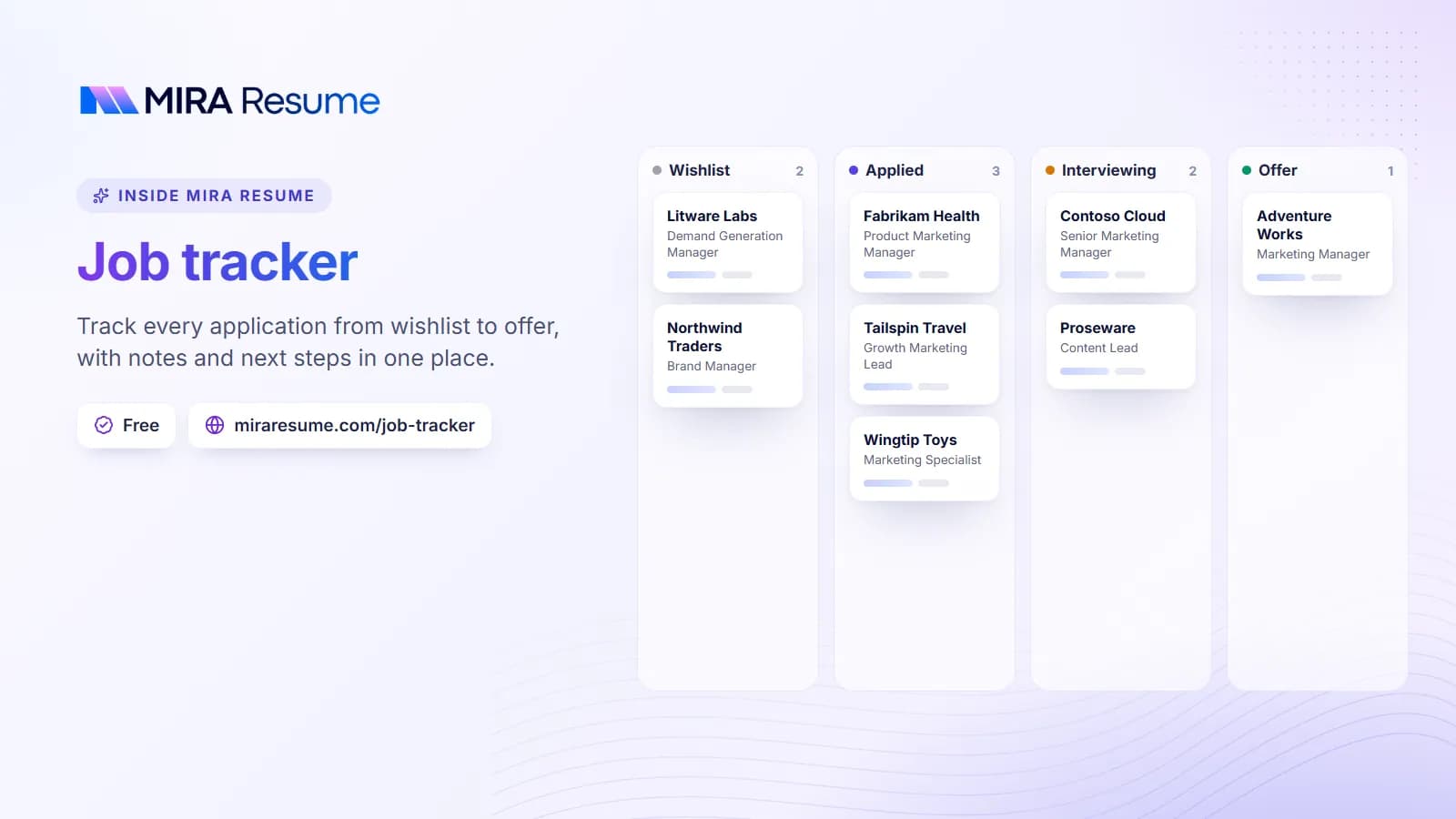
Illustration of the Mira Resume job tracker: Track every application from wishlist to offer, with notes and next steps in one place.
Illustration: Job tracker: Track every application from wishlist to offer, with notes and next steps in one place.Try it

Job boards, recruiters and references

Job-board visibility settings

Many job boards let you upload a resume and make it searchable by employers. That is useful, but your own company's HR team may search the same database. Before uploading, open the board's privacy or visibility settings. Depending on the site, you may be able to keep your resume private, show it only when you apply, or hide your profile from specific employers by name. Settings and names differ from board to board, and a block on your employer's name may not catch agencies or sister companies, so check carefully and keep the details on your public profile modest.

Recruiters

Good recruiters handle confidential candidates every day. Make your expectations clear at the start:

  • Contact me only on my personal phone and email.
  • Please do not contact my current employer or anyone who works there.
  • Tell me before you send my resume to any company, so I can say yes or no.

That last point matters. If an agency sends your resume to a client that turns out to be your own employer, or a close partner of it, the news can travel fast.

References

Do not list your current manager. Use former managers, former colleagues, clients or mentors instead, and tell them you are looking quietly. Many employers only check references near the offer stage, and you can ask them to wait until then. Our guide to references on a resume explains how to choose and prepare them.

How to apply for jobs without your current employer knowing

Once your settings are quiet, the application itself is the next place to be careful. A confidential job application does not need special tools; a few small lines in your materials do most of the work.

Add a confidentiality line to your cover letter

Hiring teams see this request often and will usually respect it. A short, polite sentence near the end is enough:

"As I am currently employed, I would be grateful if you could keep my application confidential and not contact my current employer at this stage."

If you need help with the rest of the letter, the AI cover letter generator can draft one that you then edit and personalise.

Answer the "may we contact your employer?" question honestly

Many application forms ask whether the company may contact your current employer. It is normal to answer "No" or "Not until an offer is made." That is not a red flag; recruiters expect it from employed candidates.

Ask recruiters and hiring managers directly

In your first call, say: "I am still employed, so I would appreciate discretion. Please do not reach out to my current company." Repeat it if you move to a new recruiter or a new stage.

Expect checks near the end

Background and employment checks often happen at or after the offer stage. If a new employer wants to verify your current job, ask whether they can do it after you accept, or use payslips or an offer letter instead. Policies vary by company and country, so ask how their process works.

Colleagues, calendar and everyday behaviour

Technology leaks are easy to fix. People leaks and habit changes are harder, because they are about you. If you are wondering how to look for a new job without your boss knowing, this is the section that matters most.

Colleagues

Even a trusted work friend may mention it to someone else, often with good intentions. The safest number of colleagues to tell is zero until you have a signed offer and have spoken to your manager first.

Calendar

  • Keep interviews in a personal calendar, not a shared work calendar.
  • Ask for early morning, late afternoon or lunch-time slots where you can.
  • Use annual leave or personal time for longer interviews rather than calling in sick.
  • If you must block your work calendar, a plain label such as "Personal appointment" is honest and enough.

For more on timing, video calls and on-site rounds, read how to interview while employed.

Sudden changes in behaviour

Managers notice patterns. If you usually wear casual clothes and suddenly arrive in a suit, take long lunches, step outside for whispered calls or stop volunteering for projects, people start guessing. Keep your routine steady. Change into interview clothes somewhere else, take calls from home, and keep doing good work. A strong final stretch also protects your reference when you do leave.

What to say if your boss asks if you are job hunting

Sometimes a manager asks directly. The most important rule is: do not lie. A lie you have to maintain is more damaging than the question itself. You also do not owe anyone a full account of your private plans.

SituationAn honest way to respond
You want to keep it private"I would rather keep my career plans to myself, but I am committed to doing this job well."
You have a good relationship with your manager"I have been thinking about my next step. Can we talk about growth opportunities here?"
A specific issue is pushing you to look"Honestly, I have been unhappy about workload. I would like to see if we can fix that."
You are close to an offer"I am not ready to share anything yet. If something changes, you will hear it from me first."

Pick the line that is true for you. If the conversation turns into an offer to stay, take time to think before you answer. When you do decide to leave, our guide on how to resign from a job covers the conversation and the notice letter.

Where Mira Resume's Stealth Mode helps, and where it does not

Some people worry less about IT systems and more about the person walking behind them: a partner at home, a flatmate, a family member, or someone looking over your shoulder on a commute. That is the screen-glance problem, and it is the only problem Mira Resume's Stealth Mode is built to solve.

Stealth Mode opens as a full-screen page that looks like an ordinary spreadsheet, with column letters, row numbers, a formula bar and sheet tabs. The rows are real job listings. You search by typing into the formula bar, for example =JOBS("data analyst", "Bengaluru") or plain text such as "data analyst in Bengaluru". The browser tab shows a neutral file name instead of a job site, and pressing Esc twice jumps straight to a decoy budget sheet.

  • It works without an account. Guests get 25 rows per search, 15 searches a day, and can save up to 10 jobs in that browser.
  • A free account raises that to 50 rows and 40 searches a day, and saved or applied jobs sync to the Mira Job Tracker.
  • Listings come from the same pool as Mira Scout, and applying opens the employer's original posting.

Be clear about the limit. Stealth Mode changes what is visible on your screen. It does not hide your browsing from your employer's network, proxy or monitoring software. On a work laptop or work Wi-Fi, your employer may still see that you visited the site. Use it on your own device and your own network, and keep using every other step in this guide.

To keep track of where you have applied, a simple job search spreadsheet template works well alongside it. For a deeper look at sensitive situations, such as senior roles or small industries, see our guide to a confidential job search.

Frequently asked questions

Can my employer find out I am looking for another job?

They can if you leave clues. The most common ones are using a work laptop or work email, LinkedIn edits that notify your network, a public resume on a job board, listing your current manager as a reference, and telling colleagues. Keep the search on your own device, network and time, and most of those risks disappear.

Is it okay to look for jobs during work hours?

It is best not to. Searching on paid time uses your employer's time and often their equipment, which can breach policy and is the easiest way to be noticed. Apply in the evening, at weekends or on a genuine break using your own phone and mobile data. Interviews are the exception, and those are better handled with leave or flexible hours.

Will a recruiter tell my current employer that I am looking?

A professional recruiter should not, and most handle confidential candidates routinely. Still, say it clearly at the start: contact me only on personal channels, do not reach out to my current company, and check with me before sending my resume anywhere. Repeat the request with each new recruiter you speak to.

Can I hide my resume from my current employer on job boards?

Often, yes. Many job boards let you keep your resume private or hide your profile from specific companies. Look in the privacy or visibility settings before uploading. A block by company name may not stop agencies or related companies, so keep identifying details modest and do not rely on the setting alone.

What should I do if my boss finds out I am job hunting?

Stay calm and do not lie. You can say you prefer to keep career plans private while confirming you are committed to your current work. If the relationship is good, it may be a chance to discuss what would make you stay. Then keep your work quality high, since your manager may still be a future reference.

Does Mira Resume's Stealth Mode hide my job search from my IT team?

No. Stealth Mode disguises what is on your screen, so a quick glance shows a spreadsheet rather than a job site. It does not hide your traffic from your employer's network, proxy or monitoring software. On a work laptop or work Wi-Fi your employer may still see the visit, so use your own device and network.

Found this useful? Share it

Send it to a friend who is job hunting, or save it for later.

Read this guide with AI

Get a plain-language summary and help applying it to your own resume. Pick an assistant; it opens with this article and a ready prompt.

Back to Stealth Job Search hub

All articles