
The most useful resume dos and don'ts come down to two ideas: make it easy for the reader to see why you fit the job, and remove anything that gets in the way. Clear headings, specific results, and honest details help. Vague claims, clutter, and personal information that the employer did not ask for hurt.
This guide is built to be scanned. Each section of your resume gets its own short table of do's and don'ts, followed by a quick note on why it matters. Work through it with your resume open, and fix one section at a time. If you want to see what these mistakes look like on a real page first, start with our bad resume examples.
The five rules behind every tip
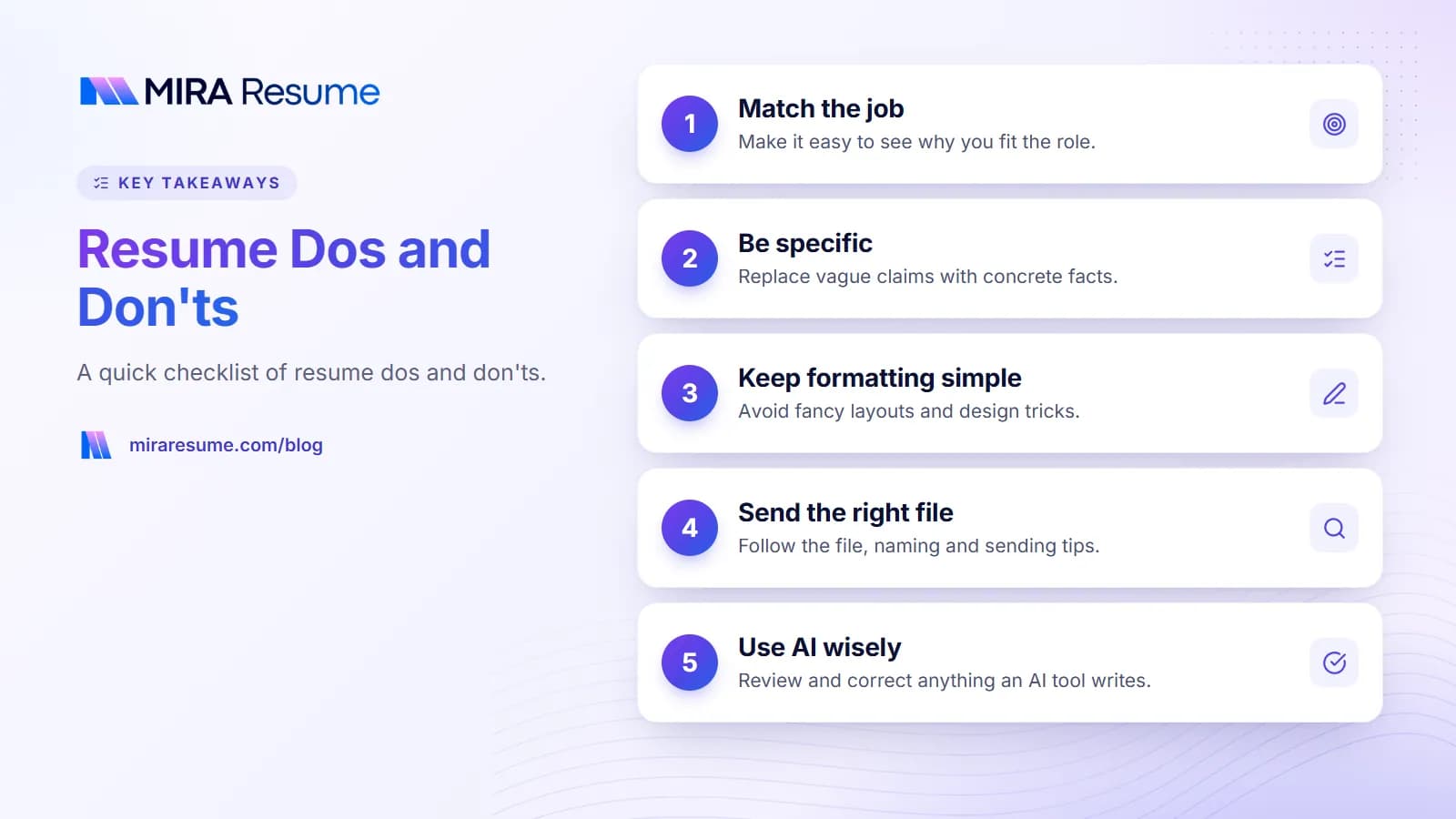
Almost every piece of resume advice traces back to one of these rules. If you are unsure about a choice, test it against them.
- Relevance. Does this line help prove you can do this job?
- Proof. Does it show something you did, rather than just claim a trait?
- Clarity. Can a busy reader understand it in a few seconds?
- Readability for software. Will an applicant tracking system be able to read it as plain text?
- Honesty. Could you explain it comfortably in an interview?
Contact information dos and don'ts
| Do | Don't |
|---|---|
| Use your full name as the largest text on the page | Write "Resume" or "Curriculum Vitae" as the title |
| Add a professional email, usually a version of your name | Use an old nickname email or your current work email |
| List one phone number you answer | List several numbers or a shared landline |
| Give your city and state or region | Include your full street address (usually not needed) |
| Add a LinkedIn URL or portfolio link if it is up to date | Link to personal social media accounts |
| Put contact details in the main body of the page | Hide them only in the header or footer, which some systems skip |
For the right way to format a profile link, see how to put LinkedIn on a resume.
Photos, date of birth, and other personal details
Conventions differ by country. In the US, UK, Canada, and Australia, it is generally expected that you leave off a photo, date of birth, age, marital status, nationality, religion, and similar details. Employers in these countries often prefer not to see them because they are not related to the job. In parts of Europe, Asia, the Middle East, and Latin America, a photo or date of birth is still common on a CV. Follow the norms of the country where the job is, and check the posting or the employer's careers page if you are unsure. Our CV vs resume guide explains other regional differences.
Summary and objective dos and don'ts
| Do | Don't |
|---|---|
| Name your target role or field in the first line | Open with "Hardworking team player seeking opportunity" |
| Keep it to two to four lines | Write a full paragraph about your life story |
| Include one or two specific strengths with proof | Stack adjectives like "passionate, driven, dynamic" |
| Mention key tools or credentials the posting asks for | Copy the job ad word for word |
| Write in implied first person ("Customer service lead with...") | Use "I", "me", or third person ("John is...") |
| Tailor it for each kind of job you apply to | Use the same generic summary for every application |
See resume summary examples for models you can adapt.
Work experience dos and don'ts
This is the section recruiters read most closely, and where most resume mistakes to avoid show up.
| Do | Don't |
|---|---|
| List jobs in reverse order, newest first | Scatter jobs in random order or hide dates |
| Include job title, employer, location, and month/year dates | Leave out dates or use only seasons with no year |
| Start bullets with action verbs | Start with "Responsible for" or "Duties included" |
| Show results with numbers or clear outcomes | List tasks anyone in the same job would do |
| Give recent, relevant jobs the most bullets | Give a job from 15 years ago as much space as your current one |
| Use present tense for current work, past tense for past work | Mix tenses within one job |
| Explain short gaps briefly if it helps (for example, "Career break: family care") | Invent jobs or stretch dates to cover gaps |
| Keep bullets to one or two lines | Write dense paragraphs under each job |
For a full method, read our guide to resume bullet points, and pick stronger openers from our list of action verbs for resume writing.
Skills section dos and don'ts
| Do | Don't |
|---|---|
| List hard skills and tools the job asks for, if you have them | List skills you could not demonstrate in a test or interview |
| Group skills (for example, Software, Languages, Certifications) | Write one long, unsorted line of 40 words |
| Use the exact names from the posting ("Microsoft Excel", "Salesforce") | Use only abbreviations the reader may not know |
| Back up key skills in your experience bullets | Rely on the skills list alone to prove anything |
| Show soft skills through results | List "communication" and "teamwork" with no proof |
| Write proficiency in words if it matters ("Spanish: conversational") | Use star ratings, skill bars, or percentage graphics |
To find the words employers search for, read resume keywords. For ideas by field, see skills to put on a resume.
Education, certifications, and extras
| Do | Don't |
|---|---|
| Put education near the top if you are a student or recent graduate | Lead with education when you have years of relevant work |
| Include degree, school, and graduation year (or expected year) | List high school once you have a college degree, unless asked |
| Add GPA only if it is strong and you graduated recently | Include a low GPA or one from many years ago |
| List certifications with the issuer and the year earned | List expired certifications as if they were current |
| Add volunteer work, projects, or awards that relate to the job | Add hobbies with no link to the role just to fill space |
More detail is in how to list education on a resume.
What not to put on a resume
- "References available upon request." Employers assume this. See references on a resume for when and how to share them.
- Salary history or salary expectations, unless the posting asks for them.
- Reasons you left each job.
- Your Social Security number, ID numbers, or bank details.
- Negative comments about past employers or coworkers.
- Jokes, slang, or political and religious opinions not related to the job.
- Very old or unrelated jobs that push relevant work down the page.
Formatting and design dos and don'ts
| Do | Don't |
|---|---|
| Use a single-column layout with standard headings ("Experience", "Education") | Use creative headings like "Where I've Been" or "My Journey" |
| Choose a common, readable font at about 10 to 12 points for body text | Use script fonts, tiny text, or more than two fonts |
| Leave margins of roughly 0.5 to 1 inch and some white space | Shrink margins to near zero to fit more text |
| Use bold for job titles or section headings, sparingly | Bold, underline, and color random words throughout |
| Keep it to one page for early career and two for most experienced roles | Add pages of old or repeated content |
| Use simple, standard bullet points | Use icons, emoji, text boxes, tables, or images to carry key text |
| Keep date formats the same everywhere ("Mar 2024") | Mix "03/24", "March 2024", and "Spring 2024" |
Our guides on how to format a resume, resume fonts, and how many pages a resume should be go deeper on each point.
File, naming, and sending dos and don'ts
| Do | Don't |
|---|---|
| Follow the file type the posting asks for | Ignore instructions about format or length |
| Send a PDF when no format is stated, since it keeps your layout fixed | Send a Pages, image, or ZIP file |
| Name the file clearly: "Firstname-Lastname-Resume.pdf" | Name it "resume final v3 FINAL.pdf" |
| Open the file on another device before you send it | Assume it looks the same everywhere |
| Proofread twice, including a read aloud | Rely only on spell check |
| Keep a copy of the exact version you sent to each employer | Forget which version went where |
If a posting requires a Word file, send a .docx and open it once more before sending to confirm the layout did not shift.
Check it before you send
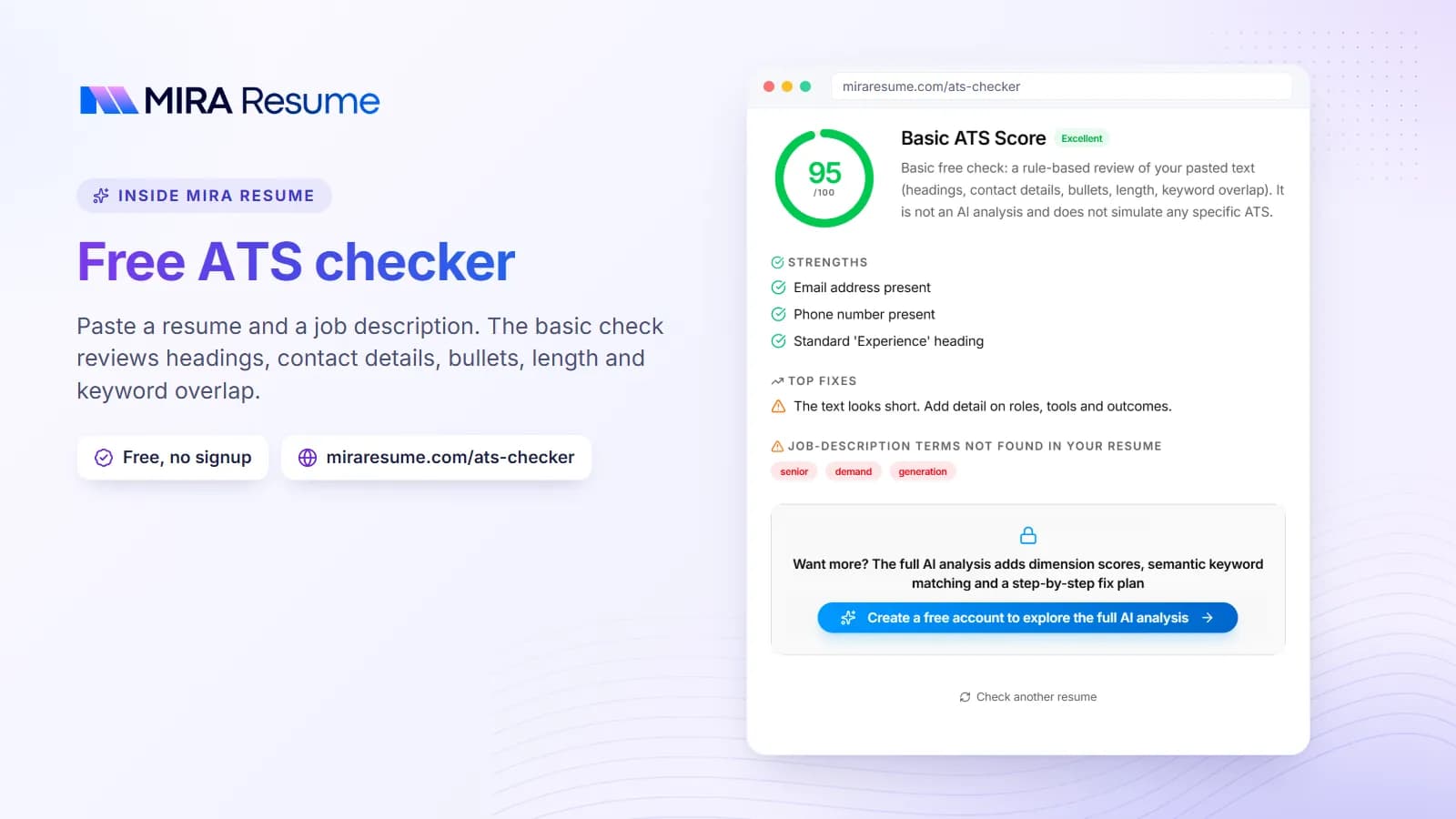
Run your resume through the resume checker. It flags common issues such as weak bullet points, missing keywords, unclear wording, and layout problems. To compare your page with a specific posting, paste the posting into the job description analyzer as well. Use the feedback as a guide, not a guarantee, since every employer's system and reader is different.
Using AI tools: dos and don'ts
AI writing tools can save time, but they can also add errors and generic phrases. These resume tips help you use them safely.
| Do | Don't |
|---|---|
| Use AI to rephrase a rough bullet or shorten a long one | Let AI write your whole resume with no edits |
| Give the tool your real facts and numbers | Keep figures, titles, or tools the AI made up |
| Ask for several versions and pick the most accurate one | Accept the first draft because it sounds polished |
| Check every line against your real experience | Claim skills or certifications you do not have |
| Edit the result so it sounds like you | Leave in stock phrases like "results-driven professional" |
| Remove private details before pasting into any tool | Paste ID numbers, salary data, or confidential employer data |
For prompts that keep you in control, see our ChatGPT resume prompts.
Resume do's and don'ts: the quick checklist
Use this short list as a last pass before you apply.
- Your name, email, phone, and city are at the top and correct.
- Your summary names the role you want and one strong proof point.
- Each job has dates, a title, and bullets that start with verbs.
- Most bullets show a result, a number, or a clear benefit.
- Your skills list matches the posting where it is true for you.
- The layout is one column with standard headings and readable fonts.
- There is no photo, birth date, or other personal detail unless local norms expect it.
- Nothing on the page is something you could not explain in an interview.
- You proofread it, saved it with a clear name, and tested the file.
Mistakes rarely come one at a time. If you found several in one section, rewrite that section from scratch instead of patching each line.