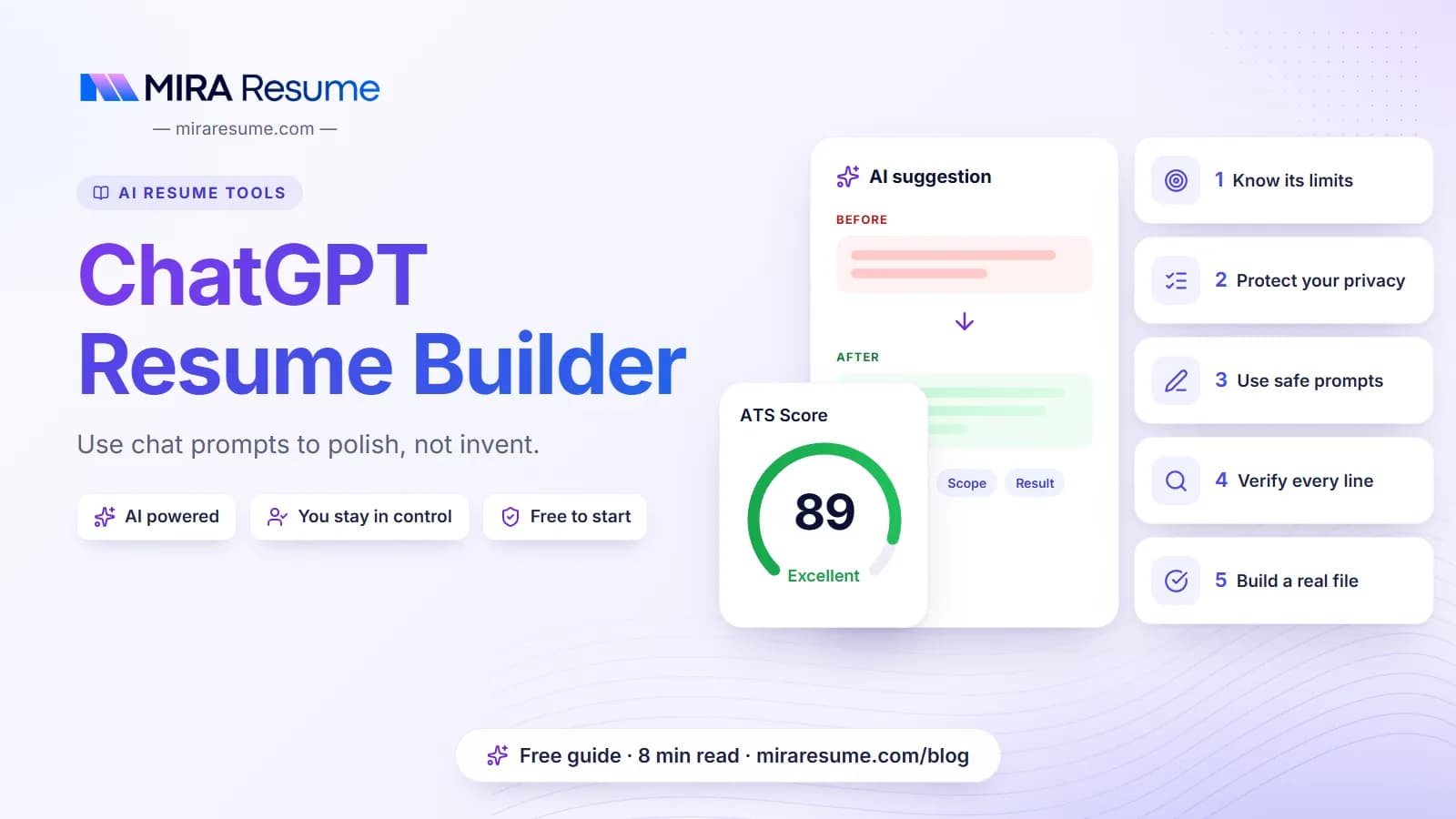

Many people try a ChatGPT resume builder approach: paste in their work history and ask a chat assistant to write the resume. It can be a useful drafting helper, but it is not a real resume builder. It gives you text, not a clean, ATS-readable file. It can also add details you never gave it, and anything you paste may include private information. This guide gives you safe prompts you can copy, explains the limits, and shows how to check every line before it goes near an employer.
What a chat assistant can and cannot do for your resume
A general chat assistant is good with words. That makes it handy for some resume jobs and poor for others.
| Good for | Not good for |
|---|---|
| Turning rough notes into cleaner sentences | Knowing what you actually did |
| Suggesting stronger verbs and different phrasing | Producing a laid-out file you can send |
| Drafting a short summary from facts you supply | Checking how an ATS will read your layout |
| Comparing a job post with your bullets to spot gaps | Judging which of your jobs matter most to a given employer |
| Tightening long bullets | Keeping your private data private |
Why it is not a full resume builder
A resume builder gives you a template, a layout that parses well, and an export. A chat assistant gives you text that you must paste into a template yourself. After pasting, the formatting is your job, and so is testing it. You can use a chat assistant for the words and a dedicated tool for the file. Our guide to the best AI resume builder criteria shows how to judge those tools.
The biggest risk: invented details
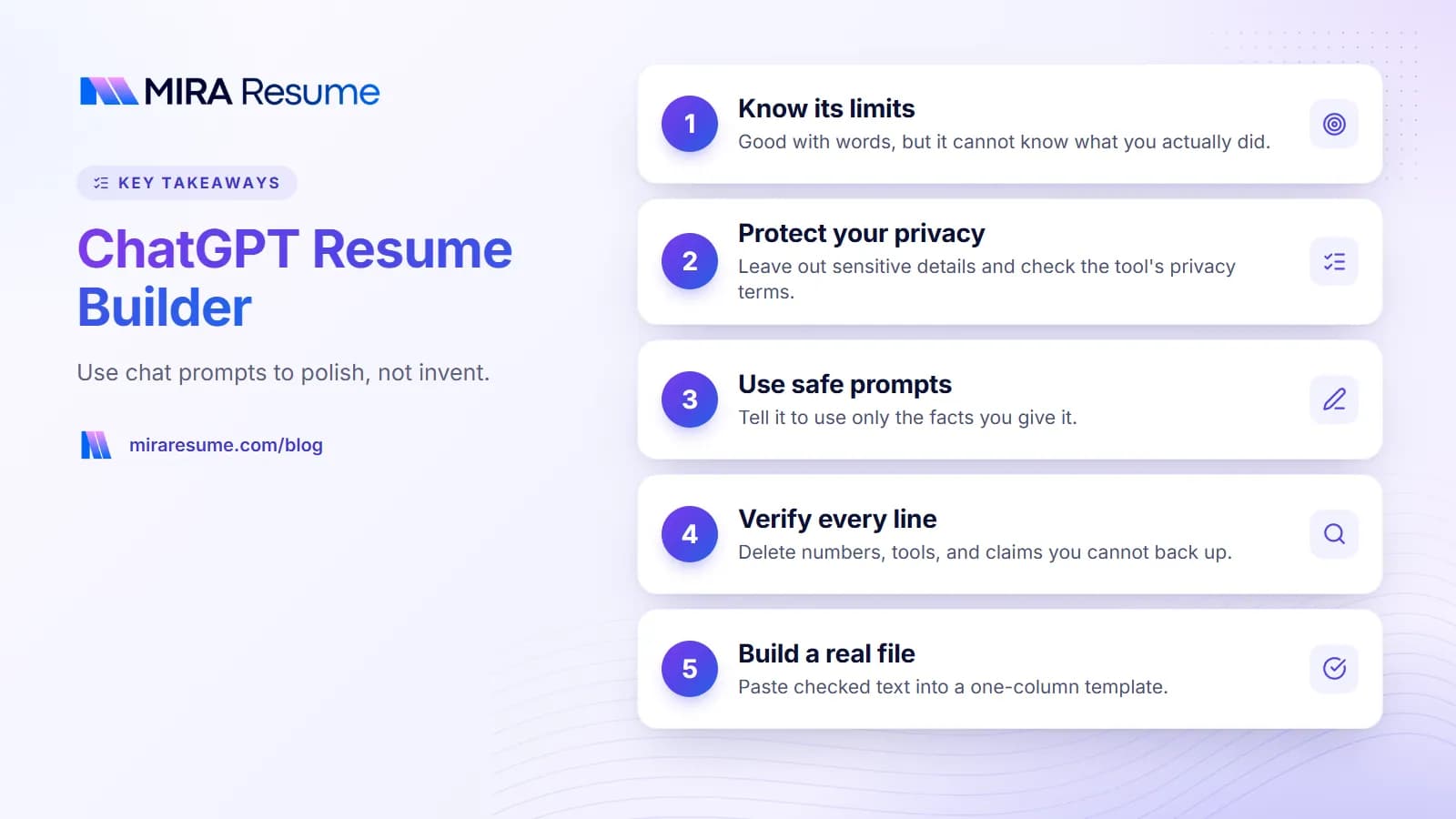
Language models sometimes add facts that sound right. They may add a tool you never used, a percentage you never reached, or a job title you never held. This is the most important limit to remember. Everything on your resume is your claim, so you must check each line.
Privacy first: what not to paste
Before you paste anything into a chat tool, think about what it contains. Policies differ between services, and they change, so read the current privacy terms and settings for the tool you use.
Leave these out
- Your full street address, date of birth, and ID or tax numbers.
- Names, emails, and phone numbers of references or coworkers.
- Confidential employer information, such as client names or internal figures you are not allowed to share.
- Anything covered by an agreement you signed.
Safer habits
- Replace your name and contact details with placeholders like [NAME] and add them back later.
- Generalize company details if they are sensitive, such as "a regional retail chain".
- Check whether the tool lets you turn off use of your chats for model training, and whether you can delete history.
- Keep your master copy in a document you control.
This is general guidance, not legal advice. If you are unsure about a policy, use sample data for practice and add real details only in your own document.
Safe ChatGPT resume prompts you can copy
The prompts below tell the assistant to use only the facts you give it. Replace the parts in brackets. Notice that each prompt sets rules that cut down on made-up details.
Prompt 1: Turn notes into a bullet
I will give you rough notes about a task I did at work. Rewrite them as one resume bullet that starts with a strong action verb. Use only the facts in my notes. Do not add numbers, tools, or results that I did not mention. If a result is missing, write the bullet without one and tell me what detail would make it stronger.
Notes: [YOUR NOTES]
Prompt 2: Tighten a long bullet
Shorten this resume bullet to under 25 words. Keep every fact exactly as written, and do not add anything new. Give me three versions.
Bullet: [YOUR BULLET]
Prompt 3: Draft a short summary
Write a two-sentence resume summary for a [JOB TITLE] role. Use only these facts: [LIST OF YOUR REAL FACTS: years of experience, main tools, strengths]. Write in plain language, avoid buzzwords like "results-driven", and do not add claims I have not listed.
Prompt 4: Compare to a job post
Here is a job post and my resume bullets. List the skills and tools in the post that my bullets already show, and the ones that are not shown. Do not suggest that I add anything I have not done. Just tell me what is missing so I can decide whether it applies to me.
Job post: [PASTE POST]
My bullets: [PASTE BULLETS]
Prompt 5: Ask me questions
I want to improve this resume bullet, but I do not want you to guess. Ask me up to five questions about what I did, how I did it, and what happened, then wait for my answers before you write anything.
Bullet: [YOUR BULLET]
Prompt 5 often gives the best result, because it makes the assistant collect real facts first. For ideas on strong verbs, see action verbs for resume, and for a method to structure a bullet, try the STAR method.
How to verify what the assistant gives you
Treat every output as a draft written by a stranger who has not met you. Run these checks before you use any line.
| Check | What to do |
|---|---|
| Facts | Compare each line with your own notes. Delete numbers, tools, or titles you did not provide. |
| Tone | Read it aloud. If you would not say it, rewrite it in your own words. |
| Buzzwords | Cut empty phrases like "dynamic", "synergy", or "passionate professional". |
| Interview test | Ask yourself, could I explain this bullet for two minutes? If not, change it. |
| Keywords | Keep only job-post terms that are true for you. |
| Dates and names | Confirm every date, employer, and school name against a real record. |
| Layout | After pasting into your template, run the copy-and-paste test and an ATS checker. |
An example of a risky versus a safe result
Say your note was: "I answered customer chats and emails for an online shop." A risky rewrite adds things you never said. A safe one stays close to the facts.
| Risky (invents facts) | Safe (stays true) |
|---|---|
| Resolved 150+ customer inquiries daily, boosting satisfaction by 30% using Salesforce | Answered customer chats and emails for an online shop, resolving order and delivery questions |
The risky line contains a number, a percent, and a tool, none of which came from the notes. If they are true, you can add them yourself. If not, leave them out.
From text to a real resume file
Once the wording is ready, you still need a good document. Here is a simple path.
- Pick a one-column template. Browse resume templates or use a clean word processor layout.
- Paste your checked text. Use standard headings: Summary, Skills, Work Experience, Education.
- Fix the formatting. Use plain bullets and one date style. Remove any odd symbols that came from the chat window.
- Export. Make sure the file has selectable text.
- Test. Copy all text into a plain text app and read it. Then run an ATS checker.
When a dedicated builder helps
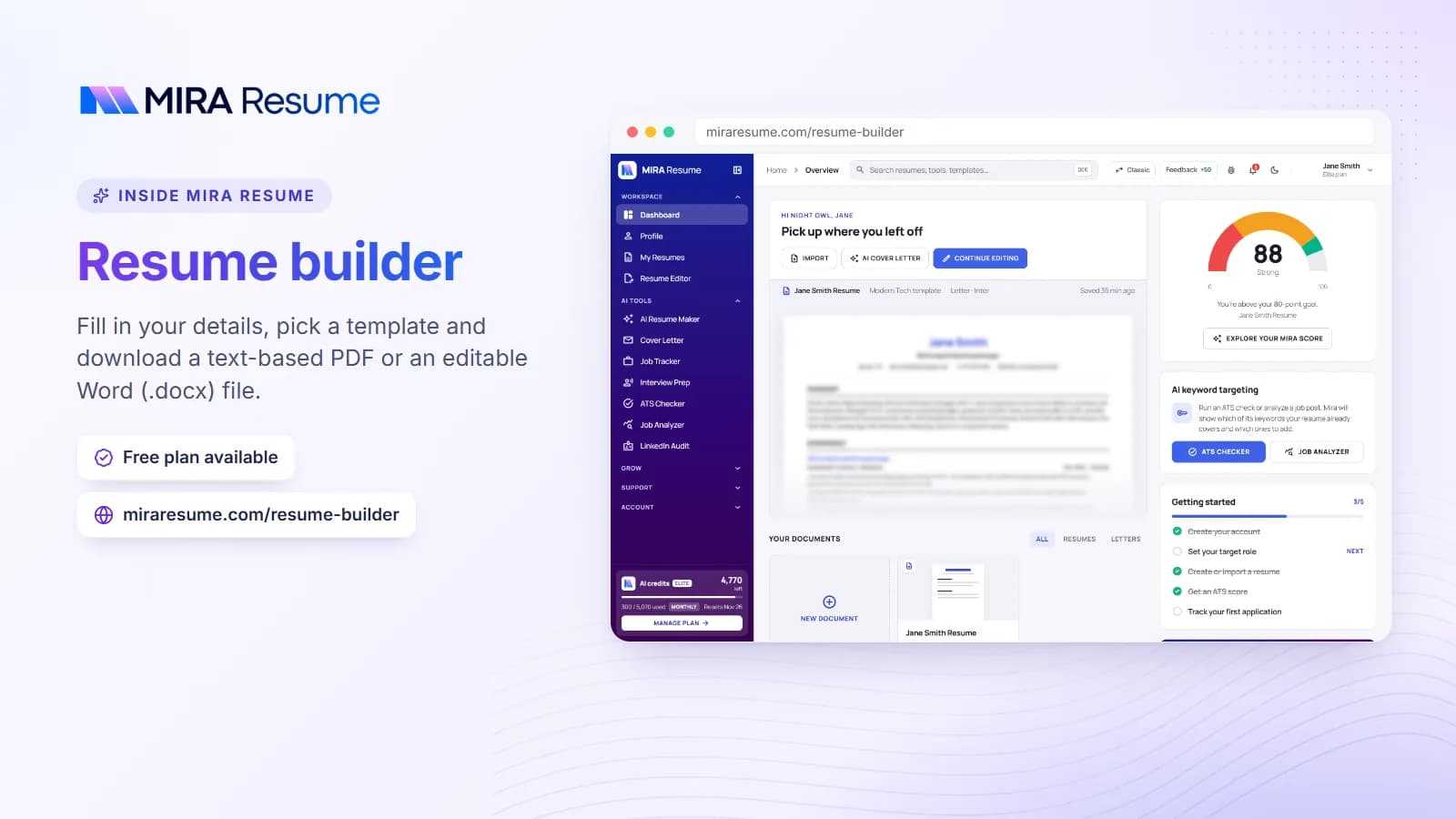
If you do not want to handle layout and testing yourself, a dedicated tool can do that part. The AI resume builder on Mira Resume drafts content with AI and places it in a one-column template, and it exports PDF. As with any AI draft, you should read every line and remove anything untrue.
If you are curious about how to tell whether a given tool is a fair fit, read our guide on comparing AI resume builders.
Prompts to avoid
Some prompts make the problem worse. Here is how to fix a few common ones.
| Weak prompt | Why it is risky | Better version |
|---|---|---|
| "Write my resume for a marketing manager job." | The assistant has to guess your history and will invent it. | Give your real facts and ask it to use only those. |
| "Make my resume sound impressive." | It may exaggerate or add fake results. | Ask for clearer wording with no new claims. |
| "Add keywords so I pass the ATS." | It may stuff words you cannot back up. | Ask it to list missing terms, then decide yourself. |
| "Give me a 100% ATS resume." | No such guarantee exists. | Ask for a plain, one-column text layout, and test the file. |
A good rule: if the prompt gives the assistant room to guess, it will. If you give it facts and clear limits, the output stays closer to the truth. For help matching terms to a job in a sensible way, see resume keywords.
Common mistakes when using ChatGPT for a resume
- Pasting the whole resume with personal details. Remove sensitive items first.
- Accepting the first answer. Edit, shorten, and make it sound like you.
- Letting it add numbers. Only use figures you can prove.
- Copying the chat formatting. Symbols, special bullets, and odd spacing can break an ATS read.
- Using the same output for every job. Tailor your summary and top bullets to each post.
- Skipping the file test. Good words in a bad layout still fail.
- Sounding like everyone else. Generic phrases are easy for recruiters to spot. Add specific details from your real work.
If your resume still feels off after AI help, the fix my resume checklist can help you find what is wrong, and the resume checker gives a second opinion.
A quick workflow you can follow
- Write your facts in your own notes first: jobs, dates, tools, tasks, and real results.
- Remove private details and swap in placeholders.
- Use the prompts above to draft one bullet at a time.
- Check each result against your notes and delete anything new.
- Put the final text into a clean one-column template.
- Run the copy-and-paste test and the ATS checker.
- Read it all once more, out loud, before you apply.
For the basics of what a software-friendly resume looks like, start with what is an ATS resume.
How to tailor a resume to a job post with a chat assistant
Tailoring is where a chat assistant can save real time, as long as you keep control. The aim is to show the truth in the words the job uses, not to add new claims.
- Paste the job post and ask for the top ten skills and duties in plain words.
- Mark the ones that match your real work.
- For each match, ask the assistant to reword one of your existing bullets with the post's terms, using only the facts you gave.
- Skip any item that does not match. A short, true resume beats a long, stretched one.
When you are done, compare the new bullets with your old ones. If the new version has facts that were not in the old one, either remove them or confirm they are real. The resume keywords guide shows how to place terms in your summary, skills, and bullets without stuffing.