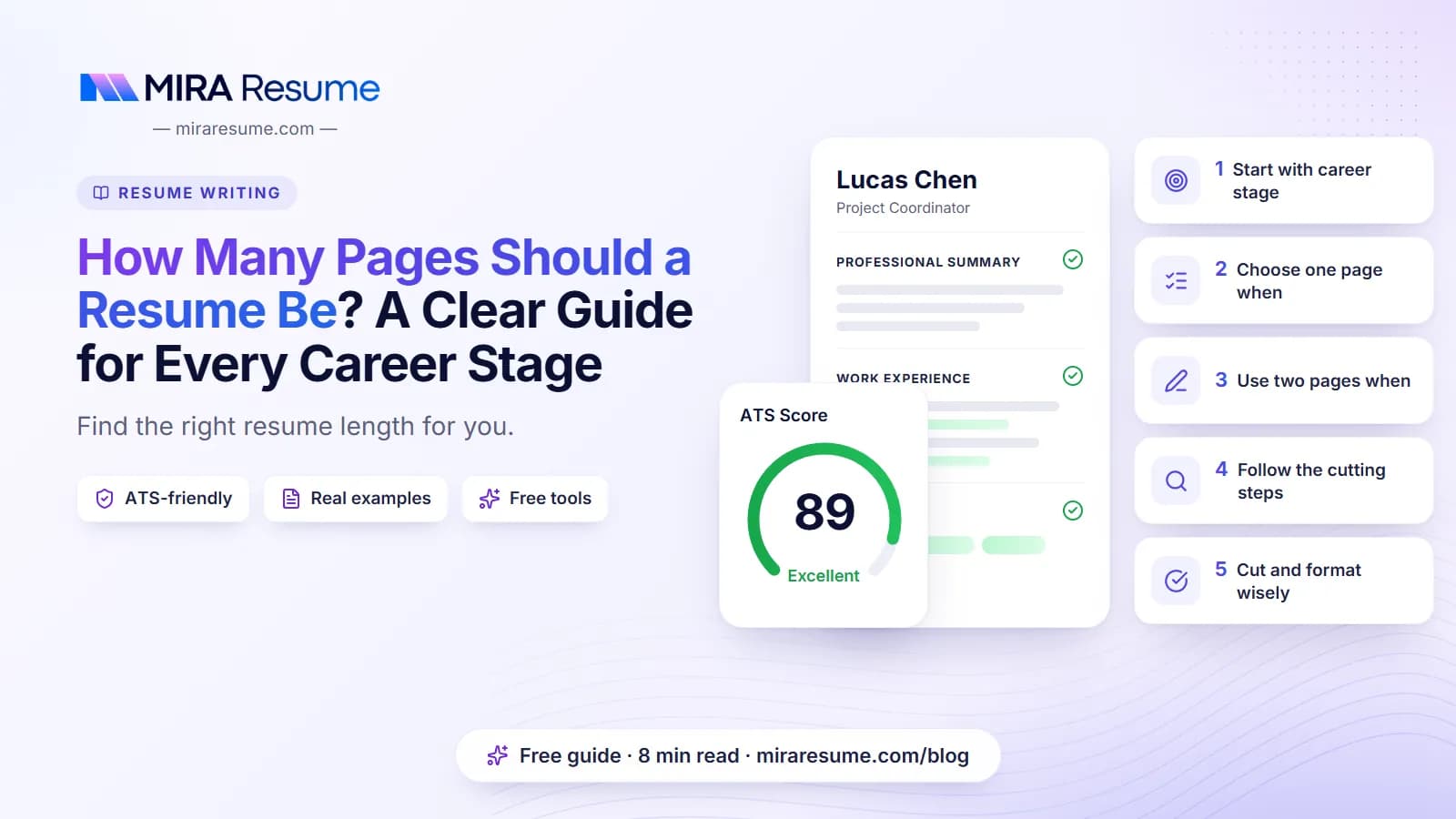

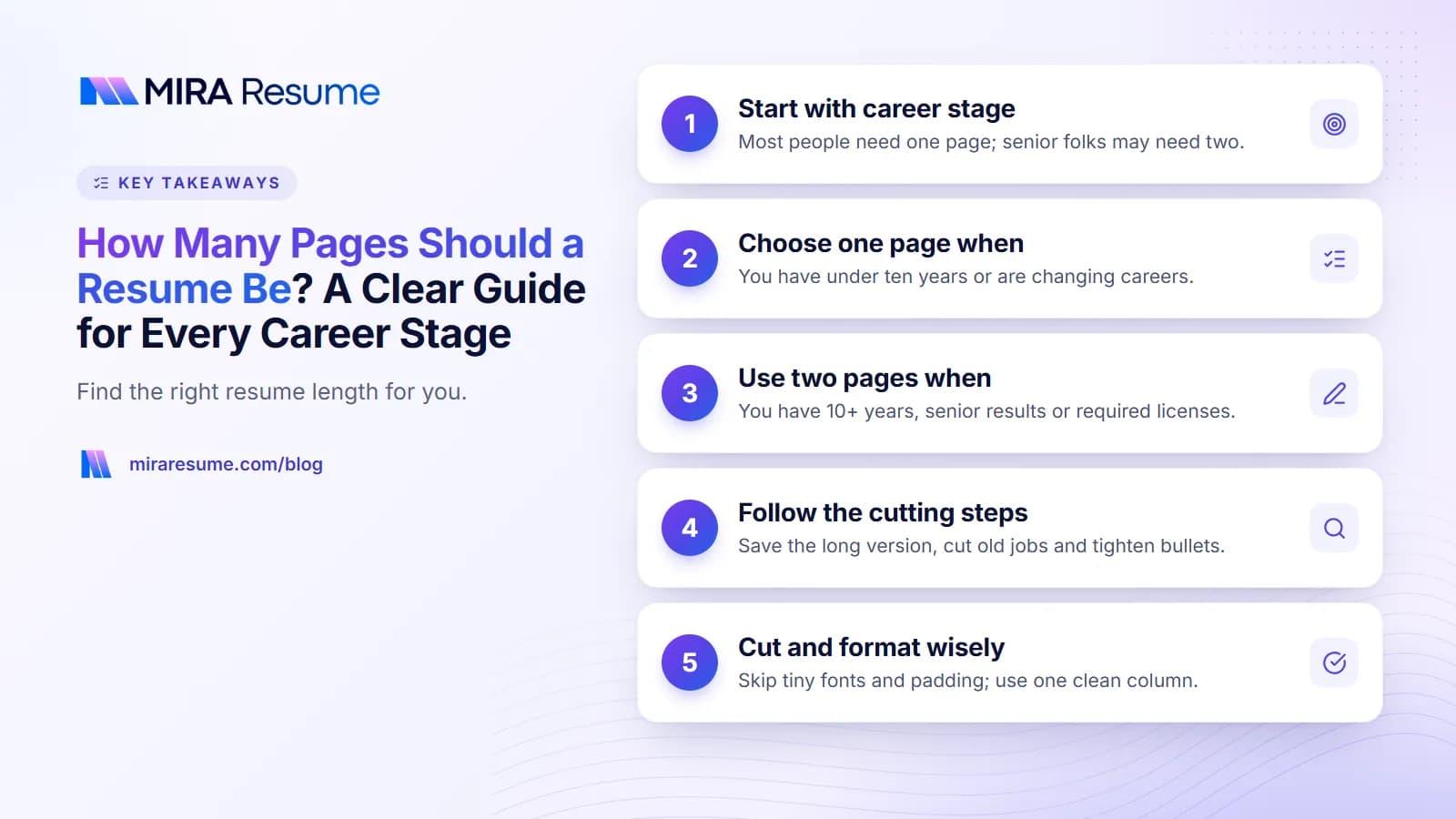
How many pages should a resume be? For most people, one page. If you have more than about ten years of related work, a long list of projects, or a field that expects more detail, two pages is fine. Three pages or more is unusual and only suits a few jobs, such as academic or government posts.
But page count is only a guide. What matters is that every line helps you get the job. In this article you will see how long a resume can be at each career stage, when a second page makes sense, and a step-by-step method to turn your resume into one page without losing the good parts. Employers differ, so also check the job posting for any instructions.
The short answer: resume length by career stage
This table gives a practical starting point. It is a guideline, not a rule.
| Where you are | Suggested length | Why |
|---|---|---|
| Student, intern, or first job | 1 page | Little work history to show |
| 0 to 10 years of experience | 1 page | Easy to scan; most roles fit |
| 10 or more years, related roles | 1 to 2 pages | Enough history to need more room |
| Manager or senior leader | 2 pages | Teams, budgets, and results take space |
| Technical role with many projects | 1 to 2 pages | Projects and tools add detail |
| Academic, research, or medical CV | 2 or more pages | Lists of papers and talks are expected |
If you are comparing a resume with a CV, read CV vs resume. The two follow different length norms.
How long can a resume be?
There is no law about it. A resume can be as long as you wish, but readers decide fast. A hiring manager may have dozens of resumes to read. A short, focused page is easier to read than a long file.
So when people ask how long can a resume be, the useful answer is: as long as it takes to show your best, relevant work, and no longer. If the second page is only half full of weaker items, you may be better off cutting it to one page. If the second page has important jobs and results, keep it.
How many pages can a resume be before it is too long?
For most jobs in most industries, two pages is the upper limit. Past two, readers often skim or stop. The exception is a CV for academic, scientific, or medical work, where a longer list is normal. Federal or government forms may also ask for more detail. Always follow the instructions in the posting if it gives them.
Software and page count
Applicant tracking systems (ATS) are programs that read and sort resumes. They do not usually reject you just because of page count. They focus on whether they can read your text and whether it matches the job. You can see how your file reads with the ATS checker, and learn more in how ATS works.
When a one-page resume is the best choice
Pick one page when any of these apply:
- You have under ten years of work history.
- You are changing careers and only part of your past is relevant.
- You are applying for an entry-level or mid-level job.
- Your best proof fits easily in 4 to 6 bullet points per role.
A one-page resume forces you to choose your strongest points. That is a good habit. It also makes your resume easier to read on a phone or in a quick glance. Our simple resume format guide shows a layout that fits a lot on one page without feeling crowded.
When a two-page resume makes sense
A second page is reasonable if it adds real value. Check this list:
- You have more than ten years of relevant experience.
- You have held several senior roles with clear results.
- You have licenses, certifications, or projects the job requires.
- Your field expects a full record, such as engineering, nursing, or project management.
Rules for a two-page resume
- Put your strongest material on page one.
- Fill more than half of page two. A few lines on page two look careless.
- Put your name and page number in the header of page two.
- Do not repeat points that are already on page one.
- Remove jobs from more than 15 years ago unless they matter to this role.
Role-specific guides can show you how long examples run. See the computer science resume and staff accountant resume for examples.
How to turn your resume into 1 page: 9 steps
If you are over by a few lines or a whole page, work through these steps in order. Start with the easiest changes.
- Save your long version. Keep a full copy so you can bring back anything later.
- Cut old jobs. Remove roles from more than 10 to 15 years ago unless they are very relevant, or shrink them to one line.
- Limit bullets. Keep 3 to 5 bullets for recent jobs and 1 to 2 for older ones.
- Delete duties; keep results. "Answered phones" is a duty. "Answered 60 calls a day with a 95% satisfaction score" is a result, if true. Drop any duty that is obvious from your title.
- Shorten each bullet to one or two lines. Remove filler words like "responsible for".
- Merge your skills. Put skills in one compact row or two columns rather than a long list.
- Cut the objective or summary to two lines, or remove it. See our resume summary guide.
- Tidy the layout. Use margins of at least 0.5 to 0.75 inches and a font size of 10 to 11 points. Do not shrink text below that.
- Remove extras. Take out references, hobbies, and old training. Our guide on references on a resume explains why.
Before and after
| Before (long) | After (short) |
|---|---|
| Responsible for handling all customer questions that came in by phone, email, and chat throughout the day. | Answered 50+ phone, email, and chat questions daily. |
| Worked as part of a team to help organize and run weekly team meetings and write the notes afterwards. | Ran weekly team meetings and sent notes within 24 hours. |
| Was in charge of making sure the inventory counts were done correctly at the end of each month. | Led monthly inventory counts with 99% accuracy. |
Use real numbers only. If you do not know the number, write a clear fact instead. Strong starting words help as well: see our list of action verbs for resume bullets.
What to cut and what to keep
| Usually cut | Usually keep |
|---|---|
| Jobs from over 15 years ago, unless very relevant | Recent jobs with clear results |
| High school details once you have college or work history | Degrees, licenses, and key certificates |
| "References available upon request" | Contact details, city, and a professional email |
| Skills every worker has, like email | Skills named in the job posting |
| Hobbies not tied to the job | Volunteer work that shows a needed skill |
| Long paragraphs | Short bullets with numbers |
Not sure what to do with your education line? Our article on putting high school on a resume explains when to trim it.
Tailor, do not trim blindly
Read the job posting and keep the points that match it. If the posting asks for budgeting, and you have two bullets about budgeting and five about filing, cut some filing bullets first. The job analyzer can help you spot the main needs fast.
What fits on one page and on two pages
It helps to picture the space. These outlines show a sensible way to divide a page. Treat the numbers as rough guides, since fonts and spacing change what fits.
| Section | One-page plan | Two-page plan |
|---|---|---|
| Header and contact | 2 to 3 lines | 2 to 3 lines |
| Summary | 2 to 3 lines | 3 to 4 lines |
| Recent job | 4 to 5 bullets | 5 to 6 bullets |
| Older jobs | 2 to 3 bullets each, up to 2 jobs | 3 to 4 bullets each, up to 4 jobs |
| Education | 1 to 3 lines | 2 to 4 lines |
| Skills | 1 to 2 lines | 2 to 4 lines |
| Extras (licenses, projects) | Only if required | A short section |
Different fields, different habits
In sales and customer service, short resumes with clear numbers tend to work well. In engineering and IT, a project or tools section may justify a second page. In healthcare, licenses and certifications can take space, so keep job bullets tight. In education, a teacher with long service may use two pages for classes taught and training. Whatever your field, the same test applies: would the reader miss this line if it were gone?
Page two should earn its place
If you use a second page, treat it like a mini-resume of its own. It should still show results, not just a list of old job titles. A good page two might carry earlier jobs, certifications, and a projects section. A poor page two holds a stray line of hobbies and a note about references.
Check it before you send
Export your file as a PDF and open it on a phone and on a computer. Layouts sometimes shift when you move between word processors. If a heading is stranded at the bottom of page one, adjust the spacing so the section stays together. Small checks like this make a resume look careful.
Formatting tricks that help (and ones that backfire)
Good moves
- Use a clean, single-column layout. It reads clearly and fits more.
- Use consistent spacing between sections.
- Put dates on the right and titles on the left so the eye can scan.
- Write your contact line on a single row.
Moves to avoid
- Fonts under 10 points. They are hard to read, especially when printed.
- Margins so small the page looks crowded.
- Tiny text boxes and graphics that software may not read well.
- Squeezing two columns of dense text just to avoid a second page.
When you are ready to apply, you can use the resume builder to fit your content onto a tidy page, or look at the resume templates for a layout that suits your length.
Common mistakes with resume length
- Padding to reach two pages. More words do not mean more value.
- Leaving a few lines on page two. Either trim to one page or add enough strong content to fill more than half a page.
- Using a tiny font to cheat. If it is hard to read, it will not be read.
- Listing every job ever held. Show the last 10 to 15 years in detail.
- Sending a CV when a resume is requested. Check which one the posting wants.
- Ignoring the posting. If it states a page limit, follow it.