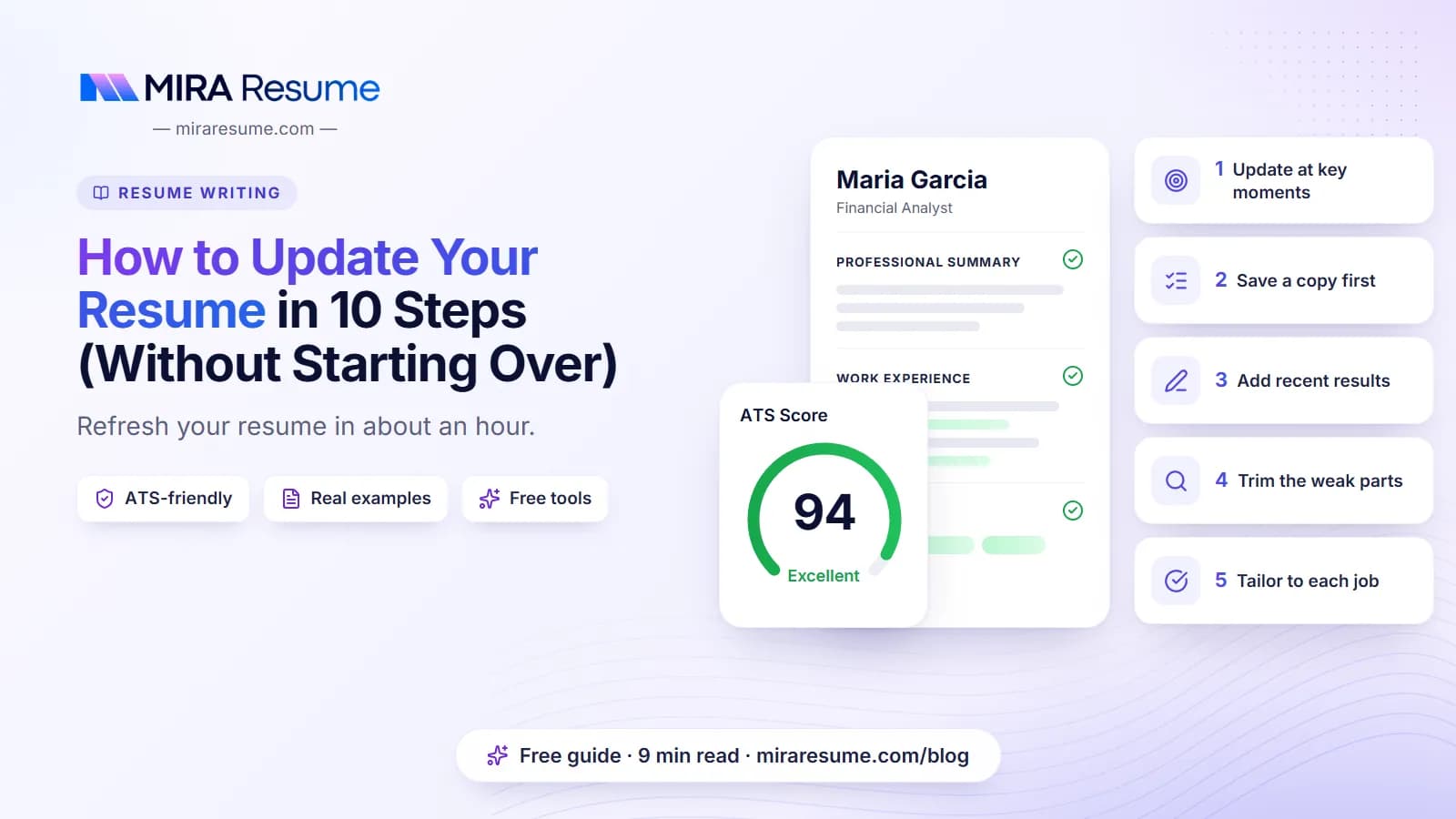

Knowing how to update your resume saves you from the panic of a sudden job opening. The short version: add your latest role and results, refresh your summary and skills, trim what is old, match the wording to the job you want, and check the format before you save.
You do not need to start from scratch. This guide gives you a 10-step plan, a table showing what to change and how often, ideas for pulling out achievements you forgot, and the mistakes people make when they update in a hurry. Employers differ and results vary, but a current, honest and focused resume always helps you move quickly when an opportunity appears.
When to update your resume
Do not wait until you are job hunting. A resume is easiest to write while memories are fresh. Update it when:
- You finish a big project or reach a clear result.
- You get a new job title, a promotion or new duties. See how to show a promotion on a resume.
- You earn a certificate, license or degree.
- You learn a new tool or skill you use at work.
- A recruiter contacts you or you decide to apply somewhere.
- It has been more than six months since you last opened the file.
A simple habit helps: every month or quarter, write down one or two wins in a notes file. Those notes become your best bullets.
A 10-step plan for how to update your resume
Follow these in order. Each step takes just a few minutes.
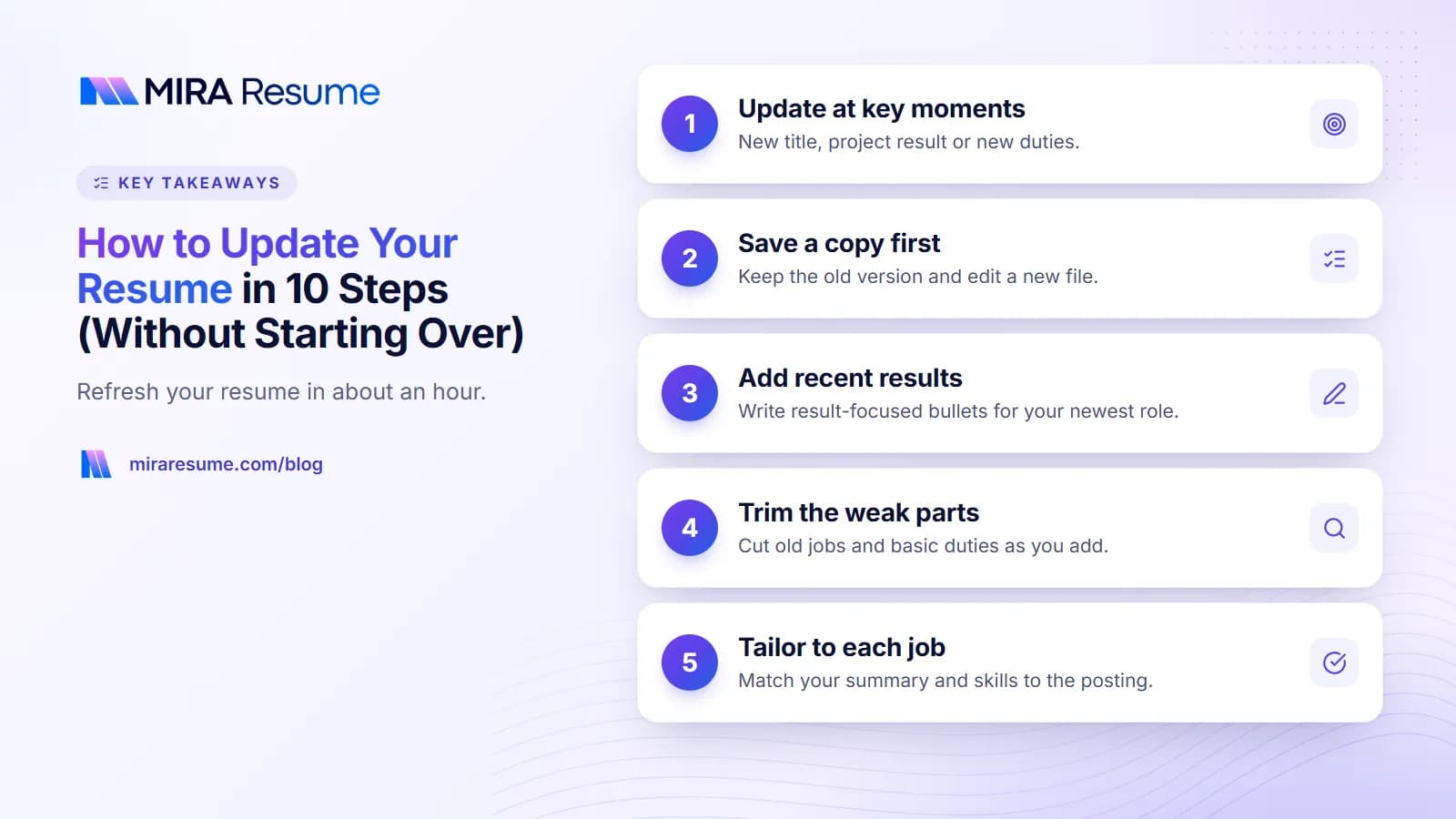
- Save a copy. Keep your old version, then edit a new file called something like Name-Resume-2026.pdf.
- Check your contact details. Make sure the phone, email, city and LinkedIn link are current. See how to put LinkedIn on a resume.
- Add your newest job or role changes. Include the title, employer, city and dates.
- Write fresh bullets with results. Focus on what changed because of your work.
- Rewrite the summary. Make it describe who you are now. See resume summary examples.
- Update skills and tools. Add new ones; remove outdated ones.
- Add education and certifications. Use the formats in how to list certifications on a resume.
- Trim. Cut weak bullets and old jobs to keep the page short.
- Tailor to the target job. Adjust wording to match the posting.
- Proofread and format. Check spacing and fonts, then save as a PDF.
The rest of this article digs into the steps that take the most thought.
What to change and how often
Some parts need frequent care, while others rarely change.
| Resume part | How often to review | What to look for |
|---|---|---|
| Contact details | Every time you apply | Email, phone, LinkedIn link, location |
| Summary | Each application, or at least yearly | Current title, years of experience, top skills |
| Newest job bullets | Every few months | New results, new duties, new tools |
| Older jobs | Yearly | Shorten or remove ones past 10 to 15 years |
| Skills | Each application | Match the posting; drop outdated tools |
| Education | When you finish a program | Degree, year, honors |
| Certifications | When earned or renewed | Expiry dates, new credentials |
| Layout | Yearly | Fonts, spacing, page length; see how to format a resume |
Find achievements you forgot to add
Many people say they have nothing new to add. Usually they just do not remember. Try these prompts for the last year or two:
- What problem did I solve that someone thanked me for?
- What did I do faster, cheaper or with fewer mistakes?
- Whom did I train or help?
- What did I start, fix or build?
- What tools did I learn?
- Which numbers can I count: customers, orders, people, dollars, hours?
Check old emails, performance reviews, project lists and thank-you notes. They hold facts you can use. Only add numbers you can explain.
Turn notes into bullets
| Raw note | Resume bullet |
|---|---|
| Took over the weekly schedule after Sam left | Took over weekly scheduling for 18 staff, cutting last-minute shift swaps |
| Learned the new CRM | Moved 1,200 customer records into the new CRM and trained 5 coworkers |
| Fixed the slow returns process | Simplified the returns process from 6 steps to 4 |
If you want a method for building strong bullets, see the STAR method for resumes. For quick rewording help, try the AI bullet enhancer.
Remove and trim the right things
Updating is not just adding. Each new line should push something weaker off the page.
| Trim this | Why |
|---|---|
| Jobs older than 10 to 15 years | Less relevant now; summarize in one line if still useful |
| Bullets that list basic duties | Everyone in that role did them |
| Outdated software or skills | Makes you look behind |
| Objective statements that no longer fit | Replace with a summary |
| "References available on request" | Already assumed; see references on a resume |
| Extra pages of detail | See how many pages a resume should be |
Aim for four to six bullets on your most recent job, three to four on the previous one, and one or two on older roles.
Tailor the updated resume to a job
After you update the basics, adjust the resume for each job you apply to. This takes about 15 minutes.
- Read the job posting and highlight the top skills and tools.
- Match each with something true from your history.
- Move the best matches into your summary and first bullets.
- Use the same wording for skills where it is honest.
Our resume keywords guide explains how to find the right terms. You can also paste the posting into the job analyzer and compare your resume using the ATS checker.
Keep a master version
Store one long master resume with every job, project and skill. For each application, copy it and cut it down to one or two pages. This way you never lose details, and tailoring becomes simple deleting and reordering.
Updating a resume after a gap, career change or layoff
After a gap
Show what you did, even if it was unpaid: caring for family, studying, freelancing, volunteering. A short, honest line is enough. See resume with gaps in employment.
When changing careers
Lead with a summary that links your past to the new field. Put the most related skills and projects first. See skills-based resume for a layout that suits this.
After a layoff
You do not have to explain it on the resume. Keep the focus on what you achieved. Save any explanation for the interview or cover letter.
After a long time in one job
Break your time into roles or projects, and show growth in responsibility. This keeps the page from looking like one long, flat list of duties.
Common mistakes when updating a resume
- Only adding, never cutting. The file grows to three pages and loses focus.
- Forgetting the summary. An old summary can mention a goal you have outgrown.
- Leaving old contact details. A wrong email or phone number costs you real opportunities.
- Breaking the format. Pasting text from other files can bring odd fonts and spacing. Paste as plain text, then fix the style.
- Making up numbers. Every figure should be something you can back up.
- Sending the wrong version. Use clear file names with dates.
- Skipping a final read. Print it or read it aloud to catch small mistakes.
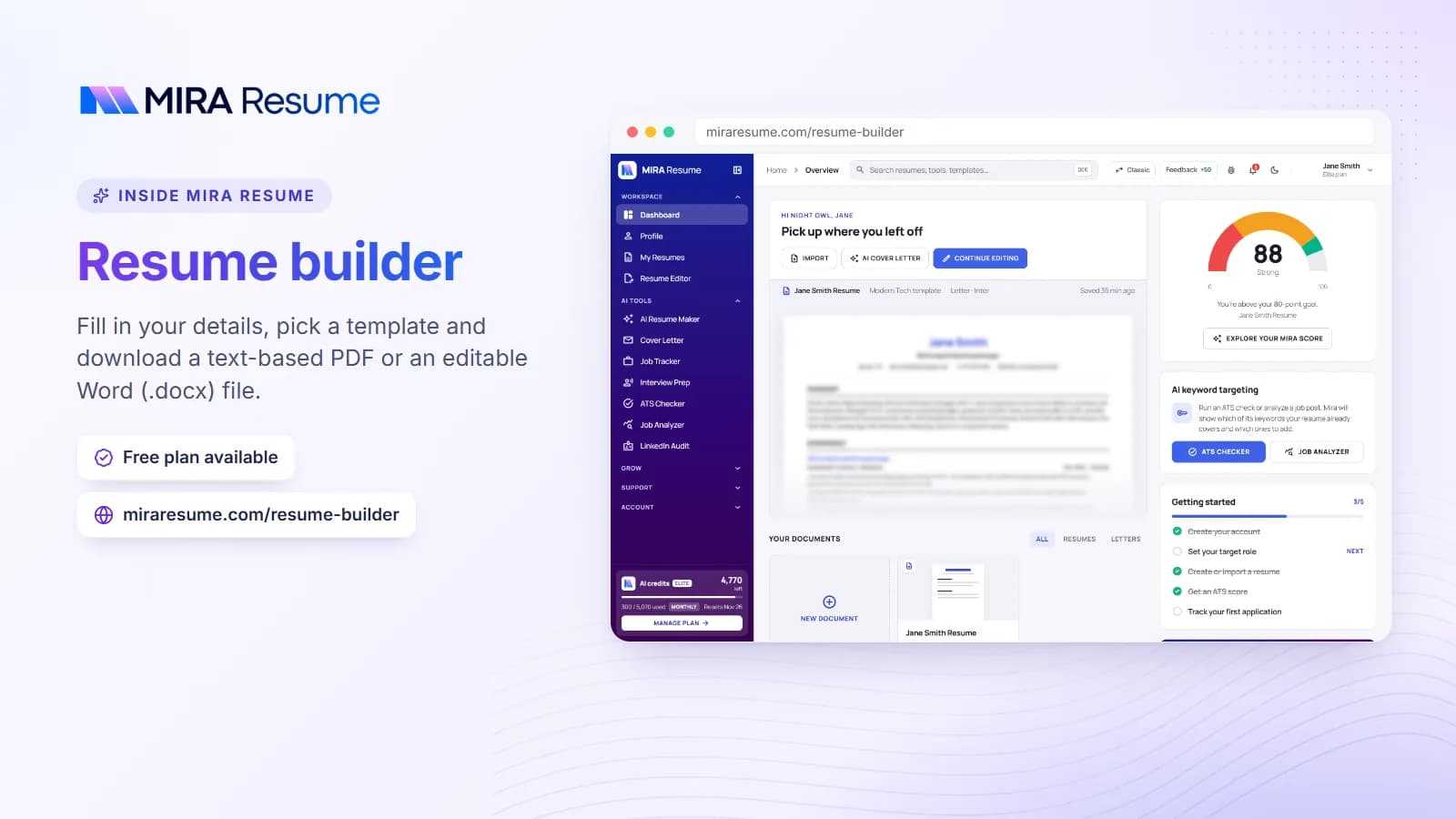
When you are finished, load your content into the resume builder or the AI resume builder for a clean layout, and review the page against our list of things to put on a resume.
An example: a resume before and after an update
Here is a short sample of one job entry, first as it might look after two years without changes, then after a proper update.
Before
Sales Associate, Greenway Home Store, Austin, TX, 2022 to Present
- Helped customers find products
- Worked the register
- Responsible for stocking shelves
After
Lead Sales Associate, Greenway Home Store, Austin, TX, 2022 to Present
- Promoted to lead in 2025 after two years on the floor; now run opening and closing for a team of 8
- Recommended 40+ items per week to customers, reaching the store's monthly add-on sales goal in six of the last twelve months
- Built a new shelf-stocking checklist that cut missed restocks
- Trained 5 new hires on the register and return steps
The update did four things. It reflected the new title, replaced vague duties with specific ones, added scope and results, and showed growth. Only the facts changed, not the tone.
Update the summary the same way
If the old summary said "Sales associate looking for a growth opportunity", the new one might say: "Lead sales associate with 4 years of home goods retail experience. Trains new staff, runs shifts for a team of 8, and meets monthly sales goals. Ready to move into assistant store management." You can find more patterns in our guide to the resume objective.
A quick update checklist for an hour of work
If you have only an hour, spend it like this:
| Minutes | Task |
|---|---|
| 5 | Save a copy and fix contact details |
| 15 | Add your newest role and write three to five result-focused bullets |
| 10 | Rewrite the summary and update skills |
| 10 | Trim old or weak items |
| 10 | Tailor the top third of the page to one target job |
| 10 | Check formatting, proofread and export as PDF |
After that, send it to a friend or coworker for a quick read. A second pair of eyes often spots a typo or an unclear line. Run the final file through the ATS checker if you plan to apply online. Employers use many different systems, so a tool can only show likely trouble spots, not guarantee how every system reads your file.
Keep your resume current all year
The easiest way to update a resume is to never let it go stale. Try these small habits:
- Keep a wins file. Once a month, write down one thing you finished, fixed or improved, with any numbers.
- Save praise. Thank-you emails and good reviews remind you what you did well.
- Set a calendar reminder. Every six months, open the file and read it as if you were a stranger.
- Track training. Add new courses and certifications the week you finish them.
- Update LinkedIn at the same time. See how to put LinkedIn on a resume to keep the two in sync.
With these notes, a full update becomes a quick task rather than a weekend project.