
What are some skills to put on a resume? The right answer is: the ones named in the job posting that you truly have. Skills fall into two main groups. Hard skills are things you can learn and measure, like using spreadsheets or driving a forklift. Personal skills, also called soft skills, describe how you work with people and handle tasks, like clear communication or time management.
This guide shows examples of hard skills and personal skills for resume use, grouped by field, with tables you can scan. It also explains how many to list, where to put them, and how to prove them. If you want a ready-made list of popular skills, our page on good skills to put on a resume has one. Here we focus on how to choose and organize yours.
Hard skills vs personal skills: what is the difference?
| Hard skills | Personal (soft) skills | |
|---|---|---|
| Meaning | Teachable, specific abilities | Habits and traits in how you work |
| How you learn them | Classes, training, practice on the job | Experience, feedback, daily practice |
| How to prove them | Certificates, tools, projects, tests | Examples and results in your bullets |
| Example | Excel pivot tables, Spanish, welding | Teamwork, patience, problem solving |
| Where to list | In a skills section | Shown inside experience bullets |
Both matter. Hard skills show you can do the task. Personal skills show how you do it. Employers usually look for a mix, and many job posts list both.
Examples of hard skills by field
A hard skills list is only useful if it fits your job. Here are example groups. Take only those you can use on the job today.
Office and business
| Skill | What it looks like |
|---|---|
| Spreadsheets | Formulas, filters, pivot tables, simple charts |
| Data entry | Typing with accuracy, checking records |
| Bookkeeping | Invoices, payments, reconciling accounts |
| Scheduling | Calendars, meeting set-up, travel plans |
| Presentation software | Slides that explain ideas clearly |
| Business writing | Emails, reports, short summaries |
Technology and computer skills to put on a resume
| Skill | Examples to name |
|---|---|
| Programming | Python, JavaScript, SQL, Java |
| Web tools | HTML, CSS, WordPress, Shopify |
| Support and systems | Windows, macOS, network set-up, help desk software |
| Data work | Excel, Google Sheets, dashboards, reports |
| Cloud tools | Google Workspace, Microsoft 365, file sharing |
For a full example of how to present technical skills, see our computer science resume guide.
Healthcare
- Taking vital signs and recording them in charts
- Basic life support (BLS) or CPR certification
- Electronic health records (EHR) software
- Patient intake and scheduling
- Giving injections or drawing blood (if trained and licensed)
See also the medical assistant resume and CNA resume examples.
Trades, warehouse, and driving
- Forklift or pallet jack operation (with license where required)
- Reading blueprints or work orders
- Welding, carpentry, or electrical basics
- Inventory counts and barcode scanners
- Commercial driver's license (CDL) class and endorsements
Sales, service, and hospitality
- Point-of-sale (POS) systems and cash handling
- CRM software for tracking customers
- Product demos and quoting
- Food safety and handling
- Second language, such as Spanish or Mandarin
Personal skills for resume use: examples and proof
Personal skills are real, but they are easy to claim and hard to prove. The best approach is not to list them alone. Show them in a bullet instead.
| Personal skill | Weak way to show it | Stronger way to show it |
|---|---|---|
| Communication | Good communicator | Explained new billing rules to 30 customers by phone and email |
| Teamwork | Team player | Worked with 4 coworkers to cover a 24-hour support schedule |
| Problem solving | Strong problem solver | Found the cause of repeated late shipments and fixed the pick list |
| Time management | Manages time well | Handled 12 deadlines a week with no late reports |
| Adaptability | Flexible | Learned a new ordering system in one week during a store change |
| Leadership | Natural leader | Led 3 volunteers at a weekend food drive |
If the job posting names a personal skill, you can add it to your skills section as well. But the example in a bullet is what the reader will remember. Our list of action verbs for resume bullets will help you word these examples.
How to choose skills to put on your resume in 3 steps
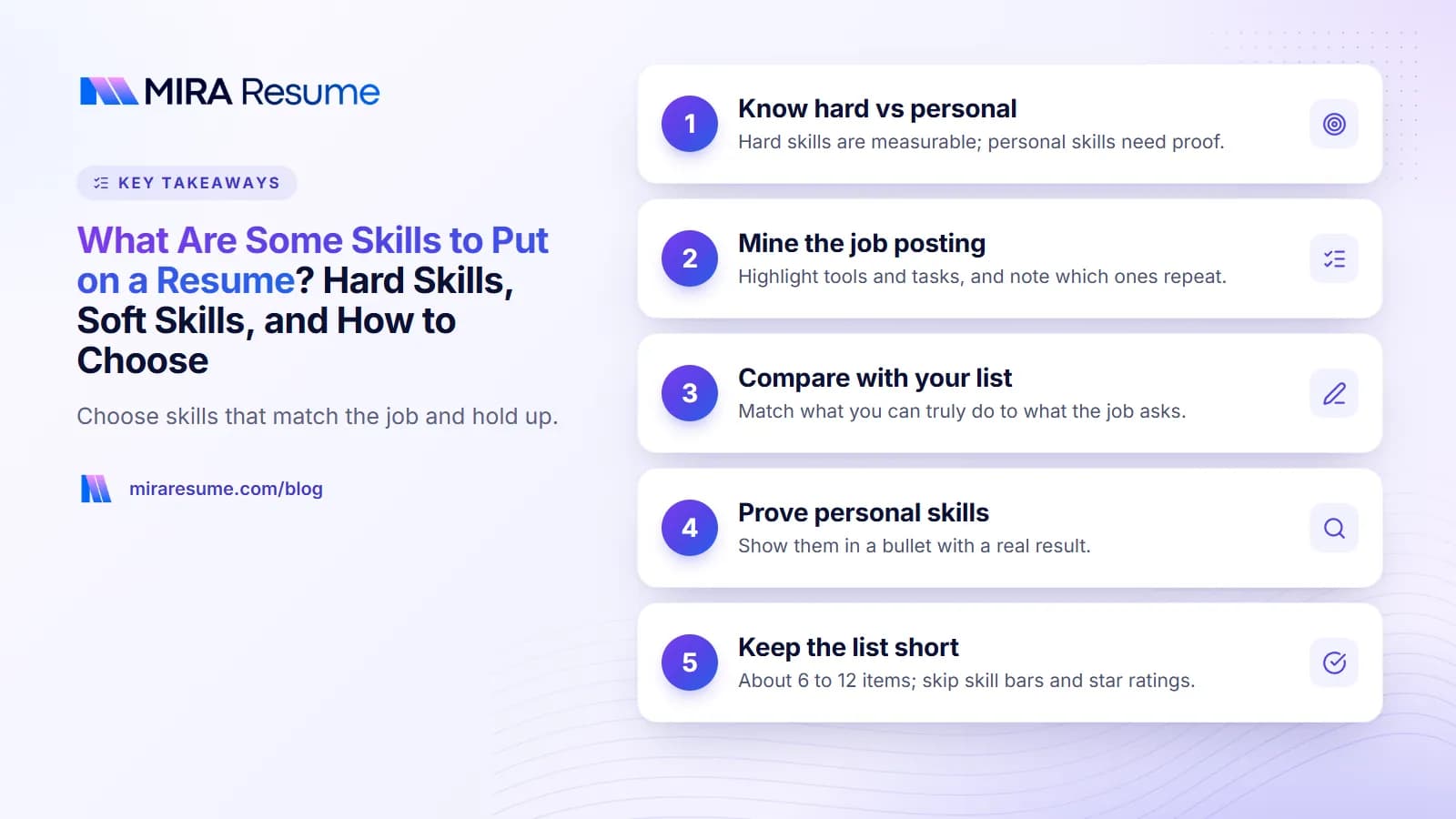
Step 1: Mine the job posting
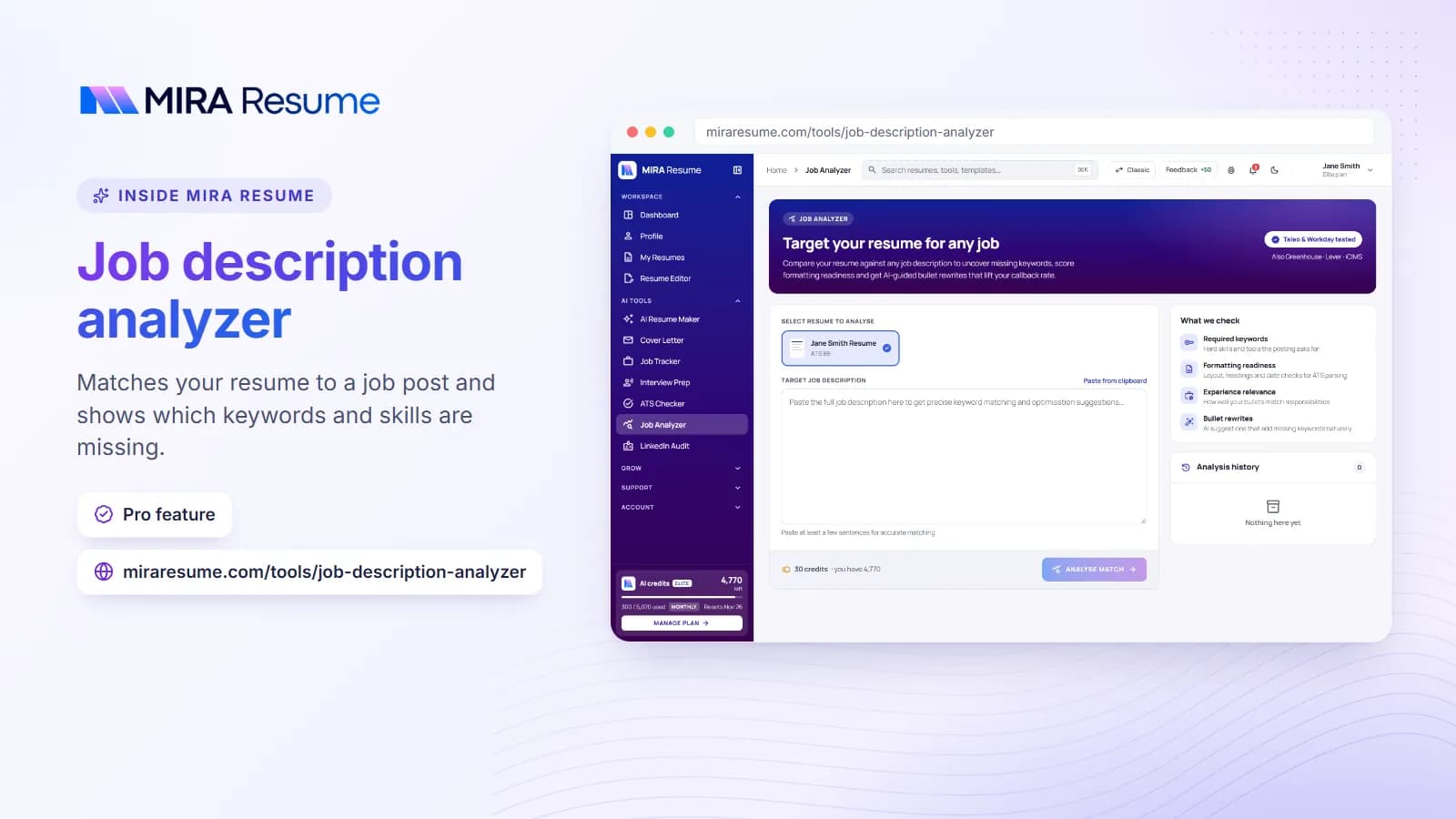
Copy the posting into a document and highlight every tool, skill, and task. Count which ones appear more than once or sit under "requirements". Those are your priority words. The job analyzer can pull these out for you.
Step 2: Compare with your own list
Write down everything you can do. Then match: skills that appear in both lists go on your resume. Skills the posting wants that you do not have should be left off. Skills you have that the posting does not mention can still go in if there is room and they seem useful.
Step 3: Be honest about the level
You may be asked about every skill in an interview. Do not list a tool you have only seen once. If your level is basic, you can say "basic" or leave it out. For languages, state the level, such as "Spanish (conversational)".
Not all skills need to be on a list. A skill can be shown in a summary, as in our resume summary examples, or inside a job bullet, or in a certifications section.
A worked example: matching a job posting to your skills
Say you are applying for an office assistant job. The posting includes these lines: "Maintain records in Excel", "Greet visitors", "Answer multi-line phones", "Schedule meetings", and "Strong written communication".
Now imagine your own background: two years at a dental front desk, a night class in Excel, and a second language. Here is how you could match them.
| Posting asks for | Your honest match | Where to show it |
|---|---|---|
| Excel records | Night class, tracked appointments in a sheet | Skills line and one bullet |
| Greeting visitors | Front desk at dental office | Experience bullet |
| Multi-line phones | Took 40 calls a day | Experience bullet |
| Scheduling | Booked patients and managed cancellations | Skills line and bullet |
| Written communication | Wrote reminder emails | Bullet with example |
| Not asked: Spanish | Conversational Spanish | Skills line, as an extra |
The resulting skills line might read: Microsoft Excel, appointment scheduling, multi-line phones, data entry, email writing, Spanish (conversational). Every item is something the person can explain, and most match the posting.
What if you are missing a skill?
If the posting asks for something you lack, do not add it. Instead, look at related experience. If you have never used the exact software but you have used a similar tool, say so in plain terms, such as "Used Google Sheets daily; learning Excel". You can also take a short online course and list it under training, once you finish.
Skills by career stage
| Career stage | Focus on | Example skills line |
|---|---|---|
| Student or first job | Tools used in school, languages, simple work habits shown by projects | Microsoft Word, Excel, public speaking, tutoring, Spanish |
| Early career (1 to 5 years) | Tools used in recent jobs, certifications | Salesforce, email marketing, reporting, CPR certified |
| Mid-career | Specialist tools plus leading or training others | Budget tracking, vendor contracts, team training, SQL |
| Senior or manager | Leadership areas, planning, large-scale tools | Staffing plans, forecasting, change management, ERP systems |
| Career changer | Skills that carry over plus new training | Customer support, scheduling, bookkeeping course, QuickBooks |
As you grow, your list should change. Drop basic items that every colleague knows, and add the deeper tools and abilities that set you apart.
Where to put skills and how many to list
Most resumes work well with a short skills section of about 6 to 12 items. More than that can look like a keyword dump. Place it in one of these spots:
- Below your summary: good for jobs where tools matter, like IT and design.
- After experience: good for most other roles.
- In a sidebar: only if your template stays easy to read in plain text.
Sample layouts
| Layout | Example |
|---|---|
| Single line | Excel, QuickBooks, data entry, invoicing, scheduling, customer service |
| Grouped | Software: Excel, Word, Outlook. Tasks: Invoicing, filing, payroll support. Languages: English, Spanish |
| Two columns | Left column for tools; right column for abilities |
Grouped lists work well when you have many skills. Skip rating bars and stars. They are hard for software to read and tell the reader little. If you want to build your resume around skills rather than job titles, read our guide to the skills-based resume.
Skills for people with little or no experience
You still have skills. They come from school, hobbies, volunteering, and life.
- School: research, group projects, public speaking, computer lab software, a foreign language.
- Volunteering: event set-up, customer greeting, fundraising, record keeping.
- Home and community: childcare, tutoring, helping at a family business, coaching a kids' team.
- Self-taught: video editing, graphic design, coding, social media tools.
Back each one with a quick detail, such as "Tutored 3 classmates in algebra" or "Edited weekly videos for a school club channel". For ideas on how to write about yourself, see our resume objective examples and the guide to a cover letter with no experience.
How to build new skills before you apply
If your list looks short, do not worry. Many hard skills can be learned in weeks, not years. Here are honest, low-cost ways to add to your list:
- Take a short course. Free and paid courses exist for spreadsheets, writing, basic coding, and more. List the course name once you finish it.
- Practice on a small project. Build a budget sheet, a simple website, or a flyer. Keep a copy to show if asked.
- Earn a certificate. Safety, first aid, and food handling cards are quick and often inexpensive.
- Volunteer. A local group usually welcomes help with events, records, or social posts, and you gain real examples.
- Ask for a stretch task. At your current job, ask to help with a report or a new tool so you can add a real result later.
Only list the skill after you have used it enough to answer a basic question about it in an interview. Employers differ in how they test skills, so be ready for a short task or a few questions. When you have new skills to show, put them near the top of your page with the resume builder and keep your layout clean using the resume templates.
Common mistakes when listing skills
- Listing skills everyone has. "Email" and "internet" add nothing in most jobs.
- Listing skills you do not have. You may be tested or asked about them.
- Making the list too long. A focused list is easier to trust.
- Using only soft skills. Add at least a few tools or abilities that can be checked.
- Using skill bars or star ratings. They are vague and may not read well in software.
- Using a different word than the posting. If the posting says "customer support" and you wrote "client assistance", match it where it is true.
- Forgetting to update. Remove old tools and add new ones as you learn them.
After you write your list, check it with the ATS checker against a real posting to see which wanted skills are missing or hard to find.