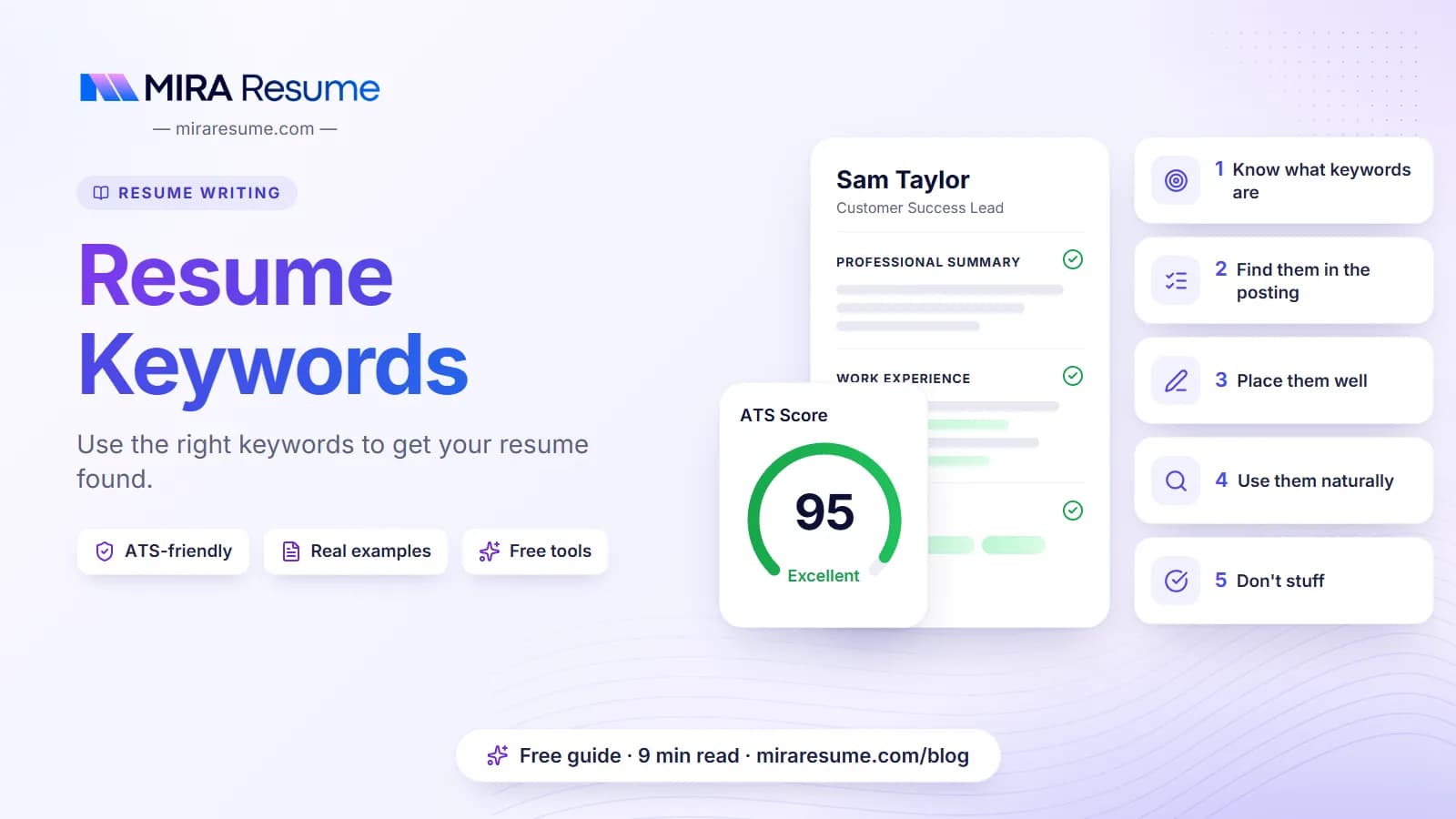

Resume keywords are the specific skills, tools, job titles and phrases that appear in a job posting and describe what the employer wants. When your resume uses the same words, a recruiter or a screening program can see the match quickly.
This guide shows you how to find the right words, where to place them, and how to avoid stuffing. You will see a step-by-step method, example keywords for several fields, a table of where each type belongs on the page, and the mistakes that cause trouble. No tool or trick can promise an interview, but clear, honest matching helps your resume get a fair look.
What resume keywords are, and why they matter
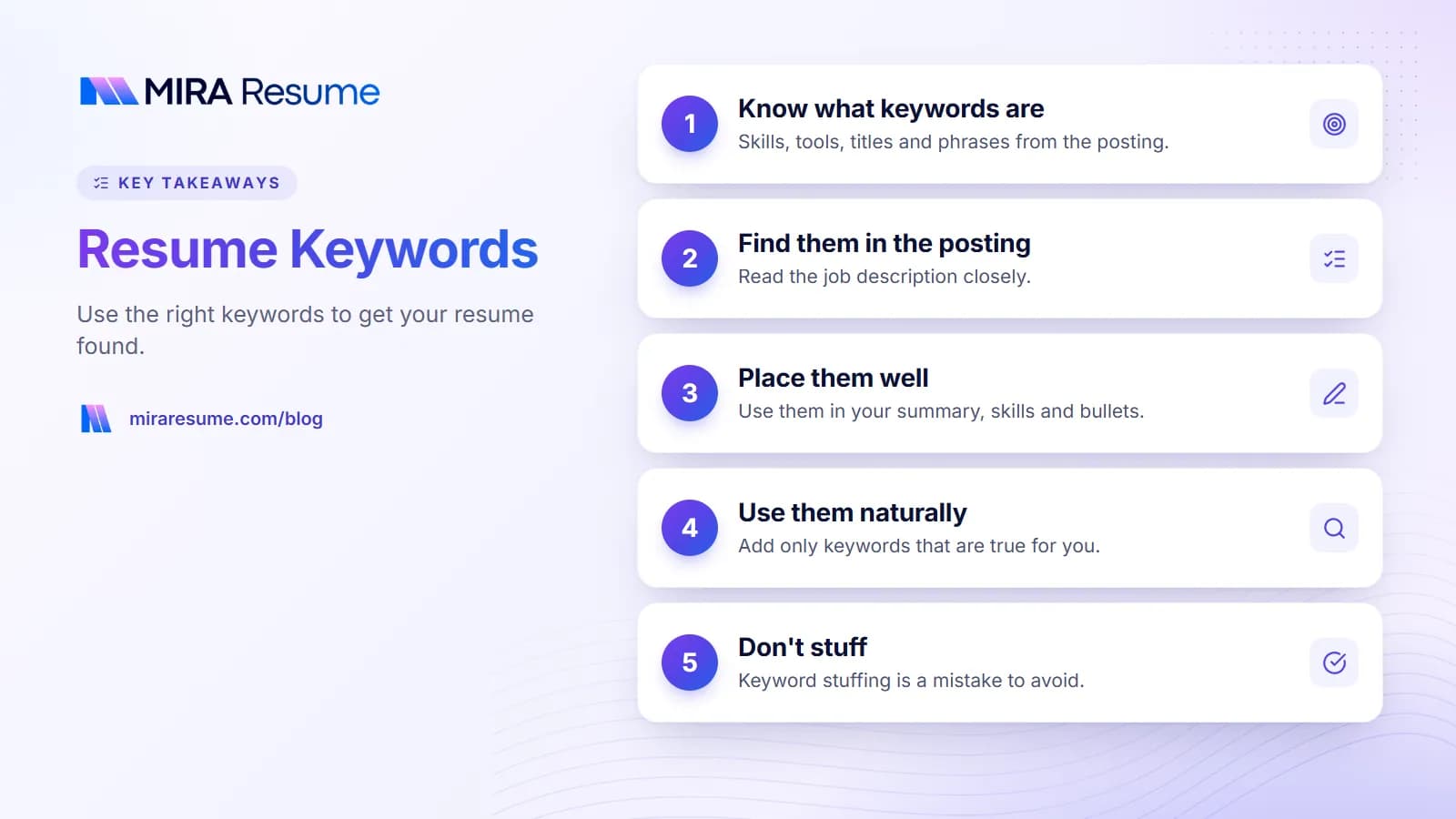
A keyword is simply a word or short phrase that carries meaning for the job. It can be a skill ("budget forecasting"), a tool ("Salesforce"), a job title ("billing specialist"), a license ("RN"), or a method ("Agile").
Many employers use applicant tracking systems (ATS), which store resumes and let recruiters search them. A recruiter may type "forklift" or "Python" and see which resumes include it. Some systems also rank resumes by how well they match a posting. How much weight they give keywords differs between systems, and no one outside each company can say exactly how theirs works. You can learn the basics in how ATS works.
The safe takeaway is this: a human reader and a search tool both look for the same signals. If the employer asks for it and you have done it, say it clearly and in their language.
How to find resume keywords in a job posting
You do not need special software to do this. A pen or a highlighter is enough, though tools can speed it up.
- Copy the posting into a document so you can mark it up.
- Highlight nouns and noun phrases that name skills, tools, certifications and job titles.
- Highlight repeated words. If "customer onboarding" shows up three times, it matters.
- Check the headings. Lists under "Requirements", "Qualifications" and "Must have" matter more than the "Nice to have" list.
- Note both forms of a term, such as "search engine optimization" and "SEO". Use whichever form the posting uses, and consider including both once.
- Cross off anything you cannot honestly claim.
Check a second source
Look at two or three similar postings. Words that appear in all of them are core to the job. Words that appear in only one are specific to that company.
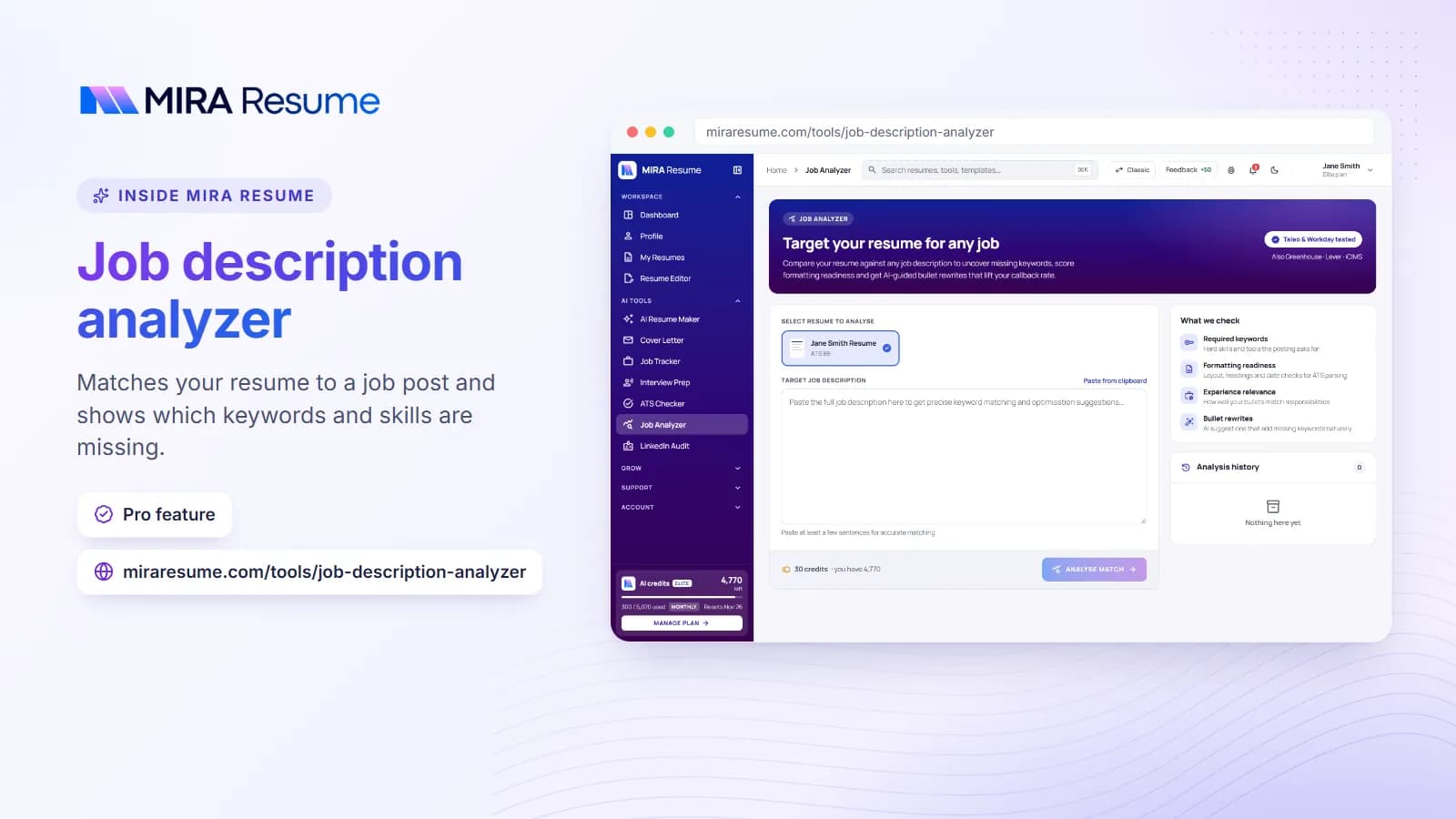
To speed up the process, the job analyzer reads a posting and points out the terms to focus on, and the ATS checker compares your resume against it so you can see what is missing.
Types of keywords and where they belong
Not all keywords are the same. Sorting them helps you decide where to put each one.
| Type | Examples | Best place on your resume |
|---|---|---|
| Job titles | Project coordinator, staff accountant | Summary and job headings (if your title was a true match) |
| Hard skills | Payroll, SQL, CNC machining, patient intake | Skills section and experience bullets |
| Tools and software | Excel, QuickBooks, Epic, Figma | Skills section; mention in bullets with a result |
| Certifications | PMP, CPR, CompTIA A+, CDL | Certifications section and summary |
| Methods | Agile, Six Sigma, lesson planning | Bullets and summary |
| Soft skills | Communication, scheduling, coaching | Prove through bullets rather than listing alone |
| Industry terms | HIPAA, GAAP, inventory turns | Bullets and skills |
Hard skills and tools usually carry the most weight because they are easy to check. For help choosing skills to list, see skills to put on a resume.
Resume keywords examples by field
These lists are only examples. Use the exact terms from your own target posting, and only the ones that describe you.
| Field | Sample keywords |
|---|---|
| Customer service | Ticketing system, live chat, de-escalation, CRM, first-call resolution, refunds |
| Administrative | Calendar management, travel booking, Microsoft 365, minutes, filing, invoicing |
| Healthcare | Patient charting, vital signs, HIPAA, EHR, infection control, BLS |
| Sales and marketing | Lead generation, pipeline, email campaigns, SEO, CRM, A/B testing |
| IT and software | Help desk, Active Directory, Python, cloud, API, troubleshooting |
| Finance and accounting | Accounts payable, reconciliation, month-end close, GAAP, budgeting |
| Warehouse and logistics | Forklift, pick and pack, inventory counts, shipping, safety, RF scanner |
| Teaching | Lesson plans, classroom management, assessment, IEP, differentiation |
For role-specific wording, see our guides on teacher resumes, staff accountant resumes and medical assistant resumes.
How to use keywords naturally
The goal is a resume that reads like a person wrote it and also contains the right words. Here are three places to work them in.
1. Your summary
Use the job title and one or two top skills.
Billing specialist with 5 years of experience in medical claims, payment posting, and denial follow-up. Skilled in Epic and Excel.
2. Your bullets
Show the keyword in action with a result. This is stronger than a bare list.
| Keyword only | Keyword used in context |
|---|---|
| Inventory management | Handled inventory management for 600 items, counting stock weekly and reducing shortages |
| Email marketing | Wrote and sent 3 email marketing campaigns a month to a list of 5,000 |
| Scheduling | Built weekly scheduling for 25 staff across 3 shifts using When I Work |
3. A skills section
A short skills list is a fast way to hold exact terms from the posting. Group them if the list is long, for example "Software: Excel, QuickBooks" and "Skills: payroll, reconciliation". Some people ask about a separate "keywords section". A plain skills list does the same job and looks more professional than a block of loose words.
If your bullets need stronger wording, the AI bullet enhancer can suggest versions to review, and our action verbs for resume list helps you start each line well.
Keyword stuffing and other things not to do
Keyword stuffing means cramming in terms with no context, or hiding words in tiny or white text. It is a bad idea for several reasons: people notice it, many systems flag it, and it may cost you the job if you cannot talk about what you listed.
- Do not copy the whole posting. Pick the parts that describe you.
- Do not repeat a word again and again. Once or twice in the right places is enough.
- Do not hide white text. It is dishonest and often detected.
- Do not claim skills you lack. You may be asked about them in an interview or tested.
- Do not ignore synonyms. If the posting says "client", but you wrote "customer", add the posting's word where it is true.
Formatting matters too
The best keywords do nothing if the software cannot read your file. Use a single column, standard headings and a text-based PDF. See how to format a resume for the settings.
A quick keyword workflow you can repeat
This takes about 15 minutes per application once you get used to it.
- Save your master resume with all your jobs and skills.
- Copy the target job posting and highlight the top 10 to 15 terms.
- Mark which ones you can truthfully claim.
- Edit your summary so it names the job title and top two skills.
- Rewrite two or three bullets so they use the posting's wording and show a result.
- Update your skills list to include the exact terms.
- Run the finished file through the ATS checker and fix any gaps that are honest to fix.
- Save as a PDF with a clear file name.
If you apply to several similar roles, keep a short notes file of the terms that came up often. It will make the next application faster. Also read things to put on a resume to make sure you have covered every section.
Common mistakes with resume keywords
- Using only soft-skill words. "Hardworking" and "motivated" are hard to check. Pair them with tools and results.
- Listing keywords in one big block. Without context, a reader sees a pile of words.
- Using a fancy job title. If your company called you a "Customer Happiness Hero", also write the common title, such as "Customer Service Representative", if your employer agrees it is accurate.
- Forgetting abbreviations. Write both "Certified Nursing Assistant (CNA)" once so either search finds you.
- Using the same resume for every posting. Postings differ. A few edits help.
- Trusting a match score blindly. A score is a guide, not a promise. Read it as a prompt to check for honest gaps.
When you are ready, build the final version in the AI resume builder, then compare it with your target posting one more time.
A worked example: from posting to resume
Let us walk through one short posting to see the process in action.
Posting excerpt: We are hiring a Customer Support Specialist. You will answer questions by chat and email, solve billing issues, use our ticketing system, and help train new team members. Experience with Zendesk is a plus.
Step 1: Pull out the terms
Customer support specialist, chat, email, billing issues, ticketing system, train new team members, Zendesk.
Step 2: Match to your history
| Posting term | Do you have it? | Where to show it |
|---|---|---|
| Customer support | Yes, as "customer service rep" | Summary: use "customer support" where true |
| Chat and email | Yes | Bullet with volume handled |
| Billing issues | Yes | Bullet with a result |
| Ticketing system | Yes, used Freshdesk | Skills: "Freshdesk (ticketing system)" |
| Training | Yes | Bullet naming number of people trained |
| Zendesk | No | Do not claim it; mention similar tools honestly |
Step 3: Write the result
Customer support specialist with 3 years of experience answering chat and email questions. Solved billing issues using Freshdesk and trained 4 new teammates.
Resolved about 35 chat and email tickets a day, including billing corrections, with a customer satisfaction score of 4.7 out of 5.
Notice that the missing term, Zendesk, stays off the page. You can mention a similar tool instead and be open about it in an interview. Honest matching beats a claim you cannot support.
Keywords for entry-level and career-change resumes
If you have little paid experience, keywords still matter. You just find them in different places.
- School and projects: name the tools and methods you used, such as "built a budget in Excel" or "presented findings to a class of 30".
- Volunteer work: use the same job terms an employer would, such as "customer service", "scheduling" or "cash handling".
- Career changes: translate your old job into the new field's words. A teacher moving into training might swap "lesson planning" for "curriculum design" if the work was really the same.
Be careful with translation. The new word must describe what you actually did. If you are unsure, use the posting's term next to your own, such as "classroom management (group facilitation)". Our skills-based resume guide shows a layout that puts these shared skills first.