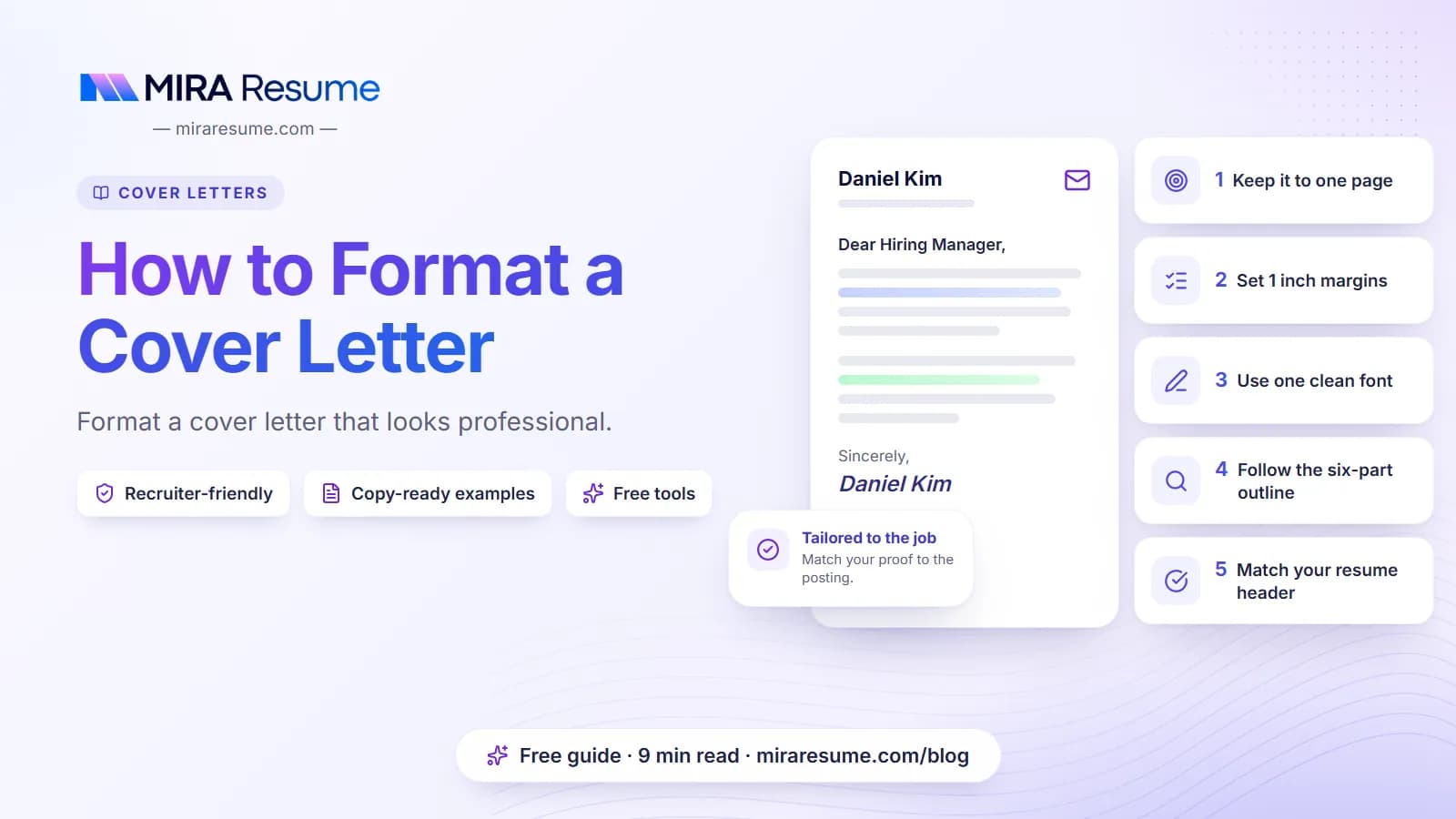

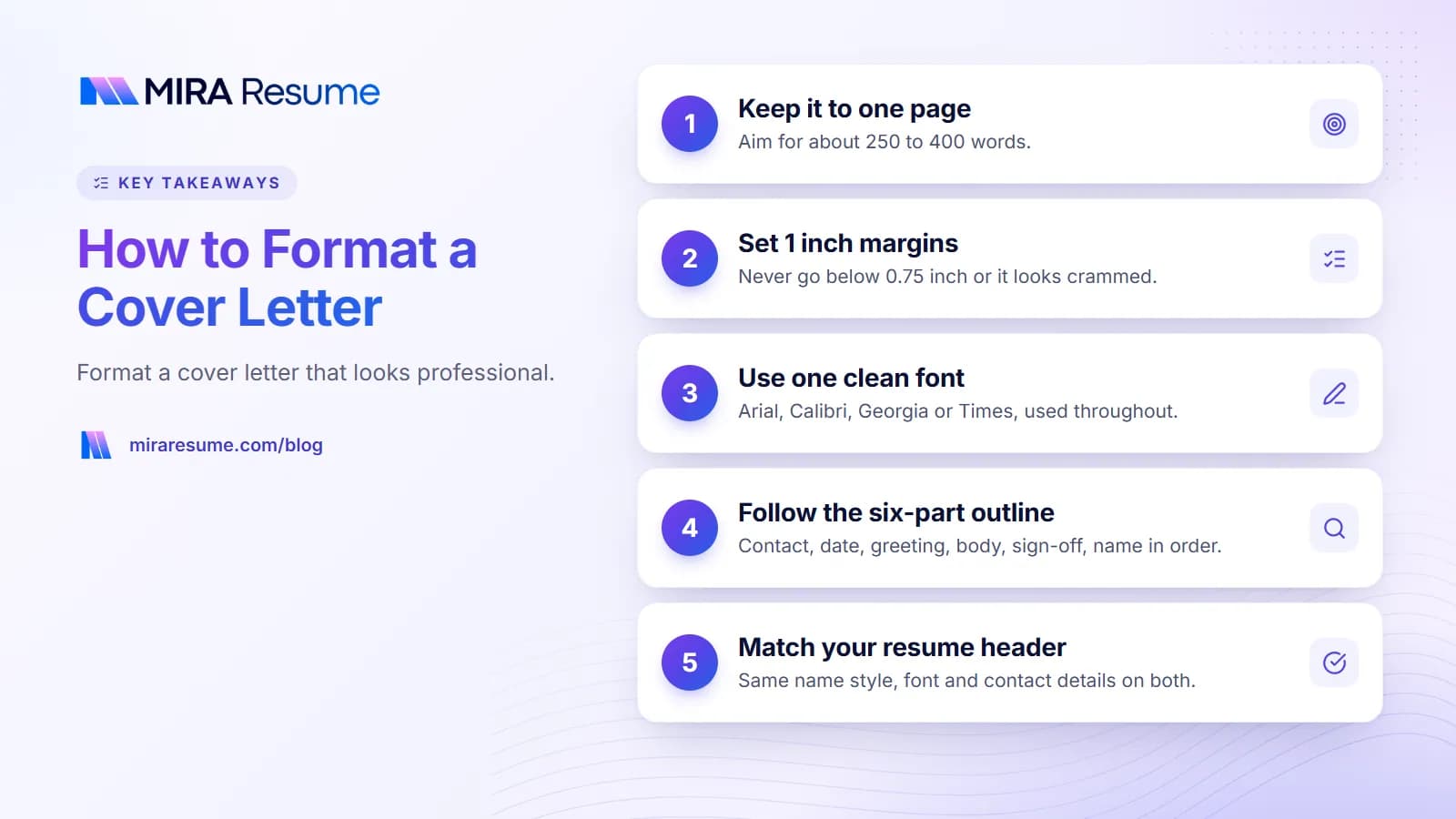
How to format a cover letter is simpler than most people think. Use one page, a plain font, one-inch margins, left-aligned text and a header that matches your resume. Then arrange the parts in a fixed order: contact details, date, greeting, body, sign-off.
Good formatting will not get you the job on its own, but bad formatting can get your letter skipped. A cramped page, a fancy font or a layout that breaks in an application system makes the reader work too hard. This guide shows the exact layout, the choices that matter and a simple outline you can copy.
If you want to start from a ready-made file, see our cover letter templates. If you are still writing the words, start with how to write a cover letter.
The standard cover letter format at a glance
Most employers expect a classic business letter layout. Here is the quick reference.
| Element | Recommended setting |
|---|---|
| Length | One page, about 250 to 400 words |
| Margins | 1 inch on all sides (0.75 inch at the smallest) |
| Font | Arial, Calibri, Helvetica, Georgia or Times New Roman |
| Font size | 10.5 to 12 points for body text |
| Alignment | Left-aligned (not justified) |
| Spacing | Single or 1.1 line spacing, a blank line between paragraphs |
| Paragraphs | 3 to 4 short paragraphs of 2 to 4 sentences |
| File type | PDF, unless the employer asks for another type |
| File name | FirstName-LastName-Cover-Letter.pdf |
If you stay inside these settings, your letter will look neat and professional almost anywhere. Our guide on how long a cover letter should be explains the length rule in more detail.
The outline of a cover letter, part by part
An outline of a cover letter has six parts, always in the same order. Think of it as a small checklist you fill in top to bottom.
- Your contact block. Name, city and state, phone and email. A link to a professional profile is optional.
- Date. Write it in full, such as October 23, 2026.
- Employer block (optional). The hiring manager's name, title, company and address. Many online applications skip this.
- Greeting. "Dear Ms. Alvarez," or "Dear Hiring Team,".
- Body. Opening, proof, company paragraph and closing.
- Sign-off. "Sincerely," or "Best regards," then your name.
The layout of a cover letter, drawn in text
Jane Doe
Denver, CO | 555-0100 | [email protected]October 23, 2026
Ms. Priya Nair
Hiring Manager
Summit Health Group
Denver, CODear Ms. Nair,
[Opening: the job and your best reason to be considered]
[Proof: one or two short stories that match the post]
[Company: why this employer]
[Closing: thanks and a clear next step]
Sincerely,
Jane Doe
That is the whole outline. It works for any field, from retail to law.
Fonts, size and spacing for a cover letter
The best font is one nobody notices. Pick a clean, common font and stick to one for the whole letter.
| Font | Style | Good for |
|---|---|---|
| Calibri | Modern, round | Most office, tech and healthcare jobs |
| Arial | Neutral, clean | Any job; very safe |
| Georgia | Warm, readable serif | Education, writing, nonprofit |
| Times New Roman | Classic serif | Law, government, academic |
| Helvetica | Crisp, simple | Design and marketing |
For more on type choices, see our upcoming guide to resume fonts, since the same rules apply to both documents.
Size and spacing rules
- Use 11 or 12 points for the body. Go down to 10.5 only if you must.
- Your name can be a little larger, up to 14 to 16 points, but keep it simple.
- Use one line space between paragraphs rather than indents.
- Do not use all capitals, long bold passages or underlines. They tire the eye.
How to format the header so it matches your resume
Your cover letter and resume are a set. Use the same name style, font and contact details on both. That way the reader sees one professional package, and it helps the hiring team tell the documents belong together if they are opened in different windows.
What goes in the header
- Full name (as it appears on your resume).
- City and state, not a full street address, unless the job asks for it.
- Phone number and a professional email address.
- A link to your portfolio or professional profile if it helps. See how to put LinkedIn on a resume for the best way to show a link.
Keep the header as plain text in the main body of the page. Some software has trouble reading text placed inside special header boxes or text frames, so a simple block at the top of the page is safest. Our how to format a resume guide covers the same point for resumes.
Matching the look
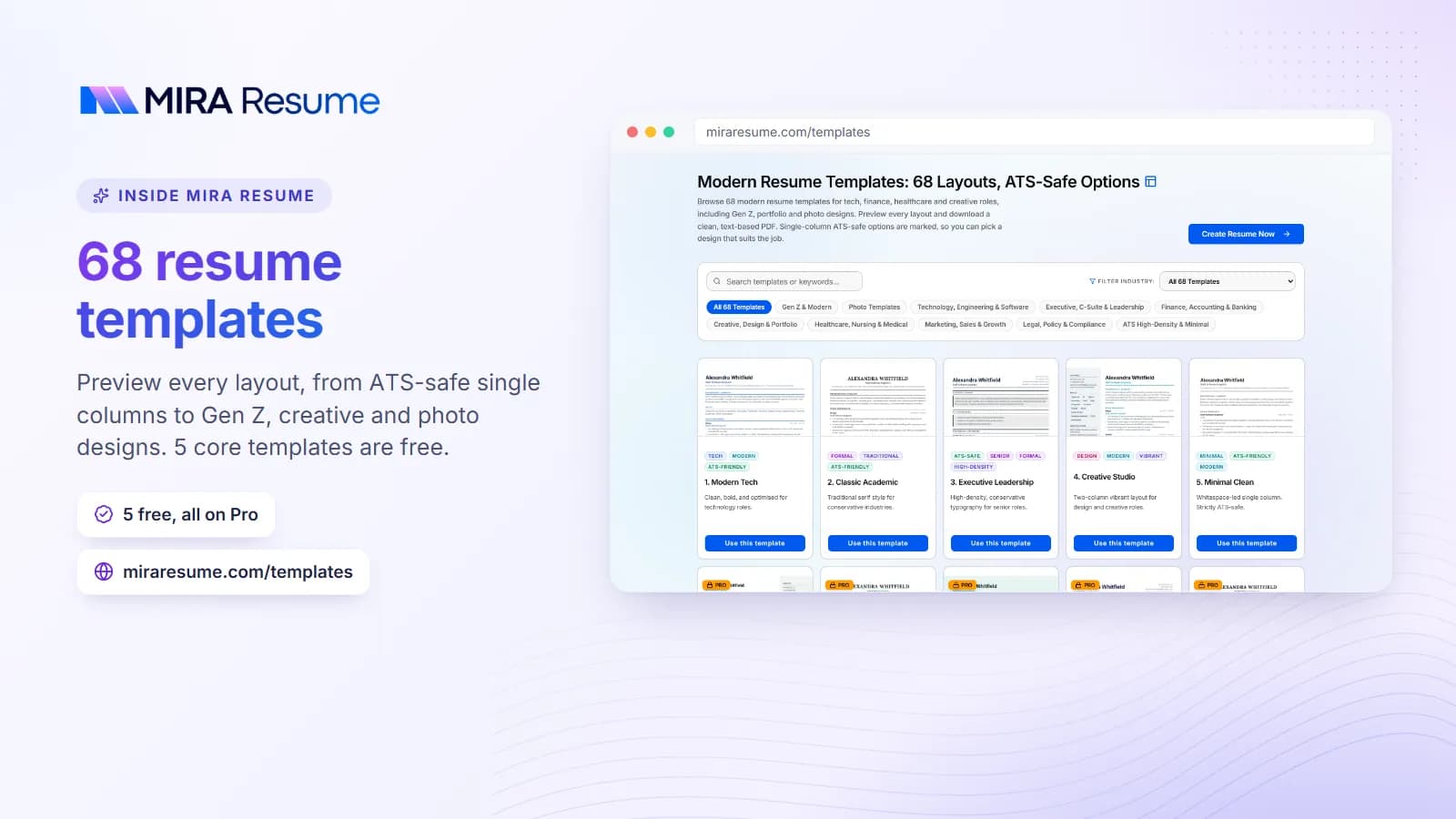
If your resume uses a small accent color for your name, you can use the same color on the letter. Keep it subtle. Black text on a white page is always safe. If you want a matched pair, pick from our resume templates and use the same style for your letter.
The greeting, body and sign-off
Greeting
Use the person's name if you can find it: "Dear Ms. Nair," or "Dear Dr. Lee,". If you are unsure of title or gender, use the full name: "Dear Jordan Smith,". If you cannot find a name, use "Dear Hiring Team," and avoid "To whom it may concern".
Body
The body is three or four short paragraphs. Keep a blank line between them and do not indent. The aim is white space, so the page looks easy to read.
- Paragraph 1: the job you want and why you fit. See how to start a cover letter.
- Paragraph 2: one or two proof stories.
- Paragraph 3: why this company.
- Paragraph 4: thanks and next step. See how to close a cover letter.
Sign-off
Use a short, polite phrase and your name. Good options are:
- Sincerely,
- Best regards,
- Kind regards,
- Thank you,
Leave a blank line, then type your full name. If you submit a printed letter, leave space for a signature. For an online form, typing your name is enough.
Cover letter formats for different ways of sending it
There are several cover letter formats, depending on how you send the letter. The content is the same. The packaging changes.
| Format | How to set it up | Tips |
|---|---|---|
| PDF attachment | Full letter with header, date, greeting and sign-off | The default choice. Keeps layout the same on every device. |
| Text in an email | Skip the address block and date. Start with a subject line and greeting. | Keep it to 120 to 200 words. Add your phone number under your name. |
| Pasted into a form box | Plain text only, no header | Follow any character limit. Use short paragraphs and blank lines. |
| Printed letter | Full business format on clean white paper | Sign above your typed name in dark ink. |
| Uploaded as part of a portfolio | Same as the PDF | Keep the file name clear. |
An email subject line that works
Application: Customer Support Specialist – Sam Rivera
That subject line states the job and your name, so the reader can sort it quickly. If the post gives a job code, add it at the end. We cover email-length tips in our length guide.
A fully formatted example
Here is a letter in the correct format. Copy the structure, then replace the details with your own true information.
Jane Doe
Denver, CO | 555-0100 | [email protected]October 23, 2026
Dear Ms. Nair,
I am applying for the Patient Coordinator role at Summit Health Group. I have worked at a clinic front desk for three years, and I like helping patients feel calm and informed from the moment they walk in.
In my current job, I check in about 60 patients a day and handle insurance questions at the desk. I created a one-page checklist for new patients that cut the number of missing forms at the start of visits. Your post asks for someone who is friendly, accurate and good with scheduling software. I use all three every day.
Summit Health Group's focus on same-week appointments stands out to me. Short waits matter to patients, and I would like to help your team keep that promise.
Thank you for your time. I would welcome a chance to talk about the role. You can reach me at 555-0100 or [email protected].
Sincerely,
Jane Doe
Notice the format. The header is a single block. There is one blank line between every part. The paragraphs are short and left-aligned. For more complete letters by job type, see our cover letter examples, or look at the customer service cover letter and teacher cover letter guides.
Make your formatting friendly to ATS software
Many employers use applicant tracking systems (ATS) to store and search applications. These systems read text from your files. Fancy layouts can confuse them, but plain layouts almost never do. To learn more about how this software works, read how an ATS works.
- Use real text. Do not paste your letter as an image.
- Skip tables and columns for the main body of your letter.
- Avoid text boxes and graphic headers.
- Use standard characters. Straight bullets, normal dashes and common fonts are safest.
- Keep the name and contact details in the main page area.
- Use a PDF made from a text document, not a scan.
Our own ATS resume scanner guide explains how to test what software sees. You can run your resume through the ATS checker to confirm your resume reads cleanly too, and learn about terms to include in cover letter keywords.
Common cover letter formatting mistakes
- Going past one page. Cut words rather than shrinking the font.
- Using tiny margins. Anything under 0.75 inch looks crammed.
- Mixing fonts. Use one family for the whole page.
- Centering or justifying the body. Left-aligned text is easiest to read.
- Writing one huge block of text. Break it into short paragraphs.
- Using decorative graphics, icons or photos. They add noise and may break in software.
- Different headers on letter and resume. Match them.
- Leaving template placeholders. Search for brackets and "Company Name" before you send.
- Sending an editable file by accident. Use a PDF so changes cannot happen on the other end.
- Naming the file "Cover Letter final v3". Use your name.
Final formatting checklist
- One page with one-inch margins.
- One plain font at 10.5 to 12 points.
- Header matches your resume.
- Date, greeting, body and sign-off in order.
- Short paragraphs with blank lines between them.
- No placeholders, no typos, right company name.
- Saved as a PDF with a clear file name.
If you would rather start from a layout than build one, see our Microsoft Word cover letter templates and Google Docs cover letter template guides, then export to PDF before you send.