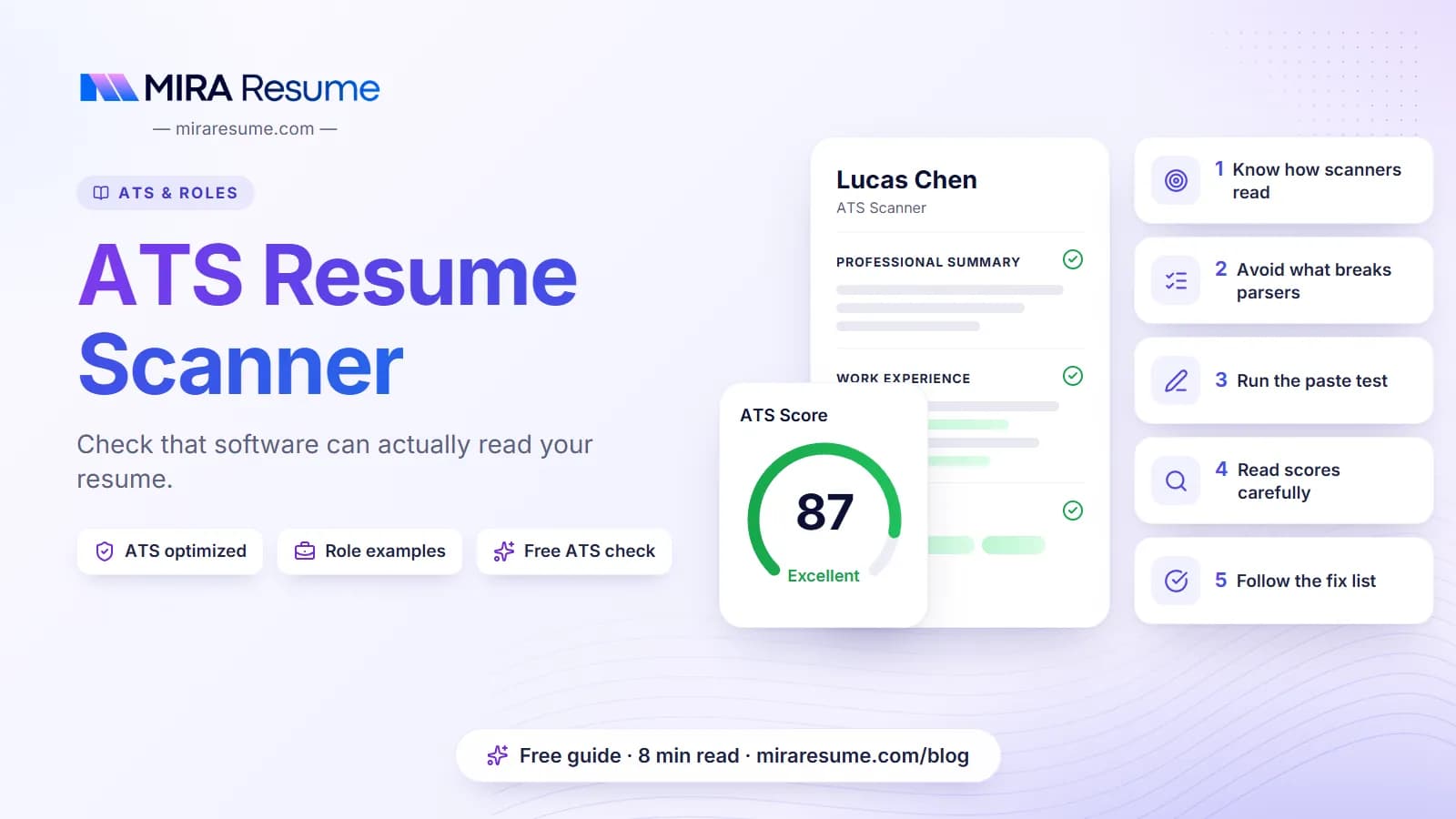

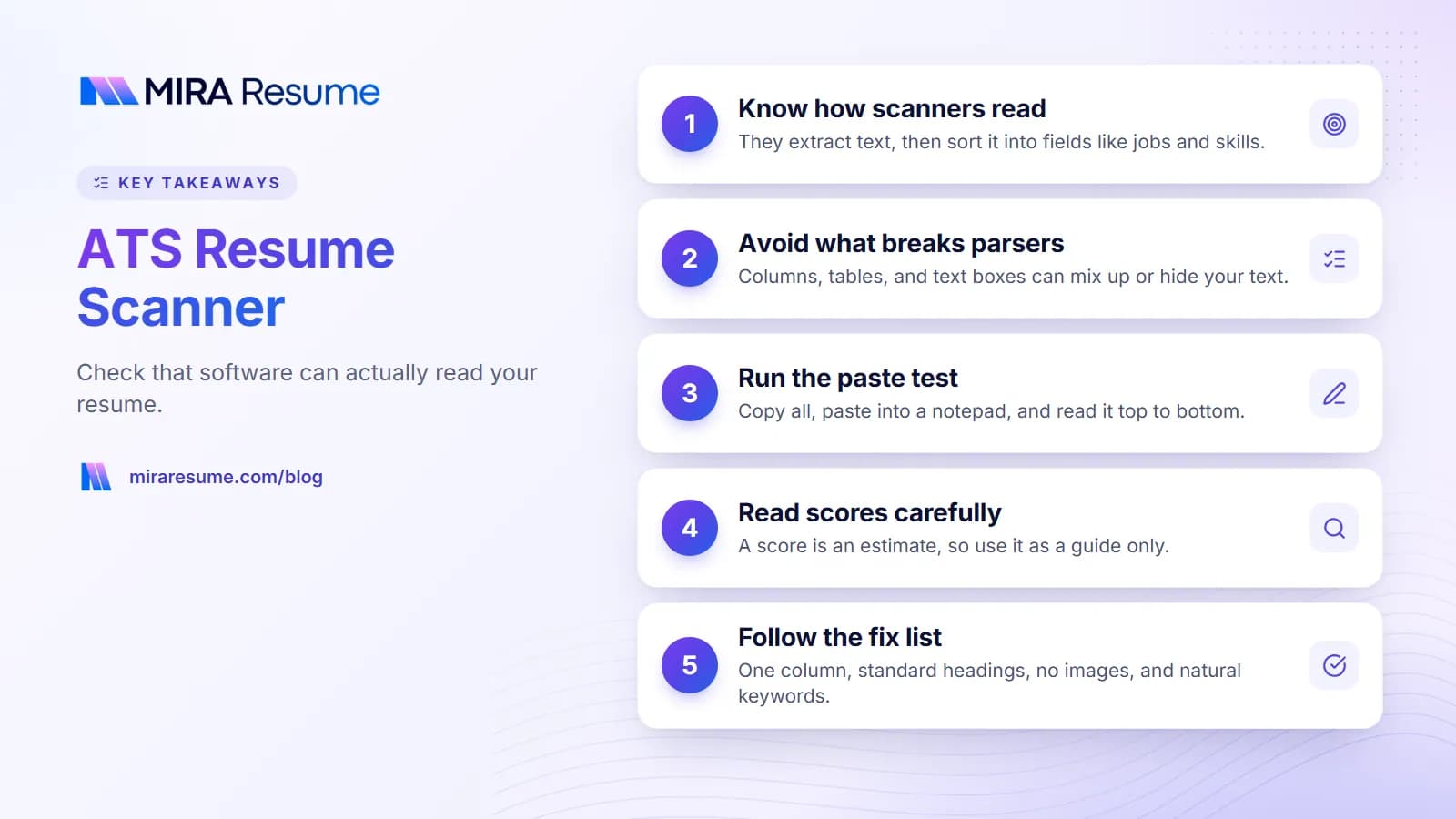
An ATS resume scanner is a tool that opens your resume file, pulls out the words, and sorts them into boxes: your name, your past jobs, your schools, and your skills. Employers use this kind of software inside their applicant tracking system (ATS). You may also see the same idea called an ATS parser. The scanner is not a judge. It is more like a very fast, very literal reader.
Why does this matter to you? If the scanner reads your file wrongly, the recruiter sees a messy profile. Your job titles might land in the wrong place, or your contact details might go missing. A clean, simple file avoids most of these problems.
This guide explains, in plain English, how a scanner reads a resume, what usually goes wrong, and how to test your own file. It also covers what a free ATS resume checker can and cannot tell you, so you know how much to trust the result.
What an ATS resume scanner actually does
When you upload a resume, the system does not look at it the way a person does. It follows a few steps in order. Knowing these steps makes every other tip on this page easier to follow.
Step 1: It extracts the text
The scanner opens your file (a PDF or Word document) and tries to copy out every word, in reading order. If your file is a picture of text, such as a scanned page or an image-based PDF, there may be no text to copy. In that case the scanner has nothing to read.
Step 2: It finds sections and fields
Next, the parser looks for clues. A line that says "Work Experience" tells it that job entries follow. Dates tell it when a job started and ended. This is why plain headings and normal date formats help so much.
Step 3: It saves the result as a profile
The parsed details become a profile in the employer's system. A recruiter can then search the profile, filter by skills or job title, or read your original file. Many systems keep both the profile and the original upload, so a person can still open your real resume.
What the scanner does not do
- It does not know how good a worker you are. It only reads what is written.
- It does not work the same way everywhere. Each employer chooses its own settings.
- It does not reject people by itself in most cases. How a company uses the results is up to the company, and we cannot see inside any one employer's setup.
For a deeper look at the whole hiring system around the scanner, read our guide on how ATS works.
ATS parser vs. ATS scanner vs. ATS checker: what is the difference?
These words get mixed up all the time. Here is a simple way to separate them.
| Term | Who uses it | What it means |
|---|---|---|
| ATS parser | Employers (built into their system) | The part of the software that turns your file into text and fields. |
| ATS resume scanner | Job seekers and employers | A casual name for the same reading step, or for a tool that imitates it. |
| ATS resume checker | Job seekers | A tool that reads your resume and gives feedback, often a score and a list of fixes. |
So when people search for a free ATS resume checker, they usually want a way to preview how a parser might handle their file. A checker cannot copy any specific employer's software. It can still catch the common problems that confuse most parsers.
Why one resume can read differently in two systems
Different systems are built by different companies. Some handle columns and unusual layouts well. Others are strict and expect a classic top-to-bottom format. Because you rarely know which system an employer uses, the safest choice is a layout that works nearly everywhere: one column, standard headings, and simple text.
What breaks an ATS resume parser
Most reading errors come from a short list of causes. Check your resume against this table.
| Problem | What can go wrong | Simple fix |
|---|---|---|
| Two or three columns | Text from different columns gets mixed into one line. | Use one column from top to bottom. |
| Text inside tables or text boxes | The scanner may skip it or read it out of order. | Put content in normal paragraphs and bullet lists. |
| Contact details in the header or footer | Some systems ignore headers and footers entirely. | Place your name, phone, and email in the main body at the top. |
| Image-only PDF or scanned page | There is no real text to read. | Export from Word or Google Docs so the text is selectable. |
| Icons, graphics, skill bars | Symbols may turn into strange characters, and bars say nothing in text. | Write skills as words in a list. |
| Creative headings like "My Journey" | The parser may not know it is your job history. | Use "Work Experience", "Education", "Skills". |
| Odd date formats | Jobs may be placed in the wrong order or show no length. | Use "Jan 2023 - Mar 2025" or "01/2023 - 03/2025" consistently. |
Fancy fonts and special bullets
Stick with common fonts and plain round bullets. Rare symbols sometimes come through as empty boxes. Nothing is gained by using decorative bullets, so keep it simple.
File type: PDF or Word?
Both usually work. If the job post names a format, follow it. If it does not, a text-based PDF or a .docx file are the usual safe choices. The key point is that you can select and copy the text in the file.
How to check your resume with an ATS resume checker
You can test your own resume in a few minutes. Follow these steps, whether you use a tool or do it by hand.
The 60-second manual test
- Open your resume file and press Select All, then Copy.
- Paste the text into a plain notepad app.
- Read it from top to bottom. Is your name first? Are your jobs in the right order? Are any words missing or mixed up?
If the pasted text looks messy, a parser will probably see a mess too. Fix the layout and test again.
Use a tool for a deeper look
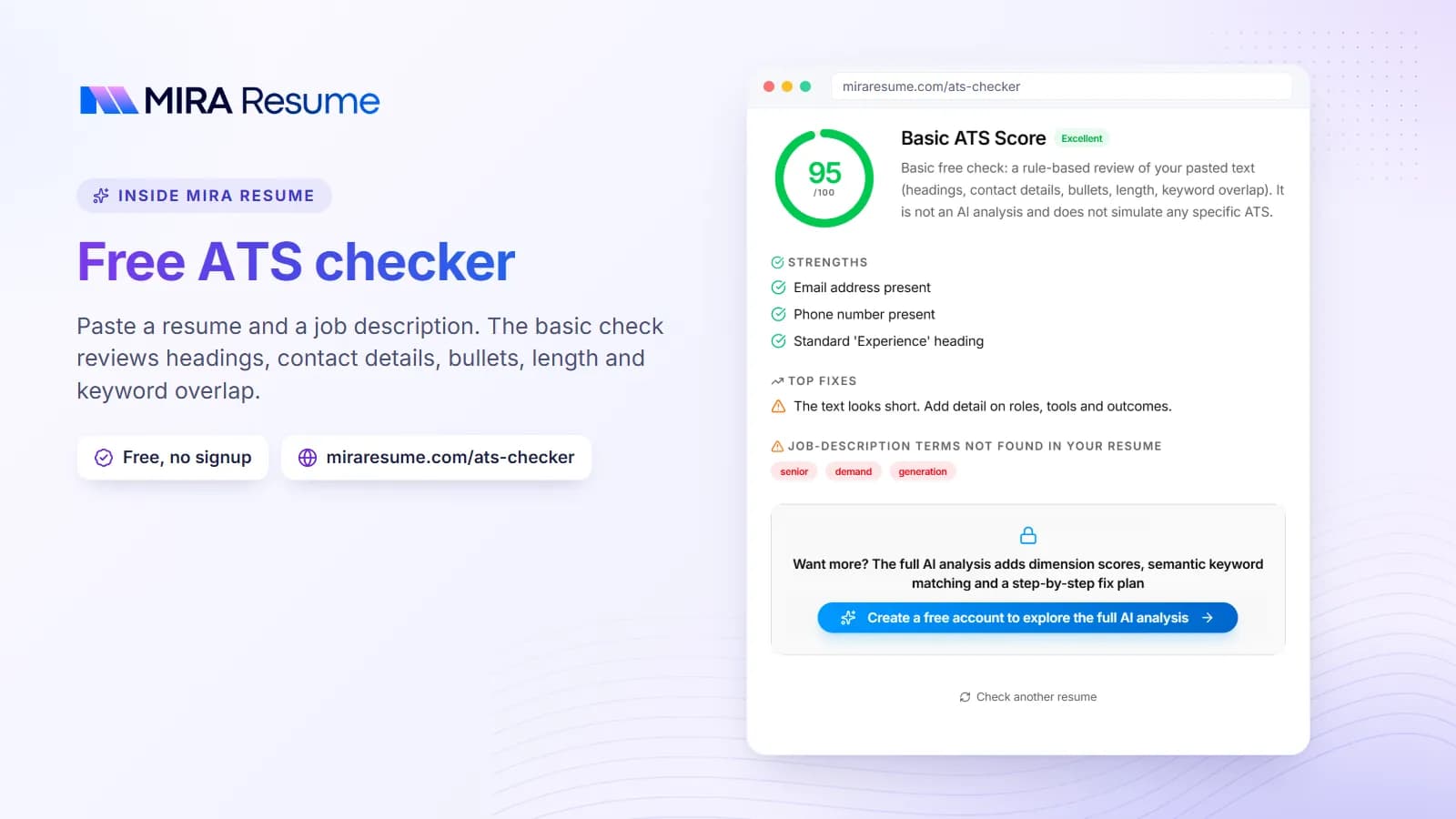
A checker goes further than copy and paste. With the Mira Resume ATS checker, you can upload your resume and, if you have one, paste in a job description. The tool looks at layout problems that can trip up parsing, whether standard sections are present, and how well your wording lines up with the job post. It also looks at how clearly you show results in your bullet points, and it suggests fixes.
If you only want a quick formatting and structure check, the ATS checker page is built for that. For a broader review, the general resume checker is also available.
Add a job description for a better result
A resume does not have a single "good" score on its own. It is only good for a certain job. When you paste in the job post, the checker can show which important words from the post are missing from your resume. You can learn to do this by hand with the job analyzer, which pulls out the key skills and phrases from a posting.
How to read your ATS score without being misled
Scores feel exact, but they are estimates. Every checker uses its own rules, so a score from one tool will not match another. Nor will it match what an employer's system shows, since many employers never show a score to anyone.
What a score is good for
- Spotting layout and section problems quickly.
- Finding keywords from the job post that you left out.
- Tracking progress. Scan, fix, and scan again to see what changed.
What a score cannot tell you
- Whether a particular company will call you.
- Whether a human will like your story.
- Which exact system a company uses.
Treat the score as a to-do list, not a grade. If the tool says a keyword is missing, add it only if it is true. If you have never used a certain tool, do not claim it.
Do not chase 100
A perfect number is not the goal. A clear, honest resume that matches the job is. Once the big problems are fixed, spend your time on stronger bullet points instead of tiny score gains.
A simple fix list: make your resume easy for any scanner
Use this checklist before you apply. It takes about ten minutes.
Layout
- One column, top to bottom.
- Name and contact details in the main body, not the header.
- Margins around 0.7 to 1 inch and a readable font size, 10 to 12 points.
- No images, charts, or skill bars.
Content
- Standard headings: Summary, Work Experience, Education, Skills.
- Job title, company, location, and dates for each role.
- Skills spelled out the way the job post spells them. Write "Search Engine Optimization (SEO)" at least once if the post uses both forms.
- Bullets that start with an action word and show a result. Our action verbs for resume list can help.
Before and after: a bullet a scanner can use
| Before | After |
|---|---|
| Responsible for handling customer emails | Answered 40+ customer emails a day in Zendesk and kept replies within a 4-hour target |
| Worked on reports | Built weekly sales reports in Excel for a team of six, cutting prep time from two hours to 30 minutes |
These numbers are examples for illustration. Use real figures from your own work, or leave the number out rather than guess.
If building the file from scratch sounds like a chore, an AI resume builder can start you with a clean one-column layout, and you can edit the wording yourself. You can also browse resume templates to see simple layouts.
Common mistakes when using an ATS scanner
- Trusting one score as the full truth. Use it as a guide, then check the pasted text yourself.
- Stuffing in keywords. Repeating a word 15 times, or hiding white text, reads badly to people and can hurt you. Use each key term naturally, once or twice.
- Using a pretty template without testing it. Test any template with the copy-and-paste check before you apply.
- Sending the same resume to every job. Change your summary, skills, and top bullets to match each post.
- Adding skills you do not have. It can come back in the interview or on the job.
- Ignoring the human reader. After the scanner comes a person. Make the top third of page one clear and strong.
If you are also deciding how to organize your skills, see our guide on skills to put on a resume. For an ATS-friendly design, the ATS-friendly CV template article is a good next stop.
A quick before-you-apply routine
- Copy the job post into a document and highlight the skills and tools it names.
- Edit your resume so the true matches appear in your summary, skills, and bullets.
- Run the copy-and-paste test.
- Scan with a checker and fix the biggest issues first.
- Save the file with a clear name, such as "Maria-Lopez-Resume.pdf".
- Apply, then keep a note of which version you sent to which company.
That routine is all most people need. It will not guarantee an interview, because nobody can promise that, but it removes avoidable reading errors so your real experience gets a fair look.