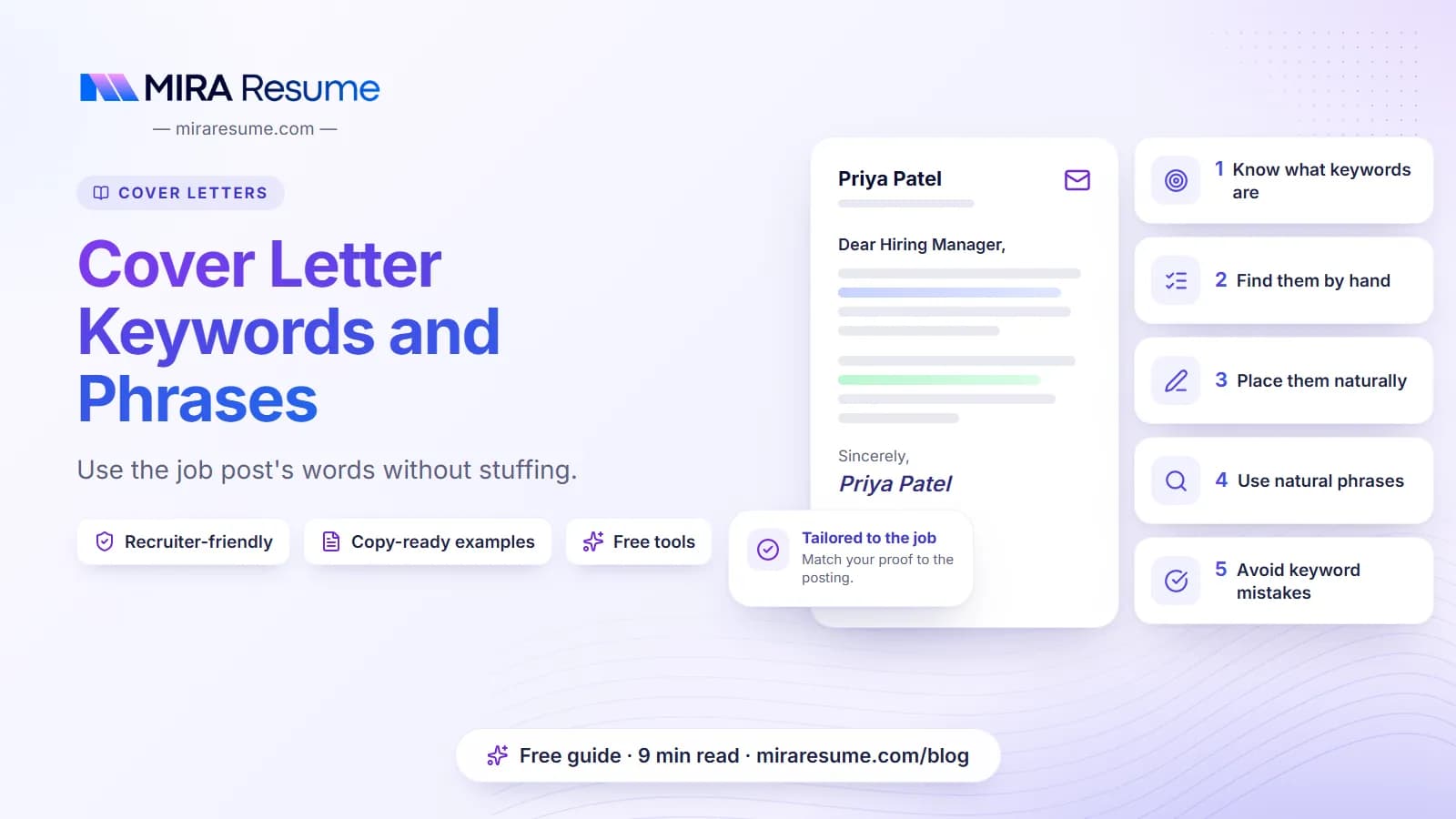

Cover letter keywords and phrases are the words and short phrases from a job post that describe what the employer needs: skills, tools, duties and qualities. Using them naturally shows you match the job. Stuffing them in makes your letter sound like a robot.
Some employers use applicant tracking systems (ATS) that store and search applications, and a recruiter may search for key terms. Even when no software is involved, a human reader scans for the same words. So the goal is the same either way: speak the job's language, in true sentences.
This guide shows how to find the keywords, where to place them, and how to run a simple ATS check on your letter. For the full writing process, see how to write a cover letter.
What keywords for a cover letter are and why they matter
Keywords for a cover letter are the terms a job post uses to describe the work. They come in a few types:
- Hard skills. Specific abilities such as "scheduling", "bookkeeping" or "patient intake".
- Tools. Named software or equipment, such as "Excel", "Epic" or "Zendesk".
- Duties. What you will do, such as "manage a team" or "respond to customer questions".
- Qualities. How you work, such as "detail-oriented" or "calm under pressure".
- Credentials. Licenses, degrees or certificates required for the role.
Why do they matter? First, a recruiter may search stored applications for them. Second, a person who reads your letter quickly looks for signs you match. When your words mirror the post, they find those signs fast. To learn how the software side works, see how an ATS works.
Do not worry that this is a trick. You are only describing true experience in the words the employer already used.
How to find keywords in a job post
You can do this by hand in about ten minutes.
- Copy the post into a document.
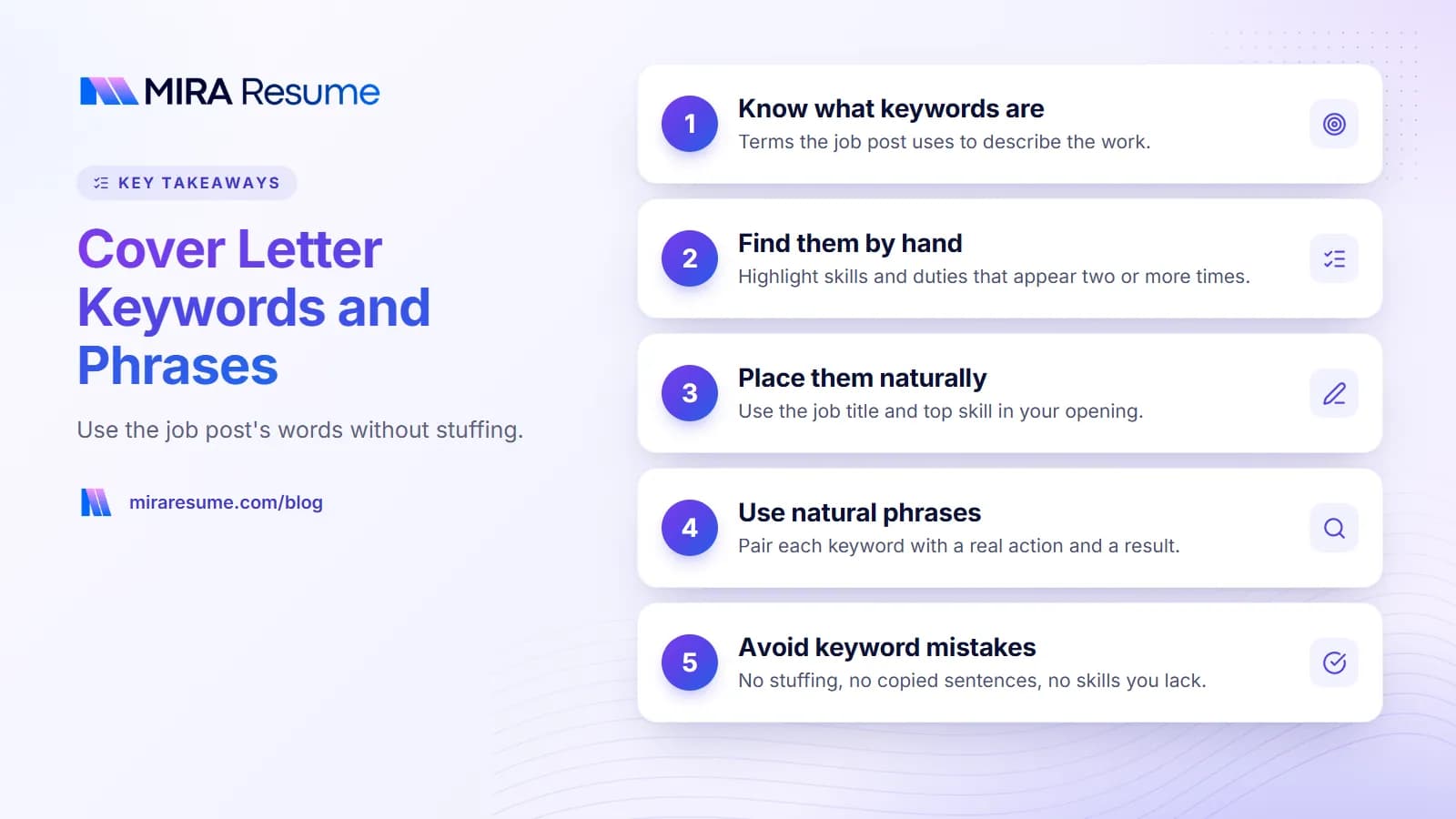
- Highlight repeats. Any skill or duty that appears two or more times is important.
- Check the top. The job summary and first few bullets usually hold the main needs.
- Mark the "must have" items. Look for phrases like "required" or "must".
- Note tools and credentials. Exact names matter.
- Sort them into three groups: things you have done, things you have partly done, and things you have not done.
Only use words from the first group, and use the second group carefully with honest wording. Leave the third group out. If a key requirement is missing, a letter that explains how you are learning it is better than a false claim.
A worked example
Take this short job post snippet.
We are looking for a Customer Support Specialist to answer customer chats and emails, keep detailed ticket notes, and work with our shipping team. Must be calm with upset customers and comfortable with Zendesk.
| Keyword or phrase | Type | Do you have it? | How to use it |
|---|---|---|---|
| answer customer chats and emails | Duty | Yes | "I answer about 40 chats and emails a day." |
| ticket notes | Skill | Yes | "I keep clear ticket notes so teammates can pick up where I left off." |
| calm with upset customers | Quality | Yes | Tell a short story of a hard call. |
| Zendesk | Tool | Partly (used a similar tool) | "I use Freshdesk daily and learned Zendesk basics in a short course." |
| shipping team | Collaboration | Yes | "I work with our shipping team on late orders." |
Where to place keywords in your cover letter
Keywords belong where they fit naturally. These are the best spots.
| Section | Best keywords to include | Example |
|---|---|---|
| Opening | The exact job title and your top skill | "I am applying for the Customer Support Specialist role, and I answer customer chats daily." |
| Proof paragraph | Two or three duties and one tool | "I use Freshdesk to track tickets and keep clear notes." |
| Company paragraph | A value or goal from the post | "Your focus on helping customers after the sale matches how I work." |
| Closing | One last match, if natural | "I would welcome the chance to bring my support skills to your team." |
Aim for the top three to five terms only. A 300-word letter cannot carry twenty keywords without sounding odd. Your resume is the place for the longer list. If you need a full list approach for your resume, see resume keywords and the guide to skills to put on a resume.
Cover letter phrases that sound natural
Good phrases carry a keyword inside a real action. They start with a verb, name the work and often give a result. See our action verbs for a resume for more starters.
| Stiff or empty | Natural phrase with a keyword |
|---|---|
| I have excellent communication skills. | I write the weekly update that goes to 30 parents and answer their questions by email the same day. |
| I am proficient in Microsoft Excel. | I built an Excel sheet that tracks stock levels and flags low items. |
| I am a strong leader. | I led a team of six and ran our weekly planning meeting. |
| I have strong attention to detail. | I check every invoice twice and caught a pricing error that saved the team rework. |
| I am customer focused. | I follow up on every ticket until the customer confirms it is solved. |
| I am results driven. | I met my monthly target in each of my last four months. |
Use only true examples. If you do not track numbers, describe the change with plain words.
Phrases to use with care
- "Team player", "hard worker" and "go-getter" are in every letter. Replace them with a story.
- "Responsible for" is weak. Use a verb like "managed", "scheduled" or "trained".
- Buzzwords like "synergy" and "thought leader" add nothing.
How to run an ATS check on your cover letter
You can run a simple ATS check for a cover letter yourself. Software does not give a letter a score the way it can for a resume, but it does store and search the text. So the checks below help in two ways: they keep your file readable and they confirm your keywords are present.
- Use real text in a clean file. Create the letter in a word processor and export to PDF. Do not use an image or scan.
- Keep the layout simple. One column, no text boxes, no tables for the body. See how to format a cover letter.
- Select all text. Open the PDF, select the text and paste it into a plain notepad. If it pastes in order and without odd characters, software can read it.
- Compare with the post. Check that your top five keywords from the job post appear in the letter, in context.
- Check spelling of terms. Use the same spelling as the post, such as "Zendesk" not "Zen desk".
- Check the resume too. Your resume does most of the keyword work.
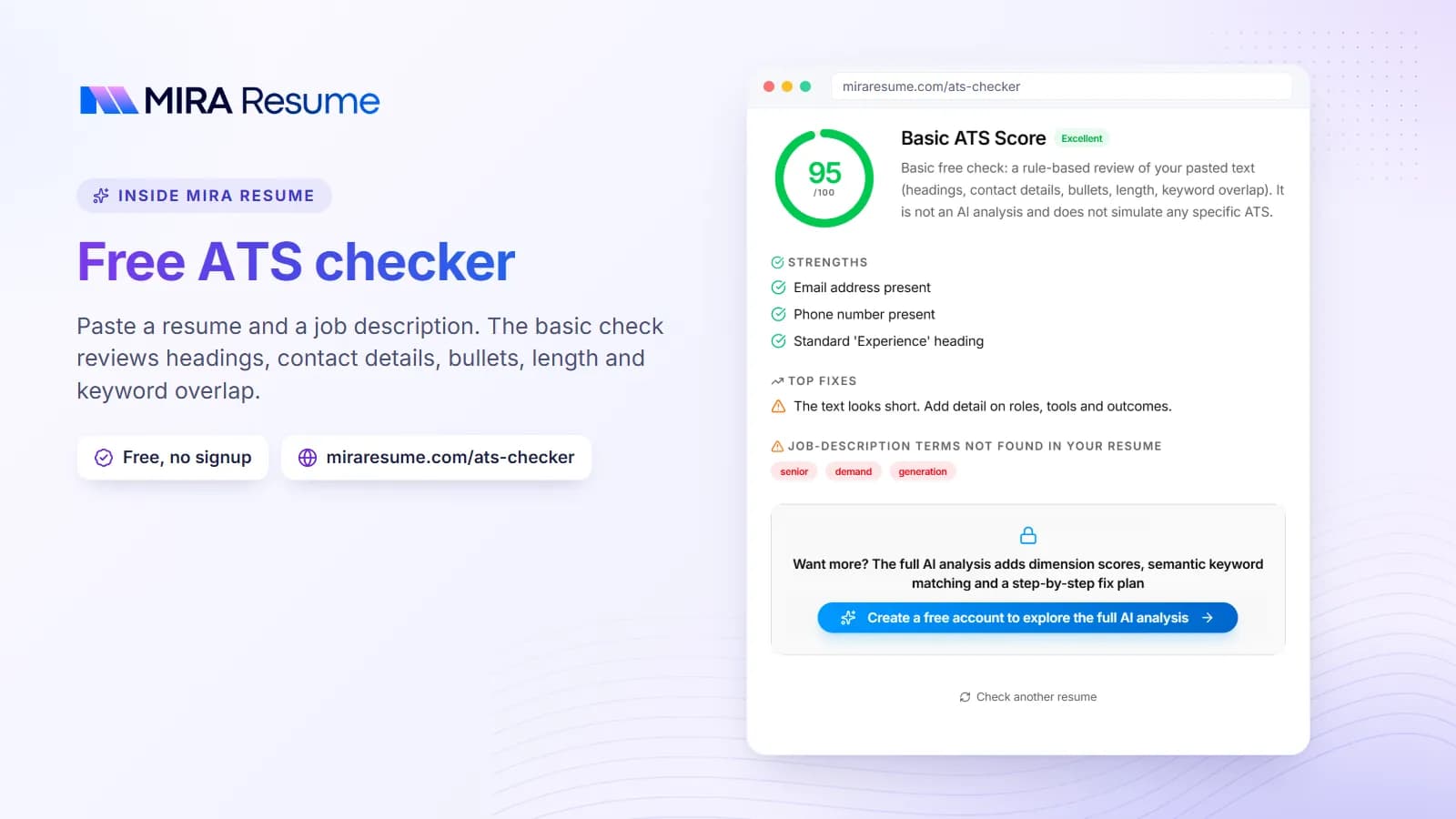
For the resume side, the ATS checker shows how software reads your resume file, and the resume checker gives a second look at content. For more on testing, read our ATS resume scanner guide. If you want to know what an ATS-friendly resume looks like, see what is an ATS resume.
Keywords by job type: examples to borrow
These examples show the kind of terms that often appear in posts. Always use the words from your own post, not this list, and only the ones that are true for you.
| Job type | Example keywords from posts | Sample sentence |
|---|---|---|
| Office and admin | scheduling, calendar management, records, travel arrangements | "I manage calendars and travel for a team of eight." |
| Customer service | chat support, ticket notes, de-escalation, CRM | "I stay calm with upset customers and log every ticket clearly." |
| Healthcare support | patient intake, vital signs, electronic records, scheduling | "I record vital signs and update electronic records at each visit." |
| Retail and sales | point of sale, inventory, upselling, customer service | "I run the register and restock shelves during busy hours." |
| Marketing | content calendar, social media, analytics, email campaigns | "I plan a monthly content calendar for three channels." |
| Technical and data | SQL, dashboards, reporting, data cleaning | "I built a weekly sales dashboard for a local shop." |
For role-specific letters, look at our customer service cover letter, engineering cover letter and registered nurse cover letter pages. More full samples are in cover letter examples.
A letter that uses keywords naturally
Here is a short letter written for the customer support post above. The keywords are in bold in this explanation, but your real letter should have no bold or special marks.
Dear Ms. Alvarez,
I am applying for the Customer Support Specialist role at Northline Home. I answer customer chats and emails every day for an online store, and I enjoy turning a worried message into a happy reply.
I handle about 40 contacts a day and keep clear ticket notes so teammates can pick up where I left off. I use Freshdesk daily and completed a short course on Zendesk basics. When a customer is upset about a late order, I work with our shipping team to find the problem and follow up until it is solved.
I like that Northline Home offers free repair advice with every order. It shows that your team cares about customers after the sale, which is how I like to work too.
Thank you for your time. I would welcome the chance to talk. You can reach me at 555-0100 or [email protected].
Sincerely,
Sam Rivera
Keywords used: customer chats and emails, ticket notes, Zendesk, upset customers and shipping team. Each one sits inside a true sentence with a clear action. Nothing reads like a list.
Common keyword mistakes in a cover letter
- Keyword stuffing. Repeating a term five times does not help and reads badly.
- Copying whole sentences from the post. Use the terms, not the lines.
- Claiming skills you do not have. You may be asked about them in the interview. Be honest about what you are learning.
- Hiding keywords in white text. This is a trick that can get your application rejected. Never do it.
- Using only buzzwords. Pair each term with a short example.
- Ignoring synonyms. If the post says "client care" and you say "customer service", use their wording where it is true.
- Forgetting the resume. Put the longer list of terms on your resume, not in the letter.
- Using the same letter for every job. The keywords change with each post.
Keep your letter short and clear. See how long a cover letter should be and what to include in a cover letter. For a ready layout, browse our cover letter templates.