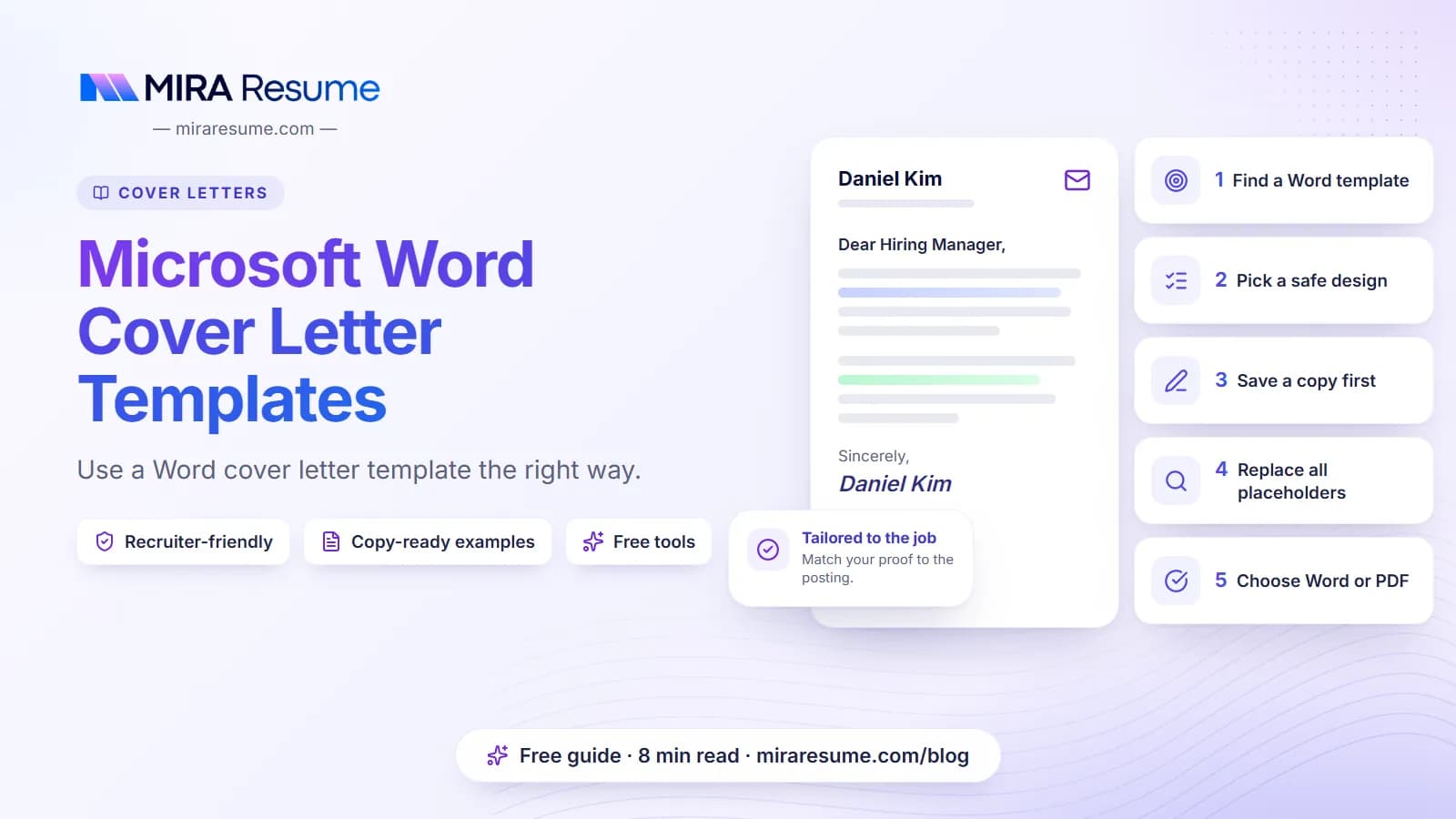

Most people who search for microsoft word cover letter templates want the same thing: a clean layout they can open, fill in and send today. Word already has many built-in designs, and you can also build a plain one yourself in about five minutes.
This guide shows where to find templates, how to pick one that is safe for applicant tracking systems, how to edit and save it, and a plain template you can copy right now. It also explains the mistakes that make Word letters look messy.
Where to find a cover letter template in Word
Menus change slightly between versions, so look for the same ideas even if the names differ a little. These are the main routes.
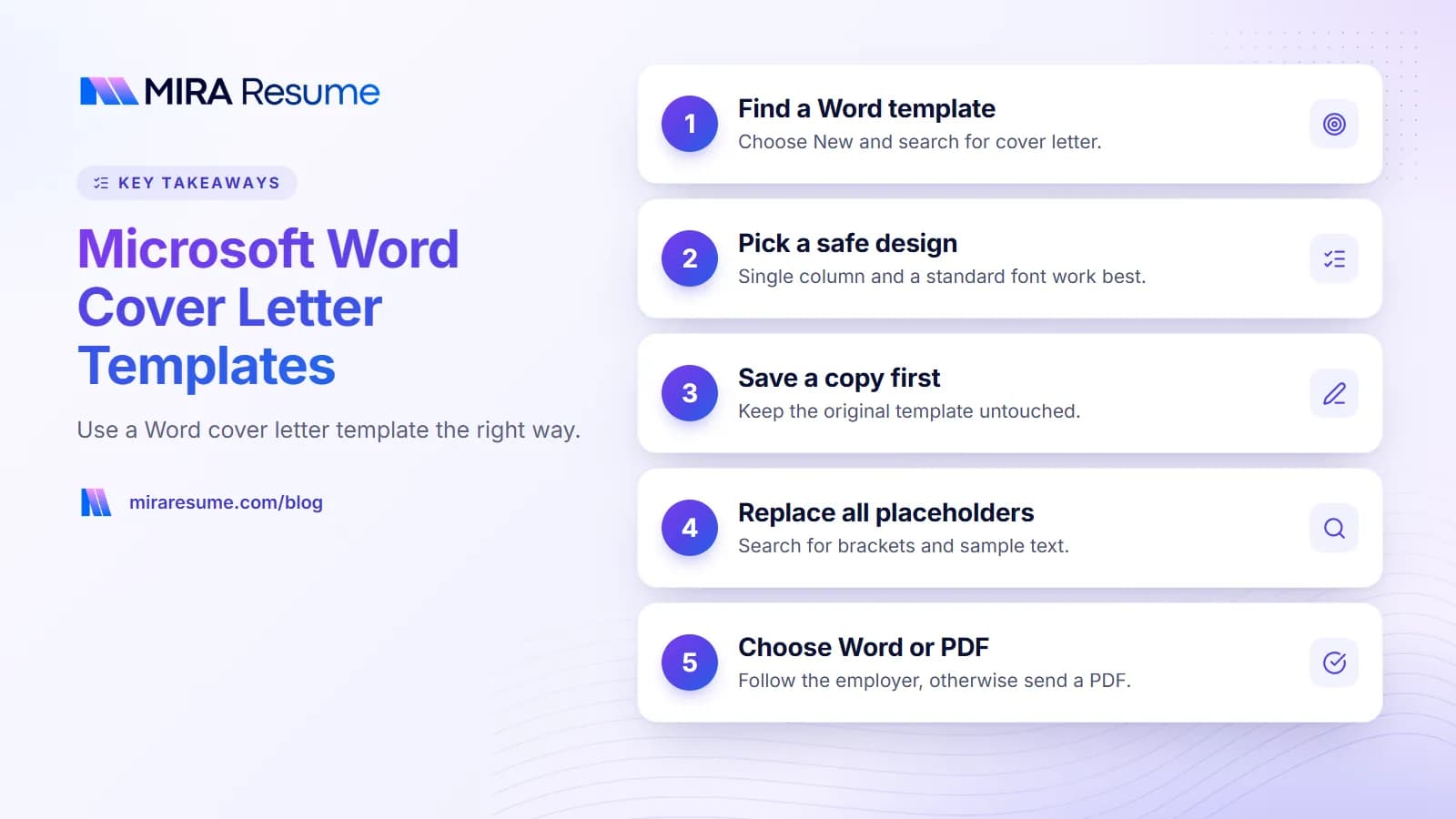
- Inside Word. Open Word, choose New (or File, then New) and type "cover letter" in the search box. A list of templates appears. Click one to preview it, then choose Create.
- Word on the web. Sign in, open Word and look in the template gallery for cover letters.
- Microsoft's template site. Microsoft hosts a library of free templates you can download and open in Word.
- Copy and paste. Use a plain text template, like the one below, and paste it into a blank document. See our cover letter templates page for ready-to-copy layouts.
- Build your own. A blank page with normal margins and a standard font is often the safest option.
Templates may be added or removed over time, and what you see can depend on your Word version and your account. If you cannot find one you like, a blank page with the layout in this guide works just as well.
Which Word template styles work best
Not every pretty template is a good idea. Fancy layouts can hide text from software and make the letter hard to edit. Use this table to judge a design before you pick it.
| Feature | Safe choice | Risky choice |
|---|---|---|
| Columns | Single column | Two or more columns that split the text |
| Text boxes | None, or only for decoration | Putting body text or contact details in boxes |
| Fonts | Calibri, Arial, Cambria, Georgia, Times New Roman | Rare fonts that may not exist on another computer |
| Color | Black text, one small accent color | Dark backgrounds or pale text |
| Graphics | Simple line or none | Large images, icons, or logos in the header |
| Headers and footers | Keep them empty | Contact details only inside the header |
| Length | One page | Template that forces a second page |
For more on why plain layouts are safer, read how ATS works. If you want the same effect for your resume, the Microsoft Word resume templates guide covers it.
How to edit a Word cover letter template step by step
- Save a copy first. Use File, then Save As, and give it a name like "Your-Name-Cover-Letter". This keeps the original template safe.
- Replace the contact block. Put your name, phone, email and city at the top. Make sure the details match your resume.
- Add the date and the employer's name. If you know the hiring manager's name, use it.
- Delete all sample text. It is easy to miss a line, such as a leftover company name.
- Write your four paragraphs. Use the plan below.
- Check fonts and spacing. Use one font in 10.5 to 12 points. Keep paragraph spacing even.
- Run spell check. Then read the letter aloud.
- Preview the print layout. Make sure it fits on one page.
- Save as PDF or Word as the employer requires (see the section on saving below).
The four paragraphs
- Opening: job title, company and one reason you fit. See how to start a cover letter.
- Proof: one or two short stories that match the job post.
- Company fit: a real detail about the employer.
- Closing: thanks and a call to talk. See how to close a cover letter.
A plain cover letter template you can paste into Word
Copy this into a blank Word document, replace everything in brackets and delete what you do not need. It is a simple one-column letter with no boxes or graphics.
[Your Name]
[City, State] | [Phone] | [Email]
[Date]
[Hiring Manager Name]
[Company Name]
Dear [Hiring Manager Name],
I am applying for the [Job Title] role at [Company Name]. I have [number] years of experience in [field or skill], and I am interested in this role because [specific reason].
In my work at [Employer], I [what you did and the result]. For example, [one short story that matches the job post]. I am comfortable with [two or three skills or tools from the post].
I like that [Company Name] [real detail about the company]. I would like to help with [specific work or goal].
Thank you for your time. I would welcome a chance to talk about how I can help your team. You can reach me at [Phone] or [Email].
Sincerely,
[Your Name]
Want a filled-in example? Browse the cover letter examples. For a different editor, there is also a guide to the Google Docs cover letter template.
A cover letter template in Word, filled in as an example
Here is how the template looks with real-sounding details. Names and numbers are examples only, so use your own true facts.
Dear Ms. Reyes,
I am applying for the Marketing Coordinator role at Greenleaf Foods. I have three years of experience running email and social campaigns for a small retailer, and I am interested in this role because your team focuses on local, family-owned farms.
In my current job, I write a weekly email that goes to our customer list. I tested two subject lines for a spring sale and used the stronger one for the rest of the series. I also schedule social posts and report on what worked in a short monthly summary. I am comfortable with Mailchimp, Canva and Google Analytics, which your post lists.
I like that Greenleaf Foods shares the story of each farm on its packaging. I would like to help tell those stories to more shoppers.
Thank you for your time. You can reach me at 555-0188 or [email protected].
Sincerely,
Lee Carter
Short, specific and easy to read. That is the whole goal of a template: to take away layout stress so you can focus on the words.
What makes this version work
- The first paragraph names the job, gives a number of years and ties the role to the company's focus.
- The second paragraph tells one small story, a subject line test, instead of listing duties.
- The tools named come straight from the job post, so the reader sees a match quickly.
- The company paragraph uses a detail that only this employer has.
- The closing is polite and short, with contact details in plain text.
When you copy this pattern, change the story to one of your own. A template can give the shape, but only you can supply the proof.
Should you send a Word file or a PDF?
Follow the employer's instructions first. If they say nothing, use this guide.
| Situation | Better choice | Why |
|---|---|---|
| Employer asks for a Word file | .docx | Always follow the written request. |
| Employer asks for a PDF | Same reason. | |
| No instruction, online form | Layout stays the same on every device. | |
| Staffing agency or recruiter who will edit it | .docx, if they ask | They may need to change or merge it. |
| Email attachment, no instruction | Cleaner look and no accidental edits. | |
| Pasting into a text box | Plain text | Fancy formatting is lost anyway. |
How to save as PDF from Word
Choose File, then Save As, and pick PDF from the file type list. Or use Export and choose Create PDF. Open the saved file and check it. Make sure the text can be selected, which shows it is real text and not a picture. Use a clear file name, such as "Lee-Carter-Cover-Letter.pdf".
Using Mira Resume with your Word cover letter
Here is what we can and cannot do, so you are not surprised. Mira Resume builds resumes and lets you download them as PDF files or as an editable Word (.docx) file. The Word download is a plain single-column version that is easy to edit, but it does not copy the template design. Cover letters you write in Mira download as PDF or plain text, so paste the text into Word if an employer wants a .docx letter. The Microsoft Word resume templates guide covers the Word settings.
For cover letters, our cover letter tool creates draft text from your resume and a job post. You can edit that text and copy it. Paste it into a Word template, adjust the layout and save it in the format the employer asks for. Check the draft carefully and change anything that is not true or does not sound like you.
A good workflow looks like this.
- Paste the job post into the job analyzer to see what the employer stresses.
- Build or update your resume in the resume builder and run the ATS checker.
- Draft the letter text, then paste it into your Word template.
- Save both documents with matching names and send them in the requested format.
Common mistakes with Word cover letter templates
- Leaving sample text behind. A leftover "Company Name" is an easy way to lose an interview. Search for brackets before you send.
- Choosing a design over readability. If a template has columns, icons or boxes, simplify it.
- Using a rare font. It may change on another computer. Stay with common fonts, or save as PDF.
- Putting contact details only in the header. Some systems skip headers. Place them in the main body.
- Letting it spill onto page two. Trim words instead of shrinking the font. Read how long a cover letter should be.
- Not matching your resume. Use the same name, contact details and style for both documents.
- Not saving a copy of the original. Save As first so you can reuse the template.
- Using the template text as it is. A template gives layout, not content. The words must be yours. Our guide on cover letter vs resume explains what each document should say.
Quick checklist before you send
- Is the layout one column with a standard font?
- Are all brackets and sample words gone?
- Is the company name spelled correctly everywhere?
- Is your contact information the same as on your resume?
- Is the letter one page?
- Have you saved it in the format the employer asked for?
- Does the file name include your name?
If you have no work history yet, see how to write a cover letter with no experience. And when your application is in, a short follow-up email after an interview keeps things moving.