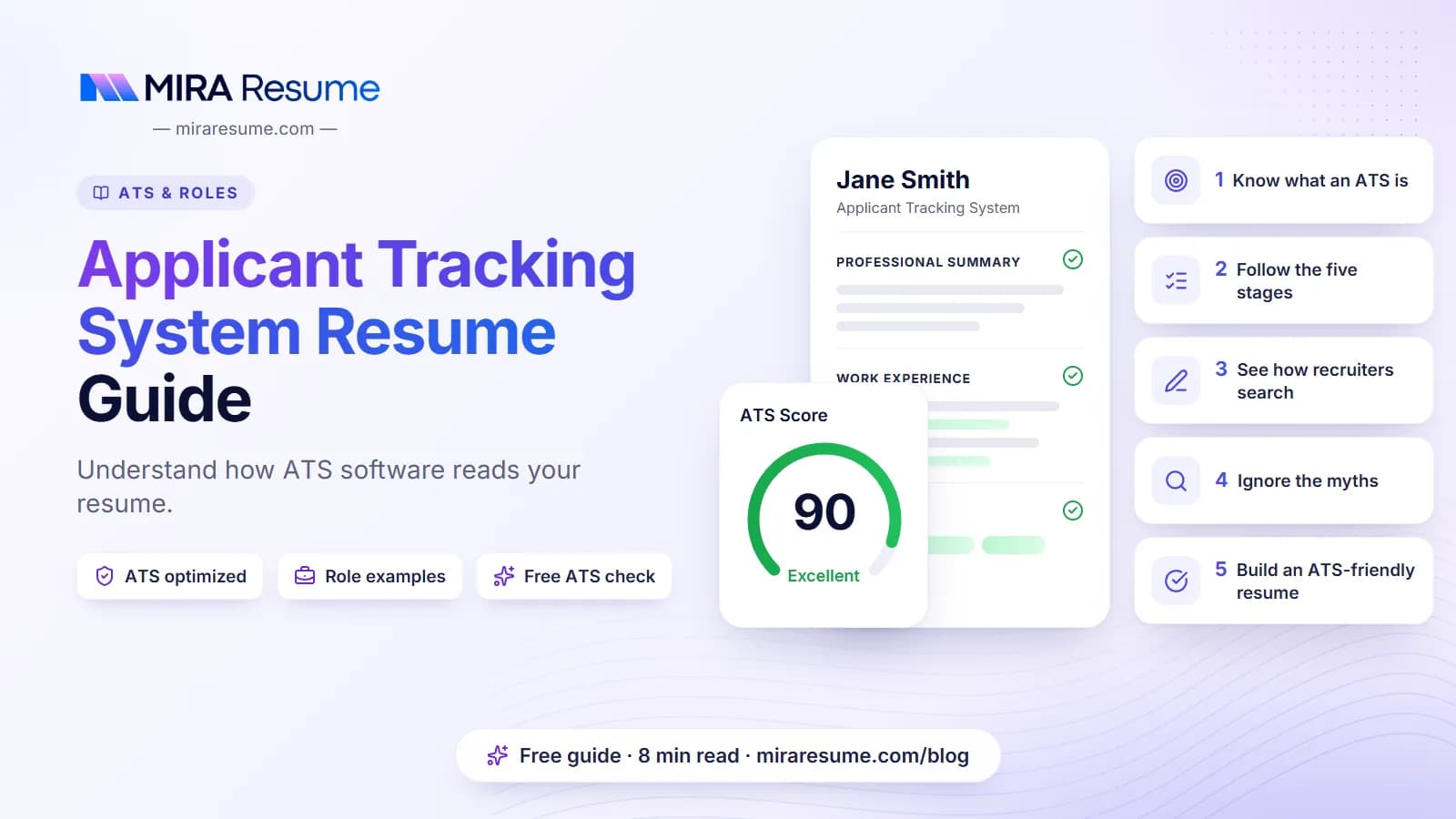

An applicant tracking system resume is just a regular resume that has been uploaded into a company's hiring software. The software is called an applicant tracking system, or ATS. Think of it as a digital filing cabinet for job applications, with a search bar on top.
You will hear many scary stories about ATS software, such as "robots reject most resumes." Nobody outside each company can prove claims like that, and this guide does not repeat them. Instead, it explains what the software is built to do and what you can control.
By the end, you will know the five main stages of an ATS, the difference between a real rule and a myth, and a short list of habits that help your resume get read by a person.
What is an ATS, and what does an ATS resume mean?
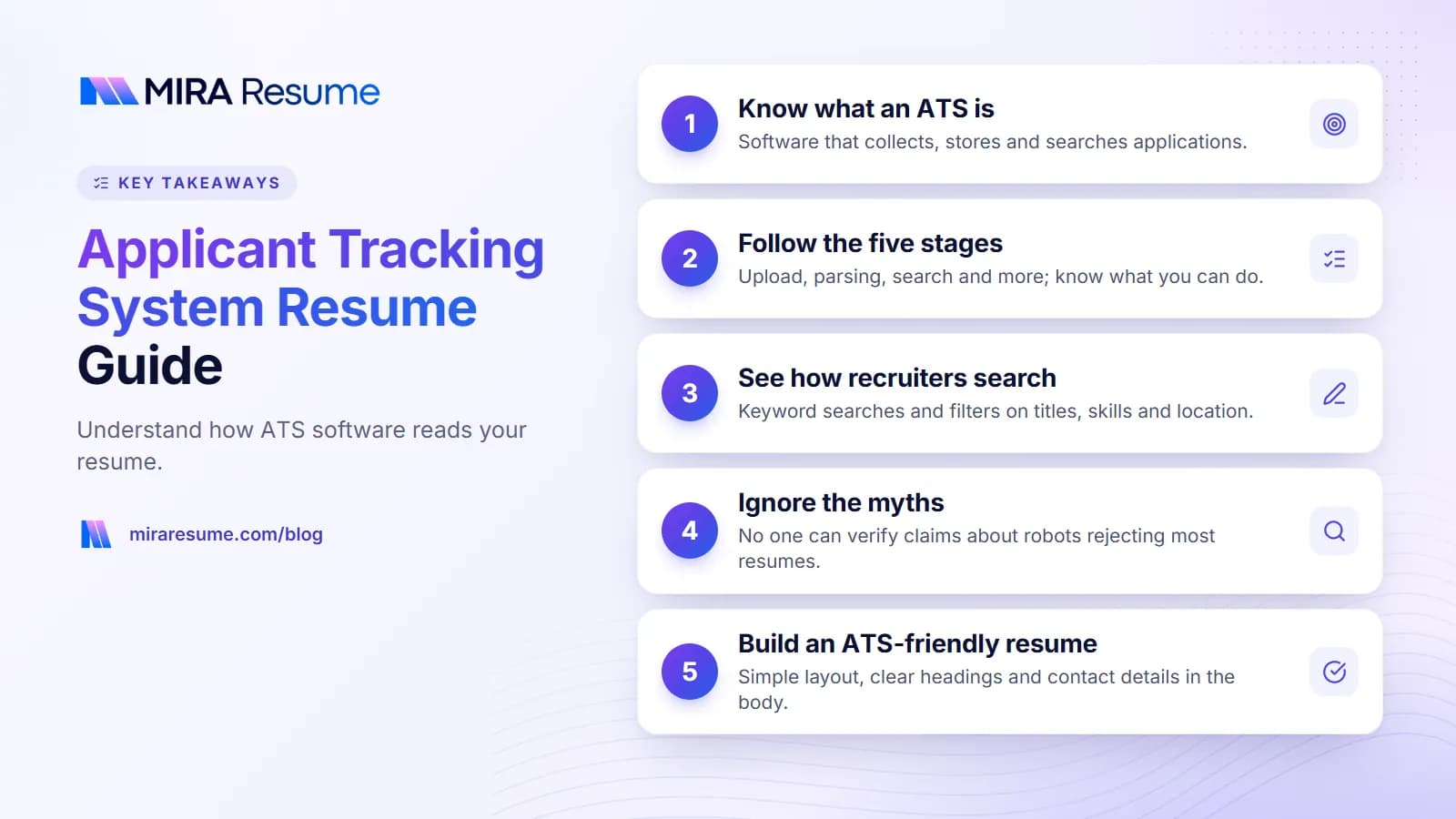
An ATS is software that helps a company manage hiring. When someone clicks "Apply," their details go into the system. The recruiter can then see all applicants for a job in one place instead of in a messy email inbox.
When people say "what is an ATS resume," they usually mean one of two things:
- A resume that the software can read correctly, also called an ATS-friendly resume.
- Any resume that has been uploaded into such a system.
There is no special secret format. The meaning of "ATS resume" is really "a resume with a clean structure, standard headings, and real text that a computer can copy."
Who uses an ATS?
Many mid-size and large employers do, and a number of small ones too. Some small shops still use only email. You often cannot tell from the outside, so it is smart to prepare a clean resume for every application.
What the ATS is for
Its main jobs are to collect applications, track each person's stage (applied, interview, offer), send messages, and let recruiters search. It is a workflow tool first. Any ranking or matching features are extras that employers may or may not turn on.
The five stages of an ATS, step by step
The details vary by product, but most applications move through a similar path.
| Stage | What happens | What you can do |
|---|---|---|
| 1. Upload | You send your resume and fill in a form. | Use a clean file; fill out every required field. |
| 2. Parsing | The software reads the file and fills a profile with your name, jobs, schools, and skills. | Use one column and standard headings. |
| 3. Screening questions | You answer set questions, such as work authorization or required licenses. | Answer honestly and carefully. |
| 4. Search and sort | A recruiter searches by words, titles, location, or skills, or reviews a list. | Use the same words the job post uses, where true. |
| 5. Human review | A person reads the resume and decides who gets contacted. | Make page one clear, specific, and easy to scan. |
Stage 2 in more detail: parsing
Parsing is where most formatting problems appear. We explain it in depth in our guide to the ATS resume scanner. In short, text boxes, columns, and image-only files can scramble the result.
Stage 3 in more detail: knockout questions
A knockout question is a yes-or-no or short-answer question tied to a basic job requirement. Examples are "Are you legally allowed to work in this country?", "Do you hold a valid driver's license?", or "Can you work weekends?" If the answer does not match the requirement, the employer may choose to stop the application there. This is the most direct kind of automatic filtering, and it comes from the employer's own rules, not from a mystery algorithm.
How recruiters search an applicant tracking system
Recruiters often use search tools much like the ones you use on a shopping site. They type words and filter the results.
Common ways they search
- Keyword search: a recruiter types a job title, tool, or skill, such as "payroll" or "forklift."
- Filters: location, years of experience, degree, or license.
- Match or rank views: some products can sort applicants by how well they seem to fit the job post. Whether this exists, and how it works, differs by product and by employer settings.
What this means for your wording
If a recruiter searches for "Salesforce" and your resume says "customer relationship tool," you might not show up. Use the exact name of the tool or skill, and add the longer form once if there is a common short form. For example: "Applicant Tracking System (ATS)."
This does not mean you should cram in words. A search match only helps if a person then reads your resume and sees real experience. To find the right words, paste a job post into the job analyzer, or learn the basics in our guide to skills to put on a resume.
Synonyms and "smart" matching
Some newer systems try to understand that two phrases mean the same thing. Do not count on it. Plain, standard wording is safer than clever wording.
ATS myths and what is actually true
Many articles state scary numbers with no proof. We avoid those. Here are common beliefs and a more careful view.
| Myth | A more honest view |
|---|---|
| "Robots reject most resumes before a human sees them." | No one outside each company can verify this. What we do know is that employers set their own rules, and some use screening questions that filter applicants. Many roles also get a human look at some stage. |
| "You need a score of 90 or higher." | Most employers do not show a score to anyone, and scores from tools are estimates. A score is a guide for fixing problems, not an entry ticket. |
| "Use white text to hide keywords." | It is easy for people and software to spot. It can hurt you and does not show real skill. |
| "PDFs always fail." | A text-based PDF is usually fine. Image-only or scanned PDFs are the problem. |
| "Every company uses the same ATS." | There are many products, and each employer configures its own. |
| "Fancy design makes you stand out." | Design is fine for a person, but it can break parsing. Clean and clear is the safer path. |
The honest limit
We do not know how any specific company runs its hiring. That is why the advice here is built around habits that help in almost every setup: readable files, honest keywords, and strong content.
How to build an ATS-friendly resume in six steps
- Pick a simple layout. One column, clear headings, normal fonts. Our resume templates and the ATS-friendly CV template guide show what that looks like.
- Put contact details in the body. Do not hide them in the header or footer.
- Use standard section names. Summary, Work Experience, Education, Skills, Certifications.
- List jobs in reverse order. Most recent first, with title, company, location, and dates.
- Mirror the job post honestly. If the post says "customer support" and you did customer support, do not call it "client happiness."
- Test the file. Copy the text into a notepad window and check the order. Then run it through a checker.
Where to write each type of keyword
- Job titles: in your work history, and in your headline if it is true.
- Tools and software: in your skills list and inside bullet points that show you used them.
- Licenses and certifications: in their own section, with the full name and the short form.
- Soft skills: show them through results, rather than listing them with no proof.
What to do with knockout questions and online forms
Forms can feel like busywork, but they matter. A rushed answer can end an application faster than a messy resume.
Answer truthfully and carefully
Read each question twice. If it asks for "years of experience with X," count only the time you used X, not your whole career. If you are unsure, pick the most accurate answer and add a short note if the form allows it.
Keep your resume and form consistent
Dates, job titles, and schools should match in both places. Differences can raise questions later, especially during background checks.
Auto-fill is not perfect
Many sites offer to fill the form from your resume. Always read every field afterward. Parsing can put a job in the wrong box, and a quick fix at this point saves you trouble.
Save your answers
Keep a simple document with your work history, dates, addresses, and common answers. It makes each application faster and more accurate.
Common mistakes job seekers make with ATS
- Believing a high score guarantees a call. Nothing can promise that.
- Ignoring the person at the end. After parsing and search, a human reads your resume. Specific, clear bullet points win here. See our guide to action verbs for resume bullets.
- Copying the job post word for word. That can look empty. Use its language where it fits your real work.
- Leaving out dates or using unusual formats. It can break your timeline.
- Using a pretty template from the web without testing.
- Applying with one version for every job. Adjust the top third of the page for each post.
Quick before and after: matching wording
| Job post says | Weak resume line | Better resume line |
|---|---|---|
| "Experience with scheduling and calendar management" | Handled admin tasks for managers | Managed calendars and scheduling for three managers, booking about 15 meetings a week |
| "Inventory control" | Helped with stock | Counted and logged inventory weekly, reducing missing-item reports |
The figures above are examples. Use true numbers from your own work, or describe the task clearly without a number.
How to tell whether a company uses an ATS
You cannot always know, but there are clues. Spotting them helps you decide how much to adjust your file.
Clues in the application process
- The "Apply" button sends you to a separate site with a different web address from the company's own page.
- You are asked to create an account or upload a resume and then retype the same details in a form.
- You get an automatic email that says your application was received.
- The post asks screening questions about work authorization, shifts, or licenses.
Clues in the job post
Larger employers that post many jobs at once, or recruiting firms, almost always use some kind of tracking software. A small business that asks you to email a resume to a person probably does not, though that person may still keep your file in a folder or spreadsheet.
What to do either way
Treat every application the same: a readable file, honest wording, and a clear match to the post. If a human opens your email attachment, a tidy one-column resume still looks professional. If software reads it, you have already avoided the common formatting traps.
Should you also email a recruiter?
Sometimes a short, polite note to a named hiring manager or recruiter can help a person notice your application. Keep it brief: who you are, which job you applied for, and one sentence on why you fit. Do not send the same message to ten people at one company. If you are unsure how to write it, our guide on thank you letters after an interview shows a friendly, short tone that you can adapt for follow-ups.
Keep notes as you go
Write down the company, job title, date, and resume version for every application. If you get a call two weeks later, you will remember exactly which resume the recruiter has.
A realistic way to use tools without overthinking
You do not need to learn the insides of hiring software. A light routine works well.
- Write one strong master resume with all your real experience.
- For each job, copy the master and trim it to fit the post.
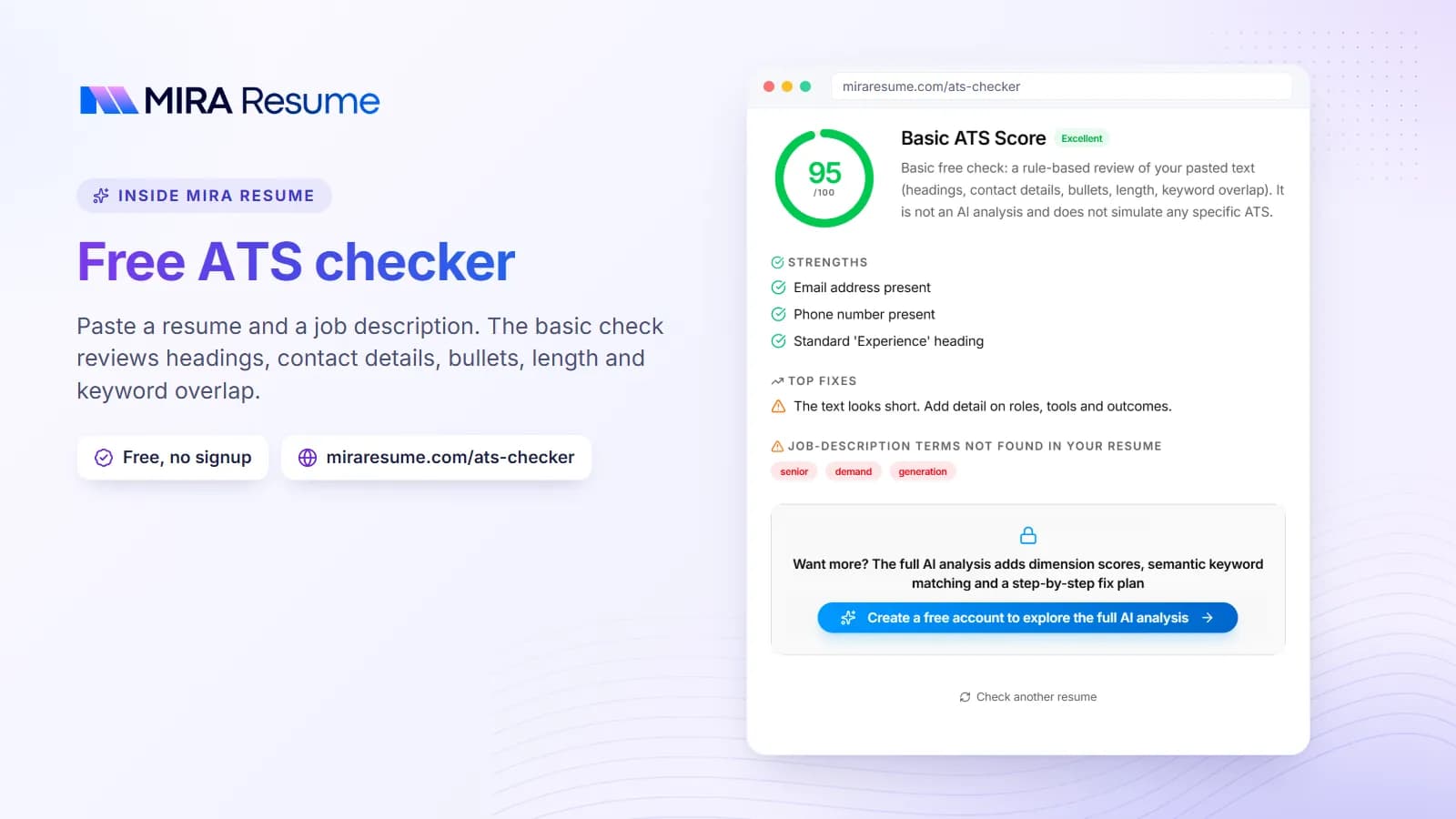
- Check it with the free ATS checker to catch layout and wording gaps.
- Read the final file once out loud. If it sounds clear to you, it will sound clear to a recruiter.
If you want help drafting stronger bullets, the AI bullet enhancer can suggest cleaner wording that you can edit. It should still reflect what you truly did. For layout, you can also look at examples in resume examples.
Finally, remember that your resume is only one part of an application. A good cover letter and a quick, polite follow-up can help a person remember you.