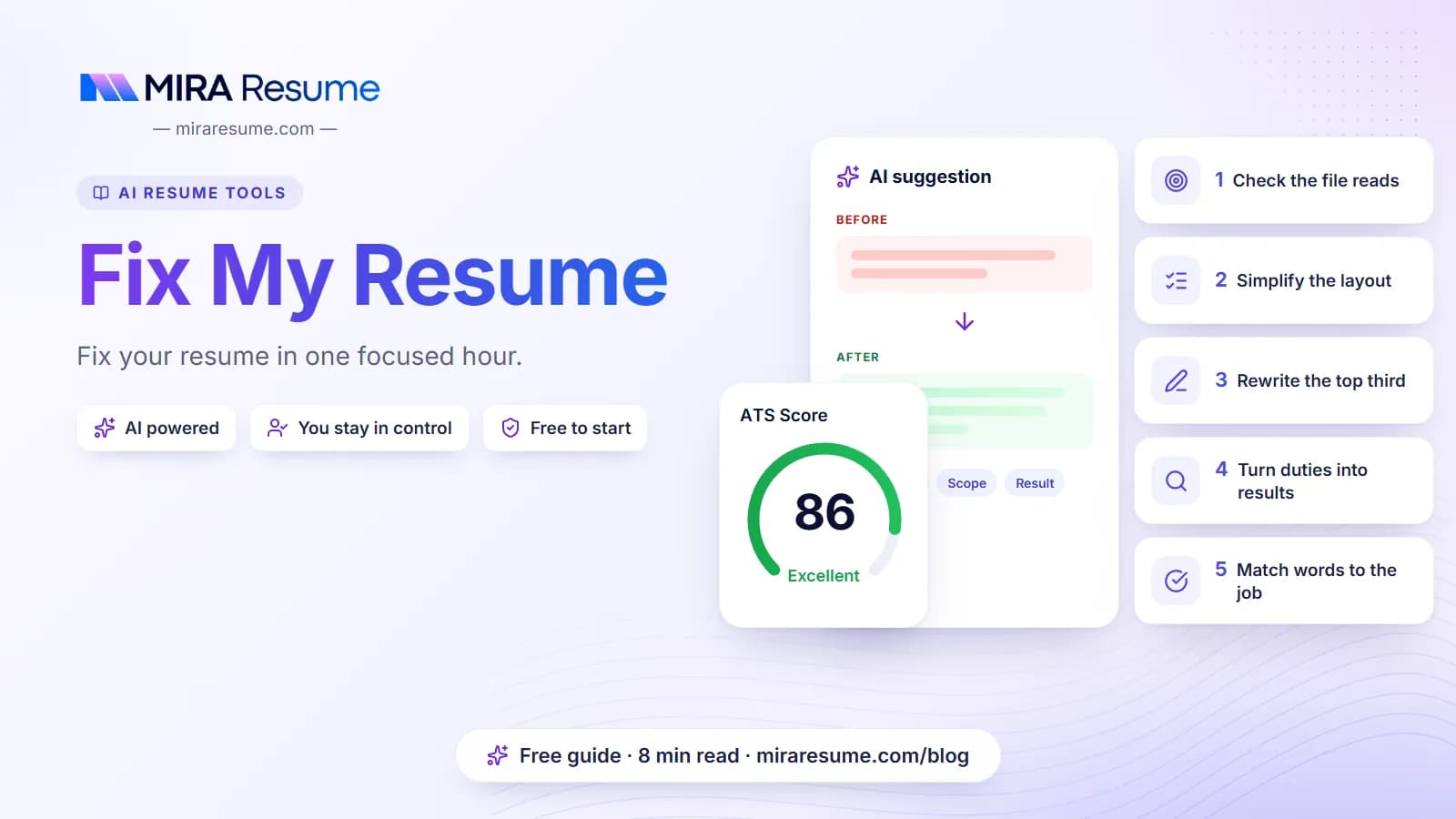

If you are thinking fix my resume because applications are going nowhere, start by finding the real problem. Most weak resumes suffer from a short list of issues: a file that software reads badly, a cluttered layout, bullets that list duties instead of results, and wording that does not match the job. This guide walks you through a diagnostic in a clear order, so you fix the biggest problems first. You will see before and after examples, get a checklist you can finish in about an hour, and learn how to test the result. No fix can guarantee interviews, but each one removes a reason to be passed over.
Step 1: Check that your file can be read
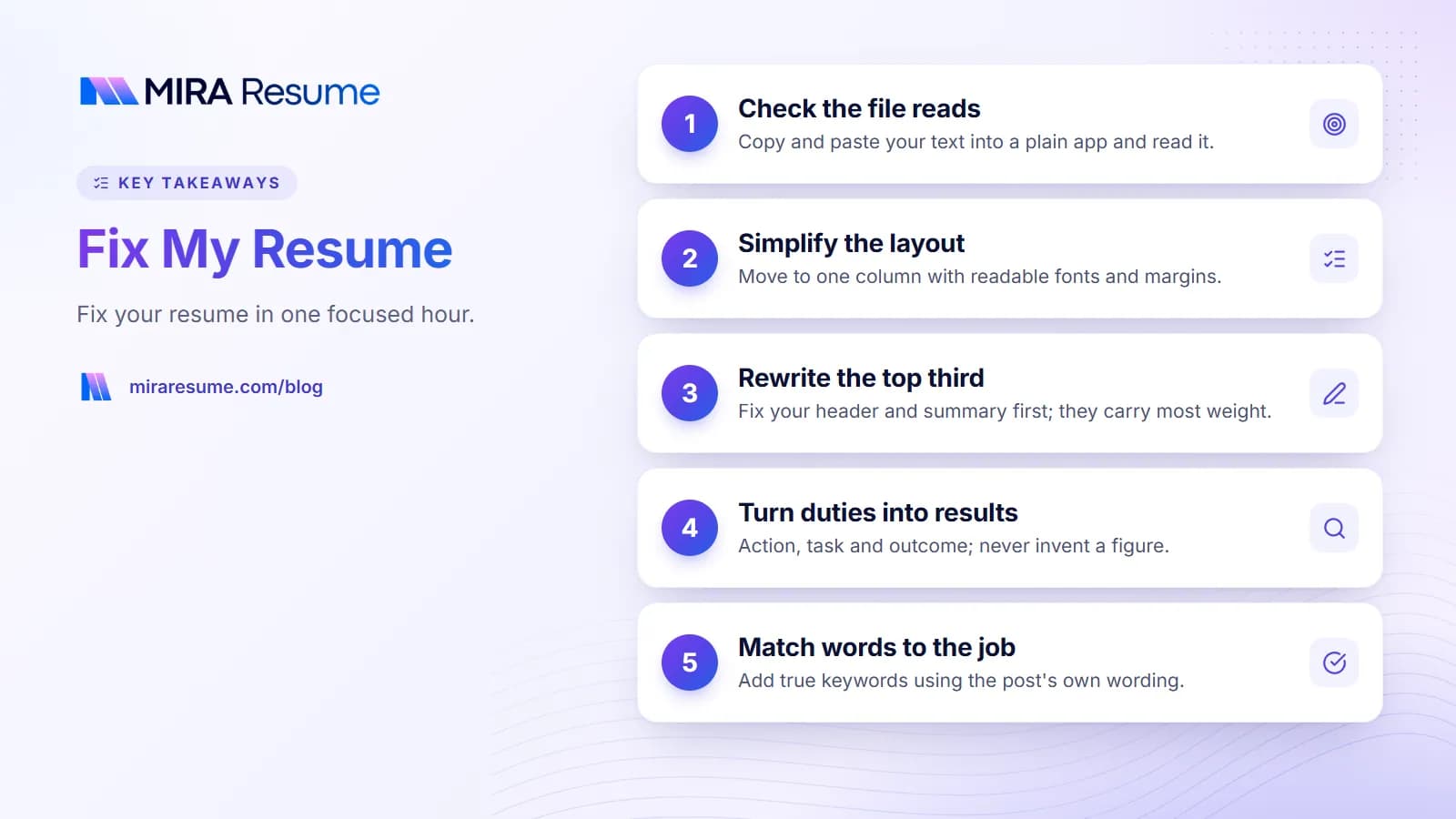
Before you touch the wording, make sure software and people can open and read your file. This takes two minutes.
The copy-and-paste test
- Open your resume and select all the text.
- Copy it and paste it into a plain text app.
- Read it from top to bottom.
Your name should come first. Each job should show its title, company, and dates together. Nothing should be missing, mixed up, or turned into strange symbols.
What a failed test means
- Nothing pastes. Your file is probably an image. Re-export it from the original document so the words can be selected.
- Lines jump around. You likely have columns, text boxes, or tables. Rebuild in one column.
- Contact details are missing. They may sit in a header or footer. Move them into the main body.
For the full picture of why this matters, read what is an ATS resume and how an ATS resume scanner reads your file. You can also upload your file to the ATS checker for a rule-based review.
Step 2: Simplify the layout
A clean layout helps both software and people. A reader should know in five seconds who you are and what you do.
| Layout problem | Why it hurts | Fix |
|---|---|---|
| Two or three columns | Text can be read in the wrong order | Move to one column |
| Tiny font or crowded margins | Hard to read; looks cramped | Use 10 to 12 point text and margins near 0.7 to 1 inch |
| Skill bars, stars, icons | Say nothing in plain text | List the skills as words |
| Fancy section names | Parsers may not know what they are | Use Summary, Work Experience, Education, Skills |
| Mixed date styles | Confuses the timeline | Pick one style and use it throughout |
| A long, wall-of-text page | Readers skim and miss key points | Short bullets, white space, and clear headings |
If starting over feels easier than patching, choose a simple design from our resume templates and move your content in. The how to format a resume guide covers spacing and fonts in detail, and how many pages a resume should be helps you decide on length.
Step 3: Rewrite the top third of page one
Recruiters often decide quickly whether to keep reading. The top third of your first page carries the most weight, so fix it first.
Your header
Include your name, city and state or country, phone, email, and optionally a profile link. Remove anything that is not needed, like a full street address.
Your summary
Replace vague lines with a short, specific summary. A good one tells who you are, what you are strong at, and what role you want.
| Before | After |
|---|---|
| Hard-working professional seeking a challenging position where I can grow. | Customer support specialist with four years of experience in email and chat support, strong in order troubleshooting and clear writing. Looking for a support team role in e-commerce. |
| Motivated recent graduate with good communication skills. | Recent business graduate with internship experience in social media scheduling and basic Excel reporting. Seeking an entry-level marketing coordinator role. |
The examples above are samples for illustration. Use your own facts. For more ideas see resume summary examples, or resume objective examples if you are new to the workforce.
Step 4: Turn duties into results
The most common content problem is a list of duties. "Responsible for" tells a reader what the job was, not what you did with it. Strong bullets show action and outcome.
A simple bullet formula
Action verb + what you did + how or with what + result. If you do not know a number, describe the outcome in words. Never invent a figure.
| Before | After (example) |
|---|---|
| Responsible for answering phones | Answered incoming calls for a busy clinic desk and directed patients to the right staff member |
| Worked on social media | Planned and scheduled weekly posts for three accounts, and tracked which topics got the most replies |
| Helped with inventory | Counted and logged stock each week in a spreadsheet, and reported low items so shelves stayed filled |
| Did reports | Built a monthly sales report in Excel that managers used in their review meeting |
These are illustrations. Replace them with your own tasks and results. If you want a method for turning a task into a story, try the STAR method for resume bullets, and borrow strong openers from action verbs for resume.
Cut the filler
- Remove "responsible for", "duties included", and "helped with" where you can.
- Remove jobs older than about 10 to 15 years unless they matter to the role.
- Keep 3 to 6 bullets for recent jobs and fewer for older ones.
Step 5: Match your words to the job
A resume is only "good" for a given job. To fix a mismatch, compare it to the job post.
- Copy the job post into a document.
- Highlight the skills, tools, and duties that repeat or appear near the top.
- Mark the ones you can honestly claim.
- Check whether each one appears in your resume, using the same words the post uses.
- If something true is missing, add it in your summary, skills list, or a bullet.
The resume keywords guide explains this in more depth. Do not add skills you lack, and do not repeat words just to fill space. Keep it natural: one to three honest uses of a term is enough.
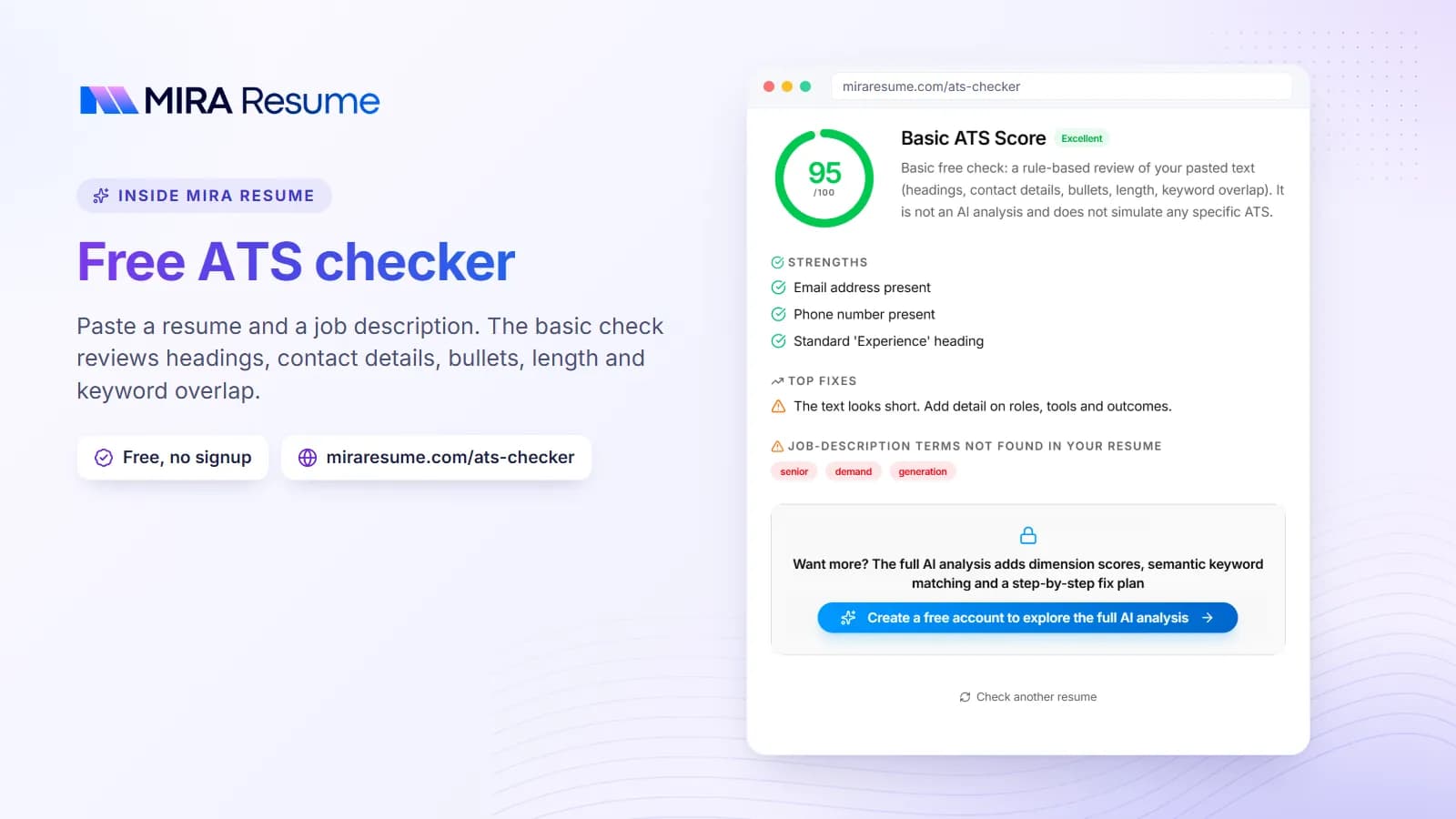
When you want help seeing which words you missed, paste the job post into the ATS checker along with your resume. It points out important terms from the post that your file does not show.
Step 6: Tidy the lower sections
Once the top and the bullets are strong, clean up the rest.
- Skills: Group them in a simple list. Keep tools and skills you really use. See skills to put on a resume.
- Education: Degree, school, and year. Add a GPA only if it helps you.
- Certifications: Name, issuer, and year. Our guide to listing certifications shows the format.
- Extras: Keep volunteer work, projects, or languages only if they support the job. Drop hobbies that add nothing.
- References: You rarely need to write "references available on request". See references on a resume.
Proofread twice
Typos hurt. Read the resume out loud, then read it backward, one line at a time, to catch slips. Ask a friend to read it, too. A grammar and bullet review from the resume checker can catch more.
Use tools to speed up the fix
You can do all of the steps above by hand, and many people do. Tools can save time, as long as you stay in charge of the content.
| Tool type | Good for | Keep in mind |
|---|---|---|
| ATS checker | Layout traps, missing sections, missing job keywords | It estimates; no tool can copy one employer's system |
| Resume checker | Bullet strength, grammar, structure | Suggestions are advice, not rules |
| AI rewriting | Faster first drafts of a summary or bullets | It can invent details; read every line |
| A friend or mentor | Whether the story is clear | Ask them what they think you do |
The Mira Resume resume checker and ATS checker are built for this kind of review. If you would like AI to draft new wording, the AI resume builder can help, and you then edit the draft so it is accurate and sounds like you.
Common mistakes when fixing a resume
- Fixing looks before content. A pretty template will not rescue weak bullets.
- Adding keywords you cannot back up. You may be asked about them in the interview.
- Inventing numbers. Use real figures or describe the result in words.
- Making it longer. Fixing usually means cutting. One page is fine for early careers, and two for longer ones.
- Using one resume for every job. Adjust the summary and top bullets for each role.
- Trusting a score too much. Use it as a to-do list, then judge the result with your own eyes.
- Never re-testing. After each round of edits, run the copy-and-paste test again.
Your one-hour fix-my-resume checklist
- Run the copy-and-paste test (5 minutes).
- Move to one column and standard headings (10 minutes).
- Rewrite your summary to name your role and strengths (10 minutes).
- Rewrite the three weakest bullets using action, task, and result (15 minutes).
- Compare with one job post and add true missing keywords (10 minutes).
- Proofread out loud and fix the date style (5 minutes).
- Export, then re-test with the ATS checker (5 minutes).
Come back to it after a day with fresh eyes. And if you want help deciding whether to pay for outside help, see resume writing services vs AI.
Before and after: a full mini makeover
Seeing the changes together makes the process clearer. This example shows one short resume entry before and after the steps above. The details are invented for illustration.
| Part | Before | After |
|---|---|---|
| Heading | "My Career Story" | "Work Experience" |
| Job line | Office job at a small firm, a few years | Office Coordinator, Harlow Supplies, Dayton, OH, Mar 2021 - Present |
| Bullet 1 | Responsible for ordering and general office stuff | Ordered office supplies each month and kept a shared tracker so the team never ran out of printer paper or toner |
| Bullet 2 | Helped with scheduling | Scheduled meetings and room bookings for a team of eight using Google Calendar |
| Skills | Star ratings for Word and Excel | Skills: Microsoft Word, Microsoft Excel, Google Workspace, scheduling, vendor communication |
Nothing in the after column needed a new job or a bigger title. The fixes were clarity, structure, and specific details that were already true. That is the heart of a good repair: show what you really did in a way that is easy to read.
Know when to stop
You can keep polishing forever. A good stopping point is when the file reads cleanly, the top third tells your story, your bullets show action and results, and the wording fits the job. After that, spend your time applying and following up, not tweaking. A resume that is good and sent beats one that is perfect and still on your computer.