
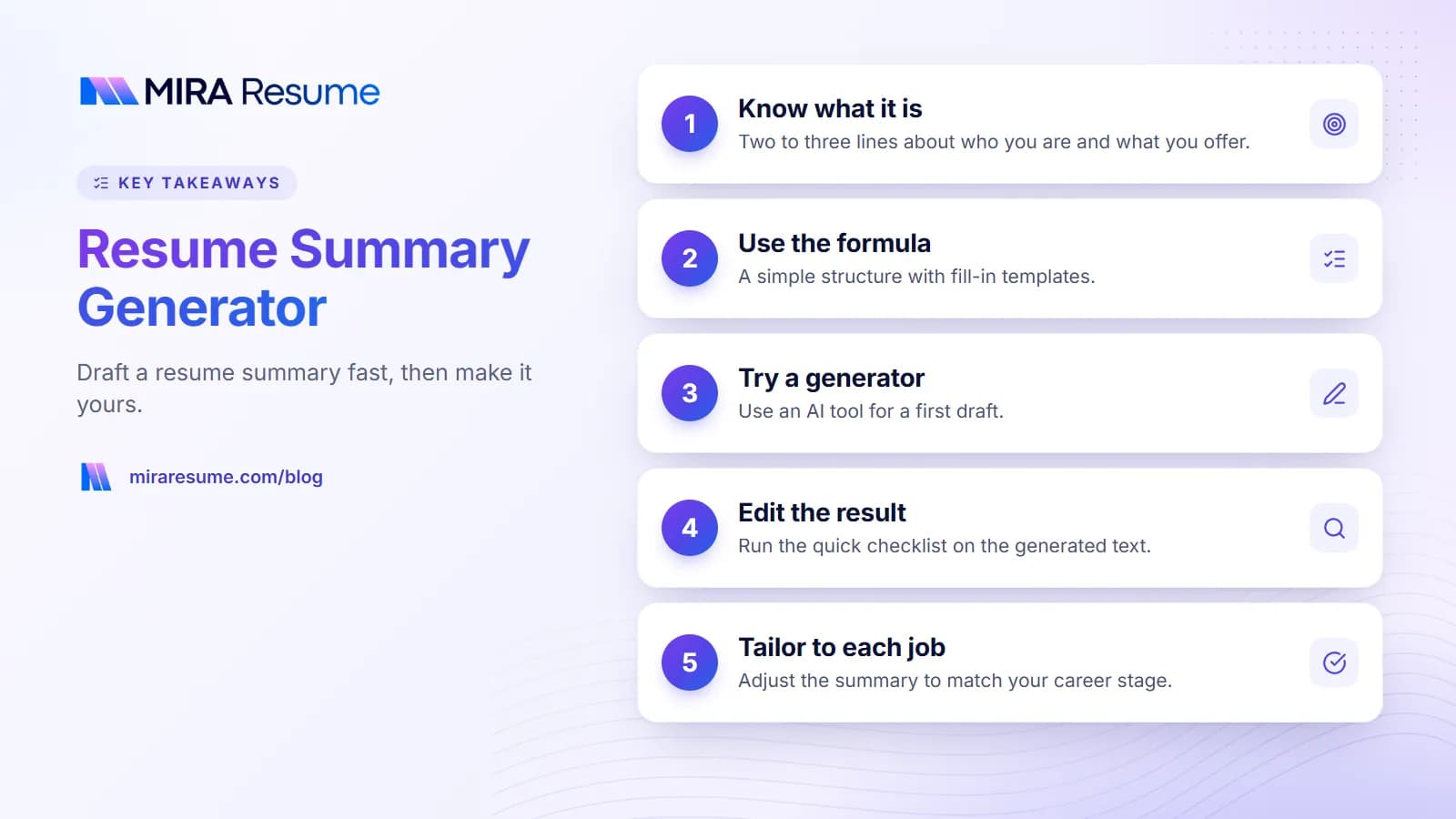
A resume summary generator can give you a first draft of the short paragraph at the top of your resume in seconds. But the draft is only as good as the facts you give it, and it still needs your edits. This guide shows two routes: a simple formula you can follow by hand, and a way to use AI to draft one safely. You will get fill-in templates, before and after examples, and a checklist. By the end you will have a clear, honest summary that fits the job you want.
What a resume summary is, and why it matters
A resume summary (also called a professional summary or profile) is a short block of two to three lines placed just under your name and contact details. It tells the reader who you are, what you are good at, and what kind of role you want.
It matters because the top of page one is what most people read first. A clear summary helps a busy reader decide quickly if your background fits. It also gives you a natural place to use a few of the job's key words, such as the role name and your main skills, which can help when software or a recruiter searches.
Summary, objective, or nothing?
| Option | Best for | What it says |
|---|---|---|
| Summary | People with some work experience | Who you are and what you offer |
| Objective | Students, career changers, and people with little experience | What role you want and what you bring |
| No summary | Very short resumes where the top lines already say it | Nothing extra |
If you are new to work or changing fields, see resume objective examples. For many sample summaries by role, browse resume summary examples.
The simple formula for a resume summary
You do not need a tool to write a good summary. This formula works for most people.
[Job title or descriptor] with [number] years of experience in [field or area]. Skilled in [2 or 3 key skills or tools]. Known for [one real strength or result]. Looking for [target role or goal].
How to fill each part
- Job title or descriptor. Use the role you are applying for, if it truly fits you, such as "Customer support specialist".
- Years and field. Be honest. If you have little experience, say "recent graduate" or "career changer".
- Key skills. Pick two or three from the job post that you really use.
- Strength or result. Choose one real thing, such as a skill others rely on or a result you can describe.
- Goal. Name the type of role. Keep it short.
Three fill-in templates
| Situation | Template |
|---|---|
| Experienced | [Title] with [X] years in [field]. Skilled in [skill], [skill] and [tool]. Known for [strength]. Seeking a [role] position at a [type of company]. |
| Career changer | [Previous field] professional moving into [new field]. Brings [transferable skill] and [transferable skill], plus recent training in [course or tool]. Seeking [new role]. |
| Recent graduate | Recent [degree] graduate with experience in [internship, project, or job]. Comfortable with [tool] and [skill]. Looking for an entry-level [role]. |
Keep the final summary to two or three lines, or about 30 to 60 words.
Examples you can adapt
Here are four samples. The details are invented for illustration. Swap in your own facts and never copy a line that is not true for you.
Customer support
Customer support specialist with four years of experience in email and chat support for online retail. Skilled in order troubleshooting, Zendesk, and clear written replies. Known for calm handling of difficult conversations. Seeking a support team role in e-commerce.
Administrative assistant
Administrative assistant with six years of experience supporting small teams. Skilled in calendar management, travel booking, and Microsoft Excel. Known for keeping offices organized and deadlines on track. Looking for an executive assistant position.
Career changer
Retail manager moving into operations coordination. Brings scheduling, inventory tracking, and team training skills, plus a recent certificate in supply chain basics. Seeking an operations coordinator role.
Recent graduate
Recent communications graduate with internship experience in social media scheduling and basic analytics. Comfortable with Canva, Google Sheets, and clear copywriting. Looking for an entry-level marketing coordinator role.
Notice what these have in common: plain words, real skills, and a clear target. None of them say "hard-working team player", which tells a reader almost nothing. For role-specific wording, see administrative assistant resume, marketing resume, and cashier resume.
Using an AI summary generator safely
An AI summary generator can save you time, especially when you are staring at a blank page. Used well, it gives you a draft to edit. Used carelessly, it gives you vague or untrue text.
How to get a better draft
- Feed it real facts. Give it your job title, years in the field, three real skills, and one real strength. The more accurate input you give, the better the output.
- Give it the target. Tell it the role you want, and paste key lines from the job post.
- Set limits. Ask for two or three sentences in plain language, with no new claims.
- Ask for options. Generate two or three versions and combine the best parts.
A safe prompt to try
Write a two-sentence professional summary for a [TARGET ROLE] resume. Use only these facts: [YOUR TITLE, YEARS, SKILLS, ONE STRENGTH]. Use plain language. Do not add numbers, awards, tools, or claims that I did not list.
For more prompts and privacy tips, read ChatGPT resume prompts.
What an AI draft often gets wrong
- Vague buzzwords like "dynamic", "results-driven", and "passionate".
- Claims that are too big, such as "proven track record of success" with no proof.
- Details you never gave it, like percentages or tool names.
- A tone that does not sound like you.
Edit the generated summary: a quick checklist
Whether you wrote it or a tool did, run your summary through this table.
| Check | Question to ask | Fix if it fails |
|---|---|---|
| True | Could I back up every claim? | Delete or reword anything you cannot |
| Specific | Does it name my field, skills, or tools? | Replace vague words with real ones |
| Relevant | Does it match the job post? | Use the role name and two or three true key terms |
| Short | Is it two or three lines? | Cut extra adjectives |
| Plain | Would I say it out loud? | Rewrite in your own words |
| Not a copy | Does it read like every other summary? | Add one detail only you can claim |
Before and after
| Before (generic draft) | After (edited, example) |
|---|---|
| Dynamic, results-driven professional with a proven track record of success seeking a challenging role. | Billing specialist with five years of experience in medical office billing. Skilled in insurance claims, Excel, and patient account follow-up. Looking for a billing role in a clinic or hospital. |
The after version is just an example. Your version should use your own facts.
Tailor your summary to each job
A summary is the easiest part of the resume to adjust. Spend five minutes on it for each application.
- Read the job post and note the role name and top three skills.
- Change your title or descriptor to match the role, if it is honest.
- Swap in the skills from the post that you truly have.
- Keep the rest of your summary the same.
This helps both a human reader and any software search. It works best when the words are true, and when you also show those skills in your bullets. For more on matching wording, see resume keywords and skills to put on a resume.
Check the result with a tool
After you update your summary, run your resume through an ATS checker to see whether key terms from the job post appear. The Mira Resume AI resume builder can also draft a summary from your details, and you can edit it before you export your PDF. As always, read the draft closely and correct anything that is not accurate.
Common mistakes in resume summaries
- Using empty buzzwords. "Team player" and "go-getter" say nothing. Name real skills.
- Making it too long. More than four lines gets skipped.
- Writing in first person. Skip "I am". Start with your title or descriptor.
- Claiming things you cannot prove. A summary that overreaches sets a trap in the interview.
- Leaving it generic. The same summary for every job misses the chance to match the post.
- Repeating your bullets. The summary should point to the top strengths, not retell the whole resume.
- Trusting an AI draft as is. Always edit it for truth and voice.
If you want to see more complete resumes in context, our how to format a resume guide shows where the summary sits, and what is an ATS resume explains the layout rules that go around it.
Match your summary to your career stage
The same formula looks different depending on where you are in your career. Use this table to shape the emphasis.
| Career stage | Lead with | Avoid |
|---|---|---|
| Student or first job | Your degree, internships, projects, and the tools you have used | Claiming years of experience you do not have |
| Early career (1 to 3 years) | Your field, main tools, and one real result or strength | Vague phrases like "fast learner" |
| Mid career | Scope of work, such as team size or type of projects, and key skills | Listing every skill you have ever used |
| Career changer | Transferable skills, recent training, and the new role you want | Hiding that you are changing fields |
| Returning after a break | Your past experience and current skills, stated plainly | Apologizing or over-explaining the gap |
If you are not sure what your strengths are
Many people struggle to name their strengths. Try this quick exercise. Write down three tasks at work that people ask you to do. Then write down one thing that went well in the last year. Look for a pattern. If people often ask you to train new staff, "training and onboarding" may belong in your summary. If you often fix tangled spreadsheets, "spreadsheet cleanup and reporting" may be a strength worth naming. Strengths that come from real work are far more believable than generic ones.
If your history includes a gap, our guide on resume gaps shows how to word it calmly, and for a first resume, resume for teens has simple starting points.