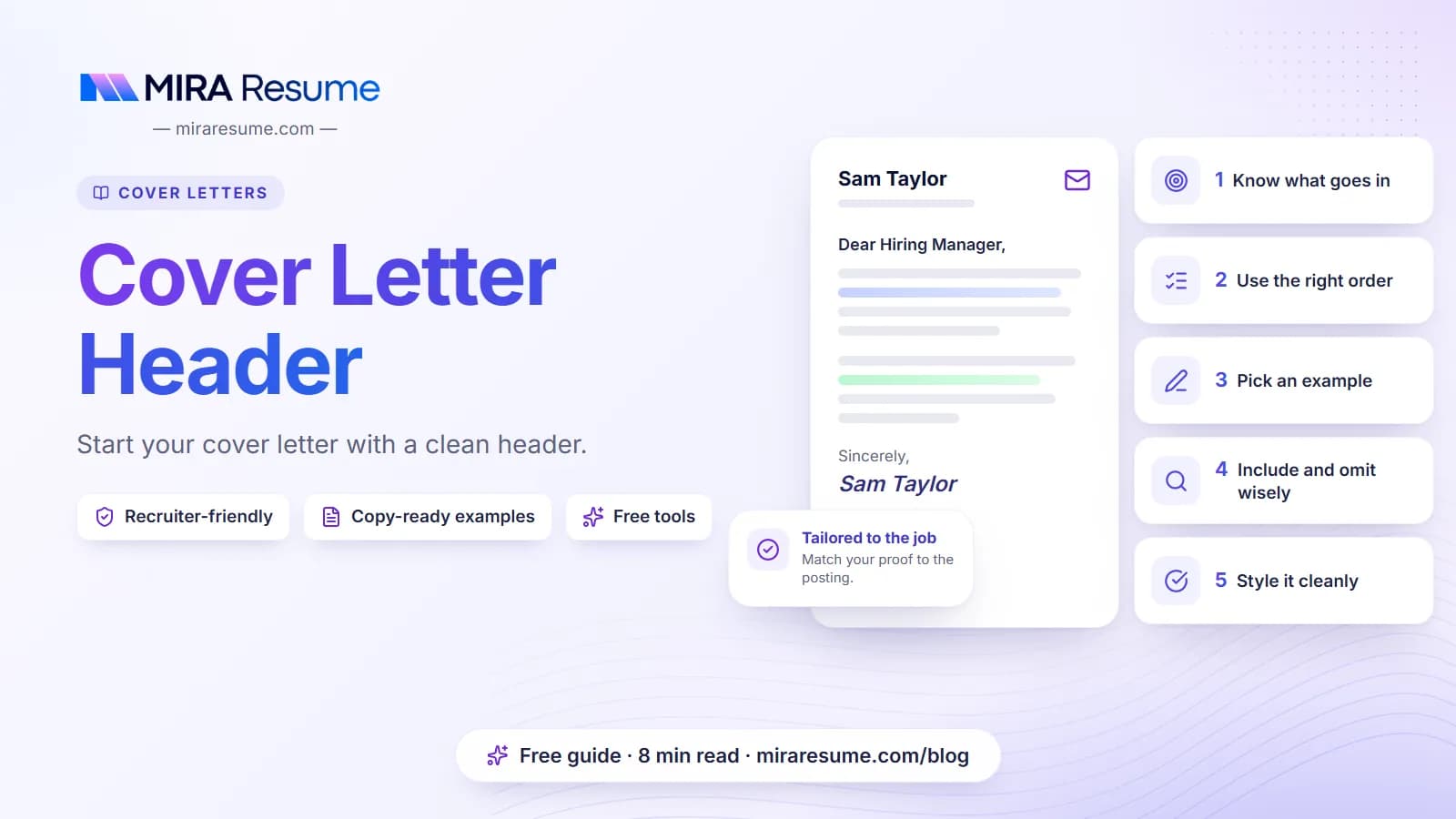

The cover letter header is the small block at the top of your letter that tells the reader who you are, how to reach you and who the letter is for. It looks simple, but it is the first thing a hiring manager sees, and a messy one can make the whole page look careless.
This guide explains what to put in the header, the order to use, and how it changes for email, print and PDF versions. You will also find copyable examples, a table of do and don't items, and a set of common mistakes. Replace each [bracket] with your own details.
What goes in a cover letter header
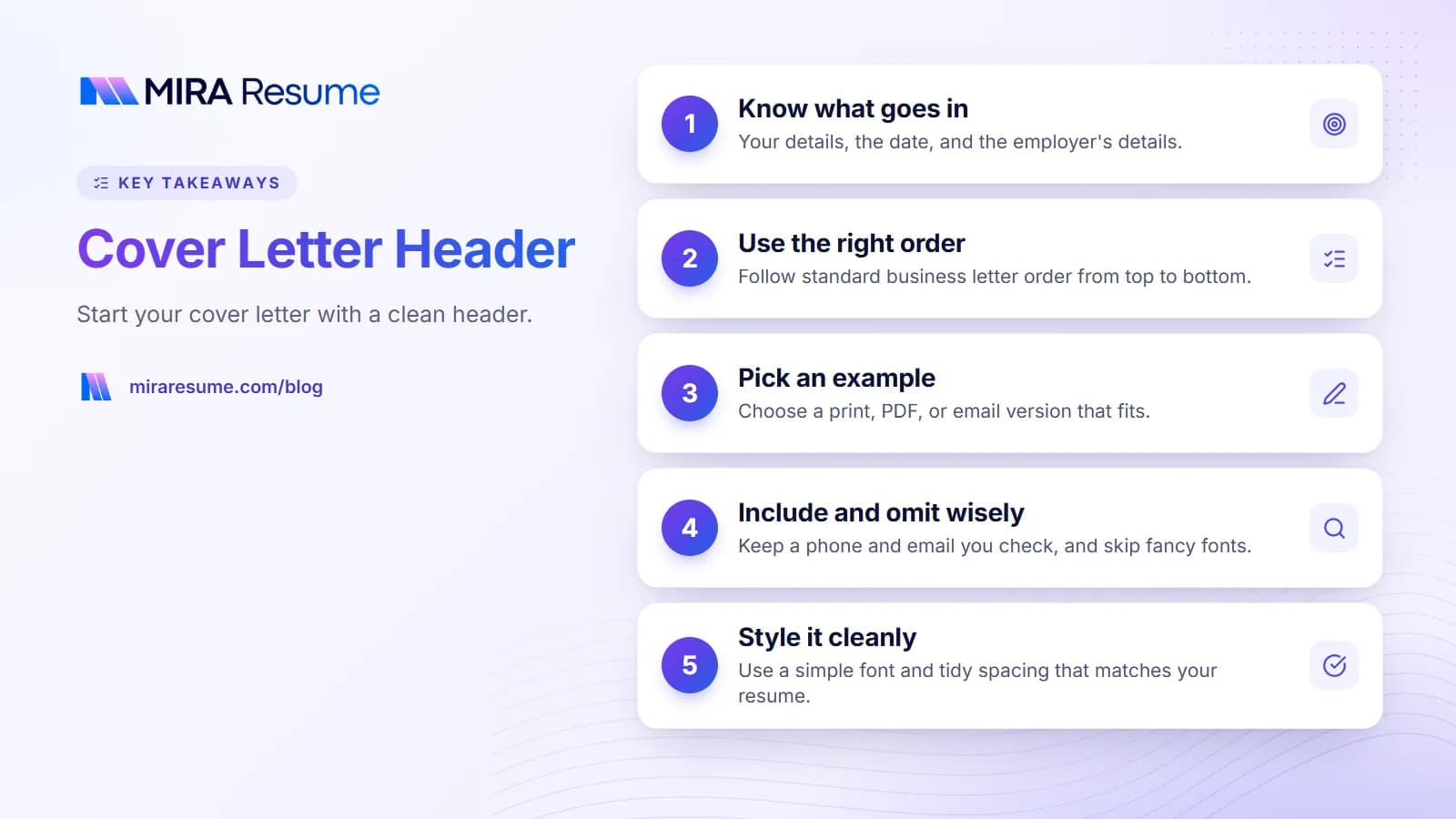
A standard business letter header has two parts: your information, then the employer's information. Between them sits the date. Some people add a line for the job title, called a reference line.
Your information
- Full name
- City and state (a full street address is optional)
- Phone number
- Professional email address
- Link to a professional profile or portfolio, if useful
Date
Use the day you send the letter, in a clear format such as October 23, 2026.
Employer's information
- Hiring manager's name and title
- Company name
- Company address, if you have it
Then add the greeting. If you do not know the name, our guide on how to start a cover letter covers safe options. For the whole letter layout, see how to format a cover letter.
Cover letter header format: the correct order
Follow this order from top to bottom. It matches standard business letters and is easy for any reader to scan.
| Order | Line | Example |
|---|---|---|
| 1 | Your name | [Your Full Name] |
| 2 | Your location | [City, State] |
| 3 | Your phone and email | [Phone] | [Email] |
| 4 | Optional link | [LinkedIn or portfolio URL] |
| 5 | Date | October 23, 2026 |
| 6 | Hiring manager name and title | [Name], [Title] |
| 7 | Company and address | [Company], [City, State] |
| 8 | Greeting | Dear [Name], |
Use one font, left-align everything and leave a blank line between blocks. Do not use all caps or bold on every line. A little bold on your name is enough.
Match your resume header
Your cover letter header should look like the one on your resume: same name format, same font and same contact details. Matching makes the two pages feel like a set. Our cover letter templates and resume templates are built to match.
Cover letter header examples to copy
Here are four examples. Choose the one that fits your situation.
Example 1: Classic print or PDF header
[Your Full Name]
[City, State] | [Phone] | [Email]
October 23, 2026
[Hiring Manager Name], [Title]
[Company Name]
[Company Address]
Dear [Hiring Manager Name],
Example 2: Header with a link and a job reference
[Your Full Name]
[City, State] | [Phone] | [Email] | [LinkedIn URL]
October 23, 2026
[Hiring Manager Name]
[Company Name]
Re: [Job Title], Job ID [number]
Dear [Hiring Manager Name],
Example 3: Email cover letter header
When you paste your letter into an email, skip the address block. Use a clear subject line and put your details in the signature.
Subject: [Job Title] application, [Your Full Name]
Dear [Hiring Manager Name],
...
Sincerely,
[Your Full Name]
[Phone] | [Email] | [LinkedIn URL]
Example 4: No name for the hiring manager
[Your Full Name]
[City, State] | [Phone] | [Email]
October 23, 2026
Hiring Team
[Company Name]
Dear Hiring Team,
Try to find a real name first. If you cannot, this is a respectable fallback.
Cover letter header template for email, print and PDF
The way you send the letter changes the header a little. Use the table below to pick the right version.
| How you send it | Header to use | Notes |
|---|---|---|
| Attached PDF | Full header with date and employer details | Keep it to one page; name the file clearly |
| Pasted into an email | Short header; details in signature | Use a clear subject line |
| Uploaded to a portal | Full header | Use a plain layout so text reads well |
| Mailed letter | Full header with street address | Sign above your typed name |
For files, save your letter as a PDF and name it something like [FirstName]-[LastName]-Cover-Letter.pdf. A clear file name helps hiring teams find your document later. If you want to start from a ready-made layout, the cover letter examples page can help. A shorter letter may need only a small header; see short cover letter examples.
Using Word or Google Docs
If you write in a word processor, keep the header in the body of the page rather than the special header or footer area. Some software cannot read text inside a page header, which can hide your contact details. Our guides on Microsoft Word cover letter templates and Google Docs cover letter template show templates that work.
What to include and what to leave out
| Include | Leave out |
|---|---|
| Full name in a clear size | Nicknames and fancy fonts |
| City and state | Your full home address if you prefer privacy |
| A phone number you answer | Multiple numbers |
| A professional email | Joke or old school email addresses |
| A link to a current profile | Links to inactive or private pages |
| The date you send the letter | An old date from a previous letter |
| Correct company name and spelling | A different company name left over from copy-paste |
A full street address is optional. Many job seekers now list only city and state for privacy. If an employer asks for your full address, provide it in the application form. Do not include personal details such as age, marital status or a photo in the header. These do not belong on a letter in the United States and may cause bias.
Choosing a professional email
Use a simple address made from your name, such as firstname.lastname. Avoid numbers that look random or words that look unserious. If your current email is awkward, create a new one for job searching. See how to put LinkedIn on a resume for tips on links in your header.
Styling the header: fonts, spacing and alignment
Looks matter in a quiet way. A clean header signals that you pay attention to detail. Use the ideas below to keep it neat.
- Font: pick a simple one such as Calibri, Arial or Georgia at 10 to 12 points. See resume fonts for safe choices.
- Alignment: left-align all lines, or center only your name block if your template does so, and then keep it the same on your resume.
- Spacing: a blank line between your block, the date and the employer block.
- Color: black or dark gray text. A small touch of color on your name is fine, but keep it dark.
- Margins: about one inch on all sides so the letter fits on one page.
Headers and ATS software
Some employers use software to read applications. Plain text in the body of the page is safest. Avoid putting contact details inside text boxes, images or tables, which some systems skip. You can test your file with our ATS checker and learn more at how ATS works.
See the header in a complete letter
A header is easier to judge when you see it with the letter beneath it. This short example is illustrative. Swap in your own facts, and cut anything that is not true for you.
[Your Full Name]
[City, State] | [Phone] | [Email]
October 23, 2026
[Hiring Manager Name], [Title]
[Company Name]
Dear [Hiring Manager Name],
I am applying for the [Job Title] role at [Company]. In my last job as [title], I [main duty] and [result you can support]. I would like to bring the same care to your team.
Your post mentions [skill from the post]. I have used it to [short example]. I also [second skill], which I expect to help with [task from the post].
I would welcome a chance to talk. My resume is attached, and I can be reached at [phone] or [email].
Sincerely,
[Your Full Name]
Notice that the header takes up only a few lines. Everything above the greeting should leave plenty of room for the body. If your header pushes the letter onto a second page, remove the street address, the extra link or the reference line.
How the header and signature work together
Your contact details appear at the top, and your typed name appears again at the bottom. For email, the signature repeats your phone and email. For print, add a handwritten signature above your typed name if you are mailing the letter. You do not need to sign a PDF.
Special cases: career changers, remote jobs and international roles
Most headers are simple, but a few situations call for small changes.
| Situation | What to change |
|---|---|
| Remote job | List your city and state, or your time zone. Employers may ask where you live for tax and scheduling reasons. |
| Moving to a new city | List your current city, and mention your move date in the first paragraph. Do not use a fake local address. |
| Applying abroad | Follow local customs for dates, addresses and photos. Some countries expect different formats, so read the posting. |
| Career change | Keep the header the same. Use the first paragraph to explain your move. See cover letter with no experience for ideas. |
| Student or intern | Add your school email only if you still check it. Keep it professional. See internship application letter sample. |
The header does not need to be exciting. Its job is to be correct and easy to read. Spend your effort on the first paragraph, where you tell the reader why you are a fit.
Common cover letter header mistakes
- Wrong company or name. Copying an old letter and forgetting to change the company is a quick way to lose a job.
- Missing contact info. If the reader cannot reach you, nothing else matters.
- Outdated date. Update it on every send.
- Too much information. Skip your full life story and extra phone lines.
- Inconsistent style. Make sure the font and layout match your resume.
- Hidden text. Contact details inside an image or page header may not be read by software.
- Wrong greeting. Check spelling of the manager's name and title twice.
If you need more guidance on the whole letter, read how to write a cover letter and what to include in a cover letter. To finish the letter well, see how to close a cover letter.
A quick checklist for your header
- Is your name spelled the same as on your resume?
- Do you list a phone number and professional email that you check often?
- Is the date correct?
- Is the employer name, title and company spelled correctly?
- Does the greeting match the name in the header?
- Is everything left-aligned and in one font?
- Is the header in the body of the page, not in a hidden header area?
- Have you saved the file as a PDF with a clear name?
Once your header is right, the rest of the letter is easier to write. You can also pair the letter with a strong resume made in our resume builder, then check it with the resume checker.