
A combination resume mixes two classic styles. It opens with a skills and achievements section, like a functional resume, and then lists your jobs in date order, like a chronological resume. The result lets you show what you can do first and prove it second.
This guide explains when the hybrid layout works, shows the exact order of sections, and gives a copyable template and example. You will also find a comparison table, tips for applicant tracking systems and a list of common mistakes. All examples use [brackets] for your own details.
What a combination resume is
Resumes usually come in three layouts. A chronological resume lists jobs from newest to oldest. A functional resume groups your skills and hides most of the dates. A combination resume uses both: a skills summary near the top, then a short work history with dates.
Because it includes real jobs and dates, a hybrid layout feels safe to employers who want to see a clear timeline. Because it leads with skills, it helps you point at what matters before the reader gets lost in job titles.
Who benefits most
- Career changers who want to show transferable skills first
- People with gaps or mixed work history who still want a clear timeline
- Experienced workers with many skills who need to organize them
- Applicants for roles where specific skills matter more than titles
If your work history is straight and your titles already match the new job, a simple chronological layout may be better. Read our guides on how to format a resume, functional resume template and skills-based resume to compare.
Combination resume vs chronological vs functional
| Feature | Chronological | Functional | Combination |
|---|---|---|---|
| Main focus | Work history | Skills | Skills and work history |
| Dates shown | Yes, prominent | Often hidden | Yes, but not the first thing |
| Best for | Steady careers in one field | Few jobs, or major gaps | Career changers and mixed careers |
| Employer view | Easy to read | Can raise questions | Balanced and clear |
| ATS-friendly | Very | Sometimes | Yes, if headings are plain |
| Length | One to two pages | One page | One to two pages |
Many hiring managers like seeing dates, because it answers basic questions about where and when you worked. Functional layouts that hide dates may look like they hide something. A hybrid layout gives you flexibility without that risk.
A quick rule to decide
If your job titles tell the story, use chronological. If your skills tell the story better than your titles do, use a hybrid layout. If you have no work history at all, see resume with no experience instead.
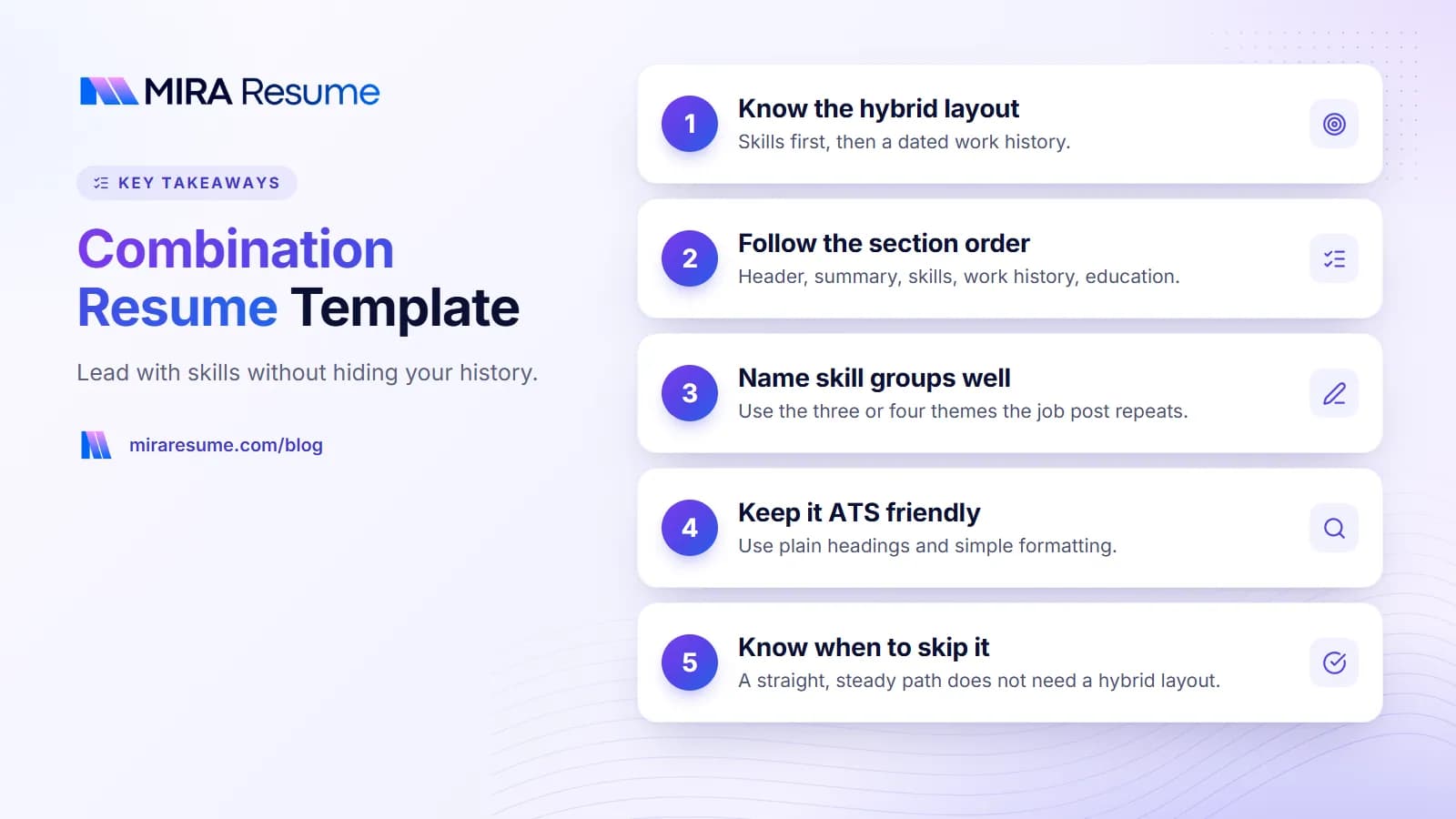
Combination resume format: section order
Use this order. Each part has a specific job.
- Header: name, city and state, phone, email, profile link.
- Summary: two or three lines about who you are and what you offer.
- Key skills and achievements: three to four skill groups with short proof bullets.
- Work history: job title, employer, dates and two to four bullets each.
- Education and training: degrees, certifications and courses.
- Optional: volunteering, projects, languages.
The skills section is the core. Each skill group should have a short heading and two or three bullets that show a result. Keep the work history short, since the skills section already tells the story. If you have more than ten years of experience, list only the roles that help the job you want now.
How long should it be?
One page is ideal, but two pages are fine for experienced workers. Use how many pages should a resume be and how to make a one page resume if you are deciding what to cut.
Hybrid resume template you can copy
Copy this layout into your editor and replace each bracket. Delete any line that does not apply.
[Your Full Name]
[City, State] | [Phone] | [Email] | [Profile URL]
Summary
[Job target] with [X] years in [field]. Strong in [skill 1], [skill 2] and [skill 3]. Known for [result or trait].
Key Skills and Achievements
[Skill Group 1]
- [Action verb] [what you did] to [result]
- [Action verb] [what you did] using [tool or method]
[Skill Group 2]
- [Action verb] [what you did] for [group or audience]
- [Action verb] [what you did] and [result]
[Skill Group 3]
- [Action verb] [what you did] to [result]
Work History
[Job Title], [Employer], [City] | [Month Year] to [Month Year]
[Job Title], [Employer], [City] | [Month Year] to [Month Year]
[Job Title], [Employer], [City] | [Month Year] to [Month Year]
Education and Training
[Degree or program], [School], [Year]
[Certification], [Provider], [Year]
Notice that the work history here has only titles, employers and dates, which makes it quick to scan. If a job is highly relevant, add two bullets under it. This keeps the page balanced. Choose a clean design from our resume templates or start fresh in the resume builder.
Combination resume example
This example is for someone moving from retail management into customer success. The details are illustrative. Use your own facts.
[Your Name]
[City, State] | [Phone] | [Email]
Summary
Customer-focused team leader with [X] years in retail management. Skilled at solving problems, coaching staff and tracking results. Looking to move into customer success.
Key Skills and Achievements
Customer relationships
- Resolved escalated issues for about [number] customers a week, keeping [result such as repeat visits] steady
- Gathered feedback and shared themes with [role], leading to [change]
Coaching and training
- Trained [number] new hires on [process], reducing time to full speed
- Ran weekly check-ins with a team of [number]
Data and reporting
- Tracked [metric] in [tool] and presented a [weekly or monthly] summary to [role]
Work History
Store Manager, [Company], [City] | [Dates]
Assistant Manager, [Company], [City] | [Dates]
Sales Associate, [Company], [City] | [Dates]
Education and Training
[Degree], [School], [Year]
[Customer success course], [Provider], [Year]
See how the skills section does the persuasion, while the work history confirms it. This is the main reason the hybrid style works for career changes. For wording help, read transferable skills examples and action verbs for resume.
Tips for ATS and for human readers
A hybrid layout can be read by applicant tracking systems if you keep the formatting simple. Follow these tips.
- Use plain headings: Summary, Skills, Work History, Education.
- Use one column. Avoid text boxes, graphics and tables for layout.
- Put dates next to job titles in a standard format.
- Match the exact words from the job post for skills you truly have.
- Save as a text-based PDF with a clear name.
Skills in the top section should also appear in your work bullets when possible. This shows that the skills come from real jobs, and it helps both ATS and human readers. Test your file with the ATS checker and learn the basics in how ATS works. For matching words, see resume keywords.
Making it easy to read
Use white space, short bullets and a single font. Keep each skill group to two or three bullets. If the page looks crowded, remove the weakest bullet from each group. For fonts, see resume fonts.
When not to use a combination resume
The hybrid layout is not always the best choice. It can backfire when:
- You have a straight, steady path where titles already match the job
- Your skills section is vague and not backed by real jobs
- You are an entry-level applicant with no work history
- The employer asks for a specific format
In these cases, a chronological layout is clear and easy. For students and first-time job seekers, see student resume examples and first job resume. If you have gaps, read resume with gaps in employment.
Skill group ideas for a hybrid resume
The hardest part of this layout is choosing the skill groups. Look at the job post, find the three or four themes it repeats, and name your groups after them. The table below shows ideas for common targets. Use only groups you can back up with a real example.
| Target role | Skill group names | Sample proof bullet |
|---|---|---|
| Project coordinator | Planning, Communication, Tools | Kept [number] tasks on schedule by sending weekly status notes to [group] |
| Customer success | Customer relationships, Training, Reporting | Handled [number] customer questions a week and shared common issues with [team] |
| Marketing assistant | Content, Social media, Analytics | Wrote [number] posts a month and tracked results in [tool] |
| Operations | Process improvement, Scheduling, Budget | Streamlined [process], saving [time or cost you can support] |
| Office administration | Records, Scheduling, Software | Managed calendars and files for [number] staff in [tool] |
Name groups with plain nouns. Creative labels make a scan harder. If you want more ideas for skills, see good skills to put on a resume and skills to put on a resume.
Build your hybrid resume step by step
You can finish a first draft in under an hour. Follow this order.
- Choose a target. Pick one job title and gather two or three posts for it.
- List repeated needs. Mark the skills and tasks that show up in every post.
- Name your skill groups. Turn the needs into three or four short headings.
- Collect proof. For each group, write two bullets from any job, volunteer role or project. Add scope and results.
- Write the work history. Add titles, employers and dates. Keep bullets short, or skip them for old jobs.
- Write the summary last. Use two or three lines that name your target role and top strengths.
- Trim. Remove anything that does not help the target.
- Save as PDF and run a check.
Using volunteer and project work
A hybrid resume lets you pull proof from many places. If a skill came from volunteering, a class or a side project, you can use it in the skills section and list the volunteer role or project in an extra section. This works well for career changers who lack direct job experience. Be clear about where each skill came from so the reader is not misled.
Keep the story consistent
Your summary, skills and work history should all point in the same direction. If your summary says customer success but your skills read like warehouse work, the reader will be confused. Adjust the groups so they tell one clear story. A short cover letter can help explain a change; see how to write a cover letter.
Common combination resume mistakes
- Skills with no proof. Every skill group needs a bullet that shows a result.
- Too many skill groups. Three or four is enough.
- Hiding dates. Always show dates for jobs. Hidden dates can look suspicious.
- Repeating bullets. Do not copy the same line into skills and work history.
- Long work history. Keep only roles that help the new job.
- Generic summary. Name the target role and your strongest skills.
- Complex design. Keep one column and standard headings.
When your page is ready, build a clean PDF in the resume builder, or get help with wording from the AI resume builder. Always review and edit AI suggestions so everything stays true. You can also check the final file with the resume checker, and see more layouts in resume examples.