
Learning how to turn your resume into 1 page is mostly about choosing what to keep. A one-page resume is not a smaller font or a squeezed layout. It is a tighter story: your best results, your most useful skills, and nothing that distracts from the job you want.
Below you will find ten steps, a table showing what to cut and what to keep, a one-page layout you can copy, and before-and-after examples. The same ideas work for a CV on one page. We also cover when two pages are the better choice, so you do not cut too much.
Should your resume be one page?
For many people, yes. A 1 page resume is quick to read, forces you to focus on what matters, and is the usual style in the United States and Canada. It is a good fit if you have under about ten years of experience, are early in your career, or are changing fields.
It is not a rule. A person with a long, related career may need two pages. The goal is to make every line earn its place, whatever the final length. Read our guide on how many pages a resume should be to decide for your case.
| Your situation | Best length |
|---|---|
| Student or recent graduate | One page |
| Up to about 10 years of experience | One page |
| Career changer | One page, focused on matching skills |
| 10 or more years of related experience | One or two pages |
| Academic or research role | Often more than two (a full CV) |
10 steps to fit your resume on one page
Work through these in order. Most people reach one page by step six.
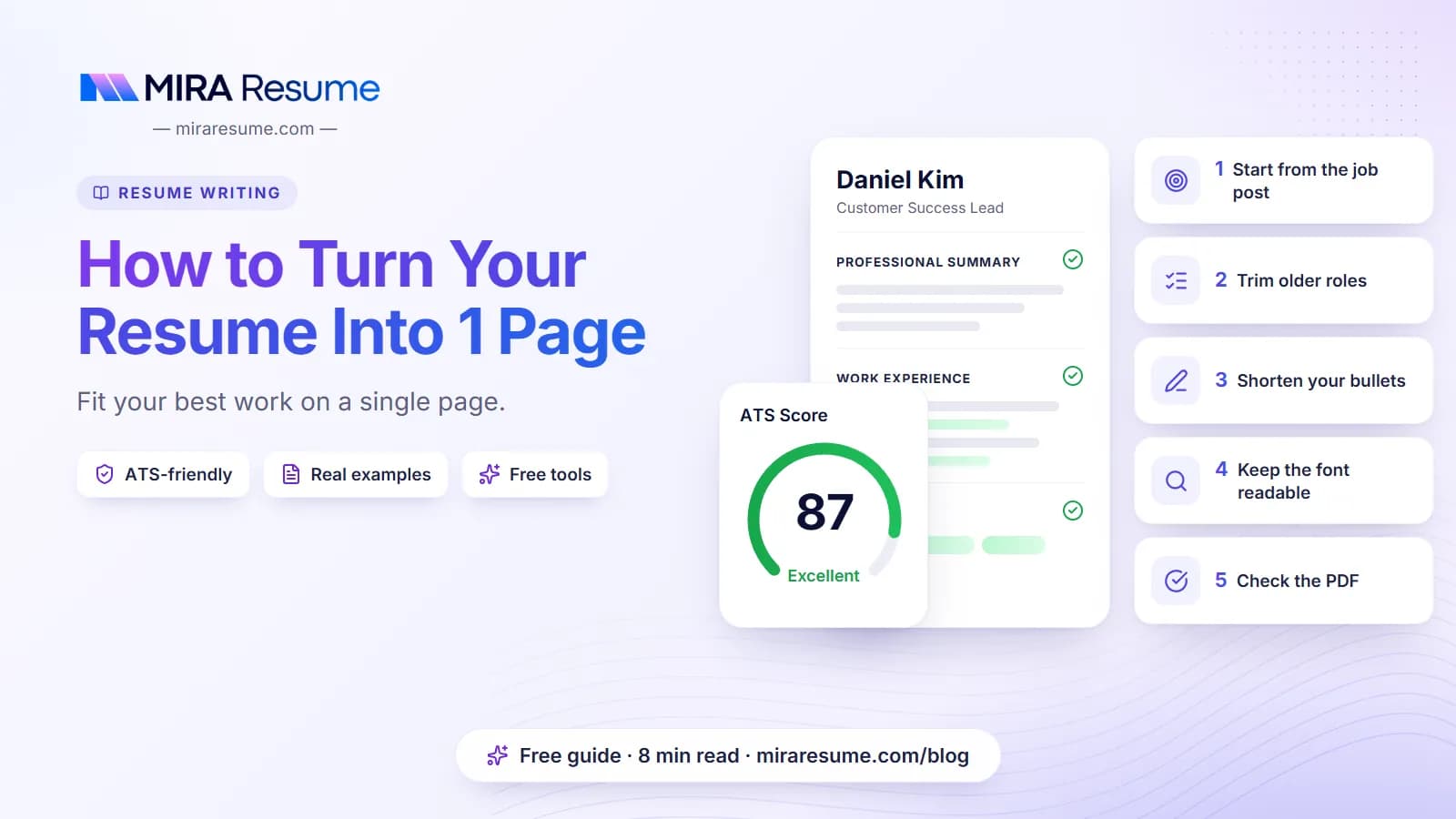
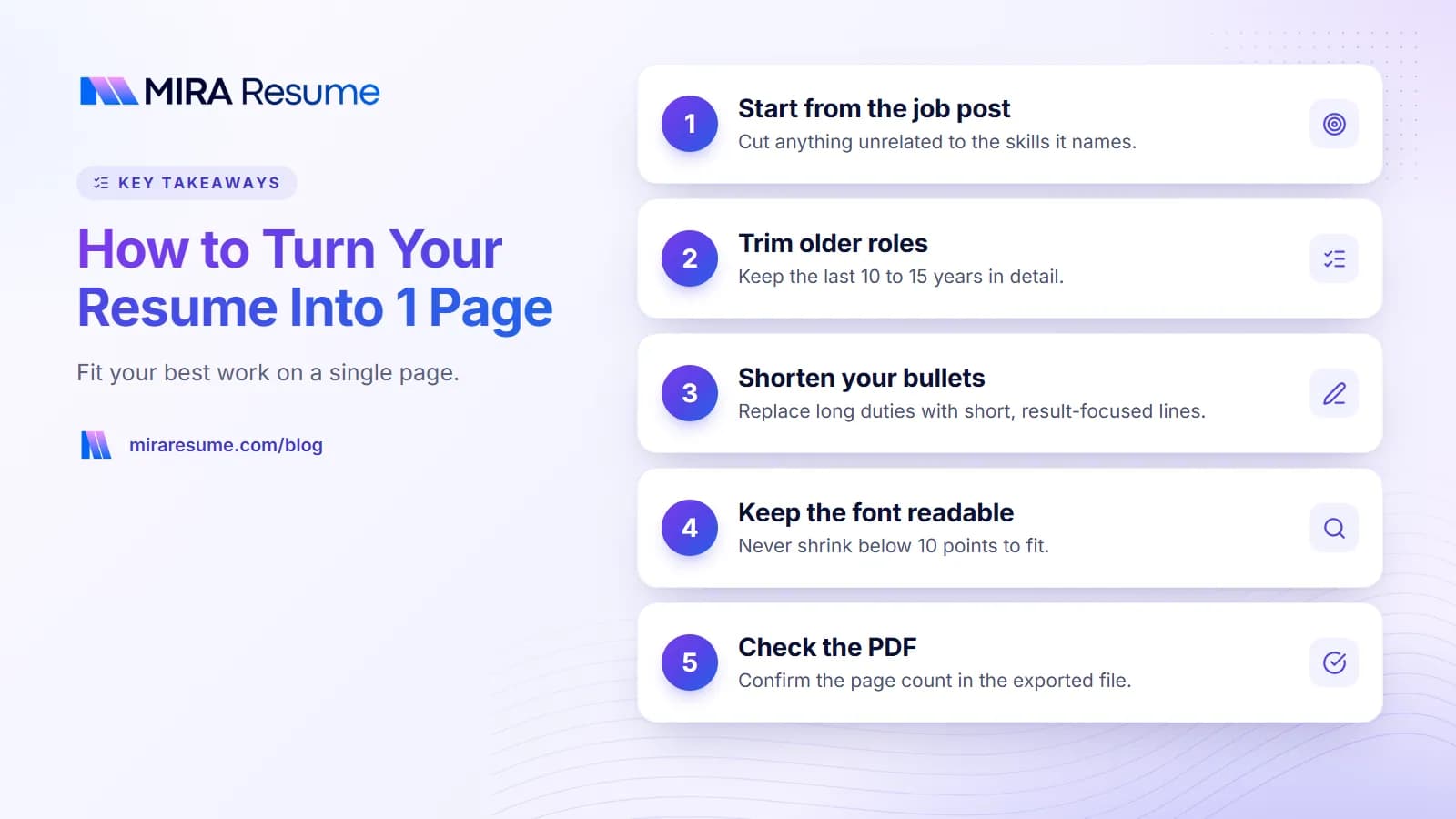
1. Start from the job post
Mark the skills and duties it names most. Anything unrelated is a candidate for cutting.
2. Trim old jobs
Keep the last ten to fifteen years in detail. Older roles can shrink to a single line with title, employer, and years, or disappear if they add nothing.
3. Cap bullets per job
Give your current or latest job four to six bullets. Give older jobs two or three. Drop duties that any person in that role would do.
4. Shorten each bullet
Aim for one line, two at most. Remove filler such as "responsible for" and "was involved in".
5. Merge similar bullets
If three bullets say you served customers, make one bullet that covers it and add a number.
6. Cut the objective or shorten it
Either drop it or make it two lines. Look at our resume summary examples for tight wording.
7. Combine small sections
Put certifications and languages under a single "Additional" heading, or fold them into Skills.
8. Remove "References available on request"
Employers assume you can provide them. See references on a resume for when to include them.
9. Adjust spacing and margins lightly
Use 0.6 to 0.8 inch margins, 10 to 11 pt text, and line spacing of 1.0 to 1.1. Do not go lower than that, or the page looks packed.
10. Check what is left
Read from the top. If a line does not help you get this job, delete it.
What to cut and what to keep
| Usually cut | Usually keep |
|---|---|
| Jobs older than 10 to 15 years that are unrelated | Your most recent and most relevant roles |
| Duties anyone would assume, such as "answered phones" | Results, numbers, and named tools |
| High school details once you have college or work history | Highest degree, school, and year |
| Hobbies with no link to the job | Volunteer work that shows a relevant skill |
| Outdated or basic skills such as "Internet" | Tools named in the job post |
| Full street address | City, phone, email, and a link to your profile |
If you are unsure about a line, ask: "If I removed this, would the reader miss it?" If not, it can go. For tips on picking facts worth keeping, see things to put on a resume.
A one page resume layout you can copy
Here is a layout that fits most people. The numbers are rough guides.
| Section | Space on the page | What goes in |
|---|---|---|
| Header | About 5% | Name, phone, email, city, link |
| Summary | About 8% | 2 to 3 lines, optional |
| Experience | About 55% | 3 to 4 jobs, 2 to 6 bullets each |
| Skills | About 10% | 6 to 12 skills in 2 or 3 lines |
| Education | About 10% | Degrees, schools, years |
| Extras | About 5% | Certifications, languages, volunteer work |
| White space | About 7% | Gaps between sections |
Use a single column and standard headings. Two-column layouts can save space but may confuse software; our guide on resume formatting explains why. To see ready-made layouts, browse the resume templates.
1 page resume examples: before and after
Here are some bullet and section rewrites that save lines without losing meaning.
Bullet rewrites
| Before (long) | After (short) |
|---|---|
| Responsible for helping customers with their questions and making sure that they were satisfied with the service they received. | Resolved about 50 customer questions per shift with a friendly, clear tone. |
| Worked with the team to plan, organize, and carry out events for the company throughout the year. | Planned 8 company events a year with a team of four. |
| Used Microsoft Excel to create spreadsheets, track expenses, and make reports for my manager each week. | Tracked expenses in Excel and sent weekly reports to the manager. |
Merging older jobs
Earlier experience
Server, Lakeside Diner (2016 to 2018) | Cashier, Corner Mart (2014 to 2016) | Lifeguard, City Pool (2012 to 2014)
Three old roles now take two lines instead of nine. That space can go to a stronger bullet in your latest job.
Skills in a compact line
Skills: Inventory counts, point-of-sale systems, scheduling, customer service, Spanish (conversational), basic Excel
Worked example: cutting a two-page resume to one
Say Jordan has a resume that runs to a page and a half. It has a six-line objective, four jobs with seven to nine bullets each, a full education history, a hobbies line, and "References available on request". Here is how Jordan reaches one page without losing the good parts.
| Part | Before | After |
|---|---|---|
| Objective | 6 lines of general goals | Summary of 2 lines naming the job title and one result |
| Latest job | 9 bullets | 5 bullets, all with results or tools |
| Second job | 8 bullets | 3 bullets |
| Older jobs | 2 jobs, 7 bullets each | One "Earlier experience" line |
| Education | High school and college | College degree only |
| Extras | Hobbies and references line | Removed |
The edit saves roughly thirty lines. Jordan then restores normal spacing so the page does not feel packed. Notice that the edit removed repeated and low-value points first. It did not remove numbers or key tools.
Work in a copy
Save your long version as your master file. Cut in a copy, so you never lose details. Later, you can pull a bullet back in for a job where it matters.
CV on one page: what changes?
If you are in a country that calls the document a CV, the steps are the same. Cut older or unrelated roles, shorten bullets, and keep the top of the page strong. Some tips for a one-page CV:
- Skip the personal profile if you are tight on space, or cut it to two lines.
- Show only the education that matters. A degree and the year often say enough.
- Do not add a photo, birth date, or marital status unless the local norm and the job post ask for it.
- For academic roles, a full CV may be expected. Do not cut research or publications to hit one page in that case. See our science CV sample.
Not sure which word to use? Our guide to CV vs resume explains the difference.
Things you should not do to fit on one page
- Shrink the font below 10 pt. Tiny text is hard to read and looks like you are hiding something.
- Squeeze margins to almost nothing. Text that touches the edge looks careless.
- Use a two-column layout with graphics only to save space. It may confuse software and readers.
- Delete the dates. Missing dates raise questions. Keep them, even for short jobs.
- Cut your strongest results. Remove filler first, never proof.
- Lie by omission in a way that misleads. It is fine to shorten old jobs, but do not hide a gap or change dates.
After editing, run your file through the ATS checker to confirm that the shortened version still reads cleanly.
Tips to check page length before you send
A page that fits on your screen may spill over on another computer. Before you send, do these quick checks.
- Export to PDF. Check the page count in the PDF itself, not in the editor. Fonts and spacing can move slightly.
- Look for a stray line. A single orphan line on page two is a sign you need to trim one more bullet.
- Print preview. It shows how the page looks on paper, including margins.
- Open on a phone. Make sure the text is clear and the layout holds.
- Read it once more for sense. After heavy cutting, make sure bullets still make full sense and that dates line up.
If you apply to many jobs, keep a shorter base version and change two or three lines per job instead of cutting from scratch each time.
When two pages is the better answer
Do not force one page if it hurts your case. Two pages make sense when:
- You have more than ten years of directly related experience.
- You hold several relevant licenses or certifications that employers look for.
- You are applying to a role that expects detail, such as a senior manager or a technical lead.
If you go to two pages, make sure the second page is at least half full and that page one holds your strongest points. Put your name and page number on page two in case pages are printed separately.
A quick final check
- Is the strongest information in the top third?
- Is every bullet one or two lines?
- Do the margins and font sizes look natural?
- Would you miss any line if it were gone?
- Is it saved as a PDF?
To build a clean page quickly, try the resume builder and check the page count as you go.