
A functional resume puts your skills first and your job history second. Instead of listing each job with its bullets, you group your work under skill headings such as "Customer Support" or "Project Coordination." Job titles and dates shrink to a short list at the bottom.
That sounds helpful if your work history is messy. But it also has real costs, and you should know them before you choose it. This guide explains how the format works, gives you a layout to copy, and shows a safer option for most job seekers.
What a functional resume is
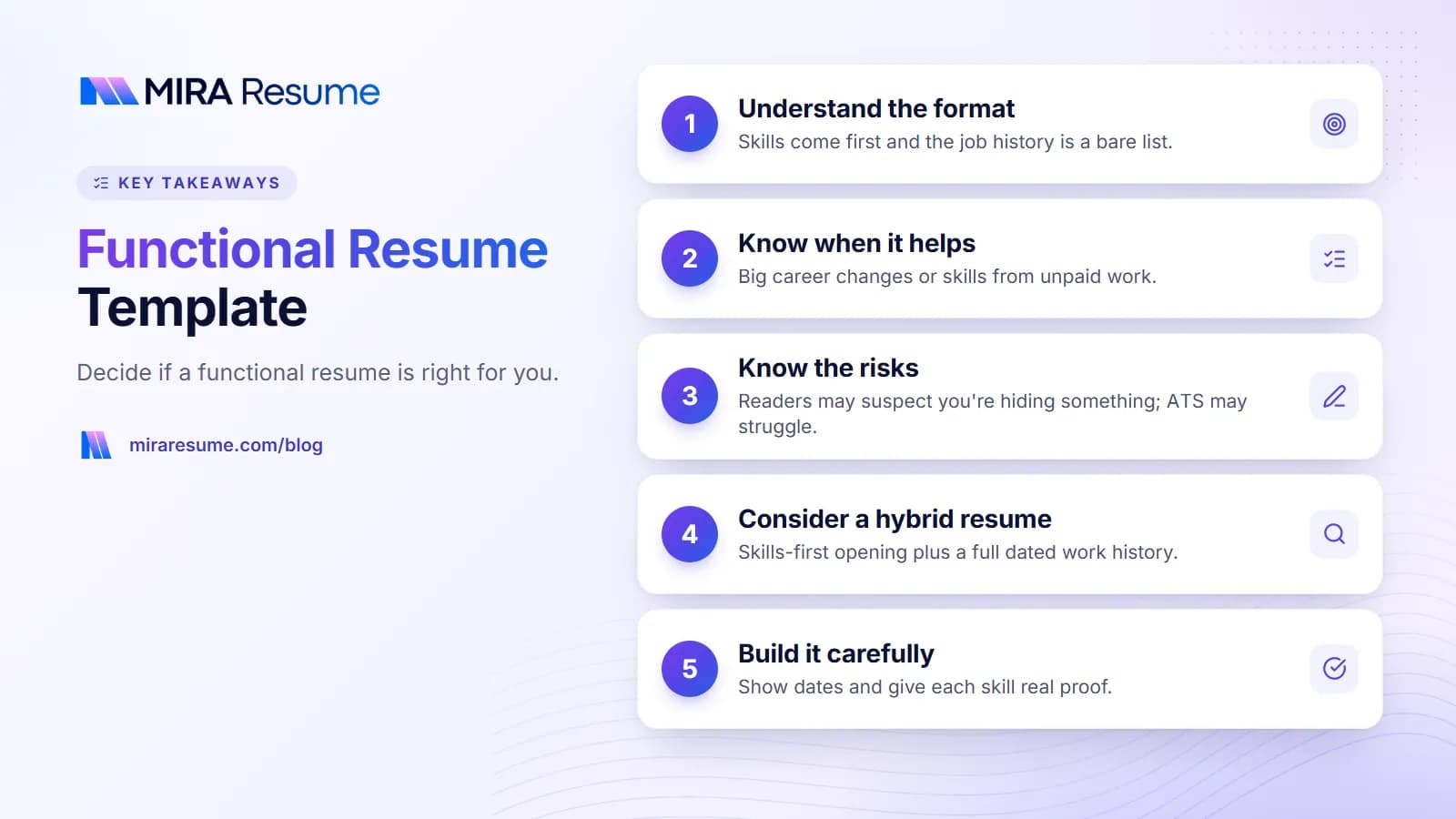
Most resumes are chronological. They list jobs from newest to oldest, with bullets under each one. A functional resume turns that around. The main body is organized by skill group, and each group holds bullets drawn from different jobs, volunteer work, or school.
The job history is still there, but it is a bare list: title, company, and sometimes dates. Some people leave the dates out. That choice is the main reason this format has a reputation problem, and we cover it below.
| Feature | Functional resume | Chronological resume |
|---|---|---|
| Main body | Skill groups with bullets | Jobs with bullets |
| Job history | Short list near the bottom | Full detail, newest first |
| Shows career growth | Weakly | Clearly |
| Hides gaps | Somewhat, but readers notice | Not at all |
| Fits an old or unrelated career | Often better | Can look off-topic |
If you want the standard layout, see our chronological resume template.
When a functional resume helps
There are a few situations where the format can make sense. Even then, think of it as one option, not the default.
- A big career change. Your past titles do not match the new job, but your skills do. Grouping by skill puts the useful parts first.
- Skills from unpaid or non-job work. Volunteering, freelance projects, or caregiving may not fit a normal job entry.
- Many short or mixed jobs. A long list of short roles can look scattered. Skill groups tidy that up.
- A long break. You can lead with skills, as long as you stay honest about dates.
Even in these cases, a hybrid layout often does the same job with less risk. We explain it two sections down.
Why it can hurt your chances
We want to be direct: the functional format is a gamble. Here is why.
Readers may assume you are hiding something
Hiring managers like to see where you worked, what you did there, and for how long. When that is hard to find, many readers wonder why. We cannot give you numbers on how often this happens, but career advisers commonly warn against the format for this reason.
Software may not connect skills to jobs
Applicant tracking systems (ATS) try to pull out your job titles, employers, and dates. A resume with skill bullets in one place and a thin job list in another gives the software less to work with. Results differ between systems, so test your file. Our guide on how ATS software works explains what gets read and what gets lost.
Skills without context are weak
"Managed budgets" under a skill heading does not say where, how big, or how recently. A bullet inside a job entry carries that context for free.
It can be harder to read
A reader has to match each skill claim to a job by hand. Busy readers often will not.
A safer option: the hybrid (combination) resume
A hybrid resume keeps the best part of the functional style, a skills-first opening, but also keeps a full work history with dates. Most career changers get more from this than from a pure functional layout.
| Section | Pure functional | Hybrid |
|---|---|---|
| Summary | Yes | Yes |
| Skills block | Large, with bullets under each skill | Short, 6 to 12 skills or 2 to 3 headed groups |
| Work history | Titles and companies only | Titles, companies, dates, 2 to 4 bullets each |
| Dates shown | Sometimes hidden | Always shown |
| Reader trust | Lower | Higher |
Our guide to the skills-based resume covers this approach in more depth, including how to pick the skills to feature.
Functional resume format: section by section
If you still want a functional layout, here is a clean way to build it. It uses plain text and simple headings, which is what ATS software handles best.
1. Header
Name, city and state, phone, email. A LinkedIn link if it is current.
2. Summary (2 to 3 lines)
State your target job, your strongest skill area, and one proof point. See our resume summary examples for wording ideas.
3. Skill groups (2 to 4)
Each group gets a heading and 2 to 4 bullets. Name the setting in each bullet, such as "at a retail store" or "as a volunteer," so the claim has context.
4. Work history
List titles, employers, and dates. Keep real dates. Leaving them out tends to raise more questions than it answers.
5. Education and certifications
Add school, credential, and year. See how to list certifications on a resume.
Keep it to one page, use one column, and avoid text boxes, icons, and tables for layout. You can view layouts that fit these rules in our resume templates, and all downloads are PDF.
Functional resume example (invented person)
The person below is made up, and so are the details. Use the structure, not the facts. This is an example of a functional resume for someone moving from restaurant management into office administration.
Casey Morgan
City, State | 555-555-0100 | [email protected]Summary
Team leader with several years of restaurant management experience, moving into office administration. Strong at scheduling, record keeping, and keeping a busy team on track.Scheduling and Coordination
- Built weekly shift schedules for a team of [number] people and handled last-minute changes
- Coordinated vendor deliveries and kept the supply calendar currentRecords and Reporting
- Tracked daily sales and inventory in spreadsheets and reported weekly to the owner
- Kept training records and safety logs up to datePeople and Communication
- Trained [number] new hires and checked their progress during the first month
- Handled guest complaints calmly and followed up by phone or emailWork History
Shift Manager, Example Bistro, City, State, 2021 - 2026
Server, Example Grill, City, State, 2018 - 2021Education
High School Diploma, Example High School, 2018
Notice that dates stay visible. Notice also that each bullet names a real setting. That is what keeps the format honest and readable.
Fill the [number] placeholders with your own facts, or remove the number if you do not know it.
Does a functional resume work with ATS?
It can, but it is riskier. The format itself is not banned by any system. The problem is that some ATS tools build a profile from job entries, and a thin job list gives them less to extract. Skill bullets sitting apart from any job may also count for less when the system tries to match keywords with your experience.
| Layout choice | ATS-friendly? | Note |
|---|---|---|
| Plain text headings (Skills, Work History) | Yes | Use standard names |
| Single column | Yes | Safest reading order |
| Skill bullets with no employer named | Weaker | Name the setting in the bullet |
| Hidden or missing dates | Risky | Dates help both software and people |
| Text boxes, columns, icons | Risky | Can scramble reading order |
The best test is to run your file through a checker. Our ATS resume scanner guide explains how, and the ATS checker lets you upload your resume and see how it reads. Never assume; try it.
Common functional resume mistakes
- Hiding dates. This is the biggest trust problem. Show years, even if you only show years.
- Skills with no proof. "Strong leader" is a claim. "Led a team of [number] on weekend shifts" is evidence.
- Too many skill groups. Two to four is enough. More looks scattered.
- Dropping recent jobs. Employers still want to see your latest role clearly.
- Using it by default. If you have steady, related experience, a standard layout serves you better. See how to format a resume.
- Fancy design. Sidebars and graphics can break ATS reading. Keep it plain.
- Forgetting the job post. Use the same skill words the job uses, where they are true for you. Our resume keywords guide shows how.
How to turn a chronological resume into a functional one
If you already have a standard resume, you can convert it in about an hour. Work through these steps, and keep your original file as a backup.
- Read the job post. Highlight the three or four skills it asks for most. These become your skill group headings.
- Scan every bullet you have. Copy each bullet that supports one of those skills into a scratch list, with the job it came from.
- Group the bullets. Put each bullet under its best skill heading. Drop any that do not fit the target job.
- Add the setting. Where a bullet could be confusing, add a short phrase such as "as a store supervisor" or "for a school fundraiser."
- Rebuild the work history. List every job with title, employer, city, and dates, newest first.
- Read it as a stranger would. Can you tell where each skill was used? If not, add context or switch to a hybrid layout.
A quick before and after
| Where it sits | Example bullet (illustrative) |
|---|---|
| Chronological, under a job | Trained [number] new cashiers on the register and returns process |
| Functional, under "Training and Coaching" | Trained [number] new team members on cash handling and returns at a retail store, and checked their work during the first month |
The functional version is longer because it must carry its own context. That extra length is the price of the format, and it is one reason many people prefer a hybrid.
How to choose between functional, hybrid, and chronological
Use this short guide to pick.
| Your situation | Best choice |
|---|---|
| Steady work in the same field | Chronological |
| Career change with some related experience | Hybrid |
| Little paid history, strong volunteer or project work | Hybrid or functional, with honest context |
| Long gap in work history | Hybrid, with a short honest note. See our gap sample |
| Applying to large companies with ATS portals | Chronological or hybrid |
When in doubt, build a hybrid. If you want a quick start, the AI resume builder can lay out clean sections, and you can add your own facts.