
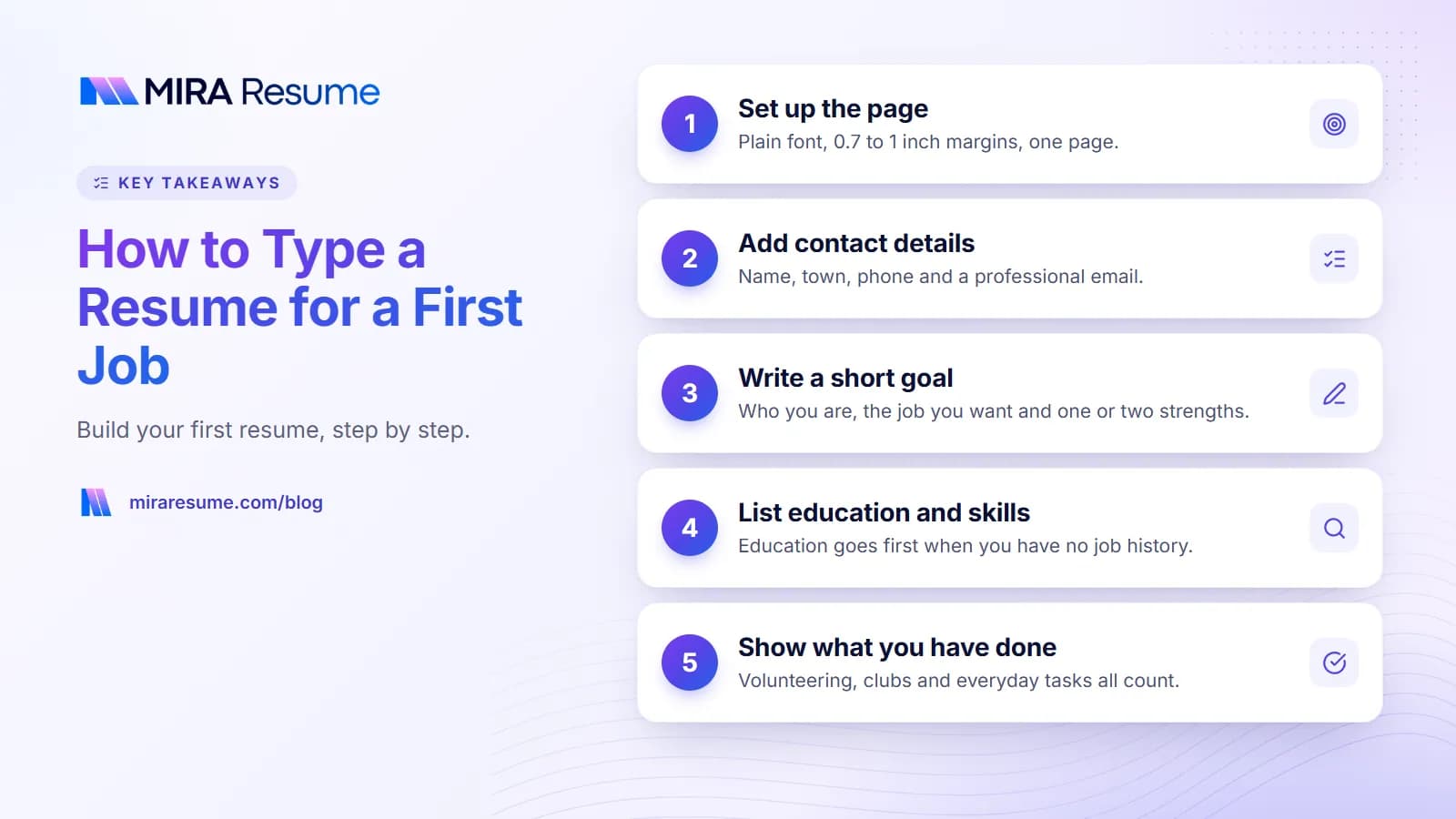
If you are wondering how to type a resume for a first job, start with the blank page. Open a document, choose a plain font, and build the page in a set order: contact details, a short goal, education, skills, and the things you have done. That is the whole job. You can finish a first draft in about an hour.
This guide walks through each step as if we were sitting next to you. It is for anyone starting out, whether you are young, returning to work, or just never had a paid job. If you are 14 to 18, our page on resume for teens has extra tips for you and your parents.
Do you need a resume for your first job?
Often, yes, but not always. Some employers only ask you to fill in an application form, especially for entry-level work in stores and restaurants. Even then, a resume helps because it holds your dates, contacts and skills in one place, so filling in the form is quick.
Here is how to decide:
- The job post says "send your resume". You need one.
- The job is on a big job site. Most ask you to upload a resume.
- You are asking in person. Bring a printed copy. It shows you are serious.
- The employer only uses a form. Use your resume as a cheat sheet.
A resume is not a test you can fail because you have no job history. Employers who hire first-time workers expect a short page. They care that it is neat, honest and easy to read.
What a first resume is not
It is not a life story, and it is not a list of every class you have taken. It is a one-page sales sheet about you. Everything on it should help the reader think, "This person could do the job."
Step 1: Set up the page before you type
Set up the page first so you do not have to fix it later. Open a new document in any word processor and change these settings.
| Setting | What to choose | Why |
|---|---|---|
| Page size | Letter (8.5 x 11 in) or A4, to match your country | Prints and displays correctly |
| Margins | 0.7 to 1 inch on all sides | Leaves room to breathe |
| Font | Arial, Calibri or Georgia | Easy for people and software to read |
| Font size | 11 or 12 point for text, 14 to 16 for your name | Readable without squinting |
| Alignment | Left-aligned | Avoids odd gaps between words |
| Columns | One | Software reads one column in order |
Do not use text boxes, pictures or fancy borders. They look fine on your screen but can scramble when a system reads the file. For more on this, see how to format a resume and the simple resume format page.
Use headings and bullets the easy way
Type each heading in bold capitals or bold normal case, such as Education. Use the real bullet button in your word processor, not a dash you type yourself, so the list lines up. Keep the style the same on every heading.
Step 2: Type your name and contact details
Put your name at the top, in a larger size. Under it, add one line with your town, phone number and email. That is all you need.
Jordan Ellis
Denver, Colorado | 555-010-8841 | [email protected]
- Email: use your name. Skip nicknames, numbers and jokes.
- Phone: use a number you answer. Make sure your voicemail greeting sounds polite.
- Address: a city and state is enough. You do not need your street.
- Links: add a LinkedIn link only if the page is tidy. See how to put LinkedIn on a resume.
Step 3: Write a short goal at the top
A first resume benefits from a two-line goal. It tells the reader what job you want and what you offer. Use this formula: who you are + the job you want + one or two real strengths.
| Job you want | Sample goal |
|---|---|
| Store associate | Friendly and dependable job seeker looking for a part-time store associate role. Good with customers and careful with details. |
| Warehouse helper | Hard-working job seeker looking for an entry-level warehouse role. Comfortable with lifting, teamwork and following safety rules. |
| Front desk | Organized and polite person seeking a front desk job. Comfortable with phones, email and basic computer tasks. |
| Kitchen or cafe | Quick learner seeking a cafe job. Calm in busy times and happy to work early shifts. |
Only write what is true. For more wording, see resume objective examples.
Step 4: Type your education and skills
With no job history, education goes first after the goal. List the school, the place and the dates. If you are still studying, write the expected finish date.
Education
Eastside Community College, Denver, CO
Certificate in Office Administration, expected June 2027
Relevant classes: Keyboarding, Business Communication
If you left school early or have a high school diploma or GED only, list that. Our page on high school on a resume shows how. For college details, see how to list education on a resume.
Skills you can type with confidence
Choose six to eight skills you can really use. Mix people skills and tool skills.
- Tools: Microsoft Word, Google Sheets, email, cash register, typing.
- People skills: customer service, teamwork, listening, helping others.
- Other: languages, first aid, driving license, time management.
For ideas, read skills to put on a resume and see transferable skills examples.
Step 5: Add what you have done
This is the section that worries most people. You may think you have nothing to put here. You likely do. Ask yourself these questions:
- Have I helped family or neighbors with regular tasks, such as childcare, yard work or errands?
- Have I volunteered at a school, place of worship or charity?
- Have I been on a team, in a club or in a band?
- Have I helped run an event, a sale or a fundraiser?
- Have I taken care of a household while others worked?
- Have I built, fixed or sold something?
Name this section "Experience" or "Activities and Experience". Then type each item with a title, a place, dates and one or two bullets.
Volunteer Helper, Riverside Community Pantry, Mar 2025 to Present
- Pack and hand out food boxes to about 30 families each Saturday.
- Greet visitors politely and keep the supply shelves neat.
Start every bullet with a verb
Words like packed, helped, organized, served, cleaned, tracked, taught and planned make lines clear. Our action verbs list has more. If you want help with no-experience wording, see resume with no experience.
A first resume example you can copy
Here is a full first resume example. It is made up, so change every line to fit your life.
Jordan Ellis
Denver, Colorado | 555-010-8841 | [email protected]Goal
Dependable job seeker looking for a part-time store associate role. Friendly with customers and quick to learn.Education
Eastside Community College, Denver, CO
Certificate in Office Administration, expected June 2027Skills
Customer service | Cash handling | Typing | Microsoft Word and Excel | Teamwork | Conversational SpanishExperience
Volunteer Helper, Riverside Community Pantry, Mar 2025 to Present
- Pack and hand out food boxes to about 30 families each Saturday.
- Greet visitors politely and keep the supply shelves neat.
Family Helper, Home, 2023 to Present
- Take care of a younger sibling after school and help with homework.
- Shop for groceries with a budget and keep a shared list.
First resume format at a glance
- Name and contact
- Goal (two lines)
- Education
- Skills
- Experience and activities
That order puts your strongest facts first. When you gain a paid job, move Experience above Education. If you want to see how this compares with a different structure, the skills-based resume guide covers another option.
Turn everyday tasks into resume lines
Many first-time job seekers know what they did but not how to write it. Use this pattern for each bullet: verb + what you did + who it helped or how much. The table shows plain tasks turned into clear lines.
| What you did | How to type it |
|---|---|
| Sold lemonade or crafts | Sold handmade items at weekend markets and kept a simple record of daily sales |
| Cleaned up after a family event | Set up tables and cleaned the hall for 50 guests at a community dinner |
| Helped a neighbor with a computer | Showed an older neighbor how to use email and video calls |
| Walked dogs | Walked three dogs on a fixed daily schedule for two neighbors |
| Helped at a school fair | Ran the ticket table and gave correct change during a four-hour event |
Keep numbers true. If you do not know an exact number, leave it out rather than guess. A clear line with no number is better than a line with a made-up one.
Check the page against the job post
Read the job notice once more. Circle three things it asks for, such as "friendly", "cash handling" or "weekend shifts". Then check that your page shows each one, using the same words where it is honest to do so. This small step takes five minutes and makes your page feel written for that job.
Save it, check it and send it
When you finish typing, read the whole page aloud and check each date, number and spelling. Then save it twice: once in your word processor so you can edit it later, and once as a PDF to send. A PDF looks the same on every phone and computer. Name the file clearly, such as "Jordan-Ellis-Resume.pdf".
Next, think about whether to add a short cover letter. Many first-time applicants find it easier to explain their story in a few lines. See cover letter with no experience for a simple template.
Using a builder instead
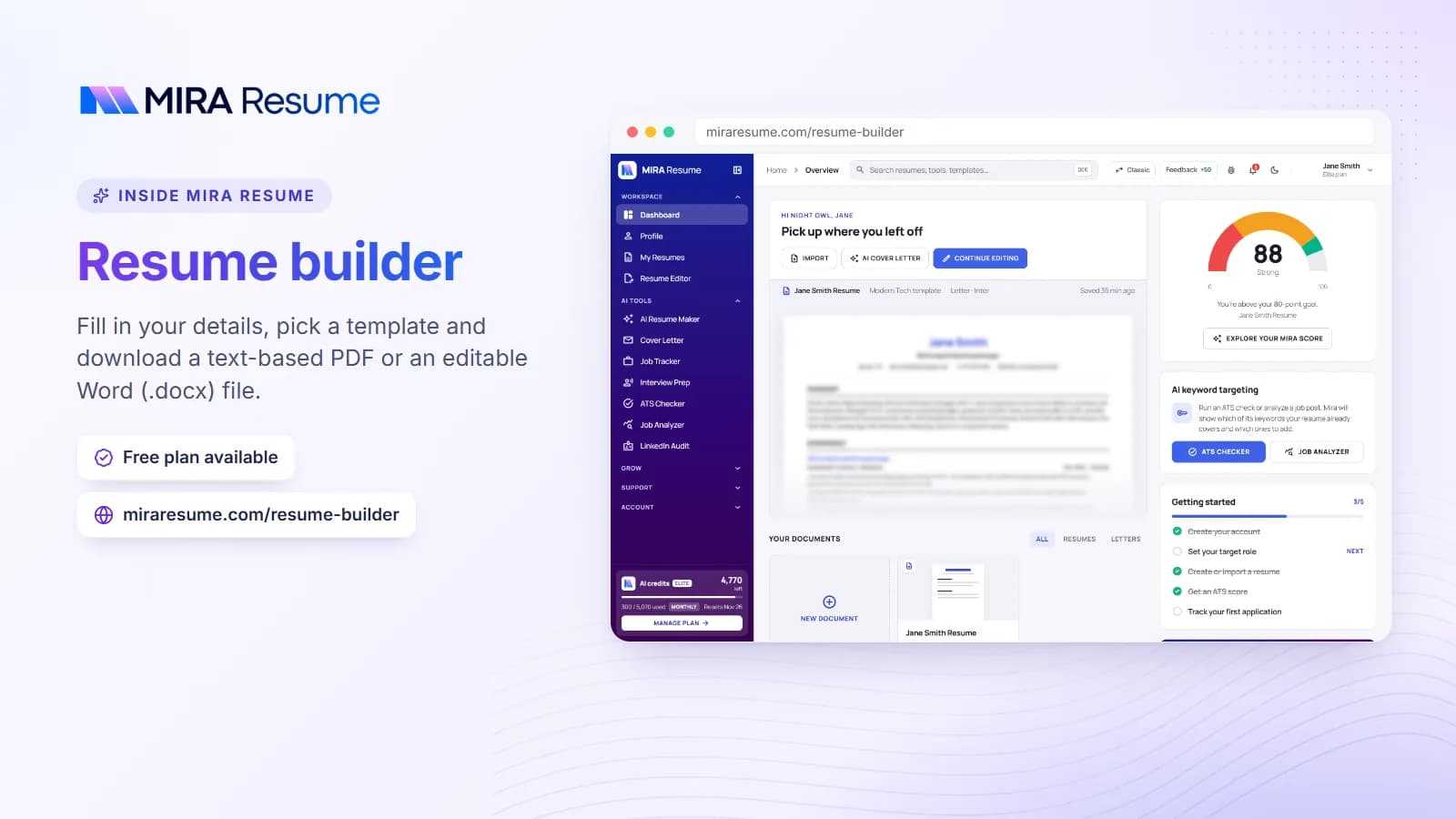
If typing the layout yourself feels hard, a builder can do the spacing for you. With Mira Resume you pick a simple template, fill in your details and download a PDF, or an editable Word (.docx) file if an employer asks for Word. Try the resume builder or check an existing file with the ATS checker.
Common mistakes on a first resume
- Typing it in a fancy font. Stick to Arial, Calibri or Georgia.
- Spacing with the space bar. Use tabs, alignment and bullets so lines stay straight.
- Leaving the sample text in. Read every line and delete what is not yours.
- Going over one page. Cut the weakest lines.
- Using a joke email address. Make a new one if needed.
- Listing duties with no detail. Say what you did and for whom.
- Adding things that are not true. Honest and small beats big and false.
- Not saving a PDF. A Word file can change shape on another device.
If you want to see what a weak page looks like next to a better one, read our bad resume examples guide.