Coming soon
AI Resume Tools

How to Tailor Your Resume With Claude: A Step-by-Step Guide

Tailor your resume with Claude Desktop or Claude Code: connect Mira Resume over MCP, check fit against a job, save approved edits, and avoid common mistakes.

Mira Resume Editorial Team · Career content team Published Updated 7 min read
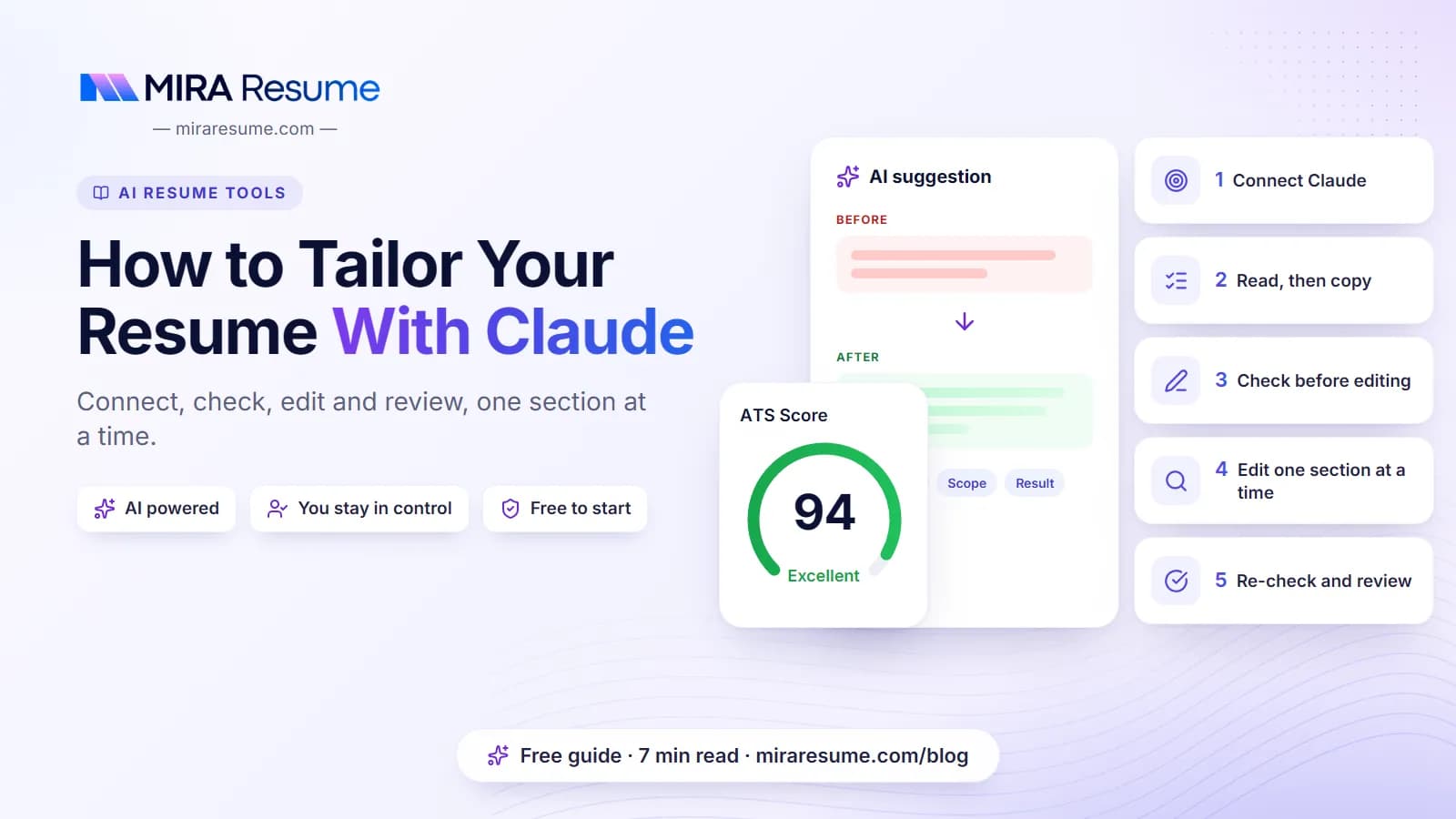
How to Tailor Your Resume With Claude: cover image for the Mira Resume guide, with an example resume and the 5 main points

Tailoring means adjusting your resume so the most relevant, true parts of your experience are the first things a recruiter and an ATS see for one specific job. People who search for how to "tailor resume with Claude" are usually tired of pasting text back and forth. The fastest route is to connect Claude to the place your resume already lives, so it can read it, measure the fit and save the edits you approve, while you keep the final say on every line.

This guide walks through that workflow step by step with Claude Desktop or Claude Code and the Mira Resume MCP server. It includes prompts that work, the mistakes that make tailored resumes worse, and a version of the method for people who do not want to connect anything.
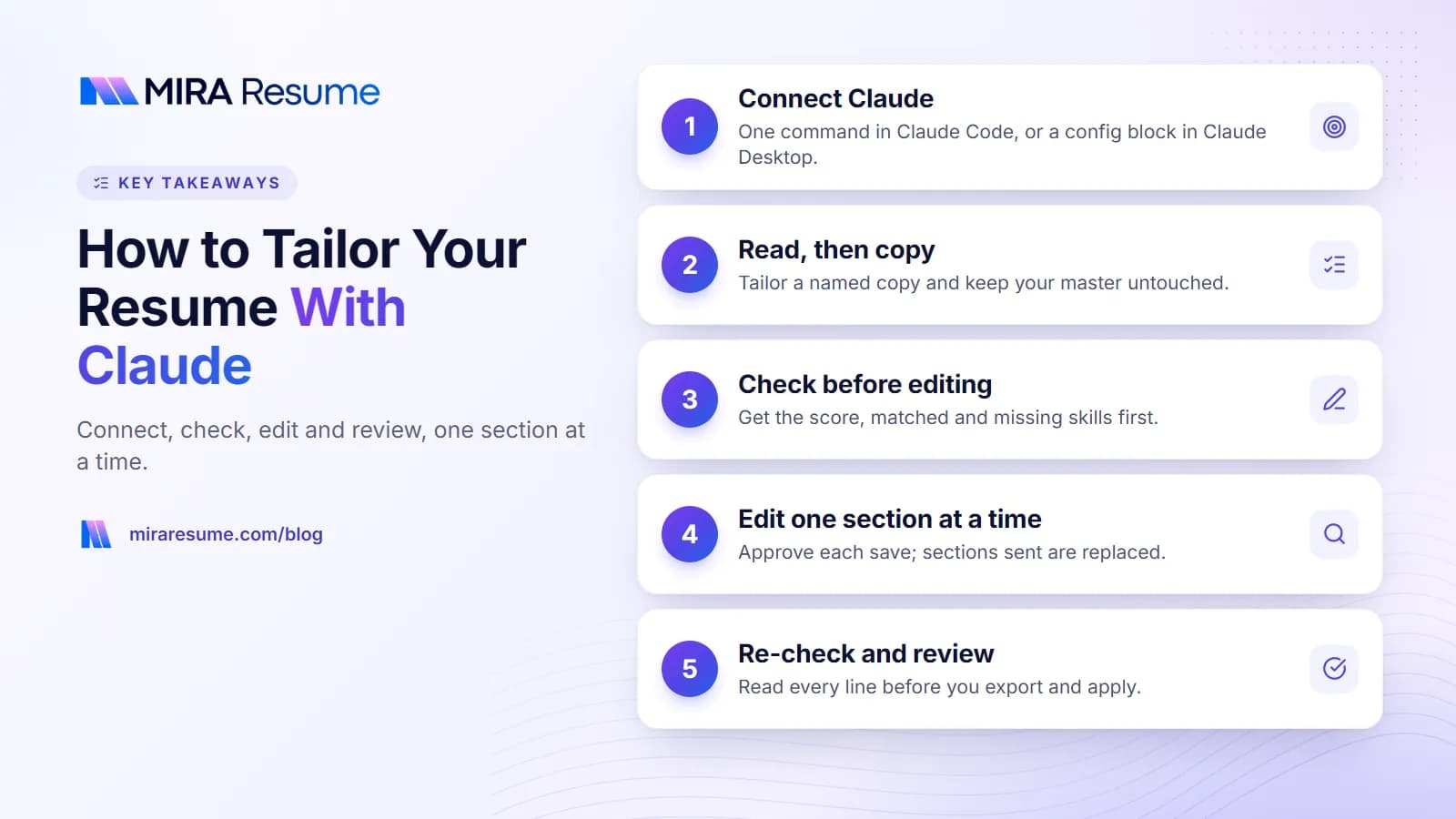
Key takeaways: 1. Connect Claude; 2. Read, then copy; 3. Check before editing; 4. Edit one section at a time; 5. Re-check and review
Key takeaways from this guide.

What you need before you start

You needWhyNotes
Claude Desktop or Claude CodeThe MCP client that talks to your resumeclaude.ai on the web needs OAuth connectors, which Mira Resume does not offer yet
A Mira Resume Pro or Elite planAPI and MCP accessPro is $19 a month, Elite $49 a month; see pricing
An API keyProves the requests come from youCreate it in Dashboard, API and MCP; it starts with mira_sk_ and is shown once
Node.js 18 or newer (Claude Desktop only)Runs the small mcp-remote bridgeClaude Code connects directly over HTTP
One clean master resumeEverything is tailored from itRun the free ATS checker first
The full job posting textThe match check needs at least 80 charactersCopy the whole posting, not just the title

If MCP is new to you, MCP for job seekers explains what it is and what it can and cannot do.

Step 1: Connect Claude to your resume

The Mira Resume server lives at https://miraresume.com/api/mcp and uses Streamable HTTP. Your API key goes in an Authorization header as a Bearer token.

Claude Code

Run one command in your terminal, replacing YOUR_API_KEY with your key. Add --scope user if you want it available in every project.

claude mcp add --transport http mira-resume https://miraresume.com/api/mcp --header "Authorization: Bearer YOUR_API_KEY"

Start Claude Code and type /mcp. You should see mira-resume listed as connected. Full steps are on the Claude Code setup page.

Claude Desktop

Open Settings, Developer, Edit Config, and add this block to claude_desktop_config.json (merge it if you already have an mcpServers section):

{ "mcpServers": { "mira-resume": { "command": "npx", "args": ["-y", "mcp-remote", "https://miraresume.com/api/mcp", "--header", "Authorization:Bearer ${MIRA_API_KEY}"], "env": { "MIRA_API_KEY": "YOUR_API_KEY" } } } }

Quit and reopen Claude Desktop. The tools menu should list the Mira Resume tools. The key sits in the env block rather than the arguments so Windows does not mangle it. The Claude Desktop setup page lists the config file location on macOS and Windows.

Step 2: Let Claude read your resume

Start every session with a read-only request. It confirms the connection and gives Claude the context it needs.

"List my Mira Resume resumes. Then read the one called Master Resume and summarise my strongest experience for a Data Analyst role in five bullets."

Claude will call list_resumes and then get_resume. The resume comes back as structured sections (contact, summary, experience, skills and so on), which is far more reliable than pasted text from a PDF.

Before you tailor, make a copy so your master stays untouched:

"Create a new resume called Data Analyst - Acme with the same content as Master Resume, and set the target role to Data Analyst."

That uses create_resume. The copy appears in My Resumes and opens in the editor like any other resume.

Step 3: Check the resume against the job

Paste the posting and ask for a check before any edits:

"Check Data Analyst - Acme against this job posting with check_resume_against_job. Show the score, the breakdown, the matched skills and the missing skills. Do not change anything yet." Then paste the full posting.

The check returns a score from 0 to 100, a breakdown by part, up to eight matched skills, up to six missing skills and short notes. It is the same deterministic scorer that Mira Scout uses to rank jobs, so it costs no AI credits and the same input always gives the same score. For a pasted job, location and freshness get neutral values, so the movement you can influence is in the title and skills parts.

Use the missing skills as questions, not as a shopping list. For each one, ask yourself whether you have done it. If you have, it belongs on the page in your own words. If you have not, leave it off and be ready to talk about how you would learn it.

Also look at the notes. They explain the score in plain words, for example that the posting asks for more years than your resume shows, or that the title is only loosely related to your target role. A low title part usually means you should set a clearer target role on the resume, or accept that this job is a stretch. A low skills part is where honest tailoring helps most, because skills you have but never named are invisible to both the scorer and the recruiter.

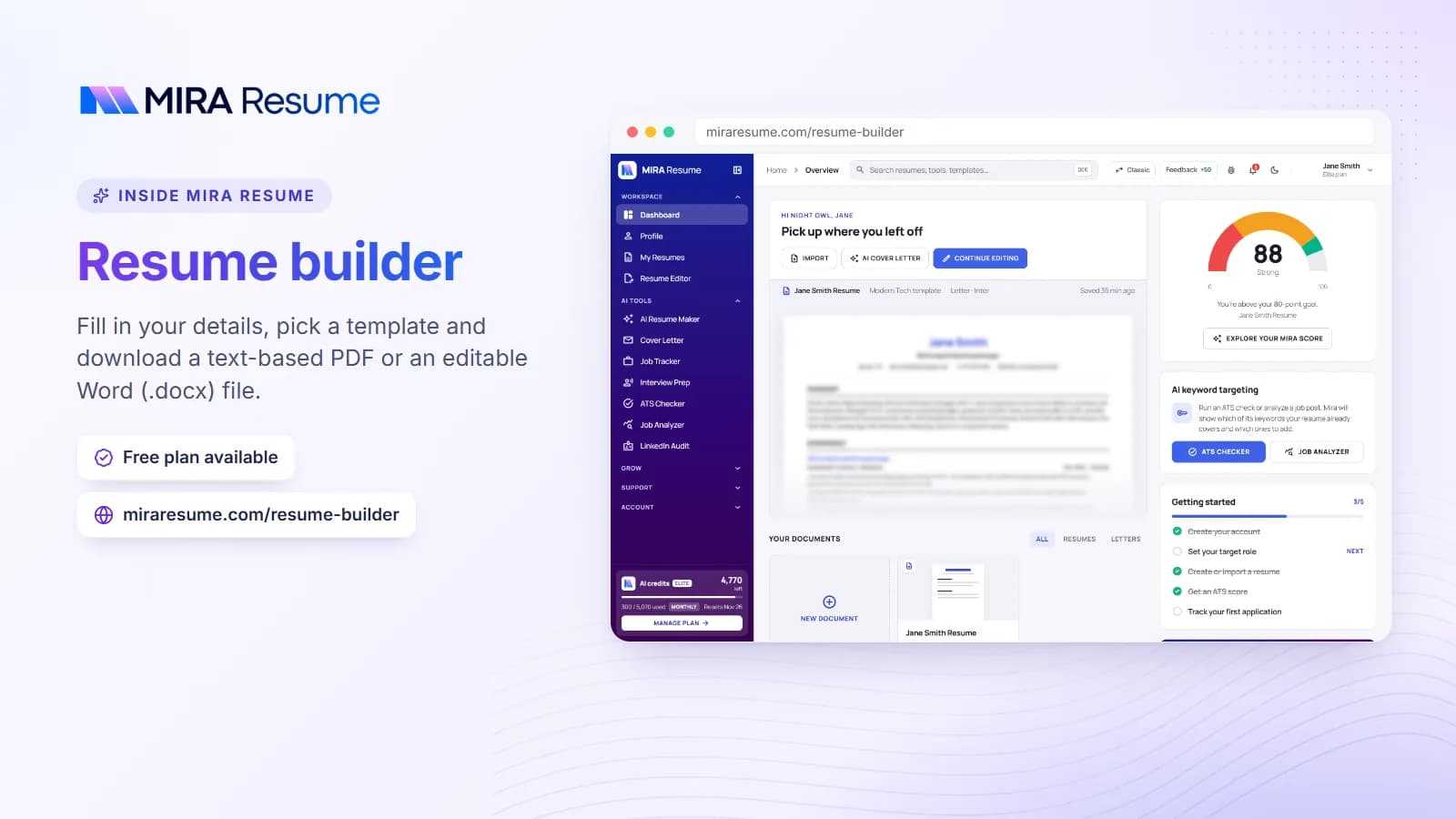
Screenshot of the Mira Resume resume builder (Fill in your details, pick a template and download a text-based PDF or an editable Word (.docx) file.)
Screenshot: Resume builder: Fill in your details, pick a template and download a text-based PDF or an editable Word (.docx) file.Try it

Step 4: Edit sections with update_resume

Now ask for drafts, one section at a time:

"Draft a three-sentence summary for this role using only facts from my resume. Mention SQL and dashboard work, which I really do. Show me the draft first."

When you are happy, say "save it". Claude calls update_resume with just the summary. One detail matters here: update_resume replaces each section it sends. Sections you leave out stay as they are, but if Claude sends the experience section, the whole section is replaced with what it sent. So:

  • Edit one section per request, and read the draft before approving.
  • For experience, ask Claude to keep every role and only change the bullets you agreed on.
  • Keep Claude's "ask before using tools" behaviour on, so each write shows up for approval.
  • Work on the copy from Step 2, never on the master.

Good targets for tailoring are the summary, the order of your skills list, and two or three bullets per recent role. Our guide to resume bullet points shows the action, task and result shape that reads well to recruiters.

Step 5: Review, re-check and export

  1. Re-run the check. Ask for check_resume_against_job again and compare. A higher skills part means the posting's real requirements are now visible on the page.
  2. Read every line aloud. If a sentence would make you uncomfortable in an interview, rewrite it or delete it.
  3. Open the resume in the editor. Check length, spacing and the template. The assistant edits content; the editor controls layout.
  4. Export as PDF or Word and, if you like, run the file through the ATS checker.
  5. Log the application. "Add Acme, Data Analyst, to my tracker as applied today, using this resume" calls add_application with the resume id.

The chart shows how the check's 100 points are split, which is why title and skills changes move the number most.

How the resume vs job check splits its 100 points

Maximum points per part of check_resume_against_job (the Mira Scout scorer)

  • Skills fit 40 pts
  • Title fit 35 pts
  • Seniority 10 pts
  • Location and workplace 10 pts
  • Freshness 5 pts

Source: Mira Resume scorer weights, 16 November 2026. For a pasted job, location and freshness use neutral values.

View as table
ItemMax points
Skills fit40 pts
Title fit35 pts
Seniority10 pts
Location and workplace10 pts
Freshness5 pts

Prompts that work well for tailoring

Clients that support MCP prompts show tailor_resume and review_resume as ready-made starting points. You can also write your own. Each of these keeps Claude to your facts and asks before saving:

"Compare the posting's must-have requirements with my resume. Make a table: requirement, where my resume shows it, and how strongly."

"Reorder my skills so the ones this posting mentions come first. Do not add any skill I have not confirmed."

"Rewrite my two most recent bullets at Northwind to show the reporting work this job cares about. Keep the numbers exactly as they are."

"Review this tailored resume as a recruiter for this role would. List the three weakest lines and why."

Notice the pattern: every prompt limits Claude to your facts, asks for a draft before a save, and names the section. More examples, including privacy-safe versions, are in our resume prompts guide; they work with Claude too.

Mistakes to avoid

MistakeWhy it hurtsDo this instead
Adding every missing skillInterviewers ask about what is on the pageAdd only skills you have used; leave the rest off
Editing the master resumeOne bad save changes every future applicationTailor a named copy per role
Saving whole sections without readingupdate_resume replaces the section it sendsApprove one section at a time
Chasing a score of 100Stuffed keywords read badly to humansAim for clear evidence of the main requirements
Pasting your API key into the chatThe key acts as youKeep it in the client config; revoke it if exposed
Letting Claude invent numbersMade-up metrics are easy to catchTell Claude to keep figures exactly as written

For more on why honesty wins with modern screening, read how AI resume screening works.

How to tailor your resume with Claude without MCP

You can follow the same method in any Claude chat, including claude.ai on the web, with copy and paste. It is slower and you lose the saved versions and the deterministic score, but the thinking is the same.

  1. Paste your resume as plain text, with personal contact details removed.
  2. Paste the posting and ask for a requirements table, as in the prompts above.
  3. Ask for one section at a time, using only facts from your resume.
  4. Copy the approved text into your resume editor by hand.
  5. Check the result with the free ATS checker, which compares your resume with a job description.

If you tailor often, the connected route saves the most time. If you are comparing options, our roundup of the best resume MCP servers covers the alternatives, and the MCP docs list every client we support.

Frequently asked questions

Can I tailor my resume with Claude on claude.ai?

Yes, with copy and paste. A direct connection to Mira Resume from claude.ai on the web is not available yet, because web connectors expect an OAuth sign-in and Mira Resume uses API keys. Claude Desktop and Claude Code can connect today with a key, and both work well for this tailoring workflow.

Does the match check use my AI credits?

No. check_resume_against_job is a deterministic scorer, the same one Mira Scout uses to rank jobs, so it uses no AI and no credits. It only counts toward your daily request limit, which is 300 requests a day on Pro and 3,000 on Elite, shared across all your keys and both the MCP server and REST API.

Will Claude overwrite my resume?

Only the sections it sends. update_resume replaces each section included in the request and leaves the others alone. To stay safe, tailor a copy rather than your master resume, keep tool approval on in Claude, and approve one section at a time after reading the draft Claude shows you.

What score should I aim for?

There is no magic number. Mira Scout's default minimum for a good match is 60, which is a sensible bar for deciding whether a job is worth applying to. After tailoring, a rise in the skills part matters more than the total. Never add skills you lack just to raise the score.

Do I need Claude Pro or a paid Claude plan?

That depends on Anthropic's current plans and usage limits, which change over time, so check their site. On the Mira Resume side you need Pro or Elite for API and MCP access. Free Mira Resume accounts cannot create API keys, but they can still use the free ATS checker.

Can Claude apply to the job for me?

No. The Mira Resume MCP server can read resumes, check them against jobs, save edits, update your Job Tracker and list Mira Scout matches, but it has no tool that submits applications. You apply yourself, then ask Claude to log the application in your tracker with the resume version you used.

Found this useful? Share it

Send it to a friend who is job hunting, or save it for later.

Read this guide with AI

Get a plain-language summary and help applying it to your own resume. Pick an assistant; it opens with this article and a ready prompt.

Back to AI Resume Tools hub

All articles