Coming soon
AI Resume Tools

Resume Builder API: A Developer's Guide to the Mira Resume REST API

A resume builder API for your own account: auth, endpoints, rate limits, curl and JavaScript examples, OpenAPI and ChatGPT custom GPT Actions, with plan limits.

Mira Resume Editorial Team · Career content team Published Updated 7 min read
Resume Builder API: cover image for the Mira Resume guide, with an example resume and the 5 main points

A resume builder API lets your own scripts and tools do what you would otherwise do by hand in the editor: read a resume, change a section, check it against a posting, log an application. The Mira Resume REST API does exactly that for your own account, with the same tools that power our MCP server for AI assistants.

This guide covers authentication, every endpoint, rate limits and error codes, copy-ready examples in curl and JavaScript, the OpenAPI file and how to use it with ChatGPT custom GPT Actions, plus realistic use cases. The full reference lives in the API documentation; this article is the practical overview.
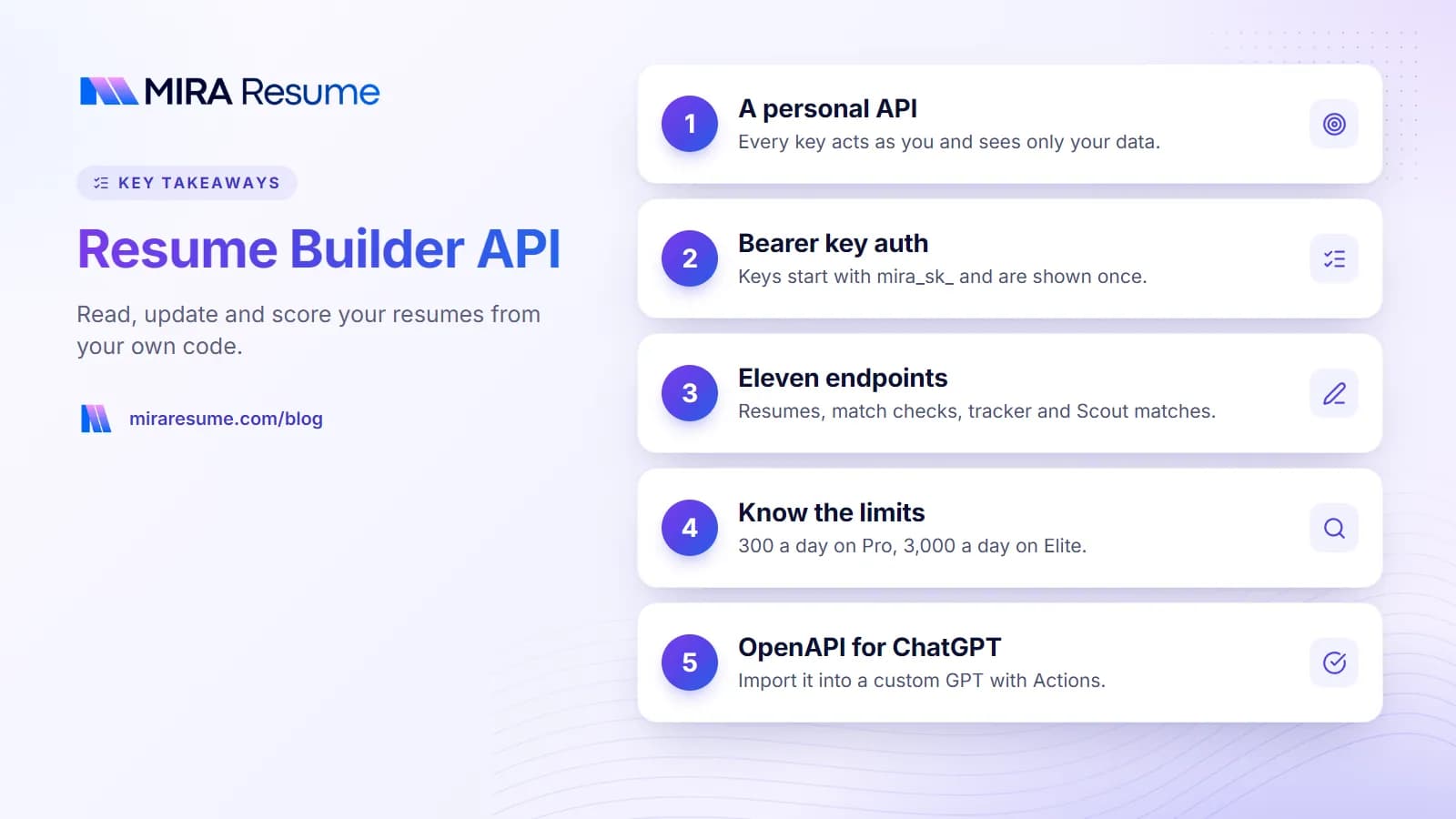
Key takeaways: 1. A personal API; 2. Bearer key auth; 3. Eleven endpoints; 4. Know the limits; 5. OpenAPI for ChatGPT
Key takeaways from this guide.

What the Mira Resume API is, and what it is not

The API is a personal API. Every key acts as the user who created it, and every request is scoped to that user's data. It is designed for:

  • Your own automations, such as scripts, spreadsheets, notebooks or no-code tools.
  • Connecting AI assistants that speak HTTP but not MCP, such as a ChatGPT custom GPT.
  • Keeping your resume content in sync with something else you own, like a personal website.

It is not a white-label or multi-tenant API for building a resume product for other people, and it does not parse uploaded PDF files. If you want an AI assistant rather than code to use these tools, the Mira Resume MCP server offers the same tools over the Model Context Protocol.

Authentication with API keys

Create a key in the dashboard under API and MCP. Keys start with mira_sk_, are shown once, and are stored only as a hash on our side, so copy the key somewhere safe when you create it. You can revoke a key at any time.

Send the key in an Authorization header as a Bearer token. An x-api-key header is also accepted.

Authorization: Bearer mira_sk_...

Keys never use or set cookies. If your plan changes to Free, your keys stop working until you upgrade again. There is no OAuth in this version, so third-party apps cannot ask users to sign in with Mira Resume yet.

Responses are JSON. A success looks like { "data": ... } and a failure looks like { "error": { "code": "...", "message": "..." } }.

Endpoints

The base URL is https://miraresume.com/api/v1. Each endpoint maps to one tool, so the behaviour matches the MCP server exactly.

Method and pathToolWhat it does
GET /meget_accountYour plan, AI credits and today's API usage
GET /resumeslist_resumesList resumes with id, name, target role, last update and saved ATS score
POST /resumescreate_resumeCreate a resume, optionally with content
GET /resumes/{resume_id}get_resumeRead a resume as JSON, or as text with ?format=markdown
PATCH /resumes/{resume_id}update_resumeReplace the sections you send
POST /resumes/{resume_id}/matchcheck_resume_against_jobScore a resume against a job posting, 0-100
GET /applicationslist_applicationsList Job Tracker applications, optionally by status
POST /applicationsadd_applicationAdd an application (default status wishlist)
PATCH /applications/{application_id}update_applicationChange status, notes or next step
GET /scout/matcheslist_job_matchesJobs Mira Scout found for you, best first
POST /ai/analyze-jobanalyze_job_descriptionAI job description analysis (Elite, 30 credits)

Resume sections you can write are contact, summary, experience, education, skills, achievements, projects, certifications, languages and volunteering. Sending a section replaces that whole section; sections you leave out are not changed. Application statuses are wishlist, applied, interviewing, offered and rejected.

Rate limits, plans and error codes

Limits are per user, across all your keys, and REST and MCP requests count together. The daily allowance resets at 00:00 UTC.

FreePro ($19/month)Elite ($49/month)
API and MCP accessNoYesYes
Active API keys-210
Requests per day-3003,000
Requests per minute-3090
Resume vs job match check-Free within limitsFree within limits
AI tools that use credits-NoYes

Request bodies are capped at 1 MB, and a stored resume at 200 KB of JSON. The errors you should handle:

CodeHTTP statusMeaning
unauthorized401Missing, malformed, unknown or revoked key
plan_required403Your plan does not include the API, or the tool needs Elite
not_found404No resume or application with that id on your account
invalid_input400The body or a parameter failed validation
rate_limited429Too many requests this minute; wait for Retry-After
daily_limit429Today's allowance is used up
insufficient_credits402Not enough AI credits
ai_failed502The AI did not return a usable answer; you were not charged

Compare plans on the pricing page.

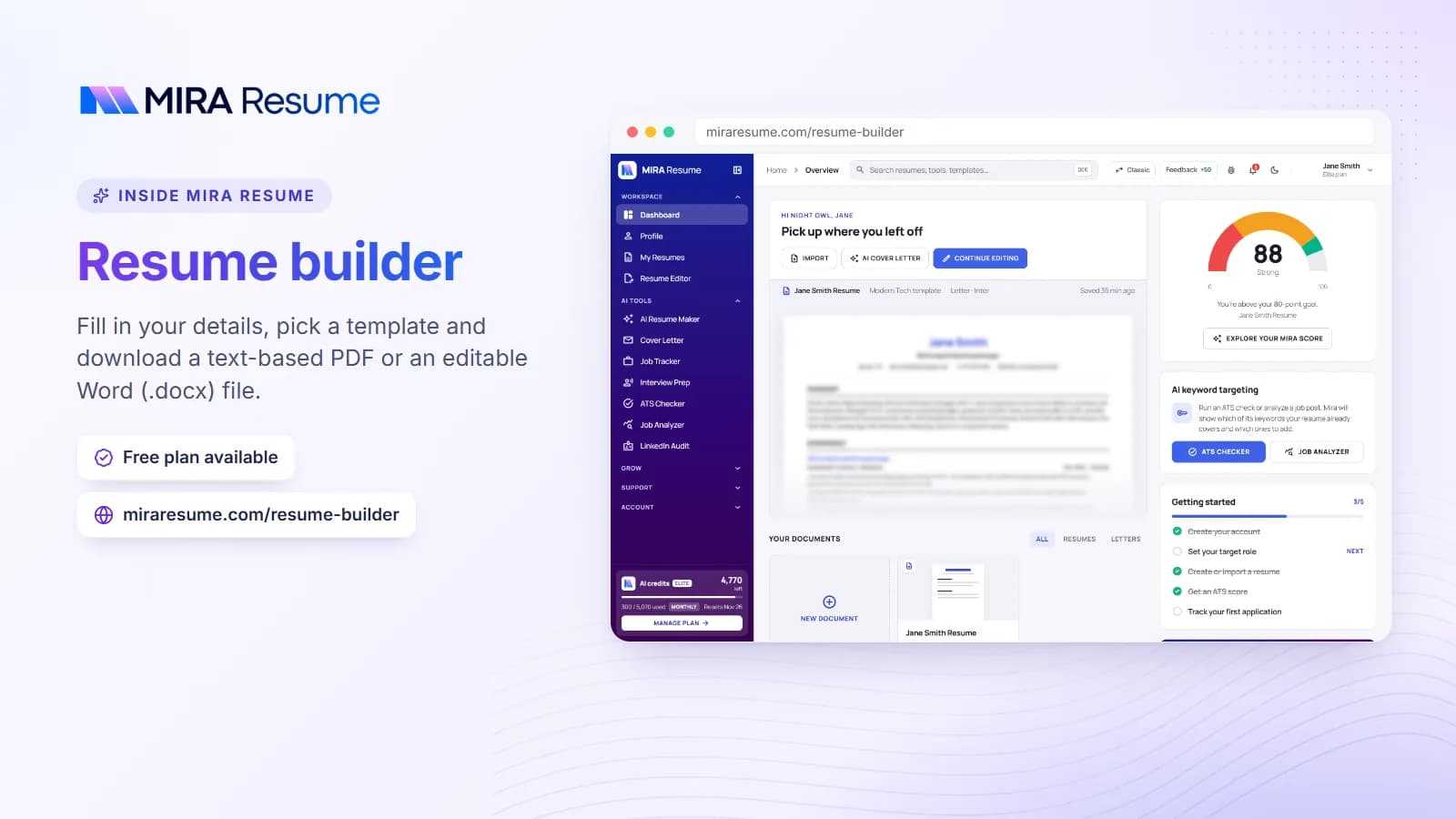
Screenshot of the Mira Resume resume builder (Fill in your details, pick a template and download a text-based PDF or an editable Word (.docx) file.)
Screenshot: Resume builder: Fill in your details, pick a template and download a text-based PDF or an editable Word (.docx) file.Try it

What a resume looks like in the API

GET /resumes/{resume_id} returns the resume as resume JSON with the same sections the editor uses, so what you read is what you can write back. A trimmed example of the sections you can send in a PATCH:

{ "resume": {
"summary": "Data analyst with five years of SQL and dashboard experience.",
"skills": ["SQL", "Python", "Power BI", "Stakeholder reporting"],
"experience": [{ "title": "Data Analyst", "company": "Northwind", "duration": "Jan 2022 - Present", "bullets": ["Built a weekly sales dashboard used by 12 regional managers."] }]
} }

Three rules keep updates predictable:

  • Sections are replaced, not merged. Sending experience replaces the whole experience list, so read the resume first, change what you need, and send the full section back.
  • Contact is the exception. Only the contact fields you send change, so you can update a phone number without resending your name.
  • Edits are normalised like the editor. Writes go through the same clean-up as changes made in the app, and fields the API does not know about are preserved.

Add ?format=markdown to the same request when you want readable text instead, for example to feed a resume API response into a static site generator or a notes app. The job tracker API works the same way: list, add and update applications with plain JSON, and link each one to the resume version you sent.

Examples in curl and JavaScript

Keep your key in an environment variable called MIRA_API_KEY rather than in your code.

List your resumes (curl)

curl https://miraresume.com/api/v1/resumes -H "Authorization: Bearer $MIRA_API_KEY"

Score a resume against a job (curl)

curl -X POST https://miraresume.com/api/v1/resumes/RESUME_ID/match -H "Authorization: Bearer $MIRA_API_KEY" -H "Content-Type: application/json" -d '{"job_title": "Data Analyst", "job_description": "Paste the full posting here (at least 80 characters)..."}'

The response includes score (0-100), a breakdown (title_fit out of 35, skills_fit out of 40, seniority_fit out of 10, location_fit out of 10, freshness out of 5), matched_skills, missing_skills and plain-English notes. It is the deterministic scorer Mira Scout uses, so it uses no AI credits. The job match score guide explains each part.

Update a summary (JavaScript)

const res = await fetch("https://miraresume.com/api/v1/resumes/" + resumeId, {
method: "PATCH",
headers: { "Authorization": "Bearer " + process.env.MIRA_API_KEY, "Content-Type": "application/json" },
body: JSON.stringify({ resume: { summary: "Data analyst with five years of SQL and dashboard experience..." } }),
});
const { data, error } = await res.json();

Add an application (JavaScript)

await fetch("https://miraresume.com/api/v1/applications", {
method: "POST",
headers: { "Authorization": "Bearer " + process.env.MIRA_API_KEY, "Content-Type": "application/json" },
body: JSON.stringify({ company: "Acme", role: "Data Analyst", status: "applied", applied_date: "2026-11-16", resume_id: resumeId }),
});

OpenAPI and ChatGPT custom GPT Actions

A public OpenAPI 3.1 description lives at https://miraresume.com/api/v1/openapi.json. You can import it into API clients, code generators and no-code tools that read OpenAPI.

It is also how ChatGPT connects today. ChatGPT expects an OAuth sign-in for remote MCP servers, which Mira Resume does not offer yet, but a custom GPT can call the REST API through Actions:

  1. In ChatGPT, open Explore GPTs, Create, Configure, then Create new action.
  2. Choose Import from URL and paste the OpenAPI address above.
  3. Under Authentication, pick API Key with Auth Type Bearer and paste your key.
  4. Save the GPT and keep it private, because it acts as you.
  5. Ask it to list your resumes to test the connection.

The full steps are on the ChatGPT setup page.

Use cases for a resume API

Use caseEndpointsHow it works
Personal website that stays in syncGET /resumes/{id}A build step pulls your resume as JSON or Markdown and renders it on your site
Batch check against saved jobsPOST /resumes/{id}/matchScore one resume against several postings and sort by score; a Pro plan allows 300 requests a day
Spreadsheet or Notion job tracker syncGET and POST /applicationsPush applications from a sheet into your Job Tracker, or pull them out for reporting
Morning job digest in your own toolGET /scout/matchesRead new Mira Scout matches above a minimum score and post them to your notes or chat
Versioned resumes per rolePOST /resumes, PATCH /resumes/{id}Create a named copy per target role and update only the sections that differ
Assistant without MCP supportAll, via OpenAPIAny assistant that can call HTTP tools with a Bearer key

Whatever you build, keep a human in the loop for anything that changes your resume text. The ATS checker is a good final check on a file before you send it.

REST API or MCP server: which should you use?

Both use the same keys, tools and limits. The difference is who calls them.

  • Use the REST API when your own code calls the tools: scripts, scheduled jobs, website builds, no-code tools, and ChatGPT custom GPTs.
  • Use the MCP server when an AI assistant calls them: Claude Code, Claude Desktop, Cursor, VS Code, Windsurf, Codex or Gemini CLI. Start with the MCP docs or read MCP for job seekers for a plain-English overview.

Good practices for either: keep keys in environment variables or a secret manager, use one key per device or app so you can revoke one without breaking the rest, back off when you see a 429 and honour the Retry-After header, and never commit a key to a repository. If a key leaks, revoke it in the dashboard and create a new one.

Frequently asked questions

Is there a free resume builder API?

Not from Mira Resume. API and MCP access is part of the Pro plan ($19 a month, 300 requests a day) and the Elite plan ($49 a month, 3,000 requests a day). Free accounts cannot create keys, and existing keys stop working while an account is on the Free plan. They start working again after an upgrade.

Can I use the API to build a resume product for my own customers?

No. Each key acts as the user who created it and can only see that user's data, so the API suits personal automations and your own tools, not a multi-tenant product. There is also no OAuth sign-in yet, so other people cannot connect their Mira Resume accounts to your app.

Does the API parse PDF resumes?

No. The API reads and writes structured resume sections such as summary, experience and skills. To bring an existing PDF or Word resume into Mira Resume, use the import feature in the app, then read or update the result through the API. The resume content is returned as JSON or as Markdown text.

Which endpoints use AI credits?

Only POST /ai/analyze-job, which runs analyze_job_description. It is available on Elite, costs 30 credits per call and refunds them if the AI fails to return a usable answer. Every other endpoint, including the resume vs job match check, is deterministic and counts only toward your daily and per-minute request limits.

How do I connect the API to ChatGPT?

Create a custom GPT, add an Action, import the OpenAPI file from https://miraresume.com/api/v1/openapi.json, and set Authentication to API Key with the Bearer type using your Mira Resume key. Keep the GPT private, because it acts as you. The ChatGPT setup page in our docs shows each screen.

What happens when I hit the rate limit?

You get HTTP 429. The rate_limited code means too many requests this minute, and the Retry-After header says how long to wait. The daily_limit code means the day's allowance is used up; it resets at 00:00 UTC. Limits are shared across all your keys and across the REST API and MCP server.

Found this useful? Share it

Send it to a friend who is job hunting, or save it for later.

Read this guide with AI

Get a plain-language summary and help applying it to your own resume. Pick an assistant; it opens with this article and a ready prompt.

Back to AI Resume Tools hub

All articles