
Many applicants now ask: should I opt out of AI resume screening? The honest answer is that it depends on where you live, what the employer offers, and what the tool actually does. Some employers use software only to store and search applications. Others use tools that score or rank people. Rules vary by country and sometimes by state or city, and this guide is not legal advice. What follows is a plain explanation of how screening works, what you can reasonably control, and how to decide for yourself.
What AI resume screening is
Resume screening software helps employers handle a large number of applications. It sits on top of, or inside, an applicant tracking system (ATS). Depending on the product and how the employer sets it up, it may do one or more of these things:
- Read and sort. Pull out names, jobs, dates, schools, and skills from your file.
- Search. Let a recruiter look for words like a job title or a tool.
- Match. Compare your resume to the job post and show how closely the words line up.
- Rank or score. Order applicants by a measure the vendor or employer chose.
- Ask questions. Collect answers to screening questions, such as work authorization or required licenses.
"AI" is a broad label. It can mean simple word matching, or it can mean a model trained on past data. Marketing pages do not always say which. Because we cannot see inside any one employer's setup, we describe what is common and not what a specific company does.
For a basic explanation of the underlying systems, see how ATS works and the guide to ATS resume scanners.
What screening software can and cannot do
It helps to separate what is realistic from what is hype.
| Software can often... | Software usually cannot... |
|---|---|
| Read text from a clean file and place it in fields | Read text from an image or a scrambled layout reliably |
| Find words that match the job post | Understand your full story the way a person can |
| Flag missing required items, like a license | Know whether your claims are true |
| Sort a large pile into a shorter list | Guarantee it picks the best candidate |
| Apply the rules the employer set | Behave the same way across all employers |
Humans are usually still involved
In most setups, a recruiter or hiring manager still reviews applications and makes the choices. How much weight a company puts on automated sorting is its own decision. Some employers rely heavily on it, and others hardly use it.
Software can make mistakes
Parsers can misread files, and matching tools can miss a good candidate whose wording differs from the post. Any automated system can carry errors or bias from its design or its data. That is one reason regulators in some places have started to look at these tools. It is also why a clear, readable resume helps you: it reduces the chance of a plain reading error.
Should you opt out? How to think about it
You may be offered a way to opt out, to ask for a human review, or to request an accommodation. Whether such an option exists depends on the employer and on local rules. Here is a way to weigh your choice.
Questions to ask yourself
- Is there actually an option? Check the job application page, the privacy notice, and any notice about automated tools. Not every employer offers one.
- What does the notice say the tool does? "We use software to store applications" is different from "we use software to score candidates."
- What happens if I opt out? It may mean a human review, a different process, or a delay. Some employers explain this, and some do not.
- Do I need an accommodation? If a tool or test is hard to use because of a disability, you may be able to ask for a different way to apply. Ask the employer's contact.
- How much do I want this job? If a slower or different process would cost you the chance, weigh that.
A practical middle path
You do not have to choose between "opt out" and "do nothing." You can read the notice, ask the employer how automated tools are used, and still submit a resume that is easy for software and people to read. If you have privacy concerns, you can ask the employer how long they keep your data and how you can request deletion, where that is allowed.
Rules differ by place: where to look
Rules vary by country, state, and city, and this is not legal advice. Some places have laws about automated decisions, data protection, or notices to applicants. Others have few rules. Laws also change, so what was true last year may not be today.
| What you want to know | Where to look |
|---|---|
| Does this employer use automated tools? | The application page, privacy notice, or careers FAQ |
| Can I ask for human review? | The privacy notice, or an email to the employer's HR or data contact |
| What rights do I have over my data? | Your country's or region's data protection authority website |
| Are there local rules on hiring software? | Your local or national labor department, or a qualified legal professional |
| Do I need an accommodation? | The employer's accessibility or HR contact |
If a decision matters a lot to you, such as a possible unfair rejection, speak to a qualified professional in your area. This guide cannot tell you what the law requires where you live.
Myths about AI resume screening
There is a lot of online noise. Here are common ideas, and a more careful way to think about each.
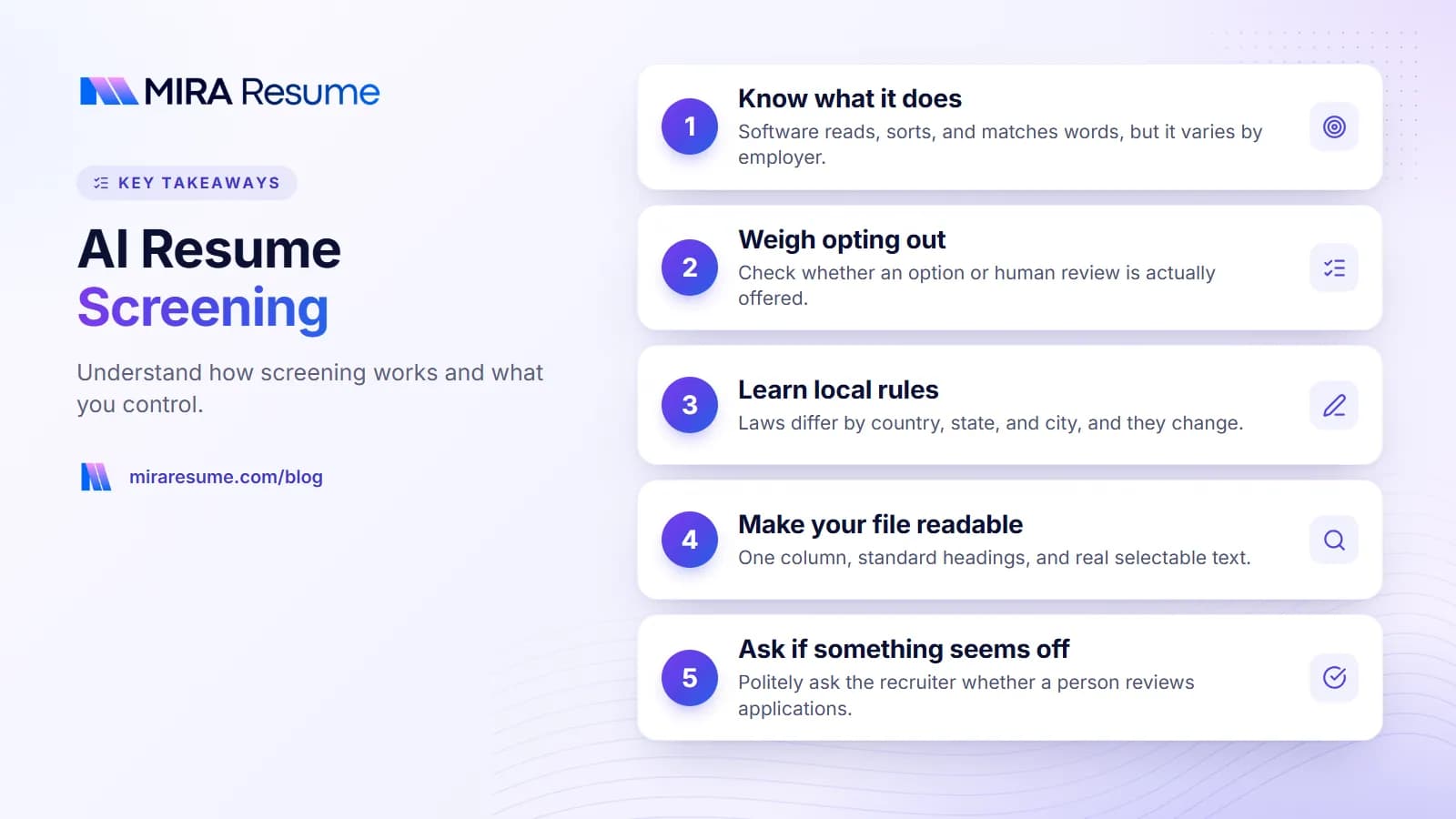
- "Every resume is auto-rejected by a robot." This is too broad. Employers vary. Many use the software mainly as a database, and people still review applications.
- "You must beat the system with hidden keywords." Hidden text is easy to detect and can get you rejected. Honest, relevant wording is safer and works better with people, too.
- "A high ATS score means you will be hired." Scores from job-seeker tools are estimates. They do not show what an employer sees.
- "Opting out always gets you a fairer look." It may or may not. It depends on what the employer does next.
- "AI screening is always unbiased." Software can reflect the rules or data behind it. That is why being careful and asking questions is reasonable.
- "Special fonts or colors will trick it." Plain formatting helps. Tricks tend to backfire.
The common thread: avoid absolute claims either way. Aim for a resume that is readable, honest, and matched to the job. See what is an ATS resume for the practical rules.
What you can control: a plain-English checklist
You cannot control how an employer's tool works. You can control your file and your choices.
Make your resume easy to read
- One column, standard headings, and real text you can select.
- Contact details in the body, not the header.
- One date style used throughout.
- No images, text boxes, or skill bars.
Use honest, relevant words
- Compare the job post to your resume, and use the same terms for skills you really have.
- Write skills in a sentence that shows how you used them. See resume keywords.
- Do not stuff, hide, or repeat words.
Test your file
- Do the copy-and-paste test: copy all text into a plain text app and read it.
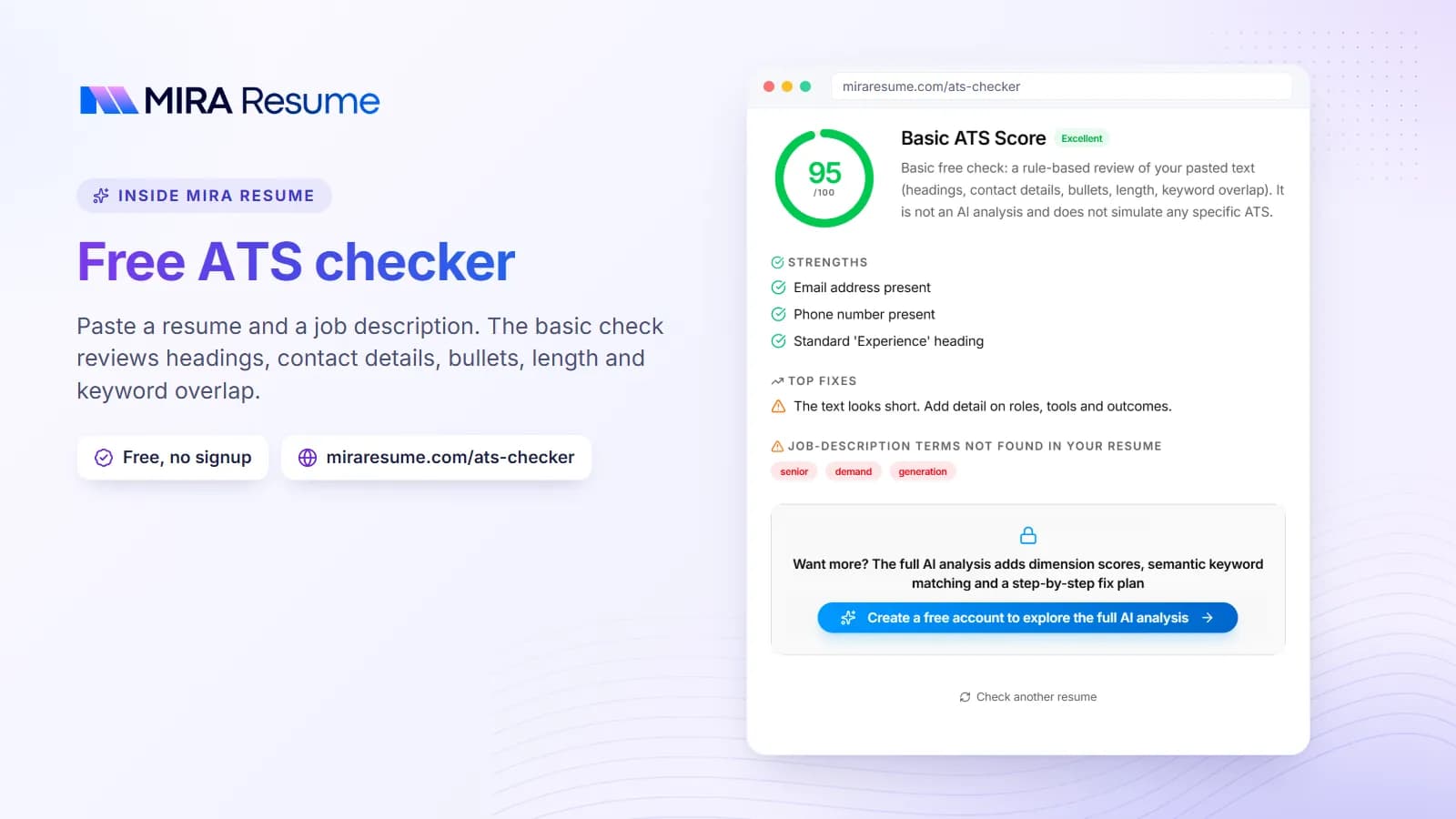
- Run the file through an ATS checker for a rule-based review.
Protect your information
- Read the privacy notice on applications.
- Leave off details that are not needed, such as your full street address, date of birth, or ID numbers.
- Keep a record of where you applied and which version you sent.
For layout help, read how to format a resume, and for pages that read cleanly, the ATS-friendly CV template guide.
If you think you were screened out unfairly
Not hearing back is common and does not mean something went wrong. Still, if you suspect a tool has treated you unfairly, you have some steps available.
- Re-check your file. Run the copy-and-paste test. A reading error is the easiest problem to fix.
- Ask the employer. A polite email to the recruiter or HR can ask whether a person reviewed your application, or whether you can submit another way.
- Request an accommodation if needed. If a part of the process is hard to use because of a disability, say so.
- Look up your rights. Your local data protection or labor authority may have guidance.
- Keep records. Save the job post, your application, and any replies.
- Get qualified advice. If you think a law was broken, talk to a professional in your area.
Meanwhile, keep applying and keep your resume sharp. If your bullets list duties instead of results, our fix my resume checklist can help you tighten them.
Common mistakes applicants make around screening
- Panicking and over-optimizing. Chasing a perfect score can make your resume worse for humans.
- Skipping the privacy notice. It often tells you how automated tools are used and who to ask.
- Assuming one rule fits everywhere. Rules and company practices differ.
- Hiding keywords. It is a risky trick and adds no real value.
- Sending the same file to every job. Light tailoring beats a generic resume.
- Forgetting the human step. Even when software sorts first, a person usually reads next.
Questions to ask an employer about automated tools
If an application mentions automated tools and you want to know more, a short, polite message can help. You are allowed to ask. Many recruiters answer these questions, and some company pages already do.
| Question | What the answer tells you |
|---|---|
| Does a person review every application? | Whether software only sorts, or also filters |
| What does the tool do with my resume? | Reading and storing, matching, or scoring |
| Can I request a human review or a different way to apply? | Whether an alternative exists |
| How long do you keep my data, and how can I ask for deletion? | Your privacy options in practice |
| Who can I contact if I need an accommodation? | The right person for accessibility needs |
A short sample message
Hello, I am applying for the [JOB TITLE] role. Could you tell me whether automated tools are used to review applications, and whether a person will also read mine? If there is an option to request a human review or another way to apply, I would be glad to know. Thank you for your time.
Keep the tone friendly. Employers may not always be able to share details, and some will point you to a privacy notice. Either way, you will know more than before. This is general information and not legal advice.