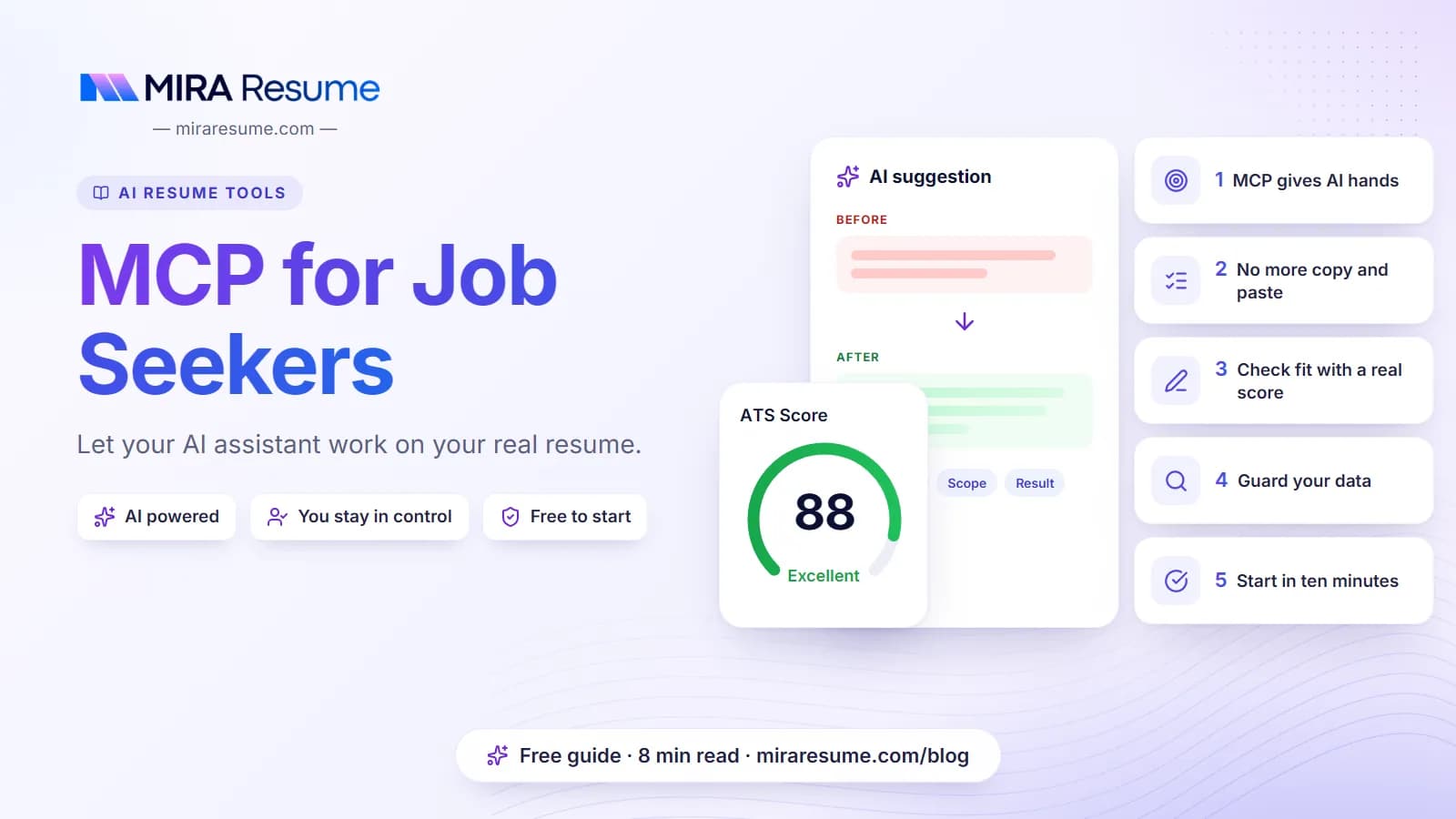
MCP for Job Seekers: Let Your AI Assistant Work on Your Real Resume
MCP for job seekers in plain English: what the Model Context Protocol is, what an AI assistant can do with your resume, the privacy trade-offs and how to start.
Mira Resume Editorial Team · Career content team Published Updated 8 min read
Mira Resume Editorial Team
Career content team · Updated
In this article
Most people use AI for their job search the slow way: copy the resume into a chat, paste a job posting, copy the answer back into a document, fix the formatting, repeat. MCP for job seekers removes that copy and paste. MCP lets your AI assistant open your actual resume, run a check against a job and save the changes you agree to, all from the chat window you already use.
This guide explains MCP in plain English, what it changes for a resume and a job search, what you can safely ask an assistant to do, the privacy questions worth asking first, and how to connect one in about ten minutes. Where we use Mira Resume as the example, the tool names and limits come from our own MCP documentation; the ideas apply to any resume MCP server.
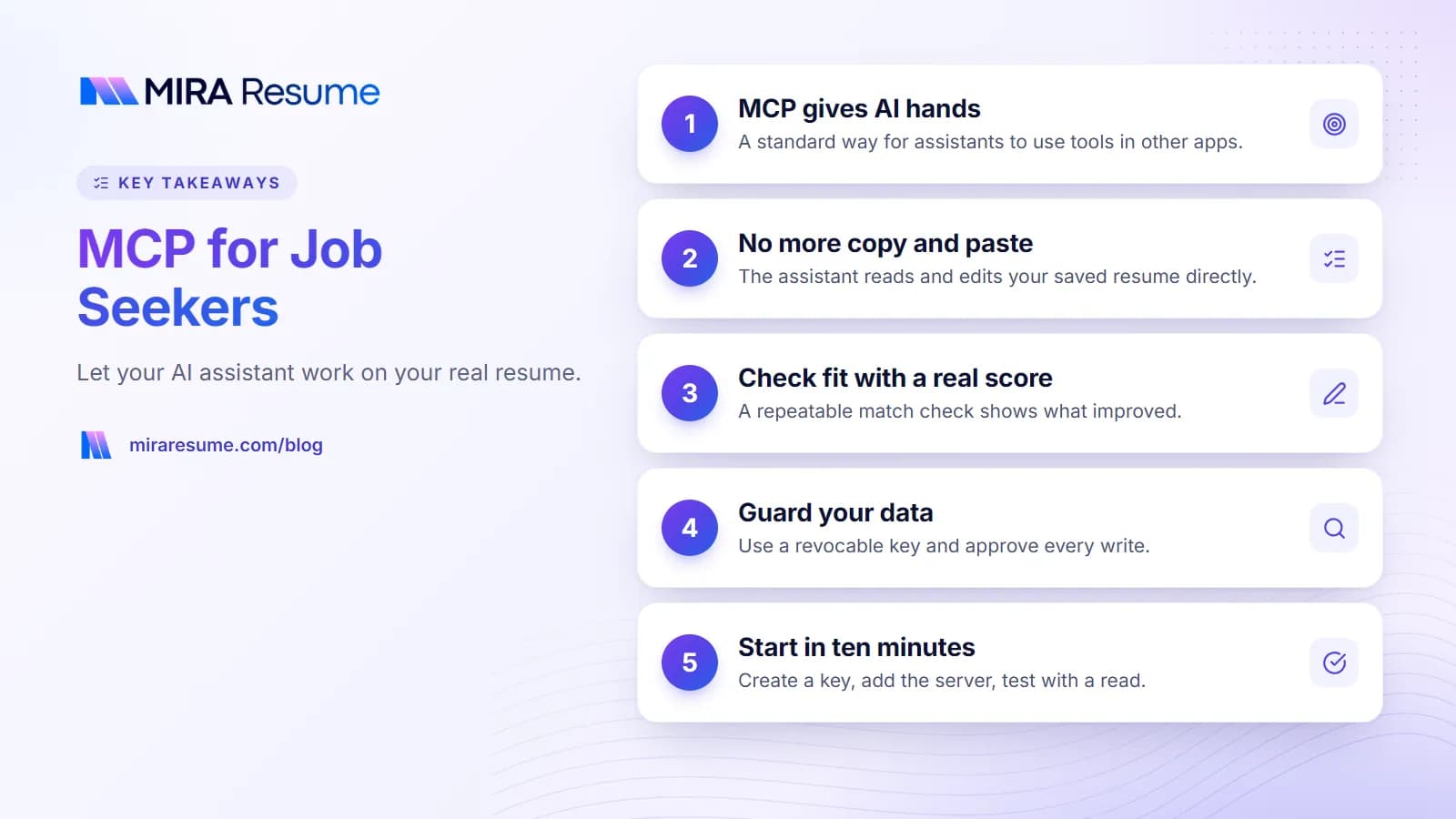
Key takeaways from this guide.
What MCP is, in plain English
The Model Context Protocol (MCP) is an open standard that lets an AI assistant talk to other software through a common set of rules. Think of it as a universal plug. An app publishes an "MCP server" that describes the actions it allows, such as "list resumes" or "add a job application". Any assistant that understands MCP (the "client") can then see those actions and use them when you ask.
Three ideas cover almost everything you need to know:
Tools. Named actions the server offers, each with a short description and the inputs it needs. The assistant decides when to call one, based on your request.
Prompts. Ready-made starting points the server suggests, for example "tailor a resume to a job". Some clients show them as slash commands.
Your permission. The assistant can only use servers you connect, with credentials you create, and most clients show each tool call so you can see what happened.
MCP does not make the assistant smarter. It gives it hands. The quality of its advice still depends on the model and on what you ask, which is why the rest of this guide focuses on how to use those hands carefully.
Why MCP matters for a resume and a job search
A job search is full of small, repetitive steps that involve the same document: read the posting, compare it with your resume, change a few lines, save a new version, note the application somewhere. Chat assistants are good at the thinking part of that loop and poor at the bookkeeping, because they cannot see or change your files.
Step
Copy and paste chat
Assistant connected over MCP
Give it your resume
Paste the text, often losing structure
It reads the saved resume, section by section
Compare with a job
The model guesses at fit
It can run a repeatable match check and quote the result
Make changes
You copy edits back by hand
It saves only the sections you approve
Keep versions
Files named final-v3-really-final
It can create a named copy per role
Track the application
A separate spreadsheet
It adds the job to your tracker in the same chat
The practical gain is less friction and fewer mistakes. You still decide what goes on the page. If you are new to tailoring, read how to use resume keywords first, because an assistant will only be as honest and specific as the instructions you give it.
What you can do with an AI assistant connected to your resume
Here is what that looks like with the Mira Resume MCP server, which Pro and Elite members can connect. The server has eleven tools and two prompts. You never type the tool names; you ask in normal language and the assistant picks the tool.
You ask
Tool the assistant uses
What happens
"Which of my resumes is strongest for a data analyst role?"
list_resumes, get_resume
Reads your resumes and compares them
"Check my resume against this job."
check_resume_against_job
A 0-100 score with matched and missing skills; no AI credits used
"Rewrite my summary for this role and save it after I approve."
update_resume
Replaces only the summary section
"Make a copy of this resume for the Acme job."
create_resume
A new resume appears in My Resumes
"Add this job to my tracker as wishlist."
add_application, update_application
Your Job Tracker stays current
"Show my new Mira Scout matches above 70."
list_job_matches
Jobs Mira Scout found for you, best first
"What does this posting really require?" (Elite)
analyze_job_description
AI extraction of skills and keywords, 30 credits
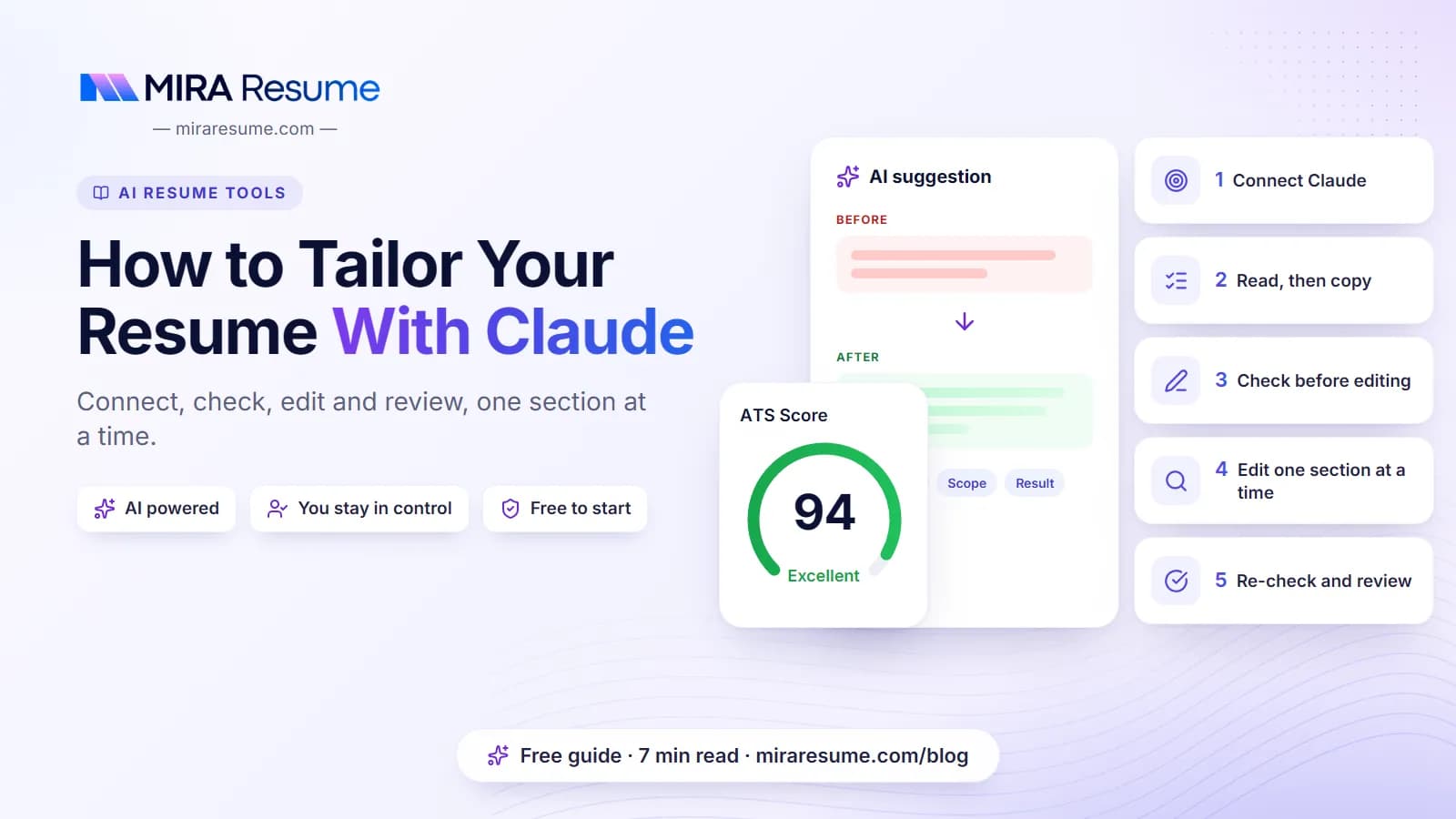
The match check deserves a note. It is the same deterministic scorer that Mira Scout uses to rank jobs, so the same resume and posting always give the same number. That makes it a useful referee: the assistant suggests changes, and the score tells you whether the overlap with the posting actually improved. For a full walkthrough, see how to tailor your resume with Claude.
Which AI assistants can connect to a resume MCP server
Support for remote MCP servers has spread quickly across desktop apps, code editors and command-line tools. For Mira Resume, these clients have step-by-step setup pages:
One honest limit: web apps such as ChatGPT and claude.ai connect to remote MCP servers through an OAuth sign-in, and Mira Resume uses API keys for now. That is why ChatGPT goes through a custom GPT that calls the same tools over the REST API. If you want to compare servers from other resume apps, read our roundup of the best resume MCP servers.
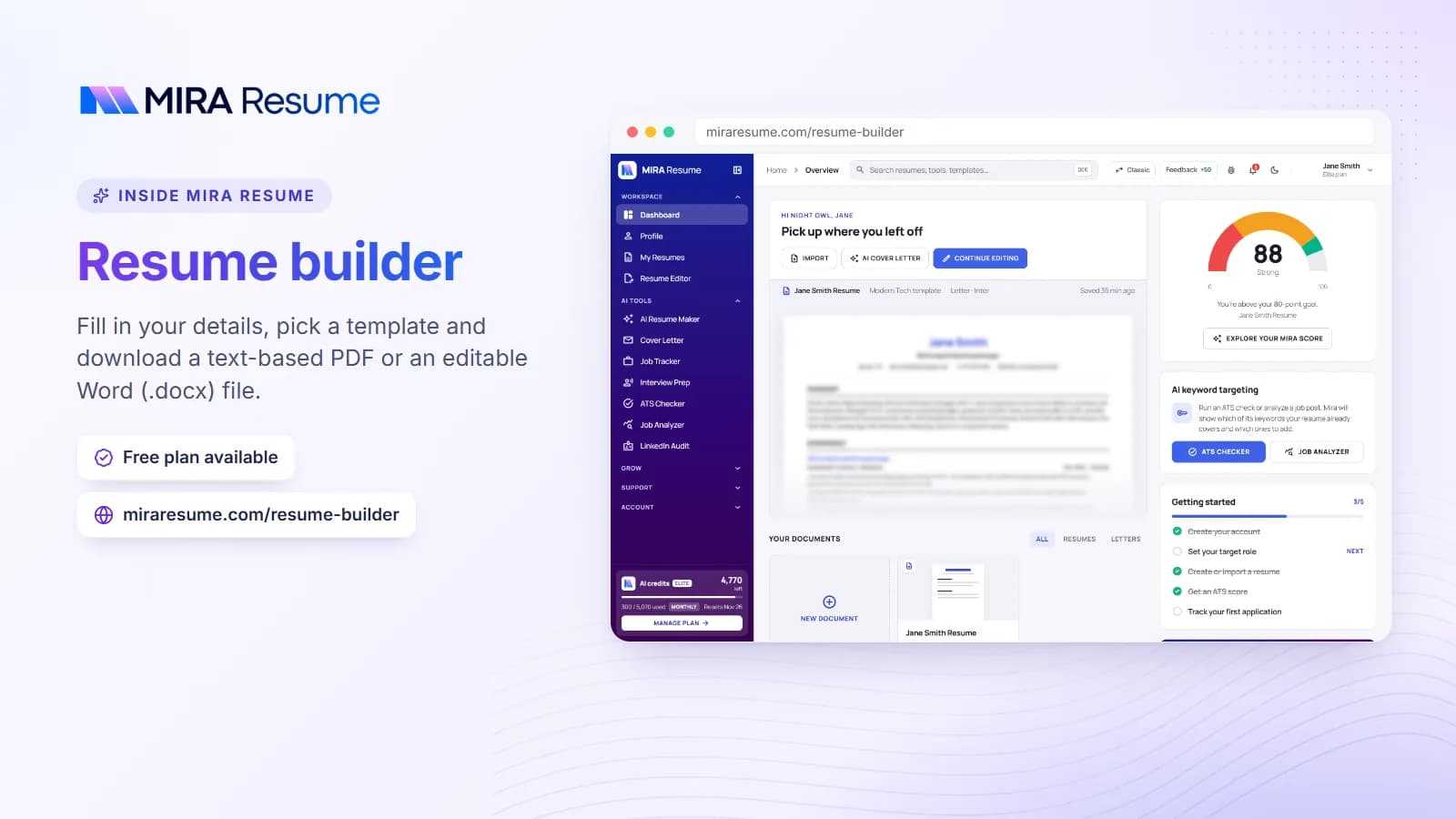
Screenshot: Resume builder: Fill in your details, pick a template and download a text-based PDF or an editable Word (.docx) file.Try it
Privacy and safety: what the assistant can see and change
Connecting an assistant to your resume means a third party model will read personal data: your name, contact details, employers and dates. Before you connect anything, answer these questions for the server and for the AI client.
What can it read? A resume server can usually read every resume in your account, plus your tracker if it offers tracker tools.
What can it change? Look for tools that write. In Mira Resume, update_resume replaces the sections it sends, so a careless request could overwrite a section. Clients that ask before each write give you a checkpoint; keep that setting on.
How is access granted? Mira Resume uses API keys that start with mira_sk_, created in Dashboard, API and MCP. A key acts as you, is shown once, and can be revoked at any time. Treat it like a password and never paste it into a chat.
Where does the conversation go? Whatever the assistant reads is sent to the AI provider behind your client. Check that provider's data settings, especially on work machines.
Is there a limit? Daily and per-minute limits cap how much an assistant can do, which also caps the damage of a runaway loop.
A sensible default: connect one client, create one key for it with a clear name, ask the assistant to show proposed edits before saving, and keep a copy of your master resume untouched. Our guide to safe resume prompts covers how to stop any model from inventing experience.
How to start in about ten minutes
Check your plan. API and MCP access is included in Mira Resume Pro ($19 a month) and Elite ($49 a month). Free accounts cannot create keys. Compare them on the pricing page.
Tidy one master resume. The assistant works from what is saved. Run it through the free ATS checker first so you start from a clean, readable file.
Create an API key. In the dashboard, open API and MCP, create a key, give it a name such as "Claude Desktop laptop" and copy it once.
Add the server to your client. The server address is https://miraresume.com/api/mcp, and the key goes in an Authorization header as a Bearer token. Follow the setup page for your client from the table above.
Test with a read-only request. Ask "List my Mira Resume resumes". If the assistant lists them, the connection works.
Try one real task. Paste a job posting and ask for a match check, then for suggested edits. Approve changes one section at a time.
The chart below shows how the eleven Mira Resume tools split by area, so you know what to expect after connecting.
The 11 Mira Resume MCP tools, by area
Number of tools in each group on the Mira Resume MCP server and REST API
Source: Mira Resume developer docs, 16 November 2026. Only analyze_job_description uses AI credits (Elite).
View as table
Item
Tools
Resumes
5 tools
Job tracker
3 tools
Account
1 tools
Mira Scout
1 tools
AI (Elite)
1 tools
What MCP does not do
It helps to be clear about the limits, because MCP is often described as more magical than it is.
It does not apply to jobs for you. The Mira Resume server can read Mira Scout matches and update your tracker, but nothing in it submits an application.
It does not guarantee better writing. The model still writes the words. Read every line, and remove anything you cannot back up in an interview.
It does not replace a resume builder. The assistant edits structured sections; the builder turns them into a clean PDF or Word file with an ATS-safe template.
It does not beat the ATS. No connection makes a weak match strong. It just makes honest tailoring faster. Our guide to how an ATS works explains what actually matters.
Good first prompts for a connected assistant
Start with requests that read before they write. These work well with any capable client:
"List my Mira Resume resumes and tell me which one fits a Data Analyst role best, and why."
"Check that resume against this job posting. Show the score, the matched skills and the missing skills. Do not change anything yet."
"For each missing skill, tell me whether my resume already shows evidence of it in other words. Only suggest adding skills I confirm I have."
"Rewrite my summary for this role in three sentences. Show me the draft, and save it only after I say yes."
"Add this job to my tracker as wishlist with the link, and remind me to follow up next Friday."
Clients that support MCP prompts also show tailor_resume and review_resume as ready-made starting points. If you want an assistant to handle the search side as well, read about Mira Scout, which finds and scores jobs every day and makes the results available to your assistant through list_job_matches.
Frequently asked questions
What does MCP stand for?
MCP stands for Model Context Protocol. It is an open standard that lets an AI assistant use tools offered by other apps, such as reading a resume or adding a job to a tracker. The app runs an MCP server, your assistant acts as the client, and you decide which servers to connect and with which credentials.
Do I need to be technical to use MCP for my job search?
Not very. In most clients you paste a short configuration block or run one command, then add an API key. Claude Desktop also needs Node.js installed for its bridge. After setup, you simply chat in plain language. Each client has its own setup page in the Mira Resume docs with the exact steps to follow.
Is it safe to let an AI assistant edit my resume?
It can be, with sensible habits. Use a dedicated API key you can revoke, keep the client's confirm-before-write setting on, ask for drafts before saves, and keep an untouched master copy. Remember that the assistant's provider will see whatever it reads, so check that provider's data settings before connecting.
Can ChatGPT connect to my Mira Resume account?
Not as a native connector yet, because ChatGPT expects an OAuth sign-in for remote MCP servers and Mira Resume uses API keys for now. You can still use ChatGPT through a custom GPT with Actions that calls the same tools over the REST API. The ChatGPT setup page in our docs walks through it.
Does the resume match check use AI credits?
No. In Mira Resume, check_resume_against_job is a deterministic scorer, the same one Mira Scout uses to rank jobs, so it costs no credits and gives the same result for the same input. Only analyze_job_description, an Elite tool, uses AI and costs 30 credits, which are refunded if the AI fails.
Will an MCP server apply to jobs for me?
Not the Mira Resume server. It can read your resumes, check them against a job, save edits you approve, update your tracker and list Mira Scout matches, but it never submits applications. You stay the one who decides where to apply and what to send to each employer.
Found this useful? Share it
Send it to a friend who is job hunting, or save it for later.