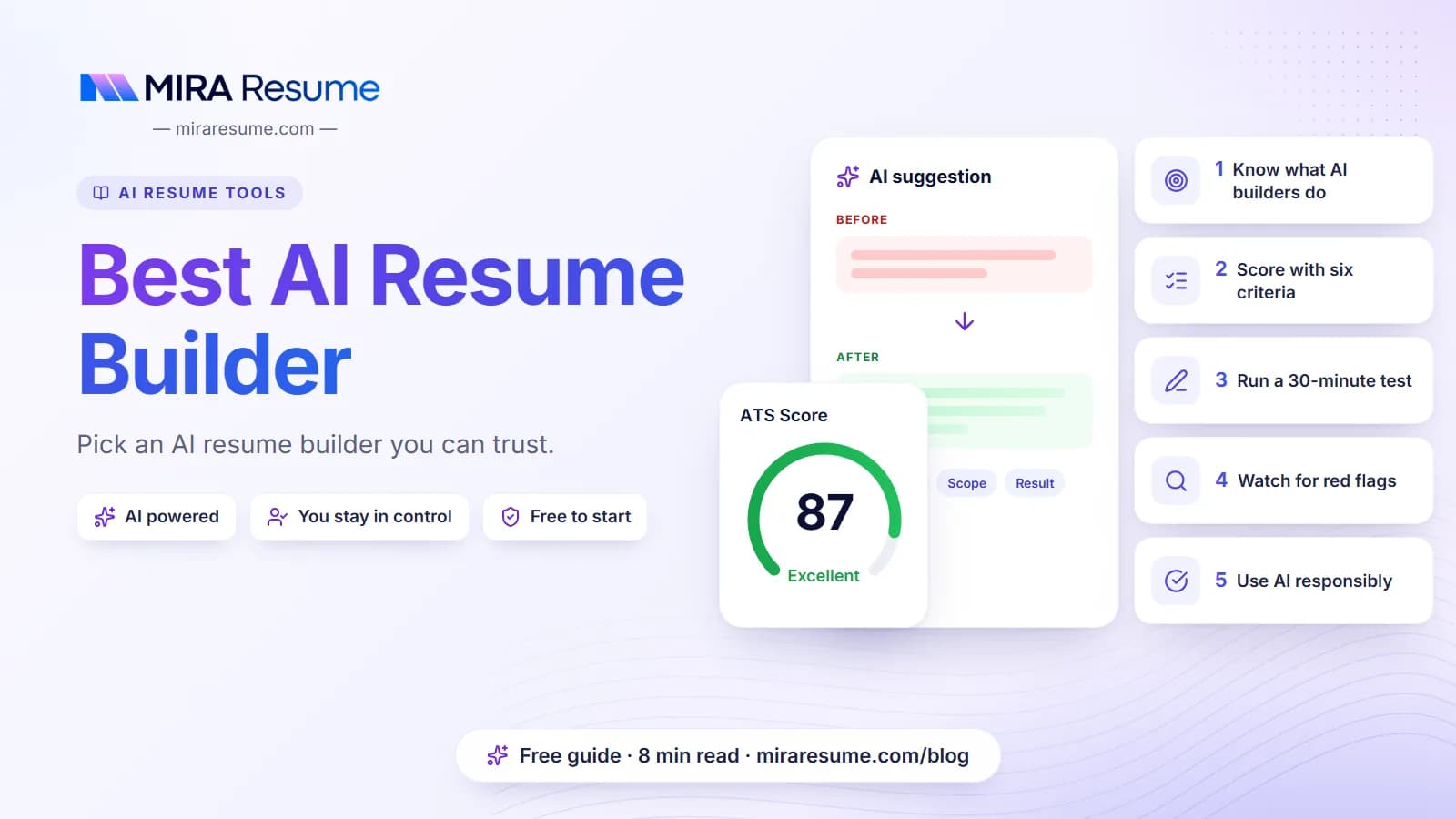

There is no single best AI resume builder for everyone, and anyone who names one winner without knowing your goals is guessing. The better question is which tool fits your needs: a clean file for applicant tracking systems, full control over the wording, fair pricing, and sensible privacy. This guide gives you a plain checklist to judge any builder, a method to test one yourself, and a factual description of Mira Resume, which we make. We have not ranked competitors, and we do not invent scores.
What an AI resume builder actually does
An AI resume builder is a tool that helps you create a resume with the help of a language model. Most of them do some mix of the following:
- Offer templates and fill them with your details.
- Draft or rewrite a summary and bullet points.
- Suggest skills and keywords based on a job post.
- Check the result for layout and wording problems.
- Export a file you can send to employers.
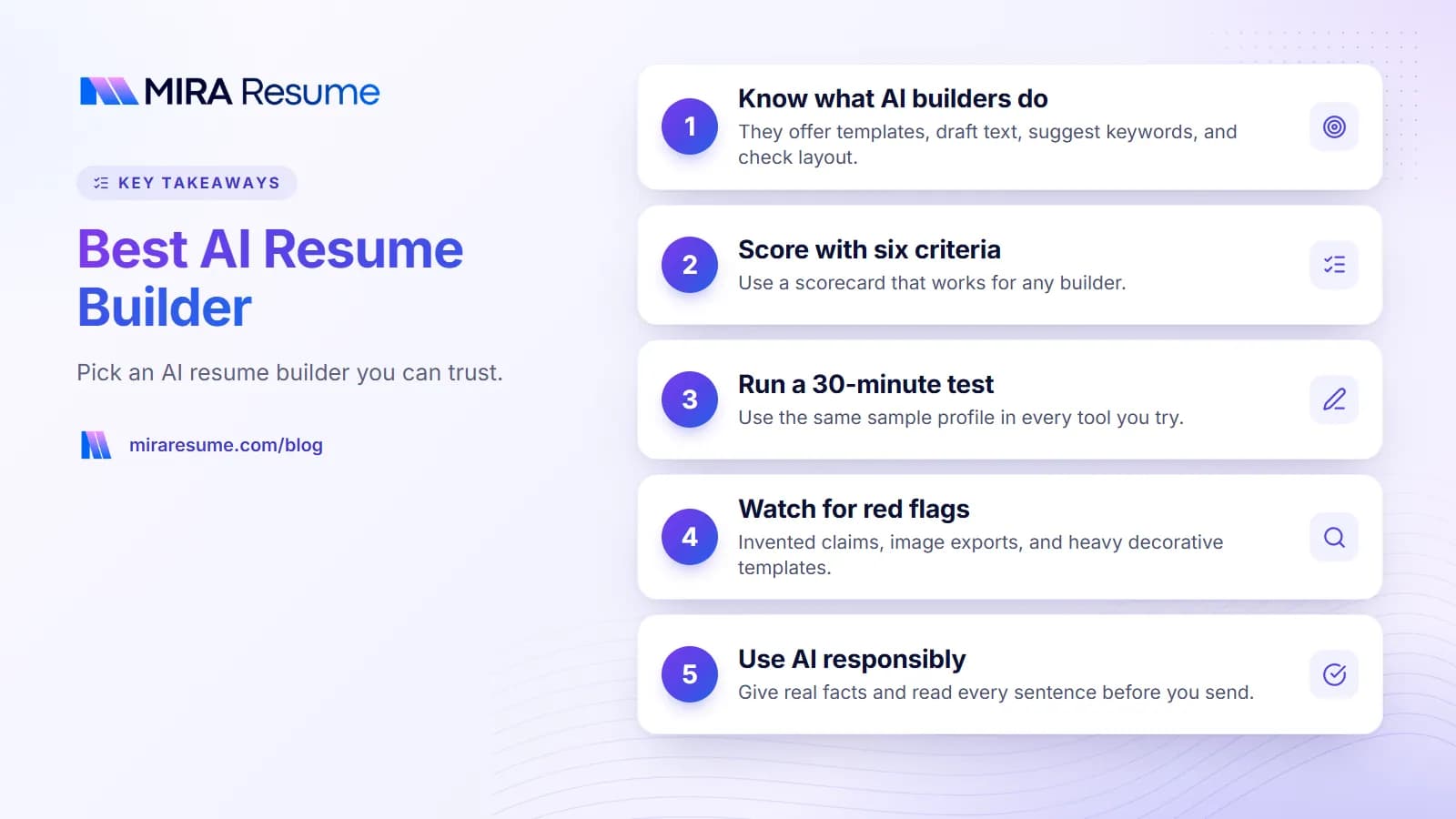
What they do not do is know your real work history. The AI only has what you give it. If you type "managed a team", it can make that sound impressive, but it cannot tell whether the team had three people or thirty. That is why you stay in charge. Use the tool to save time on drafting, then check every line for truth.
It also helps to know that "AI" on a landing page can mean very different things. Some tools use AI for a single feature, such as rewriting a bullet. Others use it throughout. Neither is automatically better. What matters is the result you can send to an employer.
Free, freemium, and paid
Many tools let you start free and then ask you to pay to download, to remove a watermark, or to unlock more templates. Pricing changes often, so always check current pricing on the tool's own page before you start, and look at what happens when you try to download.
Six criteria for judging any AI resume builder
Use this table as your scorecard. Fill it in for each tool you try. It works for any builder, ours included.
| Criterion | What to look for | Red flag |
|---|---|---|
| ATS-safe output | One-column layout, real text you can select, standard headings, no text boxes | The exported file is an image, or the copy-and-paste test comes out jumbled |
| Editing control | You can change any AI sentence, reorder sections, and undo changes | The AI rewrites things you cannot edit, or locks sections |
| Export formats | Clear list of the formats you get, and which are free | You find out about format limits only at the download step |
| Pricing transparency | Price, renewal terms, and cancel steps are easy to find before you sign up | Surprise paywall at download, or a trial that quietly renews |
| Privacy | A readable privacy policy, a way to delete your data, and clarity on how your text is used | No policy, or vague wording about sharing your resume |
| Free-tier limits | You can tell what the free plan includes, such as templates, AI uses, and downloads | The free plan cannot produce a usable file |
How to weigh the criteria
Not every row matters equally. For most job seekers, ATS-safe output and editing control come first, because a resume that cannot be read or cannot be corrected is not useful. Pricing and privacy come next. Export formats matter most if an employer asks for a specific file type.
If you want a quick refresher on why readable output matters so much, read what is an ATS resume and how ATS works.
How to test any AI resume builder in 30 minutes
Reviews and rankings can be out of date or written to sell something. A short test of your own is more reliable. Here is a simple plan.
Step 1: Use the same sample for every tool
Write a short test profile with two jobs, a school, and five skills. Use the same text in each builder so you can compare fairly. Do not use real personal data for a test if you are unsure about the tool's privacy.
Step 2: Ask the AI to improve one bullet
Give it a plain bullet like "Helped customers with returns." Then check the answer:
- Did it add numbers or tools you never gave it? That is a made-up detail, and it is a warning sign if you cannot easily remove it.
- Does the rewrite still sound like you?
- Can you edit it right away?
Step 3: Export the file
Download the resume. If the tool blocks the download until you pay, note the price and the terms. Then open the file.
Step 4: Run the copy-and-paste test
Select all the text in the exported file, paste it into a plain text app, and read it. Your name should come first, your jobs should be in order, and nothing should be missing. Then run the file through an ATS checker for a second view.
Step 5: Look at the privacy page
Spend two minutes on the privacy policy. Can you delete your account and data? Is it clear whether your text is used to train models? If you cannot tell, treat that as a no.
Step 6: Score it
Give each of the six criteria a simple rating, such as good, okay, or poor. Keep your own notes. That record is more useful to you than any list of ranked tools.
What to avoid in an AI resume builder
- Invented achievements. If a tool adds percentages, tools, or titles you did not give it, remove them. Fake claims can end an interview quickly.
- Image-based exports. If you cannot select text in the file, software may not read it.
- Heavy, decorative templates. Columns, icons, and skill bars look fancy but often read badly.
- Hidden costs. A "free" builder that only charges at download is fine if it says so up front. Be wary if it does not.
- Locked-in content. Check whether you can get your own text back out of the tool.
- Promises of guaranteed interviews or "100% ATS pass". No tool can promise that, because employers use different systems and people still decide.
- Keyword stuffing features. A tool that tells you to repeat a word many times is giving bad advice. See resume keywords for the sensible approach.
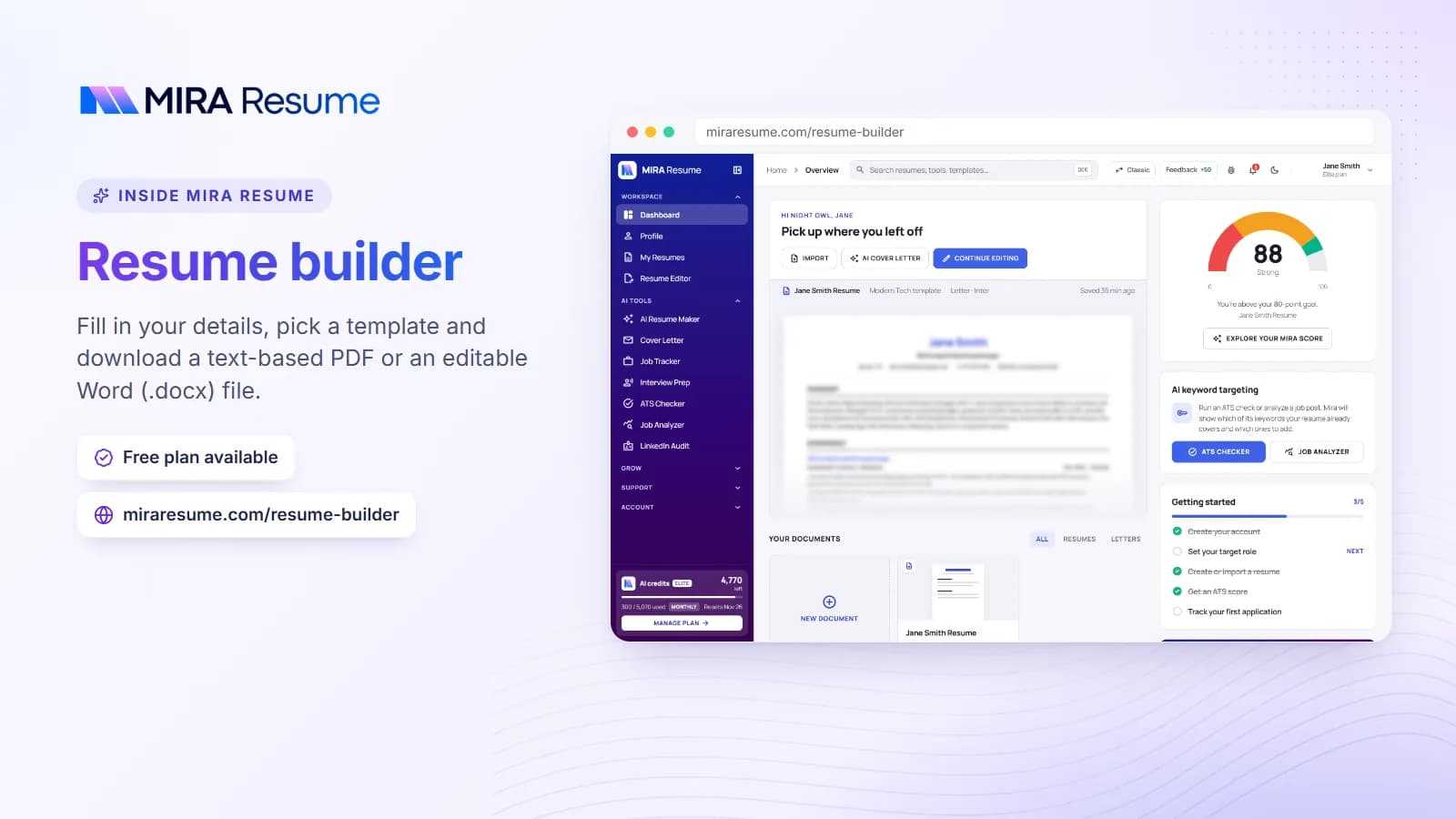
How Mira Resume fits (a factual description)
We make Mira Resume, so read this section as a description and not as a review. We have listed facts that you can check on our site.
| Area | What Mira Resume does |
|---|---|
| Export format | Text-based PDF on every plan, plus an editable single-column Word (.docx) file from the dashboard editor. |
| Templates | 68 resume templates: ATS-safe single-column layouts are marked, alongside two-column, creative, Gen Z and photo designs. The free plan includes 5 core templates, and the paid plans unlock all of them. |
| AI help | An AI resume builder that drafts content, plus tools such as a bullet enhancer. AI actions use credits. |
| Checking | A rule-based ATS checker and a resume checker. |
| Credit model | Each plan has a monthly allowance of AI credits. The free plan includes 50 credits a month, and editing a resume or downloading a PDF does not use credits. Paid plans add more credits. |
| Pricing | See the pricing page for the current plans. |
Where Mira Resume may not be the right fit
- If you need a styled Word file, note that Mira Resume's Word (.docx) download is a plain single-column version. It is easy to edit, but it does not copy the template design.
- If you want a person to write your resume for you, an AI tool is a different thing. See resume writing services vs AI.
We suggest you apply the same six-criteria test to us as to any other tool. You can start from the resume builder and judge the exported PDF yourself.
Which type of builder fits which person?
Instead of one winner, think about your situation. This table maps common needs to what to prioritize.
| If you are... | Prioritize | Watch out for |
|---|---|---|
| Starting from nothing | Guided steps, simple templates, and clear AI drafting you can edit | Made-up experience in the draft |
| Updating an old resume | Import of your existing file, and good editing control | Lost formatting or garbled imports |
| Applying to many jobs | A job-post match feature, fast edits, and fair credit or usage limits | Caps that run out mid-search |
| On a tight budget | A free tier that actually yields a clean download | A paywall at the final step |
| Privacy-minded | A clear privacy policy and easy data deletion | Vague data-use wording |
| Applying to roles that need a Word file | Export formats listed up front | Tools that only offer PDF (including ours) |
If you are still deciding on layout, our ATS-friendly CV template guide shows what a safe layout looks like. And if you only need a free starting point, our free resume templates article explains what to look for in a template.
How to use an AI builder responsibly
Whatever tool you pick, a few habits keep your resume honest and sharp.
- Give it real facts. The AI cannot improve what you do not tell it. Include tools, team size, and results you are sure of.
- Read every sentence out loud. If you could not defend a line in an interview, change it.
- Tailor to each job. Paste the job post into the tool, or compare it by hand, and adjust your summary and top bullets.
- Keep your own master copy. Store your full work history in a document you control, so you can move between tools.
- Re-test after edits. Run the copy-and-paste test and a checker each time you export.
For wording help, try the guides on action verbs for resume bullets and resume summary examples. If you want to use a general chat assistant instead of a dedicated builder, read ChatGPT resume prompts first.
Common mistakes when choosing an AI resume builder
- Trusting a "top 10" list without checking its source. Lists can be paid placements or out of date. Test the tools yourself.
- Judging a tool by its template gallery. The exported file matters more than the preview.
- Paying before you test the export. Try the free tier and open the file first.
- Accepting the first AI draft. It is a draft, not a finished resume.
- Ignoring privacy. A resume holds your name, phone, email, and work history. Treat it with care.
- Forgetting the human reader. After software comes a person. Clear, honest, and well-organized beats clever.