
Finding a free resume templates download should be simple. Often it is not. You click a promising result, spend twenty minutes filling in your details, and then find that the download button asks for a payment. That is frustrating when you are already stressed about finding work.
This guide helps you avoid that. You will learn where truly free templates come from, what hidden costs to watch for, how to test whether a template is safe for hiring software, and what to do if a template is not as free as it first looked. We also explain how to pick a template that fits your own story, not just one that looks nice.
Everything here is written in plain language. You do not need design skills.
Where free resume templates come from
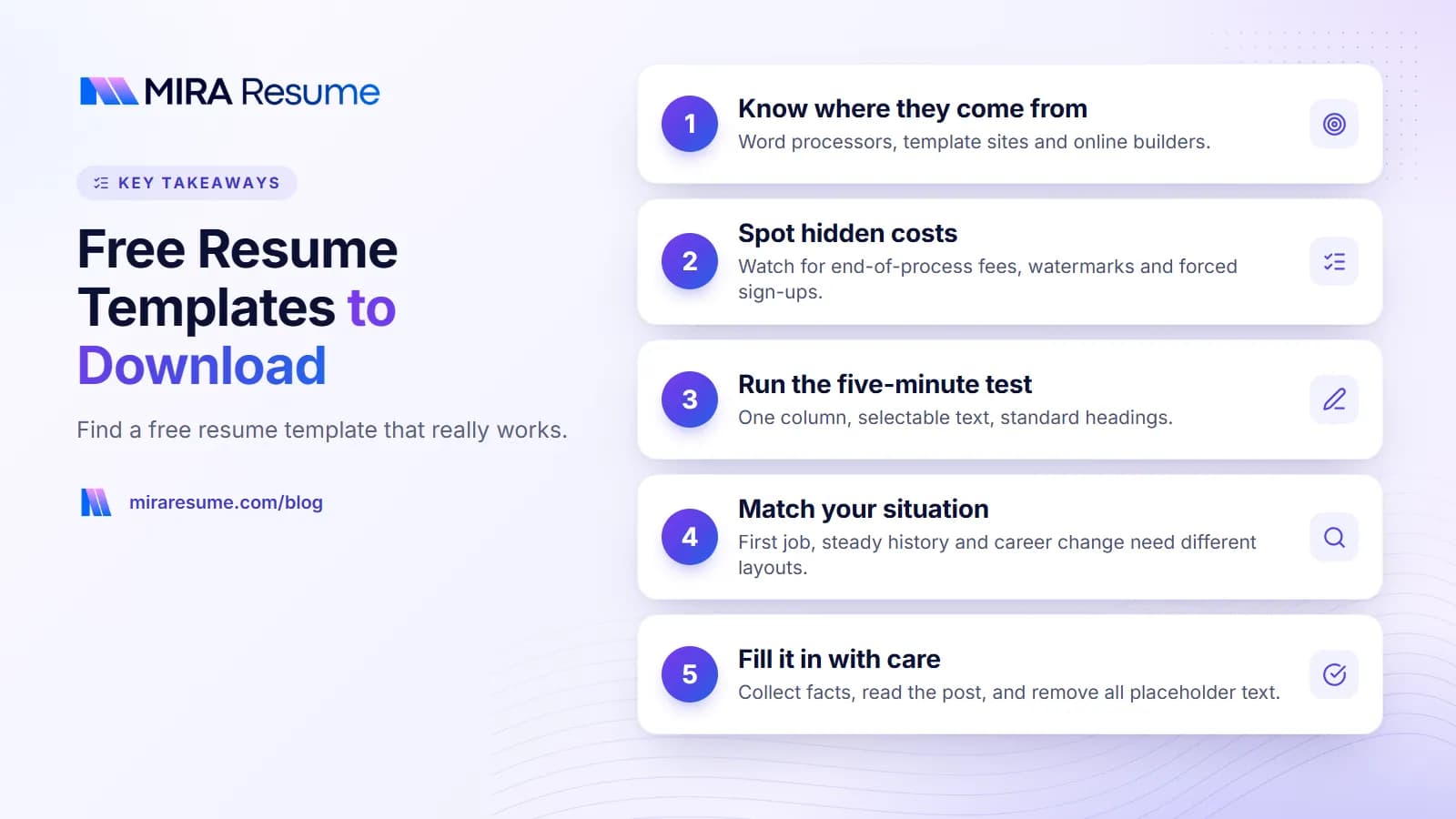
Not every "free" template is free in the same way. Knowing the source tells you what to expect.
| Source | What you get | Catch |
|---|---|---|
| Word processors (Word, Google Docs) | Built-in layouts you can edit | You manage spacing and format yourself |
| Template websites | Downloadable files in many styles | Some need an account or add a logo |
| Online resume builders | Fill-in forms with a ready layout | Download may need a paid plan |
| Design communities | Creative, artistic layouts | Often poor for hiring software |
| Career centers and libraries | Plain, safe layouts | Usually few options |
For help with the first two, see our guides to Google Docs resume templates and Microsoft Word resume templates. Both let you make a copy and edit it for free.
A word about search results
When you search for the best free resume templates, the top results are often builders that let you build for free and then charge you to download. That model is common and not always wrong, but you should know it before you start typing.
The hidden costs of a free resume template
Here are the traps people hit most often. None of them are illegal, but they can waste your time.
- Pay at the end. You build the whole resume, then see a price at the download step.
- Watermarks. The free file has a logo or text across the page.
- Forced sign-up. You must make an account, and your email may receive many messages.
- Trial that renews. A "free trial" turns into a monthly charge if you forget to cancel.
- Locked formats. You can see the layout, but you cannot edit the file.
- Unsafe downloads. Files from unknown sites may carry harmful software.
How to protect yourself
- Before you start, look for a line about downloads, plans or pricing.
- Use a separate email if you do not want sales messages.
- Never enter card details for something that says free unless you understand the terms.
- Download only from sites you know, and keep your security software on.
- Check that the file you get opens and edits normally.
Our own plans and what they include are listed on the pricing page, so you can see terms before you begin.
How to test a free resume template in five minutes
A template that looks pretty may not work well. Run these checks before you invest time.
Check 1: Is it one column?
Look at the layout. Does the text run from top to bottom in a single column? Sidebars and multi-column designs can make hiring software read your details in the wrong order.
Check 2: Can you select the text?
Open the file and drag your mouse across a line of text. If you can highlight it, it is real text. If not, it is an image, and software cannot read it.
Check 3: Are the headings standard?
Headings like Summary, Experience, Education and Skills are best. They are the labels software looks for.
Check 4: Is anything inside a box, icon, or graph?
Skill bars, star ratings, and icons cannot be read as words. If a template depends on them, pick another.
Check 5: Does it survive real content?
Paste in your real job history, not the short sample. Does the layout still hold? A template that only works with three-word bullets is not useful.
When you finish, you can run your file through our ATS checker for a quick read on how it might be parsed. A check like this is only a guide, as each employer uses its own system. To learn more, see how an ATS works and our ATS-friendly CV template guide.
Pick a free resume template that fits your situation
The right layout depends on your history. Do not pick on color alone.
| Your situation | Look for | Avoid |
|---|---|---|
| First job or student | One page, education and projects near the top | Big empty work history blocks |
| Steady work history | Reverse-date order (newest first) | Designs that bury your dates |
| Career change | A skills section near the top | Layouts that only highlight job titles |
| Many years of experience | Room for two pages and a strong summary | Tiny fonts to fit it all on one |
| Academic or research job | A CV layout with space for publications | A one-page resume layout |
If you are not sure whether you need a resume or a CV, read our guide to the difference between a CV and a resume. If you want to lead with abilities, see the skills-based resume guide. If your history is steady, the chronological resume template is the classic choice.
Color and style
A dark text color on a white background is the safest. A small touch of color in headings is fine. Avoid dark backgrounds, because they print badly and read poorly.
How to fill in your template so it works hard for you
The template is the container. The content is what gets read. Follow these steps for a strong first draft.
- Collect your facts first. Write down job titles, dates, tasks, tools and results in a plain list.
- Read the job post. Underline the skills and duties that repeat.
- Write a short summary. Two or three lines. See our resume summary examples.
- Write bullets that show action. Start with a verb and say what you did. Use our list of action verbs for a resume.
- Add numbers you can stand behind. Never invent one. A clear, honest sentence is better than a made-up figure.
- List skills that are true. See skills to put on a resume.
- Cut what does not help. Jobs from a long time ago can often be short.
A sample bullet set
Customer Service Associate, Brightside Store, 2023 to 2026
- Helped about 50 shoppers a day find products and complete purchases.
- Trained four new team members on the cash register and returns process.
- Kept the stock room organized, which made restocking faster.
This sample uses plain words and honest, modest details. It is a pattern to copy, not content to copy word for word.
A simple scorecard to compare two templates
If you are stuck between two options, score each one. Give one point for every yes. The higher score is usually the better pick.
| Question | Template A | Template B |
|---|---|---|
| Is it a single column? | Yes or no | Yes or no |
| Can I select every line of text? | Yes or no | Yes or no |
| Does it use standard headings? | Yes or no | Yes or no |
| Is it free of icons, bars and photos? | Yes or no | Yes or no |
| Does it hold my real job history on one or two pages? | Yes or no | Yes or no |
| Can I download it with no watermark? | Yes or no | Yes or no |
| Are the terms clear before I start? | Yes or no | Yes or no |
What a good free template should not need from you
You should not need to give a card number, a phone number, or an ID to get a basic layout. If a site asks for details that have nothing to do with a resume, stop and pick a different source. Also be careful with sites that ask you to upload a resume that already has all your personal data, unless you have read how they store it.
Keep your own master copy
Once you have chosen, create one master file with all your jobs and skills. For each application, save a copy and trim it to match the post. This way you never lose good material, and every version stays focused. Name the copies clearly, such as Alex-Chen-Resume-Nurse-Aide.pdf.
Update it often
Add new tasks, results and tools when they happen, not months later. Notes you write the same week are more accurate and easier to turn into bullets. A resume that stays current is faster to send when a good job appears.
Common mistakes when you download a free resume template
- Trusting the preview image. A picture hides layout problems. Always test the real file.
- Using the same template as everyone else without changes. A few edits in the summary and bullets help you stand out.
- Leaving placeholder text. Check headers, footers and links.
- Adding a photo. It is not expected for most jobs in the US and can cause problems in the system.
- Using a very decorative font. Stick with a common one.
- Not saving a copy. Keep a master version, then save a tailored version for each job.
- Ignoring the file type. Send what the employer asks for, often PDF or Word.
- Giving personal details to a site you do not trust. Share only what the resume needs. You do not need to include your home street address or ID numbers.
Free templates versus a resume builder
Free downloadable templates give you full control and no ongoing cost. They ask for your time. You are in charge of spacing, headings and file settings.
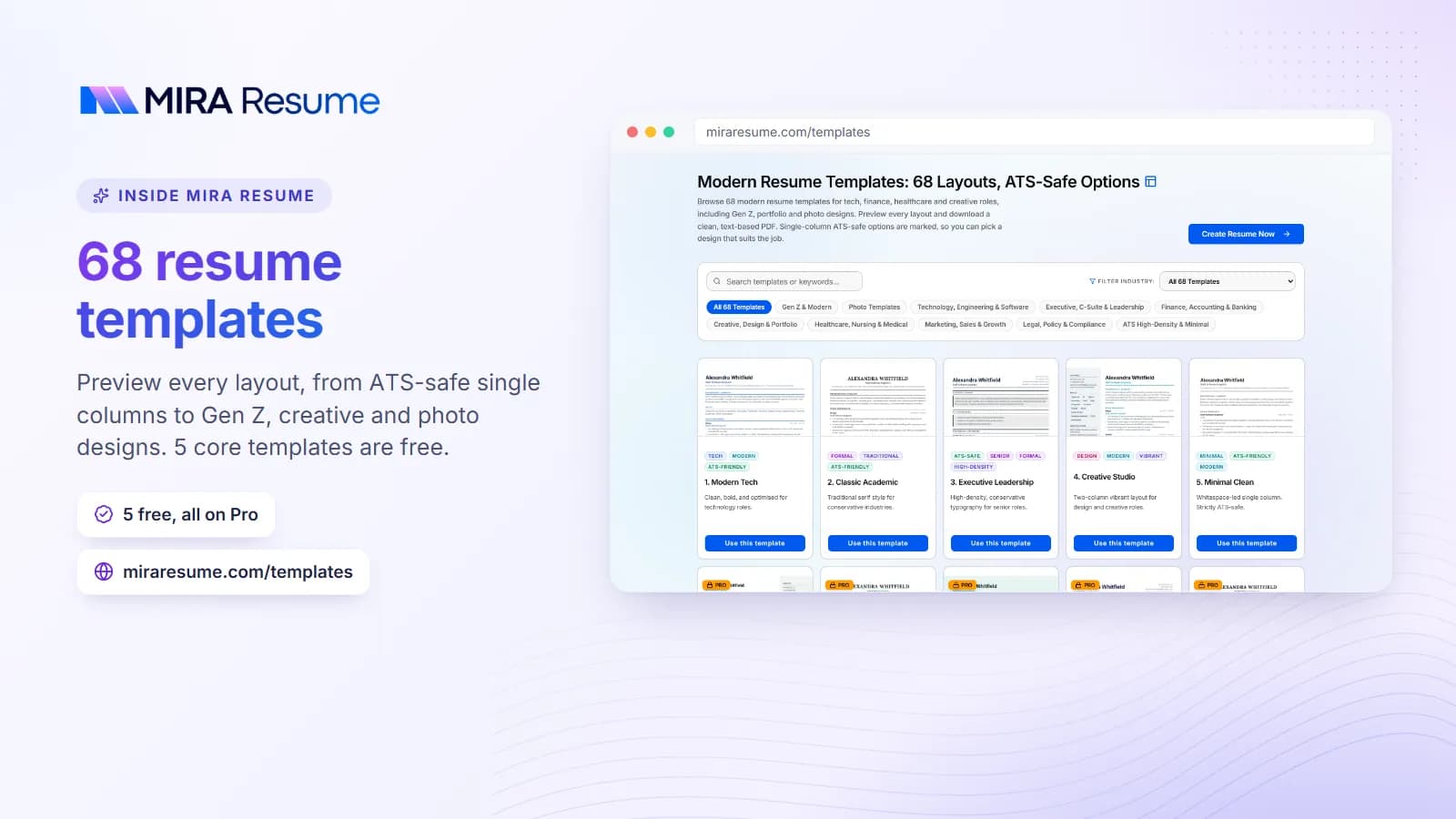
A resume builder does more of that work. Mira Resume offers ATS-friendly templates, a form to fill in your details, and a PDF download. You do not have to fix layout shifts. See what is included on the pricing page, and look through the resume templates and template gallery to see styles. If you want help with the wording, the AI resume builder can suggest improvements. You can also download an editable, single-column Word (.docx) file, which Google Docs can open too. If you want a styled design inside Word or Docs, start from one of their free templates instead.
| Approach | Money | Time | Control |
|---|---|---|---|
| Free template file | No cost | More, because you format | High |
| Builder with PDF download | Depends on plan | Less | Medium |
| Hiring a writer | Higher cost | Least for you | Shared |
None of these is always best. Choose the one that matches your budget and your patience. And once your resume is ready, pair it with a matching letter using our cover letter templates.