
If you want to use Microsoft Word resume templates, you have a lot of choices. Word comes with a gallery of resume layouts, and thousands more are shared online. Many are free. Most people already own Word, so there is nothing new to learn.
The catch is that a template can look great on screen and still cause trouble. Companies often use an ATS (applicant tracking system), which is software that reads your file and pulls out your name, job titles, and dates. Some Word layouts confuse that software. A bad pick can hide your best details.
This guide explains where to find a good template, how to tell safe ones from risky ones, how to edit without breaking the layout, and how to save the file. It is written for anyone, even if you have never made a resume before.
Where to find a Microsoft Word resume template
You can get a Word resume template in a few ways. Each has good and bad sides.
1. The template gallery inside Word
Open Word, choose File, then New. Type "resume" in the search bar. You will see many layouts. If you use a work or school account, you may see a different set. These templates are made to open cleanly in Word, which is a plus.
2. Template websites
Many sites offer a free Word resume template download. Read the terms. Some give you the file with no sign-up, while others ask for an email or a payment. Be careful with files from unknown sites. Download only from places you trust and scan files with your normal security software.
3. A blank page and your own layout
Often the safest option is a plain blank document with clear headings. It takes ten minutes, and you know exactly what is in it. We give a layout below.
| Source | Cost | Good for | Watch out for |
|---|---|---|---|
| Word gallery | Free with Word | Quick start | Many options are decorative |
| Template websites | Free or paid | More choice | Unknown files, hidden costs |
| Blank page | Free | Maximum control | You do the spacing yourself |
| Resume builder | Varies | Layout handled for you | File type may be PDF only |
How to open a resume template in Word: Windows, Mac and web
The steps differ slightly by version. Menu names can change with Microsoft updates, so if a label looks different on your screen, look for the closest match.
| Version | Steps | Good to know |
|---|---|---|
| Word for Windows (Microsoft 365, 2021, 2019) | File, then New. Type resume in the search box and press Enter. Click a layout, then Create. | Searching needs an internet connection. Offline, you only see the templates already on your computer. |
| Word for Mac | File, then New from Template. Search resume in the top-right box. Pick one, then Create. | Mac fonts differ a little from Windows fonts. Save a PDF before you send. |
| Word for the web (free with a Microsoft account) | Open Word in a browser and choose More templates, or browse resume templates on Microsoft Create, then open the one you like in Word. | A free option if you do not own desktop Word. You can download a .docx or a PDF. |
| Older Word (2016 and earlier) | File, then New, then search resume. If no results show, start from a blank document and use the layout below. | Fewer templates, but the blank-page method works in every version. |
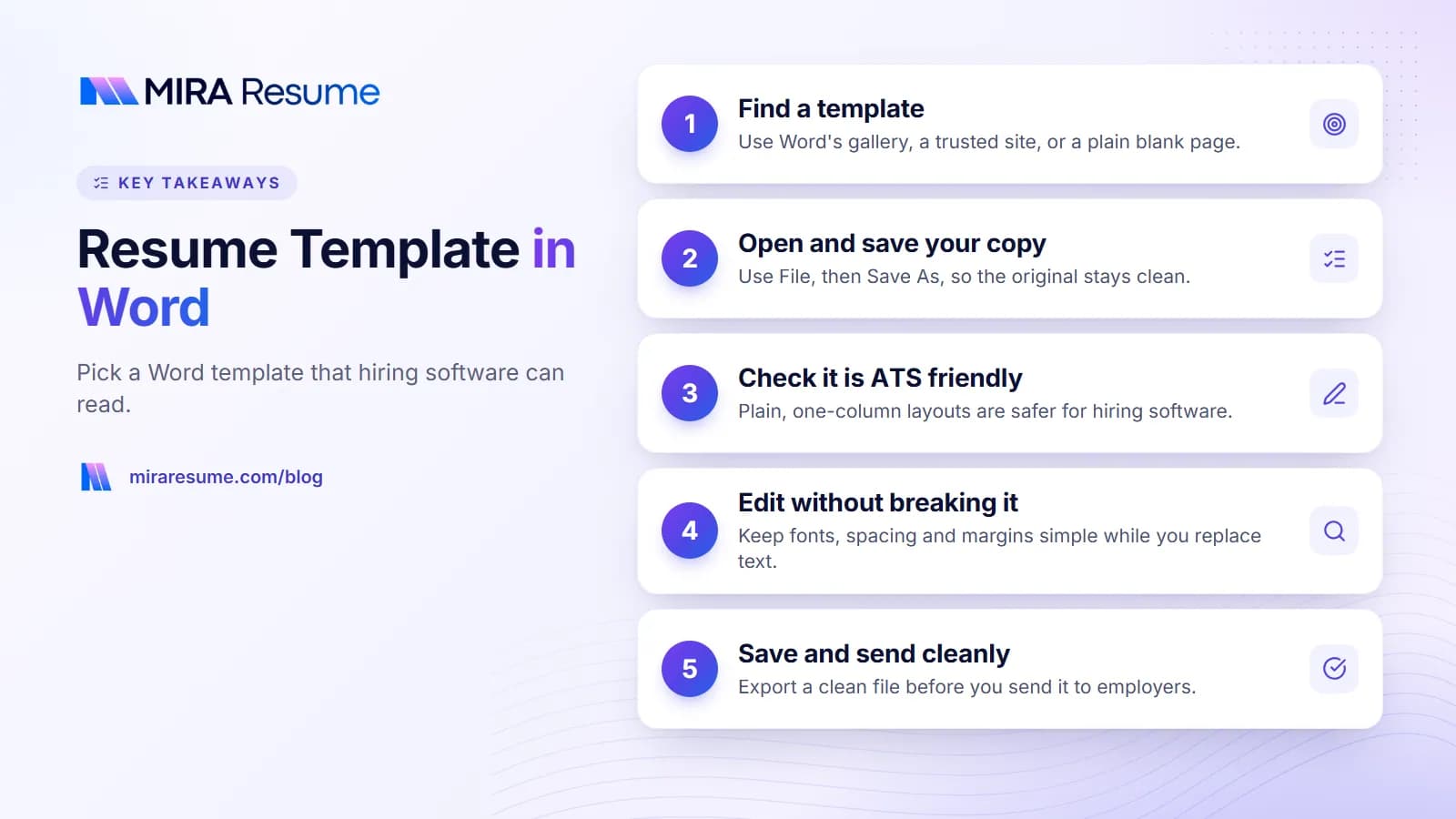
Once the template opens, use File, then Save As, straight away. That way you edit your own copy and the original stays clean for next time.
Resume format in Word: a copy-ready example
If you would rather skip the gallery, this plain resume format in Word works for most jobs. Open a blank document, set margins to 0.75 inch (Layout, then Margins, then Custom Margins), and type the sections below. Use Heading 2 for each section title so Word and hiring software both treat them as headings.
JORDAN RIVERA
Austin, TX | (555) 010-2233 | [email protected] | linkedin.com/in/jordanriveraSUMMARY
Operations coordinator with five years of experience in scheduling, vendor management and reporting. Known for cutting order delays and keeping teams on track.EXPERIENCE
Operations Coordinator, Brightline Supply Co., Austin, TX | Mar 2022 – Present
- Coordinate weekly delivery schedules for 40+ retail locations using Excel and a shared calendar.
- Rebuilt the vendor contact list and order tracker, which reduced late orders over two quarters.
- Prepare a monthly cost report for the regional manager.
EDUCATION
B.A. Business Administration, Texas State University, 2020SKILLS
Scheduling | Vendor management | Microsoft Excel | Inventory tracking | Reporting
The example uses made-up details. Replace every line with your own facts. Keep the order the same if your work history is steady; if you are changing careers, move Skills above Experience. For more ways to set out sections, see our guides on how to format a resume and the resume summary examples.
Word settings for this format
- Dates: set a right tab stop at the right margin, then press Tab before the dates so they line up.
- Bullets: Home tab, Bullets, plain round bullet.
- Spacing: Paragraph settings, 0 pt before and 4 pt after for bullets, 10 pt before each heading.
- Font: Calibri 11 pt for body text, 18 pt bold for your name.
How to tell if a Word resume template is ATS friendly
A Microsoft Word ATS friendly resume template has a simple structure. The software reads text from top to bottom, like a person reading a page. Anything that breaks that order can scramble your details.
| Design feature | Usually safe? | Why |
|---|---|---|
| Single column of text | Yes | Reads in a clear order |
| Standard headings (Experience, Education, Skills) | Yes | Software knows these labels |
| Plain round bullets | Yes | Simple characters |
| Two columns or sidebars | Risky | Text may be read in the wrong order |
| Text boxes and shapes | Risky | Often skipped or read out of order |
| Tables used for layout | Risky | Cells may be merged in strange ways |
| Info in header or footer | Risky | Some systems ignore these areas |
| Icons, photos, skill bars | Risky | Cannot be read as words |
No one outside a company can tell you exactly how its software works, so treat this table as a guide, not a promise. If you want a second opinion on your finished file, you can run it through our ATS checker. To learn more about how this software behaves, read how an ATS works.
A quick test in Word
Click in your document and press Ctrl+A. Then look at the View tab and turn on Navigation Pane. If your headings show up in the pane, they are real headings. If your layout has boxes, you will see some text that stays unselected. Replace those with normal text.
How to edit a Word resume template without breaking it
Word layouts can shift when you add or delete lines. These habits keep things steady.
- Save a copy first. Use File, then Save As, and give it your name.
- Turn on formatting marks. Press Ctrl+Shift+8 (Cmd+8 on Mac). You will see paragraph marks and spaces. This helps you spot extra blank lines.
- Use styles for headings. Select a heading and choose Heading 1 or 2 from the Home tab. Do not make a heading by only making text bigger.
- Use real bullets. Use the bullet button, not a typed dash or symbol.
- Use tab stops or right-align for dates. Do not press the space bar many times to line up dates.
- Change spacing in Paragraph settings. Do not add empty lines to create gaps.
- Check the page count. A new bullet should not push a section onto page two by surprise.
When you replace sample text, paste your words as plain text. In Word, use Paste, then Keep Text Only. This avoids carrying over odd fonts or colors from another file.
A plain layout you can build yourself
| Section | What to write | Tip |
|---|---|---|
| Top | Name, city, phone, email, LinkedIn | Put in the page body, not the header |
| Summary | 2 to 3 lines | State your role and your strongest skills |
| Experience | Title, company, dates, bullets | Newest job first |
| Education | Degree, school, year | Short and clear |
| Skills | Plain list | Use words from the job post, if true |
Our page on the ATS-friendly CV template shows the same structure with sample text. Our chronological resume template page is also useful if your work history is steady.
Fonts, spacing and margins that work in Word
Small choices make a resume easy or hard to read. Use these as a starting point.
- Font: Calibri, Arial, Cambria, Georgia or Times New Roman. These come with Word and open on most computers.
- Body size: 10 to 12 points. Name can be 16 to 20 points.
- Margins: 0.7 to 1 inch on all sides.
- Line spacing: 1.0 to 1.15. Add a small gap before each heading.
- Colors: Black or dark gray text. One quiet accent color for headings is fine, but it is not needed.
Length
One page is right for most people with under ten years of experience. If you have a long history, two pages can work. We cover this in how many pages a resume should be.
Special characters
Word may swap straight quotes for curly ones and replace some dashes. That is normal and fine. Avoid unusual symbols as bullets, because some may turn into question marks in other programs.
How to save and send your Word resume
You have two main choices when you finish: send the Word file or send a PDF. Follow the instructions from the employer first. If they say nothing, a PDF is often the safer choice because it looks the same on every device. If they ask for Word, send the .docx file.
| Format | Pros | Cons |
|---|---|---|
| PDF (File, Save As, PDF) | Layout stays fixed | Not editable by the reader |
| Word (.docx) | Easy for recruiters to edit or copy | Layout can shift on another computer |
| Older .doc | Opens on very old systems | Rarely needed today |
After you save as PDF, open it and select some text with your mouse. If you can select it, it is real text and not a picture. Then scroll through each page to confirm the layout.
Name your file like this: Firstname-Lastname-Resume.pdf. It looks tidy in a recruiter's folder.
Which type of Word template fits your career stage
The best layout depends on your story. Here is a plain guide to matching a template style to your situation.
| Your situation | Best layout style | Put first |
|---|---|---|
| Student or recent graduate | One page, simple, education near the top | Education, projects, part-time work |
| Steady career in one field | Reverse order by date | Work history |
| Changing careers | Skills section above the work history | Skills that carry over |
| Returning after a break | Simple layout that shows recent skills | Summary, skills, then history |
| Senior leader | Up to two pages with a strong summary | Summary and key results |
What about templates with a colored sidebar?
These are common in the Word gallery. They look modern, but the sidebar is usually a table or text box. If you love the look, keep the sidebar for non-essential items only, such as languages, and keep your name, jobs and dates in the main body. Or choose a layout without one. For most applications, the plain choice is safer.
Can I mix two templates?
You can borrow ideas, but do not paste parts of one file into another. Pasting often brings along hidden styles. Instead, type the text fresh into your chosen template and set your own spacing.
If your work history is steady, our guide to the simple resume format shows an easy order to follow. If you are changing fields, read about the skills-based resume, which puts your abilities in front of your job titles.
Common mistakes with Word resume templates
- Choosing by looks. A bold design may impress a friend, but it can confuse the software. Test before you trust.
- Leaving sample text. Check headers, footers, and file properties for old names.
- Using the space bar to line things up. It breaks when fonts change.
- Using too many fonts or colors. Stick to one font family.
- Cramming. If everything is tiny, nobody reads it. Cut weaker points instead.
- Forgetting to tailor. Change your summary and a few bullets for each job.
- Skipping proofreading. Read the final PDF aloud. Spell check will not catch a wrong company name.
- Naming the file badly. resume1.docx tells the recruiter nothing.
Word template or resume builder: which should you use?
Word gives you total freedom, and that is both its strength and its weakness. If you enjoy fine-tuning or already have a layout you like, Word is a fine choice. If you want to focus on content, a builder can help, because it handles the layout.
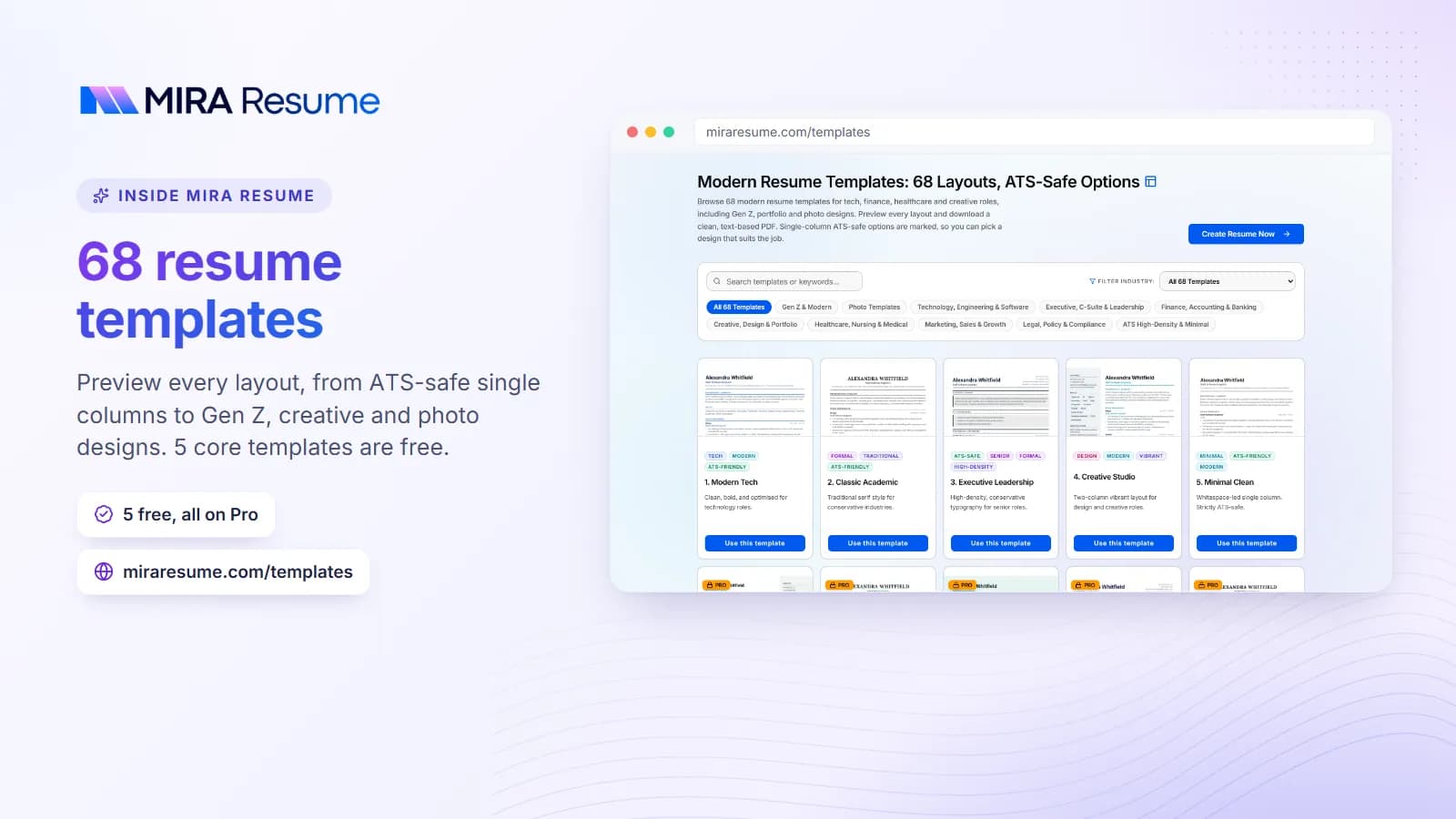
Mira Resume offers ATS-friendly templates. You enter your details and download a PDF, or download an editable Word (.docx) file from the editor in your dashboard. The Word file is a plain single-column version that opens cleanly in Word, so you can adjust it for a recruiter. It does not copy the template design, so if you want a styled layout inside Word, start from a Word template. Browse the resume templates, or try the resume builder.
Quick decision guide
| If you... | Then... |
|---|---|
| Need an editable .docx for a recruiter | Use Word, or download the .docx from a builder that offers one |
| Want a clean PDF fast | Use a builder or save from Word |
| Want to collaborate online | Try a Google Docs resume template |
| Want to compare free options | Read about free resume templates to download |
Whichever you pick, the content matters most. A plain template with clear, true, well-chosen bullets will beat a stylish one with vague ones.