
An ATS friendly CV template is a simple document layout that hiring software can read without mixing up your details. ATS stands for applicant tracking system. It is a tool many employers use to collect applications and sort them. When you upload a CV, the software tries to find your name, jobs, dates, and skills and place them into fields.
If your layout is too fancy, that process can fail. A date might land in the wrong field. A skills list inside a box might vanish. The result is a profile that looks empty or wrong, even though your CV looked perfect to you.
This guide gives you the layout, the section order, the fonts and spacing, a copyable sample, and a checklist. It works for a CV or a resume. If you are not sure which one you need, read our guide to the difference between a CV and a resume.
What makes a CV ATS friendly?
People often ask, "what is an ATS friendly resume?" The short answer: it is a document where all the important words are real text, in a clear order, under familiar headings. Nothing about it depends on pictures or boxes.
No one can guarantee how every employer's system behaves, since each one is set up differently. But a plain structure gives you the best chance of being read correctly. Here are the main traits.
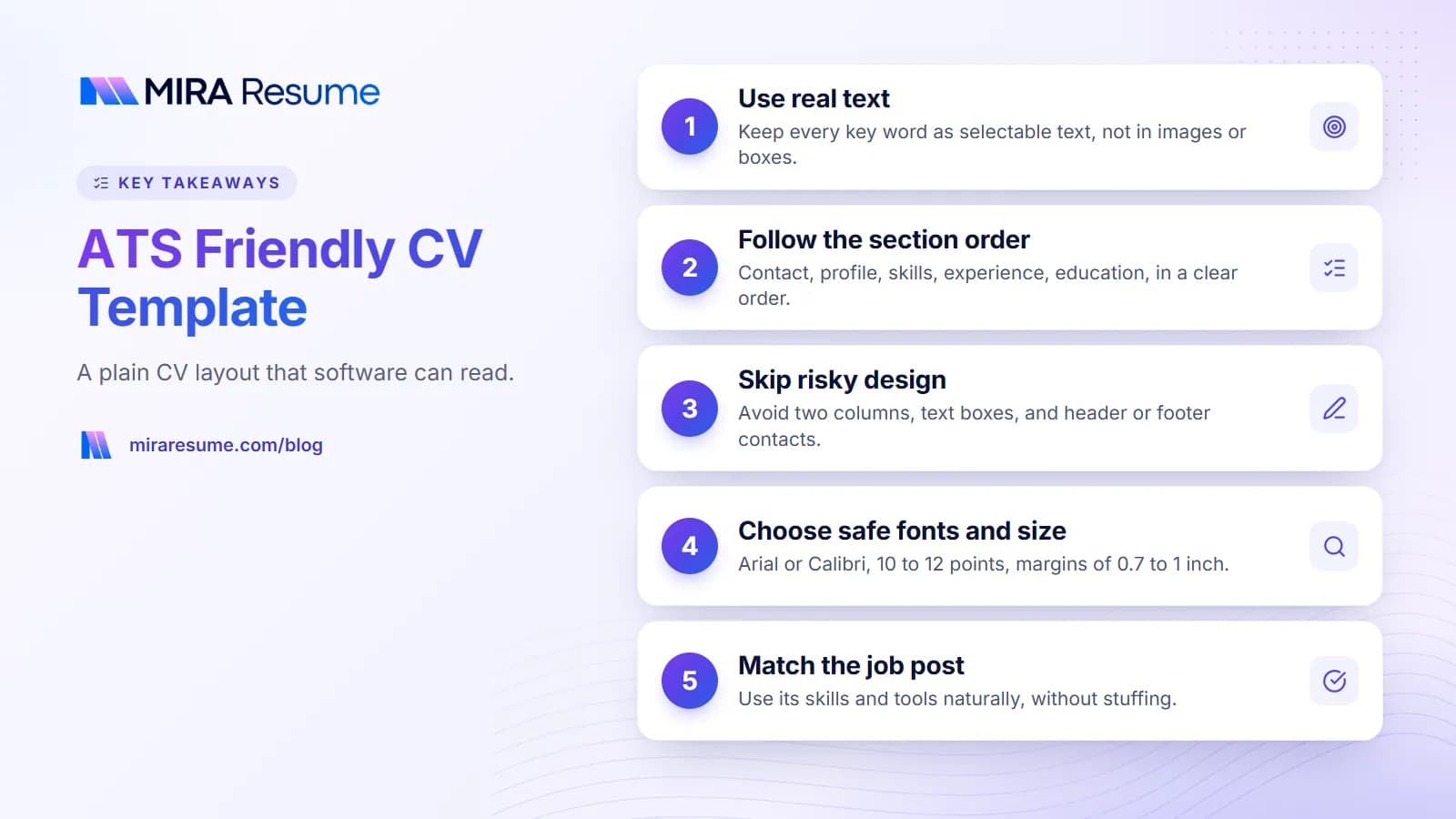
- Single column. Text runs from top to bottom.
- Standard headings. Profile, Experience, Education, Skills.
- Real text. You can select every word with your mouse.
- Simple bullets. Round dots or dashes, not icons.
- Clear dates. One consistent format, such as Mar 2024 to Present.
- Common fonts. Arial, Calibri, Georgia or similar.
- Body content only. Contact details are in the main page, not in a header or footer.
To go deeper on how this software works, see how an ATS works.
The ATS friendly resume format, section by section
This is the order that works for most people. Use it as your ATS friendly resume format or your CV format. The table shows each part, what goes in it, and a length guide.
| Section | What to include | Length guide |
|---|---|---|
| Contact block | Name, city and country, phone, email, LinkedIn link | 2 to 3 lines |
| Profile (summary) | Who you are, your focus, your top strengths | 2 to 4 lines |
| Experience | Job title, employer, location, dates, bullets | 3 to 6 bullets per recent job |
| Education | Degree, school, year. Add honors if they help | 1 to 2 lines per entry |
| Skills | Tools and abilities that match the job | 6 to 15 items |
| Certifications | Name, issuer, year | 1 line each |
| Extras | Languages, volunteering, publications | Only if useful |
Why standard headings matter
Software looks for known labels. A heading such as "Where I have worked" is cute, but "Experience" is clear. Save the cleverness for your bullets.
Where to put education
If you graduated recently, place education before experience. If you have several years of work, put experience first. For academic roles, you may place education first and add research and publications. See our science CV sample for that style.
A copyable ATS friendly CV sample
Below is a plain-text layout. Copy the structure, then replace the details with your own. The person in it is made up.
Jordan Ellis
Leeds, United Kingdom | 07700 900123 | [email protected] | linkedin.com/in/jordanellis
Profile
Customer support specialist with five years of experience in busy online retail. Skilled at solving problems calmly, writing clear replies, and teaching new team members. Looking for a support team lead role.
Experience
Customer Support Specialist, Northfield Home Goods, Leeds
June 2021 to Present
- Handle about 60 chat and email requests a day and resolve most without handing them on.
- Train new hires on the help desk system and our returns policy.
- Write help articles for common questions, which cut repeat requests.
Sales Assistant, Corner Books, Leeds
September 2019 to May 2021
- Advised customers and managed the till.
- Set up weekly displays and kept stock records accurate.
Education
BA English, University of Leeds, 2019
Skills
Customer service, written communication, help desk software, team training, problem solving, Microsoft Excel
Notice what is not here: no photo, no icons, no star ratings, no columns. The words do the work. Each bullet says what was done. Add numbers only when they are true.
If your sample needs a stronger opening, try the wording ideas in our CV summary examples.
Design choices: safe or risky for ATS
Use this table when you are tempted to add a design touch.
| Design feature | Safe? | Better option |
|---|---|---|
| Two-column layout | Risky | One column, use spacing for structure |
| Text boxes | Risky | Normal paragraphs |
| Contact details in header or footer | Risky | Put them at the top of the page body |
| Icons for phone, email | Risky | Write the words or just the details |
| Skill bars or ratings | Risky | A plain skills list |
| Photo or logo | Risky | Leave out, unless your country expects one |
| Bold and italic for emphasis | Safe | Use in moderation |
| Thin horizontal lines between sections | Usually safe | Use a heading style instead if unsure |
| Color on headings | Usually safe | Keep text dark and readable |
| Tables for layout | Risky | Lists and spacing |
Some countries expect a photo on a CV, and some roles in creative fields use design as part of the pitch. If that is you, think about a two-version plan: a designed file to bring to interviews, and a plain file to upload online.
Fonts, spacing and file type
Fonts and sizes
- Use Arial, Calibri, Cambria, Georgia or Times New Roman.
- Body text: 10 to 12 points. Name: up to 20 points.
- Margins: about 0.7 to 1 inch.
Length
For most jobs, one to two pages. Academic CVs can be longer, because they list research and publications. Our guide on how many pages a resume should be explains when to stop.
File type and name
If a job post asks for a type, use it. If not, a PDF made from a text document is generally safe, as long as you can select the text. A .docx is also fine. Avoid sending a scan or a photo of a paper CV, because software cannot read pictures of words.
Name the file with your name, such as Jordan-Ellis-CV.pdf.
Where to build it
You can make it in Microsoft Word, or in Google Docs (see our Google Docs resume template guide, which also covers an ATS friendly resume template in Google Docs). Or you can use our ATS-friendly resume templates and download a PDF.
Match your words to the job post
A clean layout gets your CV read. The right words get it noticed. Many systems let recruiters search for terms, so matching the job post helps.
- Copy the job post into a plain note.
- Underline skills, tools and duties that appear more than once.
- Check your CV. Which of these are true for you?
- Use the same wording where it fits. If the post says "customer support," do not write only "client care."
- Do not add skills you do not have. It will show up at the interview.
Spell out short forms the first time, then use the short version. For example, "Search Engine Optimization (SEO)." That helps both a person and a search.
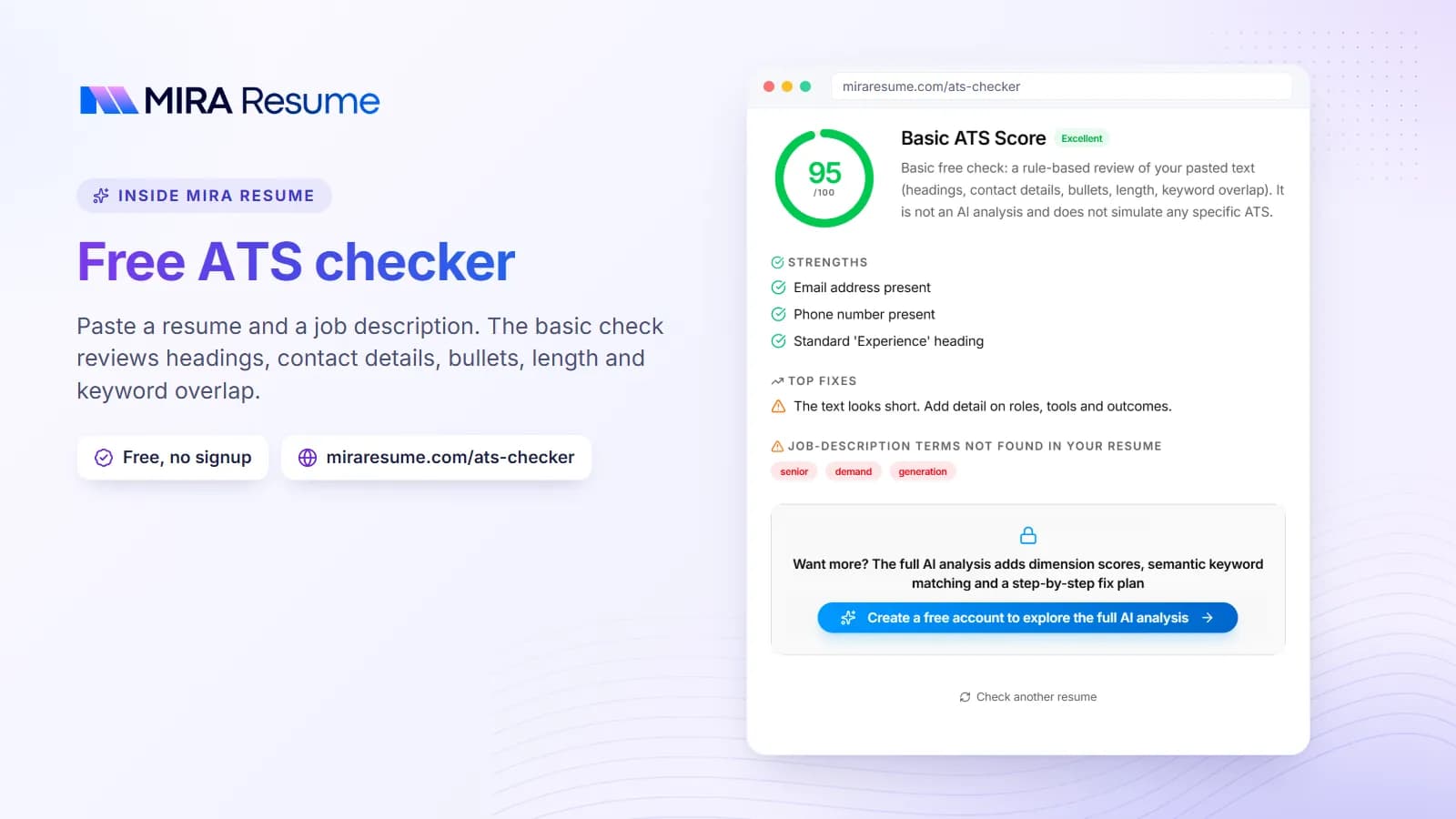
You can test your finished file with our ATS checker, which gives a guide to how it may be read. Other scanners work too, and you can learn more in our guide to the ATS resume scanner.
Build your own in 15 minutes
You do not need a special file. Follow these steps in any word processor.
- Open a blank page. Set margins to about 0.8 inch and choose a common font at 11 points.
- Type your name at the top in a larger size, then your contact line below it.
- Add the headings in order: Profile, Experience, Education, Skills. Make each one bold, using the heading style if your program has one.
- Write the profile last. It is easier once the rest is done.
- Fill in your jobs from newest to oldest. Use the same date style each time.
- Add skills that match the post, in one line or a short list.
- Save as PDF and test that you can select the text.
Adjusting the template for a CV
A CV can be longer and more detailed than a resume. If you are applying for a job in teaching, research, medicine or in many countries outside the US, you may add extra headings such as Research, Publications, Presentations, Awards, or Professional Memberships. Keep the same plain structure and add the new headings below Education or Experience. Use one line per item and the same format every time.
Adjusting the template for a resume
For a typical US or Canadian job, trim the CV to one or two pages. Keep the most relevant jobs and cut older ones to a single line. Our simple resume format page shows how a short version looks, and the chronological resume template is a good fit when your work history is steady.
Test it before you send
Copy all the text from your PDF and paste it into a plain notes app. If the order looks right and nothing is missing, you are in good shape. If lines are jumbled, look for columns, boxes or tables and replace them with plain paragraphs.
Common mistakes with ATS friendly CVs
- Making it plain but also empty. A clear layout still needs strong, specific bullets.
- Keyword stuffing. Repeating a word many times, or hiding white text, is easy to spot and can get you rejected.
- Inconsistent dates. Pick one style and keep it.
- Calling a section something odd. Use Experience, not Career Adventures.
- Saving as an image. If you cannot select the text, software cannot read it.
- Using the same CV for every job. A few changes per job help a lot.
- Forgetting to proofread. A typo in your email address can cost you a reply.
Last, remember that people read your CV too. A plain layout, honest details and tidy writing serve both the software and the human reader.