
A data entry resume is short, neat and built around proof of accuracy. Employers hire data entry staff to move information into systems without mistakes, so your page should be free of mistakes too. It should also show your tools, your typing speed if you have tested it, and your habit of checking your own work.
This guide gives you a clear layout, a skills table, before and after bullets, a sample for a beginner and notes for people with more experience. Every example uses [brackets] for details you fill in with your own facts.
What employers look for in data entry staff
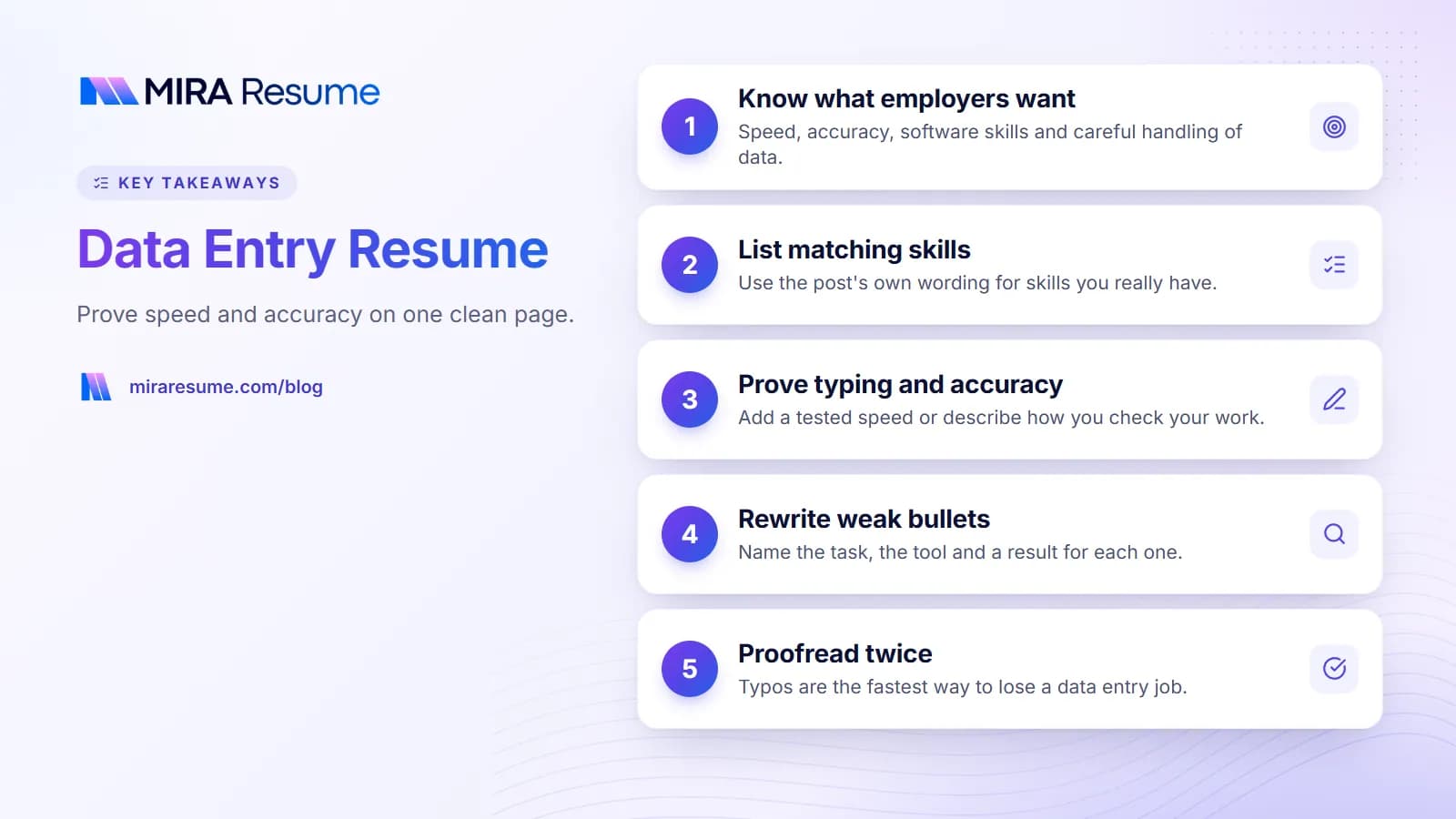
Data entry jobs exist in banks, clinics, shipping firms, schools, online stores and government offices. The work looks similar, but the data differs. A hiring manager scanning your page wants quick answers to these questions.
- Can you type quickly and accurately?
- Do you know the software we use, or can you learn it?
- Will you notice errors and fix them?
- Can you keep private information private?
- Will you finish work on time?
Your resume answers these with short bullets and a focused skills list. Skip long paragraphs about your personality. A tidy one-page layout works best, and our guide to how to format a resume covers the basics.
Where data entry roles are different from other office jobs
Receptionists and assistants talk to people all day. Data entry staff often work alone for long stretches. Your resume should lean on focus, accuracy and process. If your job also involved phones or visitors, mention it briefly, and see the administrative assistant resume guide for that style.
Data entry skills and keywords
Many data entry job posts are screened by applicant tracking systems, so the words on your page matter. Use the post's own wording for skills you really have.
| Skill | Examples of keywords | How to prove it |
|---|---|---|
| Typing | Typing speed, 10-key, touch typing | List your tested speed and test name if you have one |
| Accuracy | Proofreading, quality checks, error reduction | Mention how you checked work or your accuracy rate if tracked |
| Spreadsheets | Excel, Google Sheets, formulas, lookups | Name a task such as cleaning lists or building a tracker |
| Databases and systems | CRM, ERP, SQL basics, [named software] | Name the system and the records you handled |
| Document handling | Scanning, filing, indexing, transcription | Mention volume per day or week |
| Privacy | Confidential records, secure handling | One bullet on following company rules |
| Time management | Deadlines, batch work, priorities | A deadline you met |
Do not list a program you cannot use. Employers sometimes give a short typing or Excel test. For a broad list that suits many jobs, see good skills to put on a resume and computer skills on a resume.
How to show typing speed and accuracy
Typing speed is one of the few numbers that is easy to prove. Take a free online test or your school's test, then write the result in your skills line, such as "Typing: [number] words per minute with [accuracy]% accuracy (tested [month year])". Only include numbers you tested yourself.
Accuracy matters even more than speed. If you tracked your error rate at work, use that fact. If you did not, describe the steps you used, such as double-checking entries, comparing the screen to the source, or running a simple report to catch odd values.
Ways to show accuracy without a score
- "Checked each batch against source documents before submitting"
- "Flagged unusual entries for review, which helped the team fix [type of issue]"
- "Kept a daily log of completed batches to prevent duplicates"
These bullets show habits, which employers value as much as a number. Pair them with action verbs. Our action verbs for resume list offers many options.
Data entry bullet points: before and after
Make each bullet name the task, the tool and a result. Replace the [brackets].
| Weak bullet | Stronger bullet |
|---|---|
| Entered data | Entered about [number] records a day into [system] with [accuracy result or check method] |
| Used Excel | Cleaned and sorted lists of [number] rows in Excel using [function] to remove duplicates |
| Scanned documents | Scanned and indexed [number] documents a week, naming files by [rule] so staff could find them fast |
| Checked work | Compared each batch to source documents and corrected [type of error] before submission |
| Worked with confidential records | Handled private [client, patient or customer] records following [company] privacy rules |
| Met deadlines | Finished [type of batch] by [deadline] each [period], including during [busy season] |
If your numbers are estimates, say "about". Never invent an accuracy rate or volume. A recruiter may ask you to explain it.
A data entry resume sample
This sample is illustrative. Replace all [brackets], and remove lines that do not fit your story.
[Your Name]
[City, State] | [Phone] | [Professional email]
Summary
Detail-minded data entry clerk with [X] years of experience in [industry]. Types [number] WPM with strong accuracy. Skilled in Excel and [system], and careful with private records.
Skills
Typing [number] WPM, 10-key, Excel, Google Sheets, [CRM or database], document scanning, proofreading, confidential records
Experience
Data Entry Clerk, [Company] | [Dates]
- Entered about [number] records a day into [system], checking each batch against source documents
- Cleaned spreadsheets of [number] rows and removed duplicates to keep [report or list] up to date
- Flagged odd entries to [role], helping fix [type of issue] before reports went out
Education
[Diploma or degree], [School], [Year]
Training
[Excel course or typing certificate], [Year]
If you are brand new
Swap the Experience section for Projects or Related Experience. Use school tasks, volunteer record keeping, a club treasurer role or home projects, such as building a household budget in a spreadsheet. See resume with no experience, first job resume and entry-level resume examples for more help.
Entry-level vs experienced data entry resume
| Part | Entry-level | Experienced |
|---|---|---|
| Top of page | Summary and skills | Summary and work history |
| Proof | Typing test, school or volunteer tasks, software courses | Volume, systems used, accuracy habits |
| Skills | Typing, Office, attention to detail | Specific databases, reporting, data cleaning |
| Next step | Show you can learn fast | Show you can train others or improve a process |
Remote data entry roles
If the job is remote, add proof that you work well alone: tools you use to track tasks, how you manage deadlines and any past remote work. Be careful with job offers that ask you to pay a fee or share bank details before you work. Those are warning signs, and you should research any company before you apply.
Moving up from data entry
Data entry is a common first step. If you want to grow into reporting or analysis, build skills in Excel formulas, basic SQL and dashboards, then look at the data analyst resume guide for how to present them.
Education and training notes
Most data entry roles ask for a high school diploma or equivalent. Some prefer a short course or certificate in office software or typing. List your highest level of education, school and year. Add a Training section for courses, listing the name, provider and year.
Employers and regions have different rules, and some jobs, such as medical or legal records, have extra training or privacy requirements. Check the job post and your local rules before you apply. For listing order and style, see how to list education on a resume and how to list certifications on a resume.
Step by step: build your data entry resume in 30 minutes
You do not need a perfect first draft. Follow these steps, in order, and you will have a solid page.
- Collect your facts. Write down every job, task, system and number you can remember. Include typing test results and any software courses.
- Read two or three job posts. Circle the repeated skills, such as Excel, 10-key or CRM. These are your keywords.
- Write the skills line. Put the circled skills that you truly have first. Keep the line to one or two rows.
- Write three to five bullets per job. Start each with a verb, name the system or document type and add a volume or check method.
- Write a two-line summary. Years of experience, main tools, one strength such as accuracy.
- Add education and training. Keep it short and put it last unless you are a recent graduate.
- Proofread slowly. Read each line out loud, then ask someone else to check names, dates and numbers.
- Save as a PDF. Use a clear name like [FirstName]-[LastName]-Data-Entry-Resume.pdf.
A word on tone: write the way you would explain your job to a friendly manager. Plain words beat fancy ones. If you want more ideas for what belongs on a page, see things to put on a resume.
A skills line to copy and trim
Typing [number] WPM | 10-key | Microsoft Excel (sorting, filters, lookups) | Google Sheets | [CRM or database] | Document scanning and indexing | Proofreading | Confidential records
Delete any item you cannot do. Add items from the post that you can.
Privacy, honesty and background checks
Many data entry jobs involve private information: customer accounts, patient notes, payroll or student records. Employers look for people who understand that this data belongs to someone else. You can show that without breaking any rule.
- Say that you followed company privacy rules, without naming clients or sharing real details.
- Mention privacy or security training you completed, with the course name and year.
- Leave out any real names, account numbers or screenshots from past jobs.
Be honest about your skills and dates. Some employers check work history, and a mismatch can cost you an offer later. If you have a gap, a one-line note can help. Our guide on a resume with gaps in employment shows how to write it simply.
Matching your resume to the application form
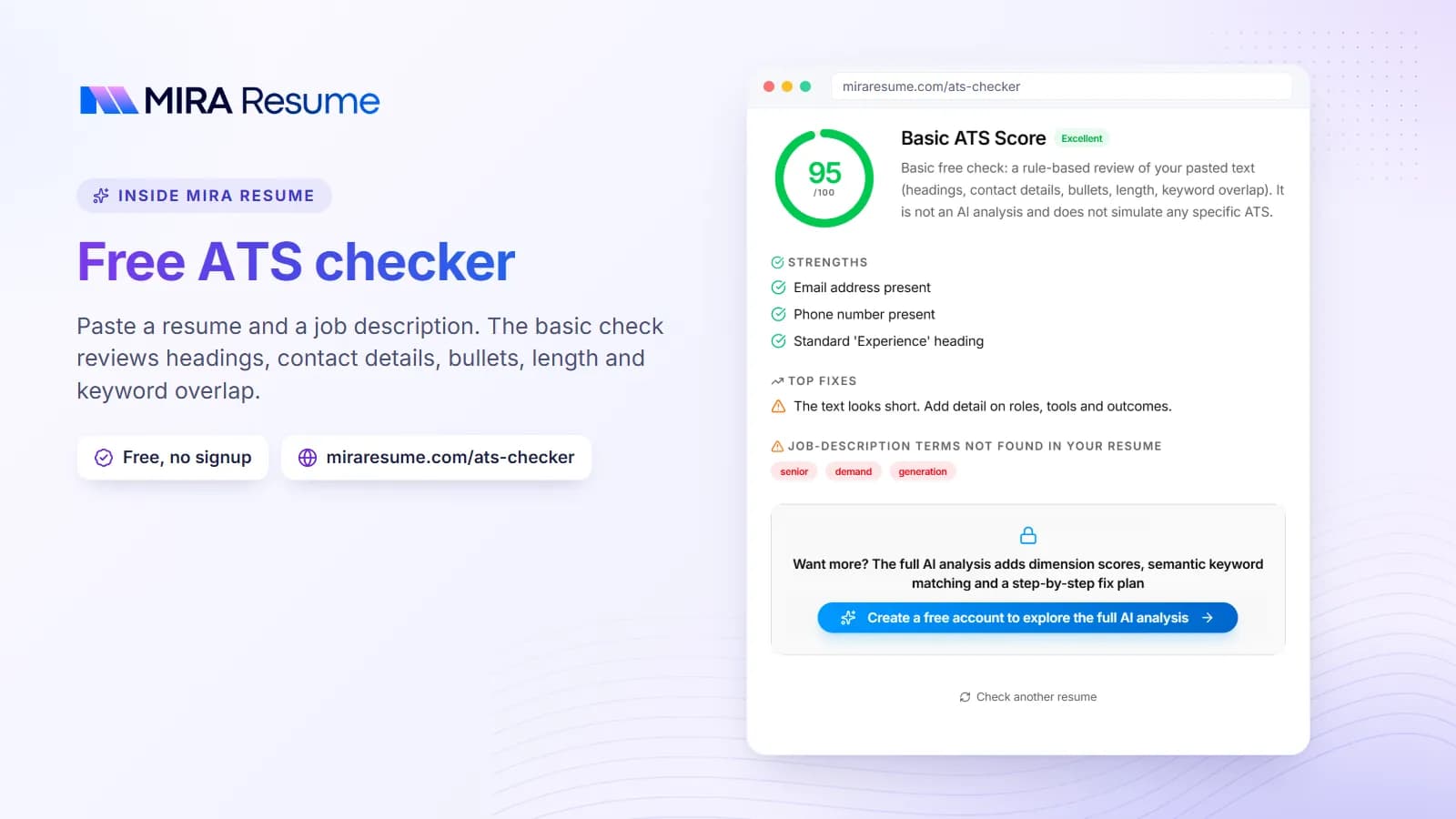
Many data entry employers ask you to upload a resume and then retype it into a form. Make sure the job titles, dates and employers match on both. Small differences can look careless, and careless is the wrong signal for this job. If you want to see how automated tools read your file, our ATS checker is a fast way to find problems, and how ATS works explains what the scanner does.
Common data entry resume mistakes
- Typos and sloppy formatting. This is the fastest way to lose a data entry job. Proofread twice, then read it backward line by line.
- Claiming typing speed you have not tested. Take a test and use the real number.
- Listing every program ever touched. Keep the ones in the job post.
- No scale. "Entered data" fits anyone. Add a volume or a check method.
- Heavy design. Skip graphics, photos and skill bars. They can confuse ATS software.
- Padding with unrelated jobs. Keep older roles to a single line if they do not help.
When you are ready, use the resume builder with one of the resume templates to create a clean PDF, then check it with the resume checker. Our AI resume builder can suggest wording for bullets. Read every suggestion and edit it to match your real work.