
The best administrative assistant resume answers one question for a busy manager: will this person keep my day organized? Hiring teams want proof that you can juggle calendars, handle email, manage paperwork, and stay calm when plans change.
In this guide you will see a complete sample, a table of tools and skills, and a before-and-after list of bullets. You will also learn how to adjust the resume if you are new to office work or already supporting senior leaders.
What a manager wants to see in the first ten seconds
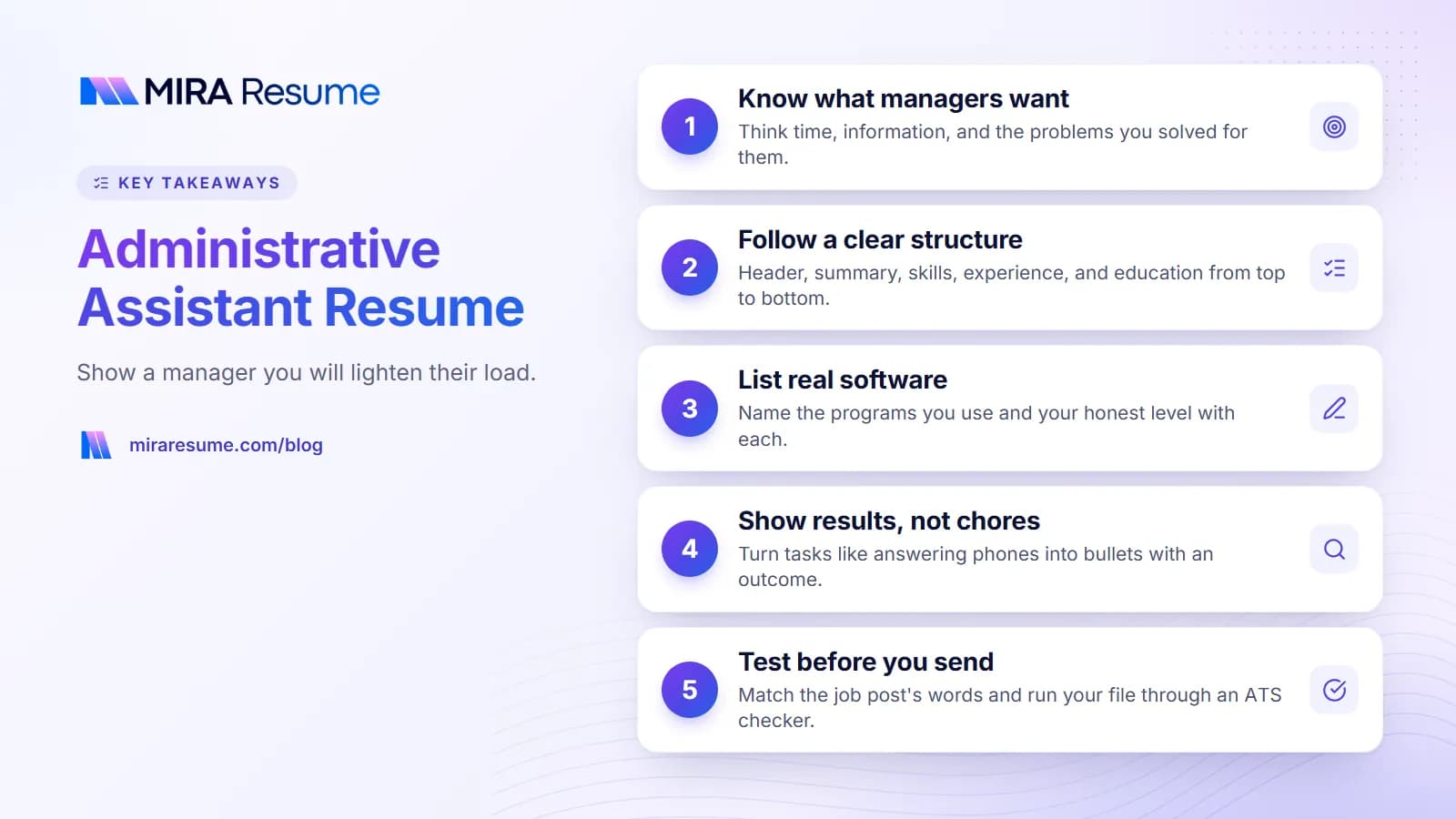
Admin roles look similar on paper, so small details help you stand out. Before you write anything, ask what the manager wants help with. The answer usually falls into four buckets.
- Time: someone who manages calendars, meetings, and travel without drama.
- Information: someone who keeps files, records, and emails neat and easy to find.
- People: someone who greets visitors, answers calls, and works well with every team.
- Judgment: someone who knows what to handle alone and what to ask about.
Your top third of the page should hint at all four. A short summary and a tight skills list do most of the work. The bullets under each job then back it up with real examples.
Job titles vary, so read the post closely
Office assistant, administrative coordinator, front desk associate, and executive assistant all overlap. A front desk job leans toward greeting and phones. An executive assistant job leans toward calendars, travel, and confidential work. Copy the main task words from the posting into your resume, but only if you did them. If you want a broader view of layouts, our resume examples page shows how other roles are structured.
Administrative assistant resume sample, top to bottom
This sample uses an invented person and company. It shows structure and tone. Replace every detail with your own.
Header and summary
Morgan Ellis
City, State | 555-555-0147 | [email protected] | LinkedIn link (optional)Summary: Organized administrative assistant with 4 years of experience supporting a small team of managers. Skilled in calendar management, travel booking, expense reports, and document preparation. Known for quick replies, careful follow-up, and tidy records.
Need other ways to phrase your opening? See these resume summary examples.
Core skills line
Calendar management | Microsoft 365 | Google Workspace | Travel and event planning | Expense reports | Records management | Phone and email etiquette | Data entry | Confidentiality
Experience
Administrative Assistant, Example Services Group, City, State, 2022 - Present
- Managed calendars for three managers, booking meetings across time zones and resolving conflicts before they caused delays
- Booked travel and prepared expense reports on time each month
- Built a shared filing system that helped the team find documents in less time
- Greeted visitors and answered calls, routing questions to the right personOffice Assistant, Example Dental Office, City, State, 2020 - 2022
- Scheduled patient visits and sent reminders to cut missed appointments
- Ordered supplies and tracked deliveries against invoices
Education and training
Associate Degree in Business Administration, Example College, 2020
Microsoft Excel course (name the provider and year, if you took one)
Keep the whole thing to one page unless you have a long history. Our guide on how many pages a resume should be helps you decide.
Administrative assistant skills and software to list
Software names are among the most searched words in admin hiring. List the programs you can truly use, and say how well you know them when it matters ("advanced Excel", "basic Slack").
| Group | Skills and tools to consider | Make it believable by |
|---|---|---|
| Office software | Microsoft Word, Excel, PowerPoint, Outlook; Google Docs, Sheets, Gmail, Calendar | Giving one task done in each, like mail merge or pivot tables |
| Scheduling and travel | Calendar management, meeting coordination, travel booking, itineraries | Naming the number of people you scheduled for |
| Communication tools | Zoom, Microsoft Teams, Slack, multi-line phones | Saying you hosted or set up meetings |
| Records and data | Filing systems, data entry, database upkeep, document control | Describing what you organized and why |
| Money tasks | Expense reports, purchase orders, invoice processing, petty cash | Noting monthly deadlines you kept |
| Office running | Supply ordering, vendor contact, event setup, onboarding support | Listing what you handled start to finish |
| Soft skills | Prioritizing, discretion, written clarity, follow-through | Pairing each with a small story in a bullet |
For more on choosing and ordering your list, read skills to put on a resume. If your experience matters more than job titles, a skills-based resume can work well for admin career changers.
Bullet points for an admin resume: weak vs. strong
Good admin bullets show what got easier because you were there. Square brackets mark spots where you should add your own number. Skip the number if you are not sure of it.
| Weak bullet | Stronger bullet |
|---|---|
| Answered phones | Answered about [number] calls a day and sent each to the right person with a short message, so callers did not repeat themselves |
| Scheduled meetings | Coordinated meetings for [number] managers, checking room, tech, and time zones ahead of each one |
| Did filing | Reorganized paper and digital files into one labeled system, so staff could find records without asking |
| Ordered supplies | Tracked office supplies and placed orders before items ran out, keeping the team from losing work time |
| Helped with events | Planned logistics for a [number]-person company event, including venue, food, and sign-in |
| Used Excel | Built Excel trackers for budgets and requests, giving managers a quick view of what was open or late |
| Typed documents | Prepared reports, letters, and slide decks from rough notes, and proofread them before they went out |
Start lines with strong verbs, such as coordinated, organized, prepared, tracked, or streamlined. Our list of action verbs for resume bullets has many more. To get a fast draft of a rewrite, try the AI bullet enhancer, then check every fact.
Show how you improved things
Managers love assistants who spot a problem and fix it. Even small fixes count: a shared template, a simple checklist, a reminder email. Write what the problem was, what you did, and what changed.
Entry-level vs. senior administrative assistant resumes
An admin resume for someone starting out should look different from one for someone who has supported executives for years.
| Question | Entry-level | Senior or executive support |
|---|---|---|
| What leads the page? | Summary, skills, and training | Summary that names who you support and for how long |
| What proves you can do it? | School projects, volunteer work, part-time jobs, tech classes | Scope of calendars, budgets, events, and projects you owned |
| How to treat private matters? | Say you respect privacy and followed office rules | Mention confidential handling without naming any company secrets |
| Typical bullet count | 2 to 4 per role | 4 to 6 for the latest role, fewer for older ones |
| Extra sections | Courses, volunteer work, languages | Certifications, board or event support, tools led |
If you are just getting started
Think about every time you organized people or paperwork. A student club, a church group, a family business, or a school office all count. Use verbs like scheduled, tracked, prepared, and welcomed. A short cover note helps too, and our guide to a cover letter with no experience shows how to write it.
If you support senior leaders
Say who you support by role (for example, "a vice president and two directors") rather than by name unless you have permission. Show projects you drove, such as planning a board meeting or building a new approval process. If your career grew from one job to the next, our post on showing a promotion on a resume explains the layout.
Moving from customer-facing work
Front desk, retail, and support work build great admin skills. See the customer service resume page for ideas on wording that kind of experience.
Training and certificates for an administrative assistant
Most admin jobs do not require a special license. Employers often accept a high school diploma, an associate degree, or equal experience. The details depend on the employer and the industry, so read each post and check what it asks for.
Things you may add
- A business, office management, or related degree or certificate, if you have one.
- Software courses, such as Excel or Microsoft 365 training, with the provider and year.
- Professional certificates in office or administrative skills from recognized training groups. Name the issuer exactly and list only what you hold.
- Typing speed, if the post asks for it. Give the speed only if it came from a real test.
- Industry knowledge, such as medical, legal, or education office training, when you are applying in that field.
Do not pad the page with every course. Two or three relevant lines are better than ten random ones. For tips on laying them out, see the guide to listing certifications on a resume.
Common administrative assistant resume mistakes
- Using a list of chores. "Answered phones, filed papers, made copies" tells little. Show the result of your work.
- Going too fancy. Graphics, skill bars, and tables inside tables can confuse hiring software. A plain layout is safer; see the ATS resume scanner guide for what these tools look for.
- Skipping software names. If you know Outlook or Sheets, say it.
- Overstating your role. Calling yourself an "executive assistant" when you were an office assistant may cause trouble in a background check.
- Typos. This job is about being careful. One typo can cost you the interview. Ask a friend to read it too.
- Old formats. Skip "References available upon request." See how to handle references on a resume.
- Vague dates. Include months or years for each role.
Final steps before you send your admin resume
A little testing goes a long way, because many employers use software to sort applications.
- Paste the job post next to your resume and mark every task, tool, and title it uses.
- Edit your summary and skills line so true matches show up in the first half of page one.
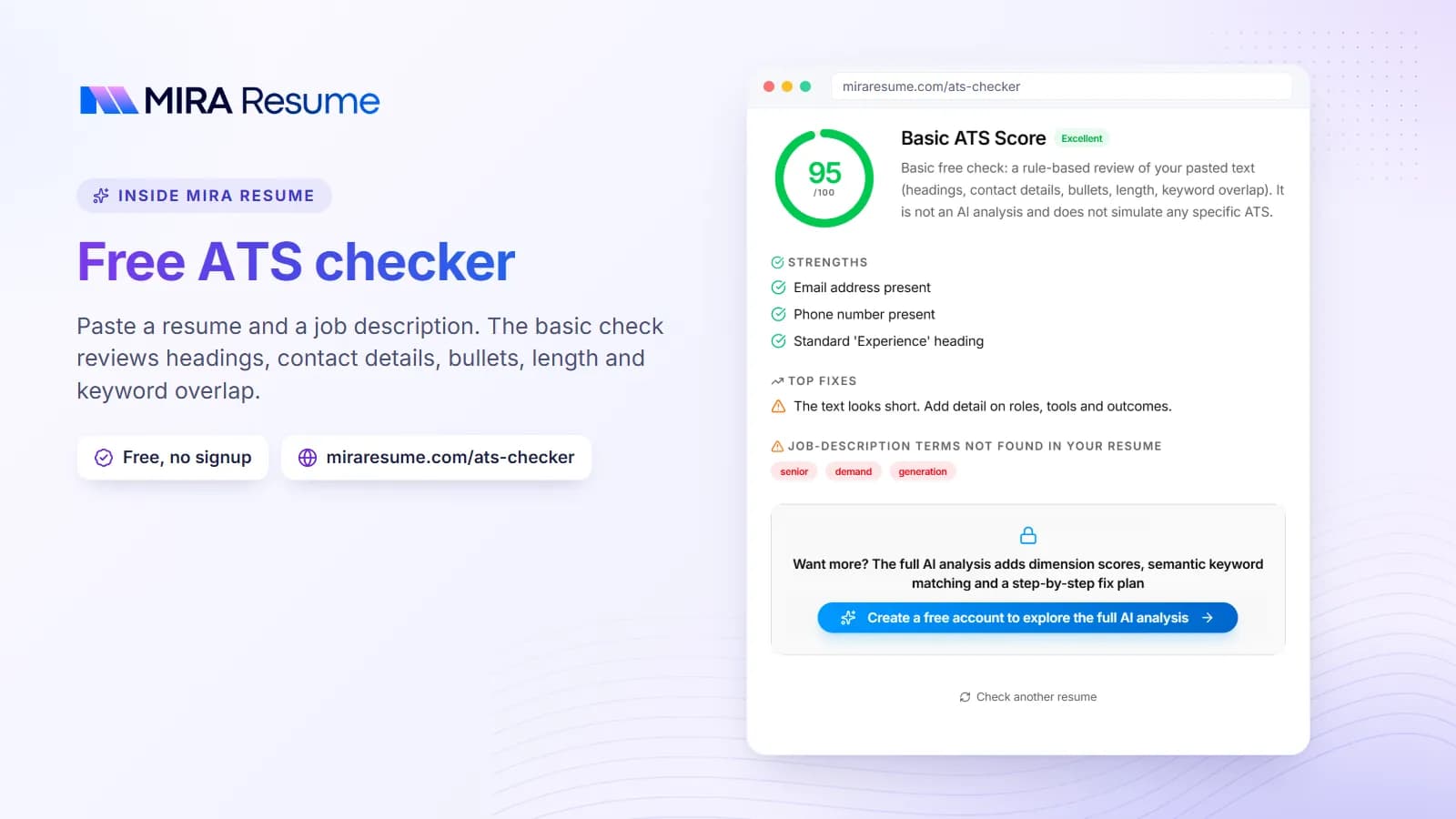
- Upload the file to the ATS checker to catch missing keywords and layout problems.
- Save as a PDF unless the post asks for Word, and use a clear file name.
- Write a short cover letter that mentions the manager's team or goals.
If you prefer a guided start, the AI resume builder can set up the sections and you can add your own facts. For a quick design, pick from the clean resume templates. Keep a master copy of everything you have done, then trim it for each job.