
A strong PC skills resume section names the exact programs you can use and shows how well you use them. "Good with computers" tells a reader nothing. "Excel (lookups and pivot tables), Outlook, and Zendesk" tells them what you can do on day one.
This guide shows how to list computer skills on a resume, how to describe Microsoft Office skills without exaggerating, how to use skill levels, and where to put the section. You will find a table of levels, copyable examples for different jobs, and a list of mistakes to avoid. Everything here keeps to one rule: only list what you can really do.
Why computer skills on a resume still matter
Almost every job uses a computer or a phone with software on it. That is why basic skills such as typing and email are assumed, and why employers look for something more specific. They want to know which programs you have used and how much help you will need to start.
A clear list of software skills for resume use helps in three ways:
- It shows the reader quickly that you can use the tools the job needs.
- It helps hiring software match your resume to the job post when the names are the same.
- It gives the interviewer something concrete to ask about.
Computer skills are a kind of hard skill. For a wider look, see our examples of hard skills, and for choosing across all skill types, read skills to put on a resume.
Computer skills levels: how to describe how well you know a tool
It is more useful to give a level than to just list a name. The table below gives plain definitions so you can pick the label that is true for you.
| Level | What you can do | Microsoft Excel example |
|---|---|---|
| Basic | Do simple tasks and ask for help with harder ones | Enter data, use simple sums, make a basic table |
| Intermediate | Handle most daily tasks alone | Use filters, charts, and lookup formulas |
| Advanced | Solve complex problems and teach others | Build pivot tables, write nested formulas, automate tasks |
Pick the lower label if you are unsure. It is far better to be pleasantly surprising in an interview than to be caught claiming too much.
Words like "proficient" and "expert" are common, but they are vague. If you use them, add what you can do in brackets, such as "Excel (pivot tables, lookups)". Skill bars and star ratings are best avoided. They do not read well in software and have no clear meaning.
How to list Microsoft Office skills honestly
Microsoft Office skills are among the most searched computer skills, and also among the most overstated. "Proficient in Microsoft Office" appears on a huge number of resumes, so it does little to set you apart. Name each program and what you do in it.
| Program | Basic examples | Stronger examples |
|---|---|---|
| Excel | Data entry, simple sums, tables | Pivot tables, lookups, conditional formatting, charts, simple macros |
| Word | Typing, basic formatting | Templates, styles, tables of contents, mail merge, tracked changes |
| PowerPoint | Simple slides with text | Designed decks, charts, speaker notes, presenting to groups |
| Outlook | Email and calendar | Shared calendars, rules, scheduling meetings for others |
| Teams | Join calls and chat | Run meetings, share files, manage channels |
| Access | View records | Build tables, queries, and simple reports |
Then write them in a line the reader can scan:
Microsoft Office: Excel (pivot tables, VLOOKUP, charts), Word (templates, mail merge), PowerPoint (client presentations), Outlook (shared calendars)
If you use Google Docs, Sheets, and Slides instead, list those the same way. Many job posts accept either.
Computer skills to put on a resume by job type
Choose the tools that match the job post. Here are common examples of computer skills to put on a resume.
| Job type | Computer skills to list |
|---|---|
| Administrative and office | Microsoft 365, Google Workspace, calendar tools, data entry, document scanning, video meeting tools |
| Customer service | Zendesk or similar ticket systems, CRM software, live chat tools, call logging, typing speed |
| Accounting | Excel, QuickBooks, payroll software, accounts payable systems |
| Healthcare | Electronic health records, scheduling software, billing systems |
| Retail and hospitality | Point-of-sale systems, inventory software, reservation platforms |
| Marketing | Email platforms, social media schedulers, analytics tools, basic design tools |
| Technical roles | Programming languages, version control, databases, cloud platforms, operating systems |
| Teaching | Learning management systems, interactive whiteboards, grading software, presentation tools |
For more role-based ideas, see the list on our good skills to put on a resume page. If you are in a technical field, our computer science resume guide shows how to list languages and tools.
Where to put computer skills on your resume
You have three places for your computer skills resume content. Use more than one.
1. A dedicated skills section
This is the easiest place for a reader to find them. Group items by type if you have many:
Software: Microsoft Excel (intermediate), Word, Outlook, Teams
Systems: Salesforce, Zendesk, QuickBooks
Other: Typing 65 words per minute, data entry, basic HTML
2. Your experience bullets
Showing the tool in use is the strongest proof.
- Built an Excel tracker with lookups to follow 120 open orders, cutting missed follow-ups
- Logged and closed about 30 support tickets a day in Zendesk
- Created slide decks in PowerPoint for weekly team meetings
3. Your summary
If a skill is central to the job, name it in your summary: "Office administrator with 5 years of experience using Microsoft 365 and QuickBooks." See our resume summary examples for more ideas.
Examples of computer skills sections to copy
Swap in your own tools and levels.
Entry level or student
Computer skills: Microsoft Word and PowerPoint (comfortable), Excel (basic tables and sums), Google Docs and Sheets, typing 50 words per minute, strong research skills online
Administrative assistant
Software: Microsoft 365 (advanced Excel and Outlook), Google Workspace, Zoom and Teams, travel booking tools, expense systems
Customer support
Tools: Zendesk, Intercom, Salesforce (case management), Slack, Excel for tracking, 70 words per minute typing
Bookkeeper
Accounting software: QuickBooks Online, Xero, Excel (pivot tables, reconciliations), payroll systems, bank portals
For a look at how these blocks fit into a full page, browse our resume examples.
Computer skills for people with little work experience
If you are a student or new to work, you may think you have nothing to list. In fact, school and daily life give you plenty of material.
- School work. Writing papers in Word or Google Docs, building slides, and tracking grades in a spreadsheet all count.
- Projects. A club website, a budget for a group trip, or a short video you edited shows real use of software.
- Online courses. A short course in Excel or basic coding is easy to list, with the year you finished it.
- Volunteer tasks. Keeping a sign-up sheet, sending email newsletters, or posting for a local group are all computer tasks.
Write them as plain facts, for example: "Built a class budget in Excel with formulas and a chart." That is more useful than "good at computers". If you need ideas for wording, our guide to the resume with no experience shows how to describe school and volunteer work.
Tell the truth about your level
A new graduate who says "basic Excel, learning pivot tables" is more believable than one who claims to know everything. Honest labels also give you a clear talking point if you are asked how you plan to improve.
Showing computer skills in a cover letter and interview
Your resume lists the tools. Your cover letter and interview let you show how you use them. Use one short story per key tool.
- Name the problem, such as slow weekly reports.
- Say what you did with the tool, such as building a template in Excel.
- Give the result, such as the report taking less time.
Keep the numbers real. If you do not have a number, describe the change in words. Employers sometimes ask for a short test, such as typing a paragraph or building a simple table. Practicing the basics beforehand removes stress.
Also be ready for the question, "Can you learn our system?" A good answer is true and calm: "I have learned three new programs in my past jobs, and I picked up the last one in about two weeks."
Computer skills to leave off your resume
Not every skill earns space. Leave these off unless the job post asks for them:
- Using email and the internet. These are assumed.
- Old or unused software. A program you touched once years ago may confuse the reader.
- Social media for personal use. Include it only if the job is in marketing or community work, and then describe what you did.
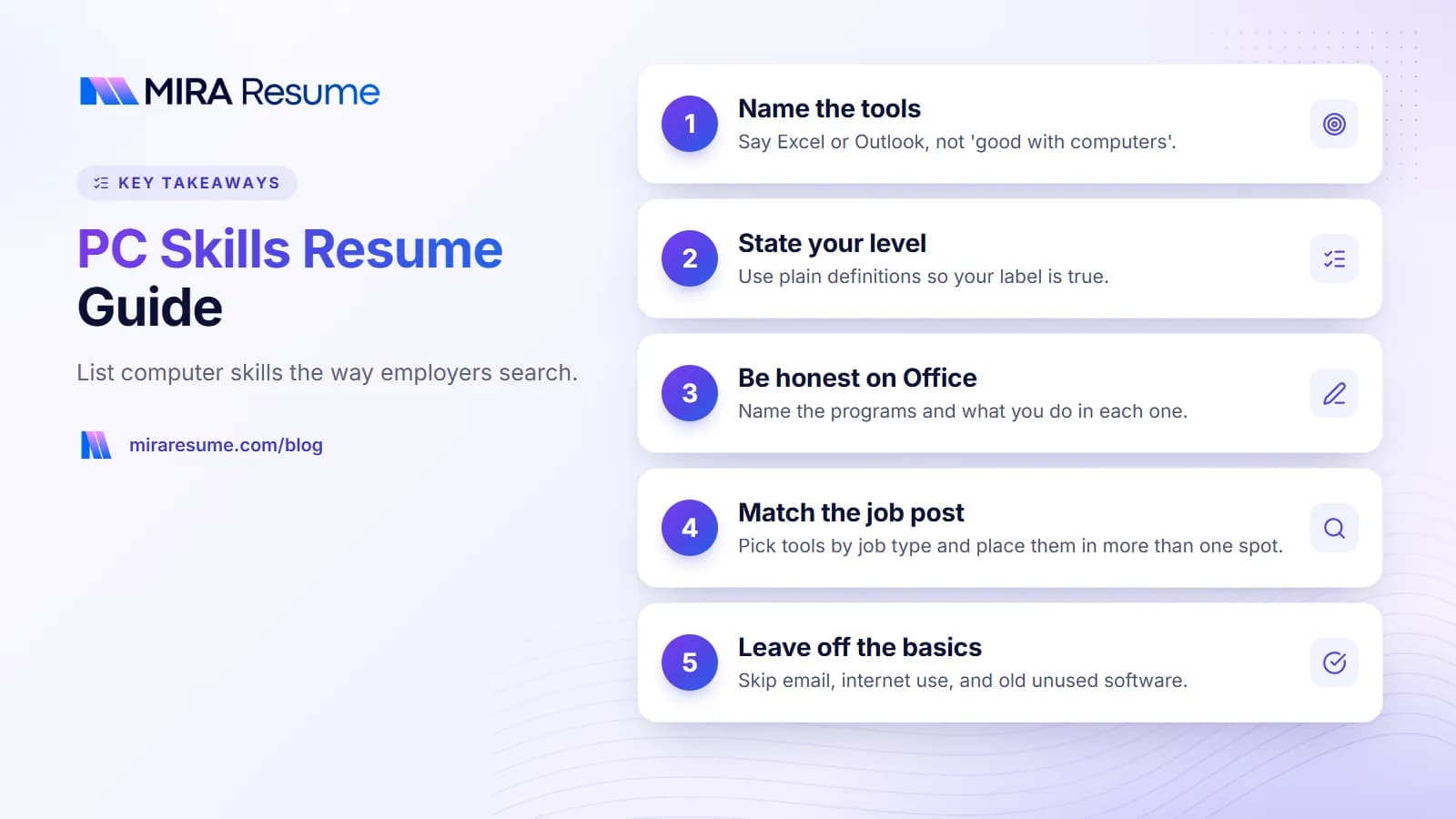
- Vague phrases. "Computer literate" and "tech savvy" add nothing.
- Skills you cannot show. You may be asked to demonstrate them.
If a job post uses older or lesser-known software and you have used it, name it. A matching word helps both the human reader and the software.
Common mistakes when listing computer skills
- Writing "proficient in Microsoft Office" and nothing else. Name the programs and what you do in them.
- Overstating your level. If you are asked to build a pivot table and cannot, trust drops quickly.
- Using graphics. Skill bars, stars, and icons may not be read by software, and they do not say what you can do.
- Burying skills at the bottom of page two. Put the ones the job needs where the reader will see them.
- Listing too many tools. Fifteen tools with no context look like padding. Pick the ones the job uses.
- Misspelling product names. Write "PowerPoint" and "QuickBooks" the way the maker does.
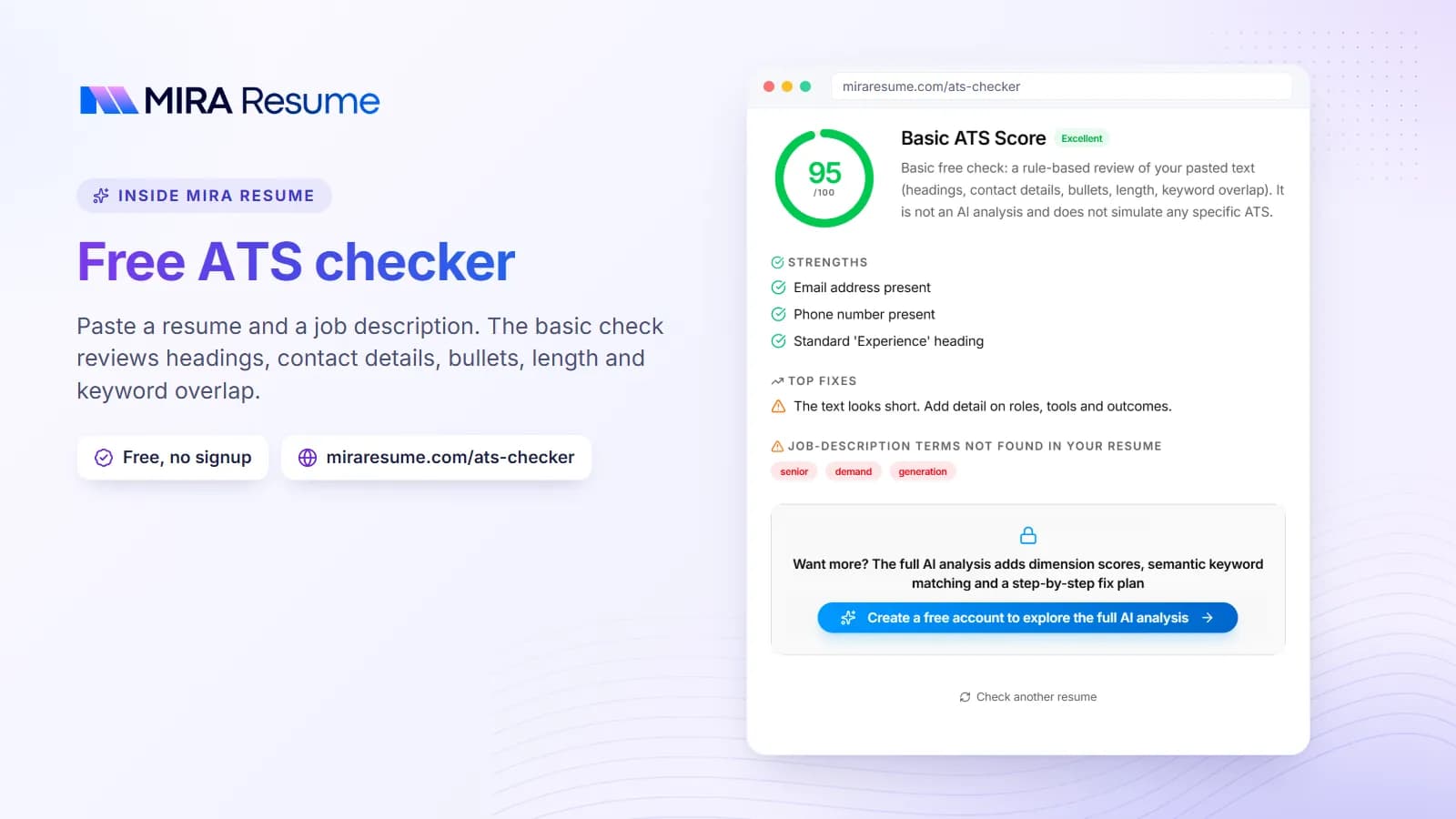
To see how a scanner reads your skills section, run your file through the ATS checker. Our guide to resume keywords explains why matching exact names matters.
Quick checklist for computer skills
- Did you read the job post for named tools?
- Does your list match those tools where it is true?
- Is each tool named, with a level or detail where it helps?
- Are old or basic items removed?
- Do two or three bullets show a tool in use?
- Is the skills block easy to find, in plain text?
When you are ready to place the section on a clean page, try the resume builder and download your file as a PDF.