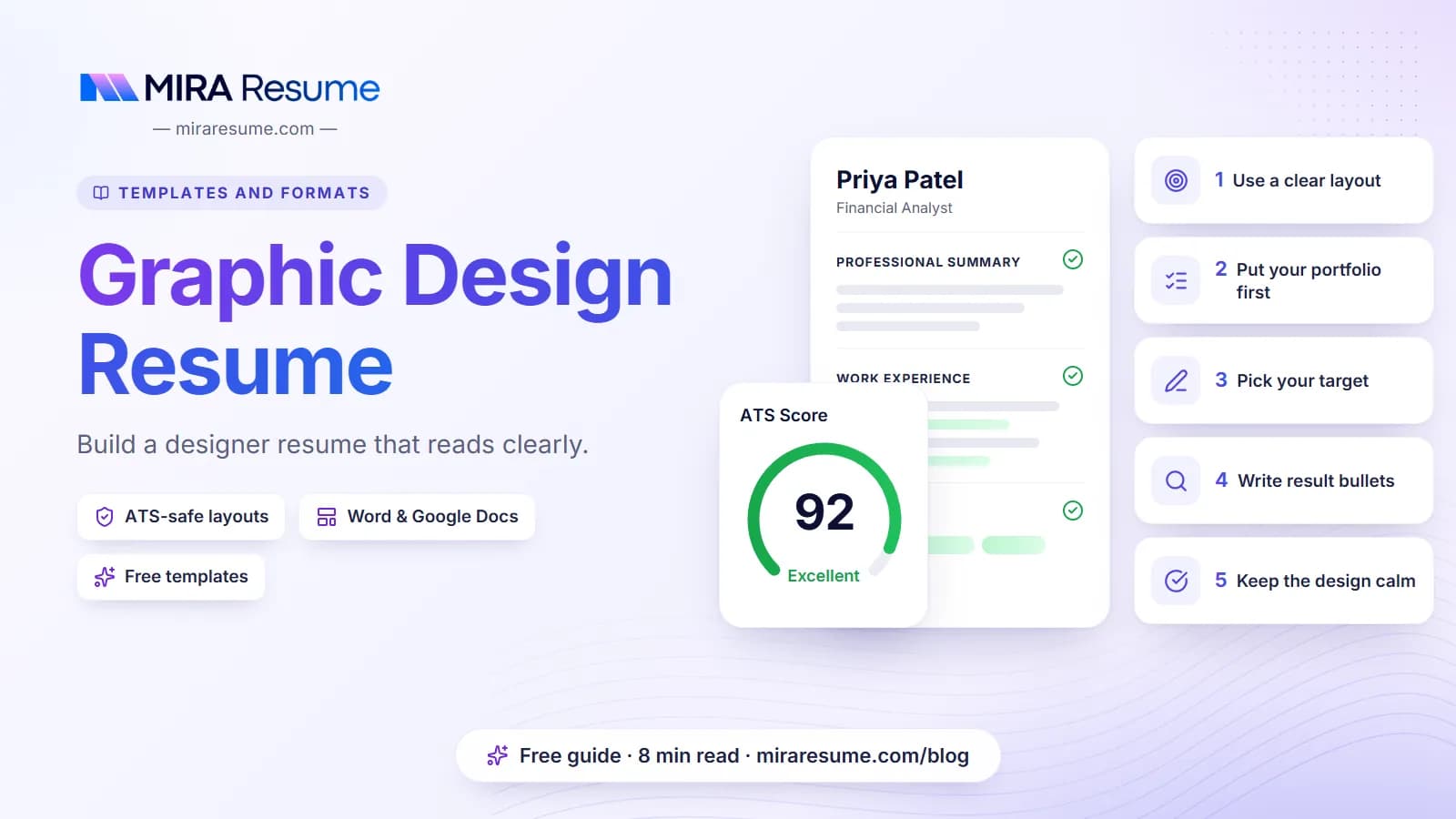

Writing a graphic design resume feels like a trap. You are a designer, so the resume has to look amazing, right? Not quite. Employers want to see that you can organize information, make smart choices and communicate clearly. A tidy resume does that better than a busy one. Your portfolio is where the visuals live.
This guide shows you how to write a resume for graphic design jobs, step by step. You will see what to include, how to word your bullets, where to put your portfolio link, and how to avoid layout tricks that hiring software cannot read. There is a full sample you can adapt.
What to put on a graphic design resume
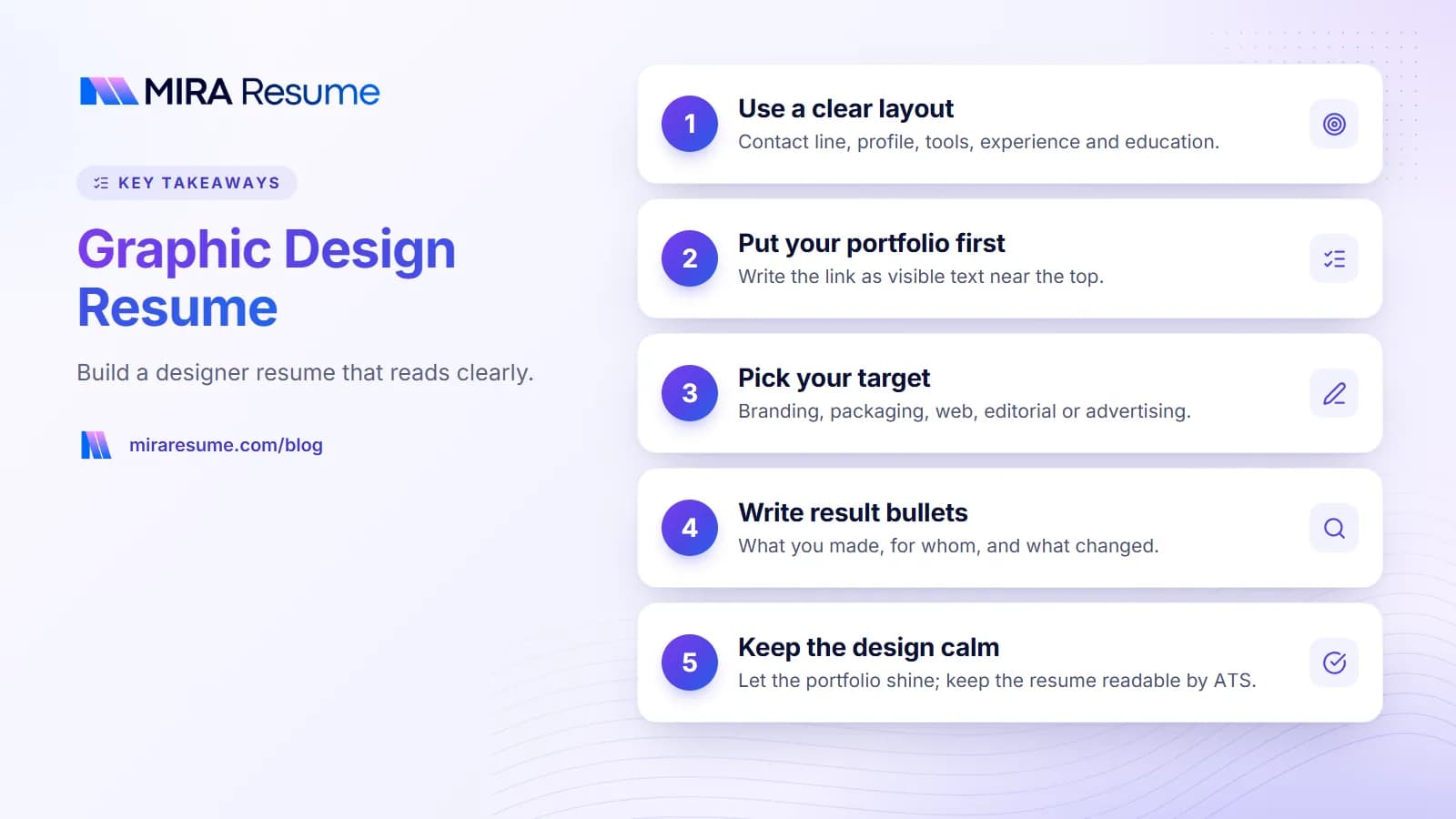
Start with the order. Most designers do well with this layout, from top to bottom.
| Section | What goes in it | Tip |
|---|---|---|
| Contact line | Name, city, phone, email, portfolio link | Write the portfolio link as visible text |
| Profile | 2 to 3 lines on your focus and strengths | Name your specialty, such as branding or packaging |
| Experience | Title, studio or company, dates, bullets | Lead with results and project types |
| Selected projects | 2 to 4 named pieces with a short note | Good for juniors and freelancers |
| Skills | Software, design skills, other tools | Plain text list, no skill bars |
| Education and training | Degree, courses, certificates | Add awards only if they are real and relevant |
This is a single-column format, which is also the one that reads best in hiring software. If you want help judging whether a template is safe, see our guide on creative resume examples, which covers the safe and risky design moves in detail.
Choose a specialty, but stay open
Naming a focus, such as branding, packaging or web graphics, makes you easier to remember. But do not close doors. If you can also do layout, simple motion or photo editing, add those in your skills line. Employers like designers who can cover a gap. Just make sure the top of the page tells the reader what you are best at, and let the rest support it.
Keep it to one page when you can
Designers with under about ten years of experience can usually fit everything on one page. If you go to two, make sure the second page has real content, not just leftover lines. For more on length, read how many pages a resume should be.
How to write a resume for graphic design jobs, step by step
Many people search for "how to write a resume graphic design" because they are not sure where to begin. Follow these steps in order.
- Pick your target. Branding, packaging, web, editorial, advertising and social graphics are different jobs. Choose the one you want most and aim the resume at it.
- Collect the job post wording. Read two or three posts. Note the tools and skills that repeat.
- Write the contact line. Include your portfolio link. Check that it opens on a phone.
- Write a short profile. Say what you design, for whom, and one strength.
- List your jobs with bullets. Use action words and describe what you made and what happened.
- Add selected projects. Especially if you are new or freelance.
- List your tools. Software and key skills as plain text.
- Review and test. Read it aloud, then export a PDF and check that the text selects and copies in order.
Write the profile last
After your bullets exist, the profile is easy. Name the role, mention your years or training, and give your top two skills. Our resume summary examples show the pattern, and you can use it for design roles too.
No experience yet?
Lean on school work, freelance gigs, volunteer projects, personal branding exercises and design challenges. Treat them as real projects: say what the brief was, what you made, and what tools you used. If you are a student, our guide to writing a cover letter with no experience can help you tell your story in a note, too.
Bullet examples for a graphic designer
Good bullets tell the reader what you made, for whom, and what changed. If you cannot measure the result, describe the scope. Never invent numbers.
| Weak bullet | Stronger bullet |
|---|---|
| Made graphics for social media | Designed weekly social graphics for a local fitness studio, in a fixed color and type style |
| Worked on logos | Created logo options and a color palette for four small business clients, then delivered final files for print and web |
| Responsible for brochures | Laid out a 12-page product brochure and prepared print-ready files with the printer |
| Good with clients | Presented two to three concepts per project and revised designs based on written feedback |
| Used Photoshop | Retouched and resized product images for an online shop catalog |
| Managed brand | Wrote and updated a short brand guide that the sales team used for all slides and flyers |
Strong verbs for designers
Try designed, illustrated, laid out, redesigned, produced, prepared, presented, directed, built, refined and animated. Our list of action verbs for a resume has more. Vary them so no two bullets start the same way.
Skills worth listing
Group them in one line each so they are easy to scan:
- Software: Adobe Illustrator, Photoshop, InDesign, Figma, and any others you truly use.
- Design skills: Typography, layout, color theory, brand identity, packaging, print production.
- Working skills: Client communication, meeting deadlines, giving and taking feedback.
Only list what you could do on the job tomorrow. For more on picking skills, see skills to put on a resume.
A graphic design resume sample
This sample is made up. Swap in your own details, tools and projects.
Daniel Reyes
Denver, Colorado | 555-010-4410 | [email protected] | Portfolio: danielreyes.example.com
Profile
Graphic designer with three years of experience in packaging and print. Skilled at turning a client brief into clean, readable designs and getting files ready for the printer. Looking for a role on an in-house brand team.
Experience
Graphic Designer, Summit Label Co., Denver
2023 to Present
- Design labels and boxes for food and drink clients.
- Prepare print-ready files and check proofs with the press team.
- Keep a shared library of fonts, colors and logo files for each client.
Freelance Designer, Self-employed, Denver
2021 to 2023
- Designed logos, menus and flyers for local cafes and shops.
- Managed my own client emails, quotes and deadlines.
Selected projects
Riverbend Coffee: full label range and carton design, 2025
Peak Trail Granola: logo and packaging refresh, 2024
Skills
Adobe Illustrator | Photoshop | InDesign | Packaging design | Typography | Print production | Client communication
Education
B.A. in Visual Communication, Colorado State University, 2021
Notice the portfolio link is in the first block, in text. It is the one line a hiring manager will click. For a longer view of layouts, see our CV templates guide.
Portfolio, design and ATS: finding the balance
You may be thinking: shouldn't my resume show off my design skill? A calm, well-spaced page already does. Here is how to split the work.
| Where | Job it does | Style |
|---|---|---|
| Portfolio site or PDF | Shows your visual work | As bold and creative as you like |
| Resume (for online forms) | Lists dates, roles and tools clearly | One column, plain text, one accent color |
| Resume (for handing to a person) | Adds a bit of personality | Styled, but with real text |
| Cover letter | Explains your fit in your own voice | Short and warm |
If you apply through a company website, your resume likely goes through an applicant tracking system first. Pretty details such as icons, skill bars, text boxes and columns can confuse it. Read our fair look at Canva resumes and ATS to see how to test a designed file, and our guide on how an ATS works for the background.
Portfolio link tips
- Use a short, clean address you can read aloud.
- Make sure the first page shows your best work for this job.
- If your work is private, name a case study or a sample set you are allowed to share.
- Do not use a link that needs a password unless you give it in the application.
Choosing a template for a designer resume
A designer can pick almost any template, which makes the choice harder. A few ideas help:
- Pick a template with good spacing, a clear type scale and one place for color.
- Skip templates that rely on photos, icons or heavy boxes to look good.
- Look for one column with a bold name at the top. It looks sharp and reads well.
- Test your own text in it. Long job titles and long project names are a common stress test.
Mira Resume offers PDF templates, including clean single-column designs and a few more styled layouts, with A4 or US Letter sizes. We do not export to Word or Google Docs. You can look through the resume templates or the template gallery, then fill in your details in the resume builder. Before sending, run the PDF through the ATS checker to see how your text reads.
Freelancers and agency staff
If you work for yourself, treat your freelance work like a job. Give it a title, dates and bullets about the types of clients and projects. If you worked through an agency or studio, name it. For client work you cannot share, describe the industry instead of the name, such as a regional food brand or a local fitness studio. This keeps your page honest and respects any agreements you signed.
Should you design your own resume?
You can. Many designers do and it can be a nice sample of your taste. If you do, apply the same rules: real text, simple structure, a PDF export, and a copy-and-paste test. Keep a plain version ready for online forms.
Common mistakes on a graphic design resume
- Over-designing the page. Busy layouts can hurt reading and software parsing.
- Leaving out the portfolio link. It is the key item. Put it near the top.
- Rating software skills with bars. Just list the tools.
- Listing tasks only. Add the type of client, the scope or the result.
- Using tiny type to fit more. Cut words instead.
- Mixing fonts and styles. A designer's resume is judged for consistency.
- Typos. A mistake on a designer's page stands out. Read it twice and ask a friend to check.
- Skipping the tailoring. Match your profile and top skills to each job post.
Last, include a short cover letter when allowed. It lets your voice come through in a way a resume cannot.