
Looking at IT resume examples helps because IT is not one job. A help desk tech, a network engineer, and a cloud admin all work in "IT," yet their resumes should look very different. A hiring manager wants to see the exact tools and tasks that match one open role.
Below you will find a way to choose your lane, a table for grouping technical skills, short samples for five common paths, and a certification guide. If you write code for a living, our computer science resume and software developer resume pages are a better fit.
Pick your IT lane before you write a word
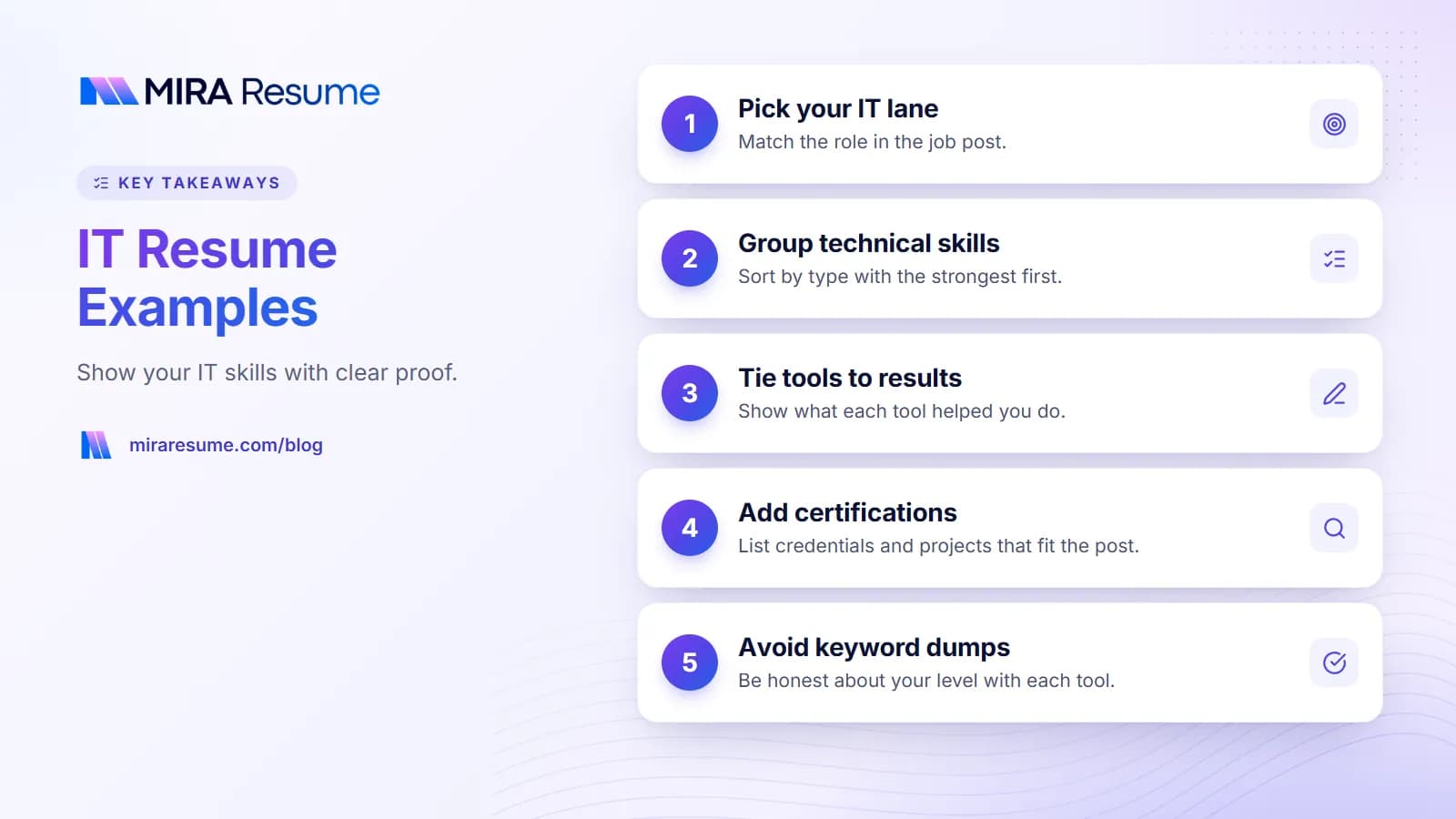
The most common IT resume problem is trying to look good at everything. A resume that lists help desk, networking, security, and cloud work with equal weight tells the reader nothing about what you want. Choose the lane that matches the job post, then lead with it.
| Lane | What the reader wants proof of | Lead with |
|---|---|---|
| Help desk and IT support | Fast, kind problem solving across many users | Ticket tools, operating systems, customer service, common fixes |
| Systems administration | Keeping servers and user accounts healthy | Server platforms, directory services, backups, patching, scripting |
| Network engineering | Stable, secure connections | Routing, switching, firewalls, VPNs, monitoring tools |
| Security | Reducing risk and responding to alerts | Monitoring, vulnerability checks, access control, incident handling |
| Cloud and DevOps | Building and running systems in the cloud | Cloud platform, infrastructure as code, automation, deployment tools |
One resume, one lane
If you do two lanes, keep two versions of your resume. Change the summary, the skills order, and the first bullets under each job. This takes minutes and often makes a bigger difference than any design change. To see how software reads these words, our guide on how an applicant tracking system works is a helpful read.
Technical skills in an IT resume: how to group them
Technical skills are the heart of this resume, but a single long list is hard to read. Group them by type, with the strongest first. Use the exact product names from the job post when you know them well.
| Group label | Example entries | Tip |
|---|---|---|
| Operating systems | Windows 10/11, Windows Server, macOS, Linux (name the types, such as Ubuntu or Red Hat) | List versions you have really managed |
| Networking | TCP/IP, DNS, DHCP, VLANs, VPN, Wi-Fi, routers, switches, firewalls | Name brands only if you configured them |
| Cloud | AWS, Microsoft Azure, Google Cloud (pick the ones you use), virtual machines, storage | Say which services, not just the brand |
| Security | Multi-factor authentication, endpoint protection, access control, vulnerability scanning, SIEM tools | Show how you used each, not only the term |
| Directory and email | Active Directory, Microsoft 365 admin, Google Workspace admin, Exchange | Great for help desk and sysadmin roles |
| Support tools | Ticketing systems (name yours), remote support tools, asset tracking | Mention ticket volume if you know it |
| Scripting and automation | PowerShell, Bash, Python (basic), scheduled jobs | Label level honestly: basic, working, or advanced |
Rules of thumb for the list
- Keep it to what you could answer questions about in an interview.
- Skip tools you touched once. Add them in a "Familiar with" line if you wish.
- Put old, dead tools last or remove them.
- Do not use skill bars or star ratings. They mean little and may not read well in software.
For general ideas on how many skills to list and where to place them, see our post on skills to put on a resume.
IT resume examples by role
These short samples show the shape of each lane. People and companies are invented, and brackets mark blanks for your real facts.
Help desk or IT support
Summary: IT support specialist with 2 years of experience helping about [number] employees with hardware, software, and account issues. Calm with non-technical users and careful with documentation.
- Resolved password, email, printer, and software tickets in a ticket system, writing clear notes so others could follow up
- Set up new laptops and user accounts using a standard checklist
- Created short how-to guides for common problems, which cut repeat tickets
System administrator
Summary: Systems administrator experienced with Windows Server and Linux environments of [number] servers. Focus on uptime, backups, and clean user management.
- Managed user accounts, groups, and permissions in Active Directory
- Applied updates on a regular schedule and tested restores of backups
- Wrote PowerShell scripts to automate account creation and reports
Network engineer
Summary: Network engineer who designs and supports office and branch networks. Experienced with switching, routing, firewalls, and monitoring.
- Configured switches, VLANs, and wireless access points for [number] sites
- Reviewed firewall rules and removed unused ones to tighten access
- Used monitoring alerts to find and fix link problems before users noticed
Security analyst
Summary: Entry-level security analyst trained in alert review, vulnerability scanning, and incident notes.
- Reviewed security alerts and escalated real threats with clear evidence
- Ran vulnerability scans and tracked fixes to completion
- Helped roll out multi-factor authentication to staff
Cloud engineer
Summary: Cloud engineer building and running systems on [cloud platform]. Uses code to create repeatable setups and watches cost and uptime.
- Deployed virtual machines, storage, and networking using infrastructure as code
- Set up alerts and dashboards for key services
- Reviewed monthly usage and removed unused resources to control cost
Turn tool lists into proof: before and after
The biggest IT resume trap is naming a tool and stopping there. Strong bullets connect the tool to a task and a result. Use brackets for your own numbers and leave them out if you do not have them.
| Weak bullet | Stronger bullet |
|---|---|
| Used Active Directory | Created, updated, and disabled user accounts in Active Directory for [number] staff, following a standard checklist for each hire and exit |
| Fixed computers | Diagnosed and repaired desktop and laptop problems, closing tickets with notes that helped the next tech |
| Worked on network | Replaced aging switches at [number] sites and tested every link, with no lasting outages after cutover |
| Did backups | Ran nightly backups and tested file restores each month to prove they worked |
| Responsible for security | Tracked patch status across [number] devices and followed up on those that were behind |
| Wrote scripts | Wrote a PowerShell script that handled new-user setup in minutes instead of a manual checklist |
If a result is not measured, describe the change in plain words, like "fewer repeat tickets" or "a clearer handoff." Never invent numbers. For verb ideas, see these action verbs for resume bullets, or let the AI bullet enhancer suggest a first draft that you then fix by hand.
IT certifications, degrees, and projects
In IT, certifications can carry real weight, especially early in a career. Employers differ, so check each posting for what is required versus nice to have.
Well-known certifications
- CompTIA A+, Network+, Security+: common starting points for support, network, and security roles.
- Cisco CCNA: a recognized network certification.
- Microsoft certifications: role-based exams for Azure, Microsoft 365, and security.
- AWS and Google Cloud certifications: entry through professional levels for cloud roles.
- ITIL: for service management and support processes.
Write the full exam name, the issuer, and the year earned or the expiration year. For example: "CompTIA Security+, CompTIA, 2025." If you are studying, say "In progress, exam planned for [month, year]." Do not list a certification you did not pass. For layout tips, see how to list certifications on a resume.
Degrees and training
Some IT jobs ask for a degree, while many accept certifications plus experience. Check each post. If you have a degree in another field, you can still apply by showing hands-on work and training.
Home labs and projects
New to IT? A short Projects section can carry a lot. Examples include building a home network, setting up a virtual server, hosting a small site, or writing a script that solves a task. Describe what you built, which tools you used, and what you learned. Mark them clearly as personal projects.
Entry-level, career changer, and experienced IT resumes
How you build the page depends on your history.
| Situation | What to lead with | What to add |
|---|---|---|
| Entry-level or recent graduate | Summary, certifications, skills, projects | Labs, internships, help desk volunteering, school clubs |
| Career changer | Summary that links old and new skills, then certifications | Transferable work such as training, support, process work, or data tasks |
| Mid-level, 3 to 8 years | Experience, with tools in each bullet | Projects you led, systems you owned, on-call duties |
| Senior or lead | Scope: teams, systems, budgets, major projects | Mentoring, vendor work, planning, and risk reduction |
If you are changing careers
Think about which duties from your old job match IT work: explaining things to users, solving problems, following checklists, handling private data. A skills-based resume can be a good fit, since it puts skills before job titles.
If you manage projects
Leads and managers should also look at our project manager resume page, which covers scope, budgets, and teams.
Entry-level help
For a student or intern angle, see our IT internship cover letter sample, which pairs well with a short skills-and-projects resume.
Common IT resume mistakes
- A giant keyword dump. A 60-item list without context looks like padding. Keep the list tidy and back it with bullets.
- Claiming expert level for everything. Interviewers ask follow-up questions. Be honest about your level.
- Old tools first. Put current tools at the front and drop things you no longer use.
- Missing the scale. Say how many users, devices, sites, or servers you supported, if you know. Use "about" for estimates.
- No results. A bullet like "Managed servers" is a duty. Add the outcome, such as uptime, fewer errors, or faster setup.
- Sharing private details. Do not include IP addresses, passwords, or company secrets in examples.
- Heavy design. Graphics, icons, and multi-column grids may scramble in tracking systems. Try the simple ideas in our ATS resume scanner guide.
Test and tune your IT resume
Because IT postings are packed with product names, a final check is worth your time.
- Highlight each tool, task, and certification in the job post.
- Move the matching items you truly know to the top of your skills section and first bullets.
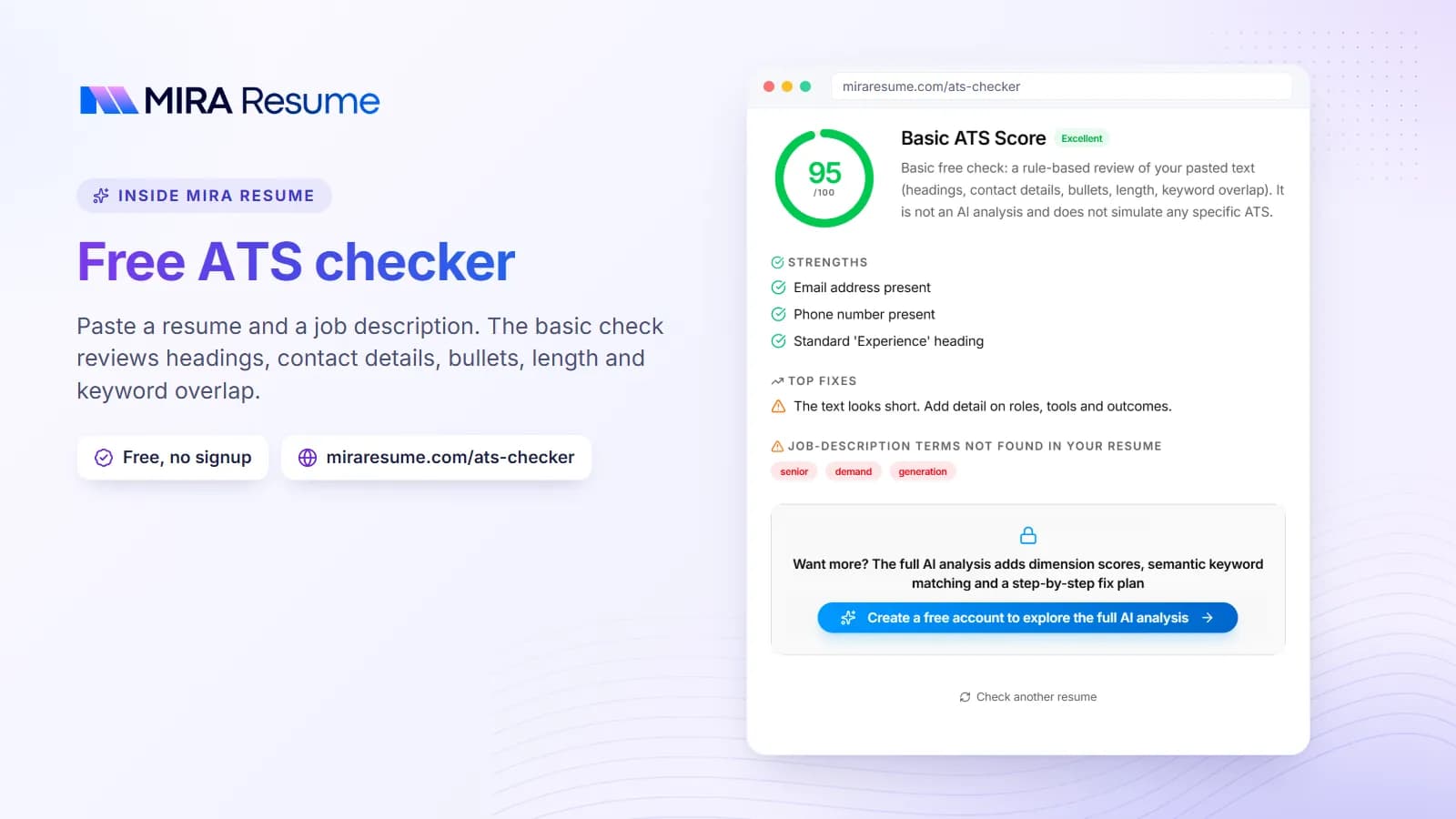
- Upload your resume to the ATS checker with the posting pasted in, then review the missing words list.
- Save as a PDF with a clear file name, such as "Name-IT-Support-Resume."
- Keep a long master file and make a short copy per application. Our job analyzer can help you compare a posting with your resume.
Need a starting format? The AI resume builder will set up clean sections, and you can fill in your own details. Try one page for early and mid-career, and two only when the extra page adds value.