
For most people, the best resume format is reverse-chronological: your most recent job at the top, then the one before it, each with dates and a few results. It is what recruiters expect, it reads cleanly in hiring software, and it works in almost every industry.
That does not mean it fits everyone. Career changers, people returning after a long break, and students with little work history sometimes do better with a hybrid layout that leads with skills. And some settings, such as European applications or US federal jobs, have their own conventions.
This guide compares the main resume formats, gives a decision table by situation, and shows how experienced professionals should structure a resume. It is about choosing a structure. For fonts, margins, and spacing, see our separate guide on how to format a resume.
The three main resume formats compared
Almost every resume is a version of one of three structures. They differ in one thing: what you put first, your job history or your skills.
| Format | What leads | Best for | Main risk |
|---|---|---|---|
| Reverse-chronological | Work history, newest first | Steady careers, same-field moves, most applicants | Puts gaps and unrelated recent jobs in plain view |
| Combination (hybrid) | A strong skills or highlights section, then full work history | Career changers, gaps, varied backgrounds | Can get long if the skills section repeats the job bullets |
| Functional (skills-based) | Skill groups, with little or no job detail | Rare cases with very thin or scattered history | Many readers find it vague and wonder what is being hidden |
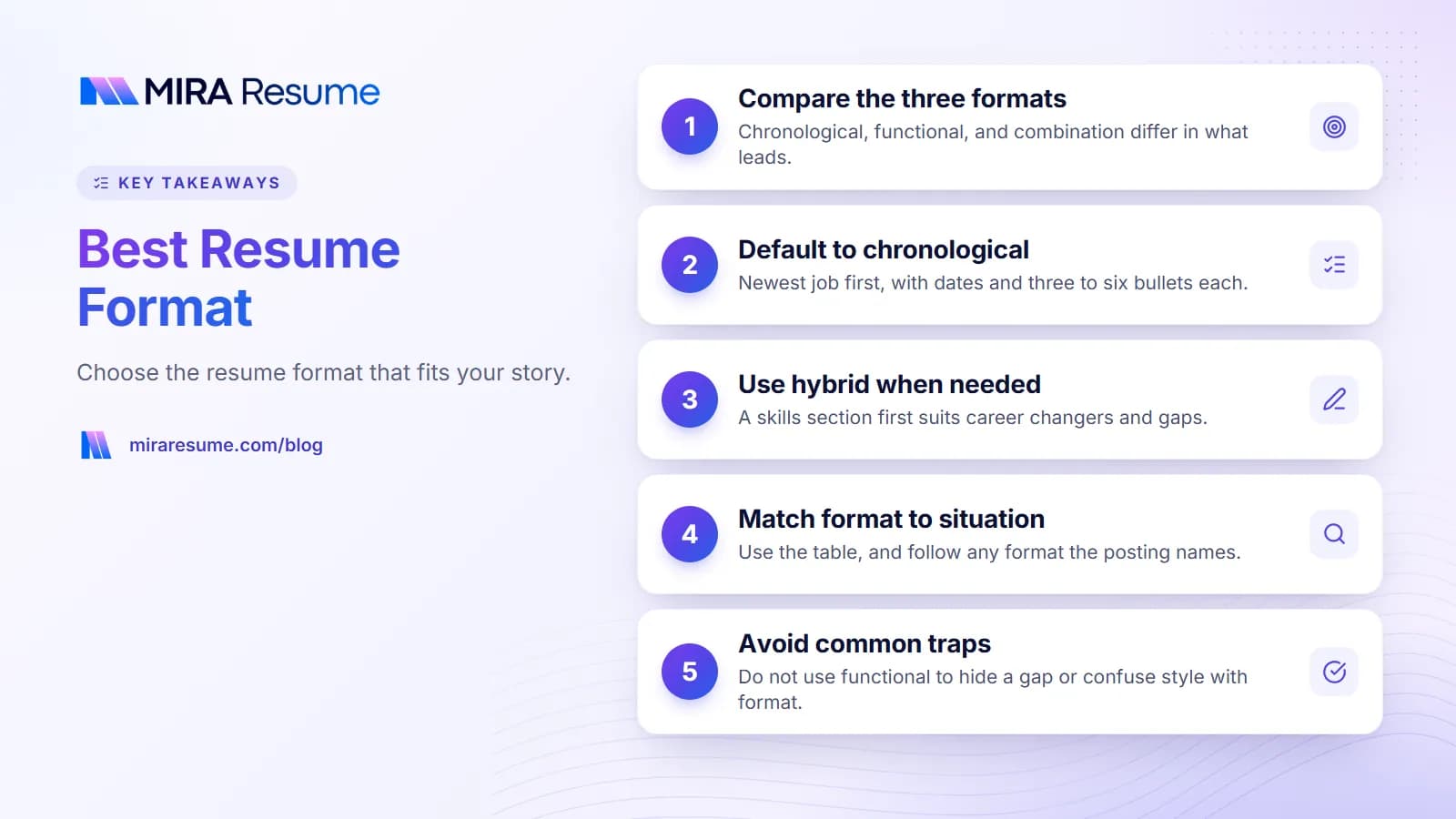
If you only remember one thing: reverse-chronological is the default, hybrid is the main alternative, and functional is a last resort. The sections below explain why.
Reverse-chronological: the standard resume format
When people talk about a standard resume format, this is usually what they mean. You list jobs from newest to oldest, and each job gets its title, employer, location, dates, and three to six bullet points.
Why it works
- It answers the recruiter's first questions fast: what you do now, where, and for how long.
- It shows progress. Promotions and bigger roles stand out when they are stacked in order.
- It suits hiring software. Applicant tracking systems are generally built to find job titles, employers, and dates in this kind of layout, although every system behaves a little differently.
Typical section order
- Name and contact details
- Summary (two to four lines)
- Work experience, newest first
- Education
- Skills
- Optional: certifications, projects, languages, volunteer work
You can start from our chronological resume template, which follows this order. If you want the plainest possible version, our simple resume format page strips it back to the essentials.
Functional resume: when it helps and why it is risky
A functional resume groups your experience under skill headings, such as "Project Management" or "Customer Support," with bullets under each. Job titles and dates are pushed to a short list at the bottom, or left out.
It can help a person whose work history is very scattered, such as many short gigs in unrelated fields. But it has real downsides:
- Recruiters cannot tell which job each achievement came from.
- The missing dates often look like an attempt to hide something, even when they are not.
- Some hiring software expects to find jobs with dates. A layout without them may produce a thin or confusing record.
For most people who are drawn to a functional layout, a hybrid does the same job with less risk. If you still want to see one, our functional resume template guide shows how to build it carefully, and our skills-based resume guide explains how to make skill groups specific instead of vague.
Combination (hybrid) resume: the flexible middle
A combination resume opens with a short summary and a focused skills or highlights section, then follows with a normal reverse-chronological work history. You get to lead with what is relevant without hiding your timeline.
Who it suits
- Career changers whose most relevant skills come from side projects, study, or earlier jobs.
- People returning after a long gap who want to show what they can do before the dates.
- Candidates with mixed careers, such as freelance plus employed work.
- Technical people who need a clear skills block for tools and languages.
Keep it tight
The common mistake is writing the same achievement twice, once in the highlights and again under the job. Use the highlights for three or four headline results, and keep the job bullets for supporting detail. Our combination resume template has a copyable layout and an example.
What resume format is best for your situation?
Use this table to pick a structure. It is a starting point, not a rule. If a job posting asks for a specific format, follow the posting.
| Your situation | Recommended format | Length | What to lead with |
|---|---|---|---|
| Experienced professional, same field | Reverse-chronological | 1 to 2 pages | Summary, core skills, then experience |
| Career changer | Combination (hybrid) | 1 page, sometimes 2 | Summary tying old skills to the new role, then relevant highlights |
| Student or recent graduate | Reverse-chronological, with education near the top | 1 page | Education, projects, internships |
| Long employment gap | Combination, or chronological with the gap labeled | 1 to 2 pages | Summary and skills, then honest dates |
| Senior executive | Reverse-chronological with a results-heavy summary | 2 pages | Leadership summary and a short list of top outcomes |
| Technical roles (software, data, engineering) | Reverse-chronological with a strong skills block | 1 to 2 pages | Technical skills grouped by type, then experience and projects |
| Many short contracts or freelance work | Reverse-chronological, contracts grouped | 1 to 2 pages | Summary, then grouped client work |
| Applying in Europe | CV, possibly Europass if requested | 2 pages is common | Personal profile and experience |
| US federal job (USAJOBS) | Federal resume | Follow current USAJOBS guidance | Detailed duties, hours, and qualifications per job |
Notice how often reverse-chronological appears. Even when another format is better, it usually borrows the chronological work history and simply adds something in front of it.
Resume format for experienced professionals
If you have ten or more years of experience, the challenge is not filling the page. It is choosing what to leave out so your strongest work is easy to find. The resume format for experienced candidates is still reverse-chronological, but the top of the page does more work.
A structure that works
- Header: name, city, phone, email, LinkedIn.
- Professional summary (3 to 4 lines): your level, your field, and two or three results that define you.
- Core skills (6 to 12 items): a short, scannable list that matches the job posting's language.
- Professional experience: full detail for the last 10 to 15 years. Four to six bullets for recent roles, fewer for older ones.
- Earlier experience: a brief list of older titles and employers, often without bullets.
- Education and certifications: near the end. Graduation years are optional.
Is two pages okay?
Yes, when the content earns it. Two pages is common for experienced professionals, especially managers and specialists with a long list of relevant results. It is not a license to pad. If page two is a third full, either trim to one page or add genuinely useful detail. Our guide on how many pages a resume should be helps you decide.
Before and after: an experienced summary
Before: "Results-driven professional with extensive experience in many areas seeking a challenging role."
After: "Operations manager with 12 years in regional distribution. Led a team of 40 across three warehouses and cut order errors by redesigning pick-and-pack checks. Strong in vendor negotiation and lean process work."
The second version names a level, a field, a scope, and a result. (The person is invented, but the pattern works for any field.) For senior leadership roles, our executive resume page shows how to frame board-level outcomes.
Regional and sector formats: CV, Europass, and federal resumes
Some employers expect a different document entirely. The general advice above still applies, but the format rules change.
CV and Europass for Europe
In the UK and much of Europe, "CV" is the usual word for what Americans call a resume. A UK CV is often two pages and follows a similar reverse-chronological order. Europass is a standard CV format used across the European Union. Some employers and public bodies ask for it, while many private employers accept any clear CV. Read more on our Europass CV page, or see CV vs resume for the differences.
Federal resume for USAJOBS
US federal jobs use a federal resume, which is usually longer and more detailed than a private-sector resume. It often includes details such as hours per week and specific qualifications for each role. Requirements can change, so always check the current USAJOBS instructions and the job announcement. Our federal resume page walks through the structure.
What is the current resume format in 2026?
The current resume format has not changed much in its structure. Reverse-chronological is still the standard. What has shifted is the style around it:
- Single-column layouts are the safe default, because they read in a clear order for people and for software.
- Short summaries have replaced objectives for most experienced candidates. Objectives still help students and career changers.
- Skills sections are more specific, naming real tools and methods rather than "team player."
- Results matter more than duties. Bullets that show what changed because of your work stand out.
- PDF is the usual file type, unless the posting asks for Word.
- Tailoring is expected. Adjusting your summary and skills to each posting is normal practice.
Things that have faded include "References available upon request," full street addresses, and photos on US and UK resumes. Our guide on what a resume should look like shows these choices in a visual layout.
How to choose your format in five steps
- Read the job posting. If it names a format, length, or file type, follow it.
- Look at your last two jobs. If they are in the same field as the role you want, go reverse-chronological.
- Check for a mismatch. If your most relevant skills are not in your recent jobs, consider a hybrid.
- Check for gaps. A gap under a year rarely changes the format. A longer one may push you toward a hybrid with a labeled career break.
- Test the result. Run your draft through the ATS checker to see how one parser reads it, and ask a friend to find your current title and best result in ten seconds.
Once you have picked a structure, the mechanics come next: font, margins, and spacing. Our resume formatting guide covers those settings, so you do not need to guess.
Common mistakes when choosing a resume format
- Choosing functional to hide a gap. It often draws more attention to the gap. A hybrid or a labeled break is usually better.
- Using a design template instead of a format. A layout with columns, icons, and charts is a style, not a structure. Pick the structure first.
- Forcing ten years onto one page. If the content is relevant, two pages is fine for experienced roles.
- Stretching a student resume to two pages. One focused page is almost always stronger early in a career.
- Using the same format for every country. A US resume, a UK CV, and a federal resume have different norms.
- Repeating content in a hybrid. Do not list the same achievement in both the highlights and the job bullets.
- Skipping dates. Missing dates make readers suspicious and can confuse software that expects them.
If you are changing fields, our career change resume guide shows how to apply the hybrid structure step by step.