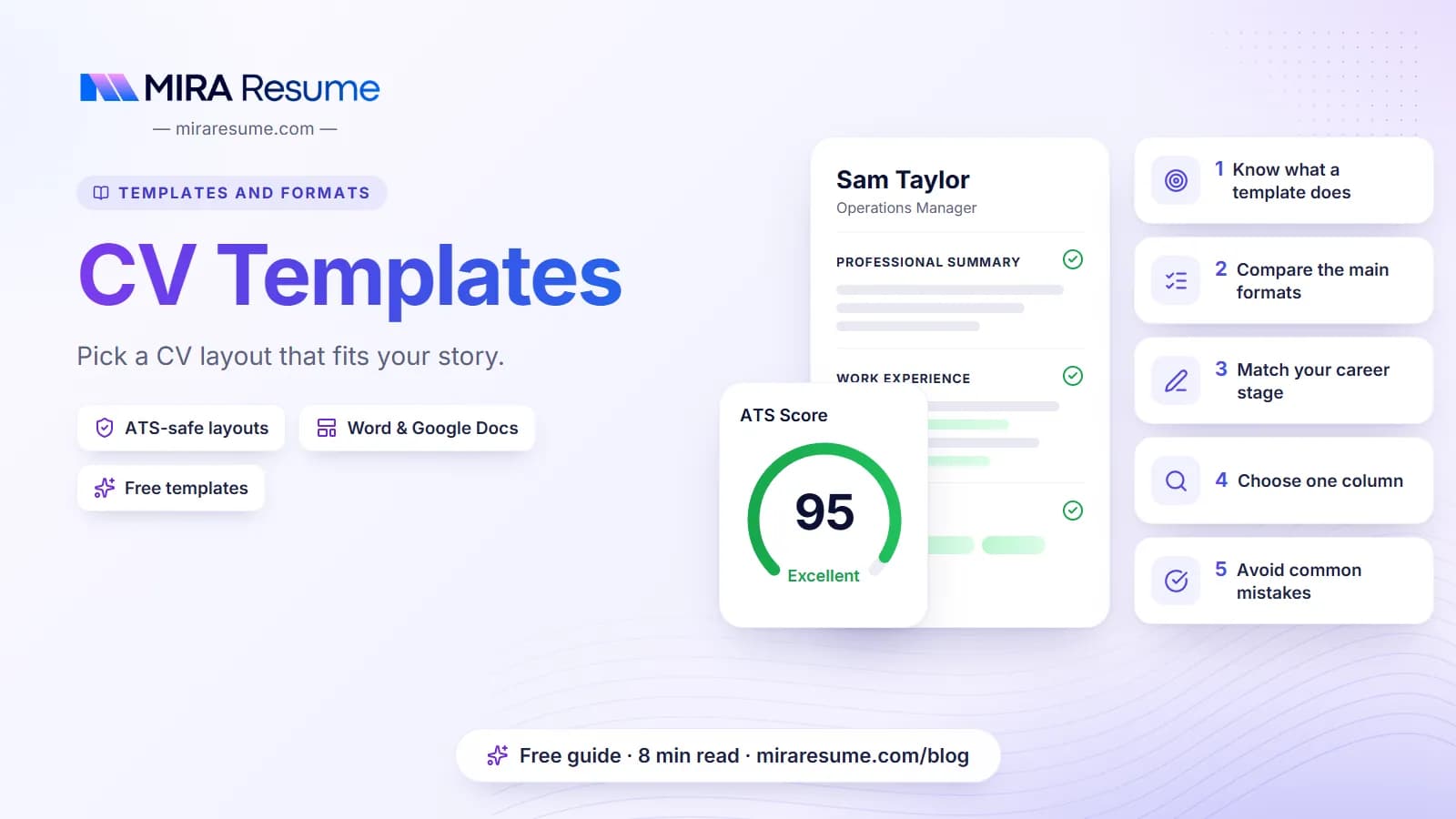

Choosing between dozens of CV templates can feel like picking paint colors. They all look nice in a preview. But a template is not just a look. It decides the order of your information, how much space each part gets, and whether hiring software can read your details.
The good news is that you only need to answer a few simple questions to narrow the choice. This guide explains the main CV layouts in plain words, shows which one fits each career stage, gives you a sample you can copy, and lists the mistakes to avoid.
If you are still unsure whether you need a CV or a resume, start with our guide to CV vs resume. In short, a CV is the usual name for this document in the UK, Europe, Australia, India and many other places.
What a good CV template actually does
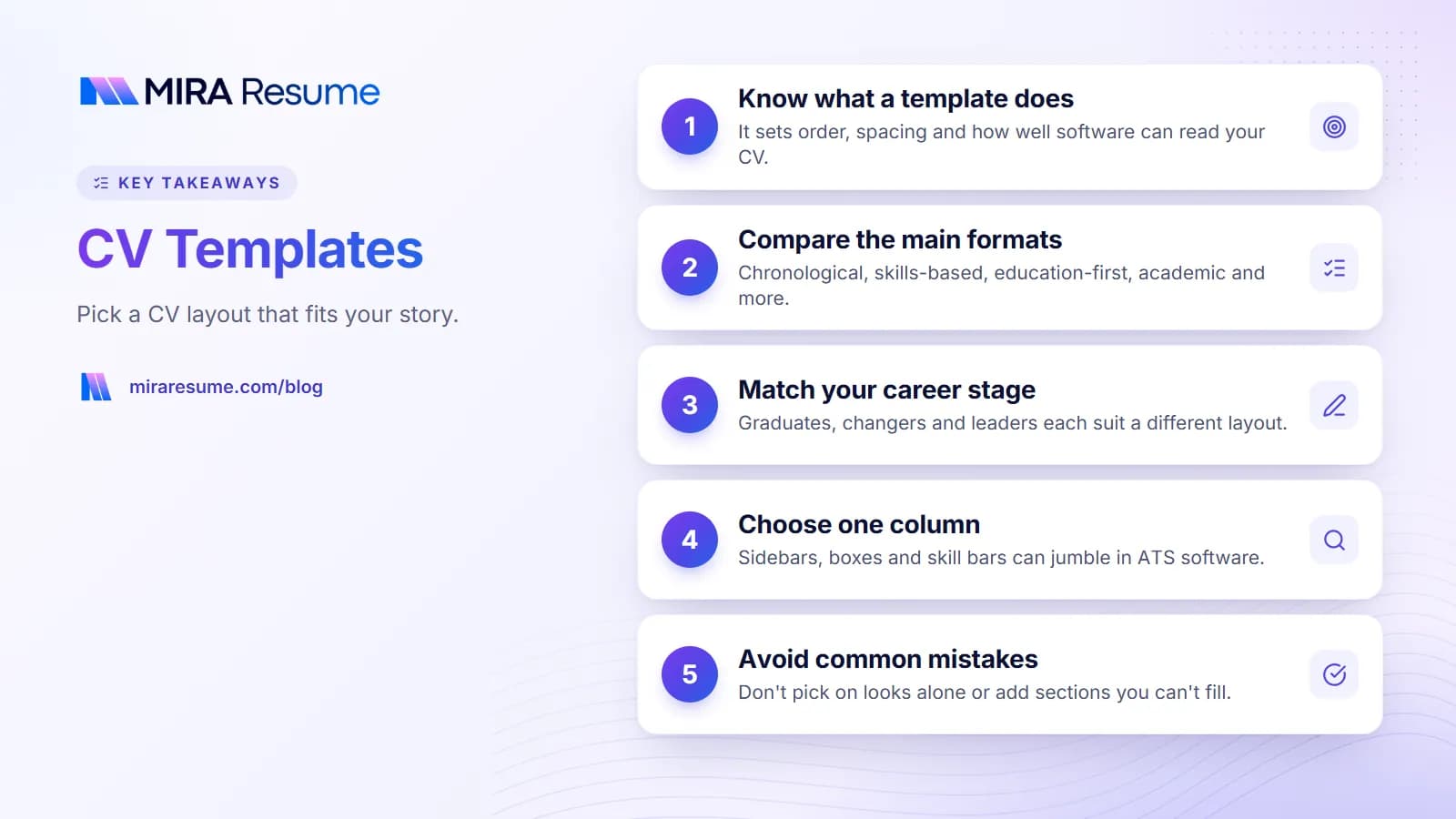
A template is a ready-made page design. You drop in your own words and the layout does the rest. A good one does four jobs for you:
- It sets a clear order. The reader knows where to look for your name, your jobs and your education.
- It keeps spacing even. Margins, headings and bullets look the same from top to bottom.
- It fits the page. You can see right away if you have written too much.
- It stays readable by software. Many employers use an applicant tracking system, or ATS, to collect and sort CVs. A plain template makes it easier for that tool to find your details.
A template cannot fix weak content. It also cannot promise a result, because every employer reads CVs in their own way. What it can do is get out of the way so your experience is easy to see.
Template, format and layout: are they different?
People use these words in a loose way. For this guide, a format is the order of your information (for example, jobs in date order). A layout is how it sits on the page (one column or two). A template is a finished design that combines both. When you choose a template, you are choosing a format and a layout at the same time.
The main CV formats compared
Most CV templates fall into a few groups. Here is how they differ.
| CV format | What comes first | Best for | Watch out for |
|---|---|---|---|
| Reverse chronological | Jobs, newest first | Steady careers in one field | Gaps stand out |
| Skills-based (combination) | Skills with proof, then jobs | Career changers, mixed backgrounds | Needs real examples |
| Education-first | Degree, projects, training | Students and recent graduates | Gets long if you add everything |
| Academic | Education, research, publications | Research, teaching and science roles | Can run several pages |
| Europass style | Set sections in a fixed form | Some EU job and study applications | Not required everywhere |
| Design-led | Visual layout, often two columns | Some creative jobs | May not read well in software |
For most people the first row is the safest choice. You can read more about it in our chronological resume template guide, since the same date-order layout works for a CV. If your background is mixed, read what a skills-based resume is. Academic readers can see a full layout in our science CV sample, and anyone applying in Europe may want to look at the Europass CV page.
Which CV template fits your career stage?
Start from where you are now. This table pairs common situations with a good layout choice.
| Your situation | Best layout | Section order |
|---|---|---|
| School leaver or first job | Education-first, one column | Profile, education, skills, projects, work or volunteering |
| Recent graduate | Education-first or date order | Profile, education, internships, skills |
| 3 to 15 years in one field | Reverse chronological | Profile, experience, education, skills |
| Changing careers | Skills-based with dated history | Profile, key skills, experience, education |
| Returning after a break | Skills-based or date order with a short note on the gap | Profile, skills, experience, training |
| Researcher or lecturer | Academic | Education, research, publications, teaching, grants |
| Senior leader | Date order with a strong profile | Profile, achievements, experience, education |
If you have little experience
Do not worry about a short CV. One page of clear, true content is better than two pages of padding. Use school projects, volunteering, clubs and part-time jobs. Our guide on how to list high school on a resume shows how to do this well.
If you are very experienced
You do not need to list every job. Give the last 10 to 15 years in detail and sum up older roles in a line or two. For length advice, see how many pages a resume should be.
One column or two? The CV layout question
Many pretty CV templates use two columns, with a sidebar for skills and contact details. They look neat, but they carry a risk. Software often reads a page from left to right across the whole width. That can jumble a sidebar into the middle of your job history.
| Design feature | Safe for software? | Our advice |
|---|---|---|
| Single column of text | Yes, reads in order | Best default for most people |
| Two columns with a narrow sidebar | Sometimes, but can mix order | Use only if the main content stays in the wide column |
| Text in boxes or tables | Often risky | Avoid for key details |
| Icons for phone and email | Icons may be dropped or odd | Write the words instead |
| Skill bars and star ratings | Carry no readable meaning | List the skill and give an example |
| Photo | Not read, can take space | Follow local custom and the employer's request |
| Details in header or footer | May be skipped | Keep contact details in the main body |
| Standard fonts such as Arial or Georgia | Yes | Use 10 to 12 point for body text |
None of this means a styled CV is wrong. If you hand your CV to a person, or send it to a small studio, a bit of design can be fine. When you apply through a website that asks you to upload a file, plain is safer. For a full checklist, read our guide to an ATS friendly CV template.
A CV template you can copy
Here is a simple one-column sample. It is made up, but the structure works for many roles. Replace each line with your own details.
Priya Nair
Leeds, United Kingdom | 07700 900123 | [email protected] | linkedin.com/in/priyanair
Profile
Organised operations assistant with four years of experience in busy office and warehouse settings. Good at scheduling, record keeping and working with suppliers. Looking for a coordinator role in logistics.
Experience
Operations Assistant, Northline Supplies, Leeds
June 2022 to Present
- Schedule deliveries for around 30 customers each week.
- Keep stock records in a shared spreadsheet and flag shortages early.
- Train new starters on the booking system.
Admin Assistant, Calder Print Ltd, Leeds
September 2020 to May 2022
- Handled phone and email enquiries.
- Prepared invoices and chased late payments politely.
Education
BTEC Level 3 in Business, Leeds City College, 2020
Skills
Scheduling | Spreadsheets | Inventory records | Customer service | Invoicing
Notice the plain headings, the simple dashes, and the same date style on every job. Nothing is placed in a box or a sidebar. You can write a stronger opening with help from our CV summary examples.
Word, Google Docs or a builder? Where to get CV templates
You have a few ways to get a template, and each has trade-offs.
| Source | Good points | Things to check |
|---|---|---|
| Word templates | Familiar tool, easy edits | Fonts and spacing can shift on other computers |
| Google Docs templates | Free, share by link | Layout tables may hide text from software |
| Design apps | Eye-catching styles | Text may be flattened into images or odd boxes |
| Online resume builder | Layout is handled for you | Check the export is a clean text PDF |
If you prefer to work in a word processor, read our guides to Microsoft Word resume templates and resume templates for Google Docs. If you want a longer list of free options, see free resume templates to download.
A word on "free"
Free CV templates are fine. Just check what you get. Some free files are locked, watermarked, or built with tables that confuse software. Open the file, try to select a line of text, and check that it reads in the right order before you rely on it.
Mira Resume templates
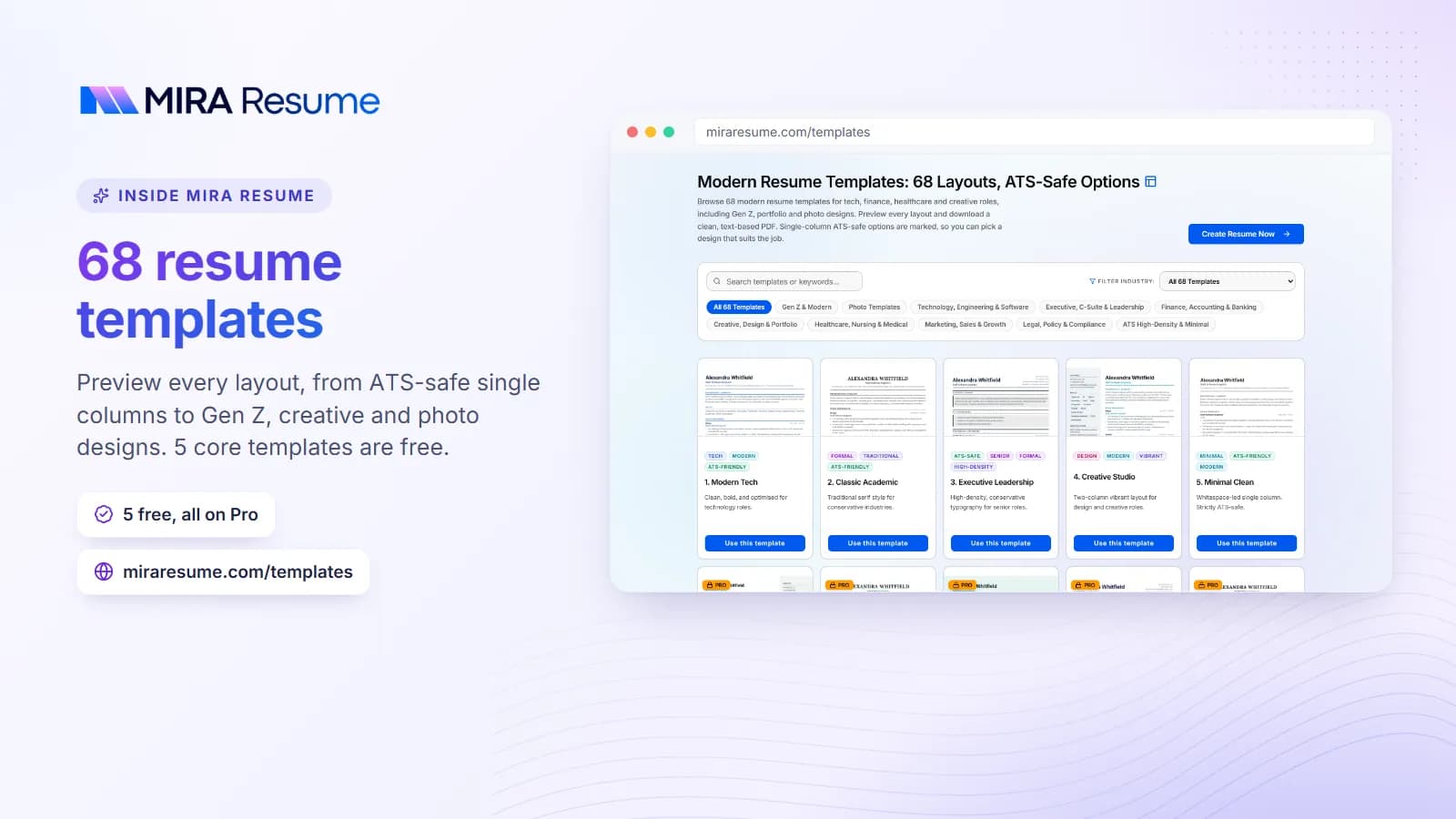
Mira Resume offers a large set of PDF templates. Many of them are single-column designs made to read cleanly in hiring software, and a few are more styled. You pick a template, fill in your details, choose A4 or US Letter paper, and download a PDF. We do not export to Word or Google Docs. Browse the resume templates or the full template gallery to see what is on offer.
How to choose in five steps
- Name your situation. Use the table above to find the format that matches your career stage.
- Check where you are applying. A big employer with an online form calls for a plain layout. A small studio that asks for a portfolio may allow more style.
- Try your real content. Paste in your own words. Many templates look good with sample text and fall apart with real jobs and long titles.
- Check the page count. If you spill onto a few lines of page two, shorten a bullet or two. Do not shrink the font below a readable size.
- Test it. Save as PDF, select the text, and run it through an ATS checker to see how it reads.
Match the template to the job, not just the look
A design that suits a graphic designer may look odd on a finance application. A clear classic style rarely looks wrong. If you are not sure, go for the calmer choice. You can show your personality in your bullets and your profile instead.
Keep one master copy
Write one full CV with all your jobs and skills. Then copy it and trim it for each job. This saves time and keeps your facts the same everywhere.
Common mistakes with CV templates
- Choosing by looks alone. A pretty template with hidden tables can cost you an easy read.
- Using a template with too many sections. If a section would be empty, delete it. Do not pad it.
- Leaving sample text behind. Search the file for any words you did not write.
- Mixing date styles. Pick one style, such as Mar 2024 to Present, and use it everywhere.
- Tiny fonts to fit more. Under 10 point gets hard to read. Cut words instead.
- Ignoring the job post. The template matters less than matching your words to the role. Our guide on how an ATS works explains why.
- Using a photo by default. Customs differ by country. Add one only if it is normal for the job and place.
- Sending a Word file that changes on other screens. Save a PDF so it looks the same for every reader, unless the employer asks for another format.
When you are ready, use the resume builder to place your details in a clean layout and download a PDF.