
Here are clear examples of hard skills: using Excel, writing code, speaking Spanish, driving a forklift, doing payroll, giving injections, and running a lab test. A hard skill is something you learn through training or practice, and someone can check whether you can do it. That is why employers look for them first when they read a resume.
This guide gives you a hard skills list by job type, a table that compares hard and soft skills, steps to choose the right ones, and tips for putting hard skills on a resume without overstating your level. Use the lists as prompts, and only include what you can honestly do.
What are hard skills?
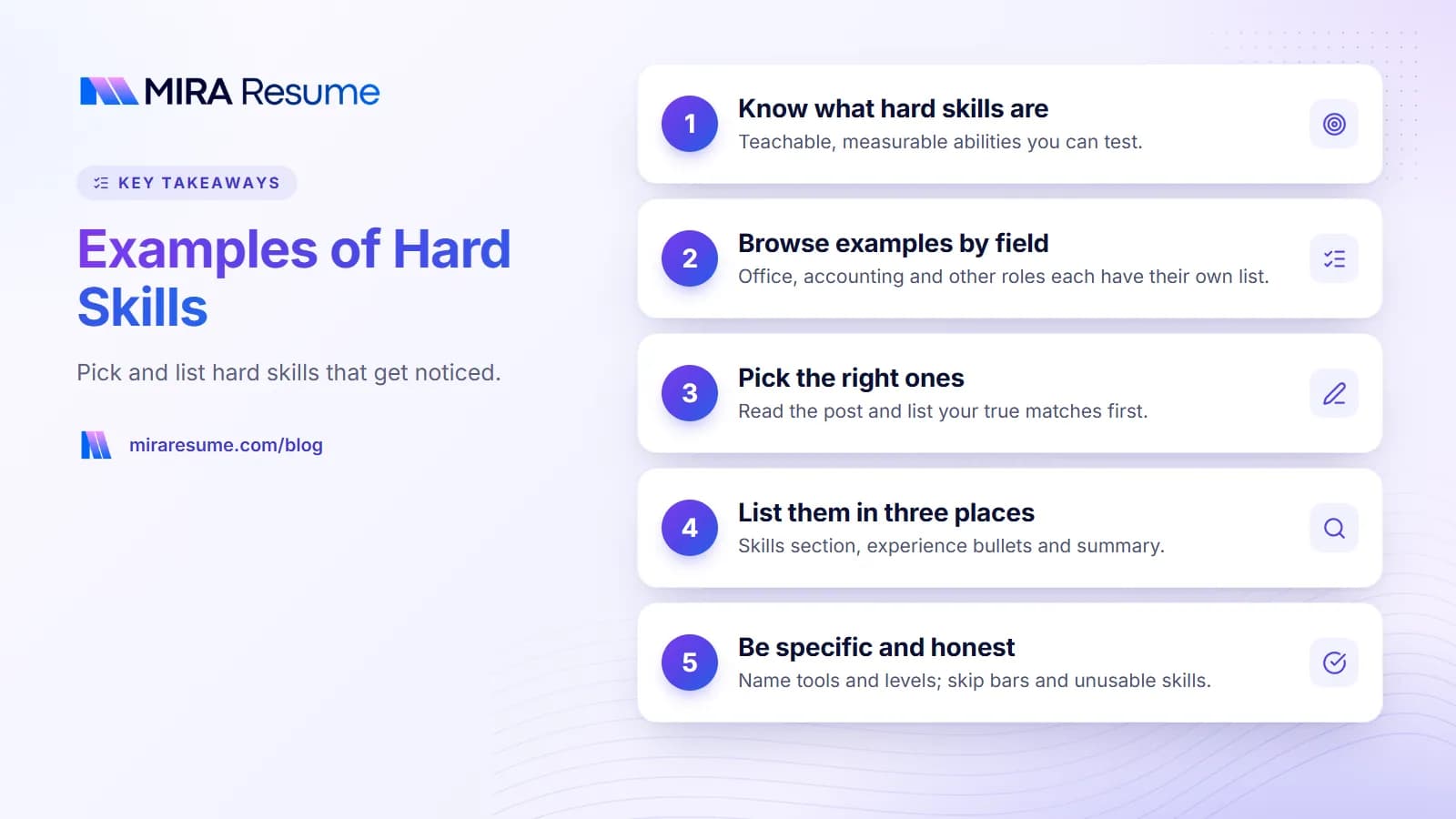
Hard skills are specific abilities you can teach, test, and measure. You gain them in school, on the job, in a course, or on your own. Most come with a clear yes-or-no test: can you do it, and how well?
A good way to spot a hard skill is to ask, "Could someone watch me do this and judge the result?" Typing speed, bookkeeping, welding, and coding all pass. "Friendly" does not.
Hard skills are also called technical skills or job-specific skills. They often match the tools, systems, or methods named in a job post.
They matter because a job post usually lists a few must-have tools or methods, and the first thing a reader checks is whether you have them. You may also find that hiring software looks for those same words, so naming a skill clearly, using the same name the post uses, makes it easier to match.
Hard skills vs soft skills
| Hard skills | Soft skills | |
|---|---|---|
| What they are | Technical, teachable abilities | Personal and people abilities |
| How you learn them | Courses, training, on-the-job practice | Experience, habit, reflection |
| How to prove them | Certificates, tests, portfolios, results | Stories and examples |
| Examples | Excel, SQL, Spanish, CPR, bookkeeping | Communication, patience, leadership |
| Where on the resume | Skills section, bullets, certifications | Bullets and summary |
Some skills cross over. Our guide to transferable skills examples shows which abilities travel from job to job.
Hard skills list: examples by field
Pick only the skills you can use. The table gives example of hard skills for common jobs.
| Field | Hard skill examples |
|---|---|
| Office and administration | Microsoft Excel, Word, Outlook, calendar management, data entry, filing systems, typing speed, minute taking |
| Accounting and finance | Bookkeeping, accounts payable, payroll, reconciliations, QuickBooks, financial reporting, budgeting |
| Sales and marketing | CRM software, email marketing tools, SEO basics, social media scheduling, ad reporting, lead tracking |
| IT and software | Python, JavaScript, SQL, networking, cloud platforms, cybersecurity basics, Linux, debugging |
| Healthcare | Taking vital signs, charting, CPR, wound care, medication administration, phlebotomy, electronic health records |
| Trades and manufacturing | Welding, blueprint reading, forklift operation, CNC machine setup, carpentry, electrical wiring |
| Retail and hospitality | Point-of-sale systems, inventory counts, cash handling, food safety, reservation systems |
| Education | Lesson planning, curriculum design, grading software, classroom technology, special education methods |
| Design and media | Photoshop, Figma, video editing, typography, copywriting, photography |
| Logistics | Route planning, warehouse management systems, shipping paperwork, inventory control, scanner use |
For a wider mix of skills by job, visit our page on good skills to put on a resume. For help choosing between them, see skills to put on a resume.
More example hard skills by type
You can also think about hard skills in groups. This makes it easier to remember what you know.
Software and tools
- Microsoft Excel, Word, PowerPoint, Outlook
- Google Workspace (Docs, Sheets, Slides)
- Salesforce, HubSpot, or another CRM
- QuickBooks, Xero, or other accounting tools
- Adobe Photoshop, Illustrator, or Figma
Languages
- Spoken languages, such as Spanish, French, Mandarin, or Hindi
- Programming languages, such as Python, Java, or SQL
- Sign language
Certifications and licenses
- CPR and First Aid
- Commercial driver's license
- Food handler card
- Project management certificates
- Nursing or other professional licenses
Data and numbers
- Data entry with accuracy
- Spreadsheet formulas and pivot tables
- Basic statistics and charts
- Budget tracking
Writing and research
- Technical writing
- Proofreading and editing
- Online research
- Report writing
If you list software skills, say how well you know them. Our guide to computer skills on a resume shows a simple level system.
How to choose hard skills to put on a resume
You do not need to list every skill you have. Use these steps to pick the right ones.
- Read the job post. Underline each tool, method, or license it names.
- List your matching skills. Write down which of those you have, and how well.
- Check the order. Put the ones from the job post first.
- Add two or three extras. These may be useful skills that were not named but fit the role.
- Remove the outdated or basic. "Email" or "Internet" are assumed. A tool you used only once ten years ago may not help.
- Be ready to prove it. You may be asked to show a skill in a test or interview.
For more on words the software looks for, read our guide on resume keywords.
How to list hard skills on your resume
There are three good places. Use all three if you can.
1. A skills section
A short, scannable block near the top or just after your summary. Group them in lines so they are easy to read.
Technical skills: Microsoft Excel (pivot tables, lookups), QuickBooks, payroll processing, accounts payable
Languages: English (native), Spanish (conversational)
Certifications: CPR and First Aid, current
2. Experience bullets
Show a skill in use. This is more convincing than a list.
- Built an Excel sheet with lookups that cut monthly report time from 3 hours to 1
- Processed payroll for 45 employees every two weeks in QuickBooks
3. Certifications and education
Licenses and courses prove skills. List them with the issuer and the year. See how to list certifications on a resume for the layout.
For a quick look at what a full resume looks like with skills in place, browse our resume examples.
Sample skills sections you can copy
Here are three short skills blocks for different jobs. Replace each item with your own true skills.
Office administrator
Skills: Microsoft 365 (Excel, Word, Outlook), calendar and travel booking, data entry at 60 words per minute, filing and records, meeting minutes, invoice processing
Entry-level web developer
Technical skills: HTML, CSS, JavaScript, React, Git and GitHub, responsive design, REST APIs
Projects: Built a recipe-sharing site and a small budgeting tool (links on request)
Licensed practical nurse
Clinical skills: Vital signs, medication administration, wound care, catheter care, charting in electronic health records, patient teaching
Licenses: LPN license, BLS certification
Each block uses plain words, names real tools, and groups related items together. None uses graphics, so software can read it with no trouble.
How to learn or improve hard skills
If the job post asks for a skill you do not have yet, you have options. Be honest on your resume while you learn.
- Take a short course. Many colleges, libraries, and online sites offer low-cost or free classes in office software, coding, and more.
- Practice on a small project. Build a budget sheet, a simple website, or a sample report. A finished project gives you something real to describe.
- Earn a certificate. Where a license or certificate is standard in the field, working toward it shows commitment. You may list a certification as "in progress" with an expected date, if that is true.
- Ask at work. Offer to help with a task that uses the skill. On-the-job practice counts.
- Volunteer. Local groups often need help with spreadsheets, social media, or events.
Where to show the new skill
Once you can use it, add it to your skills section and to a bullet about a project or task. Before then, you can mention it in a cover letter as something you are learning. For ideas, see our guide to a cover letter with no experience.
Keep a running list
Each time you finish a course or project, write down the date, the tool, and what you made. This running list makes your next resume faster to write and keeps your levels honest.
Weak versus strong hard skill entries
| Weak entry | Why it is weak | Stronger entry |
|---|---|---|
| Computer skills | Too general | Excel (formulas, pivot tables), Word, Outlook |
| Good with numbers | Not specific | Bookkeeping, bank reconciliations, QuickBooks |
| Can speak languages | Does not name them | Spanish (fluent), French (basic) |
| Experienced in coding | No language named | Python and SQL for data cleaning and reports |
| Medical knowledge | Vague | Vital signs, charting in Epic, CPR certified |
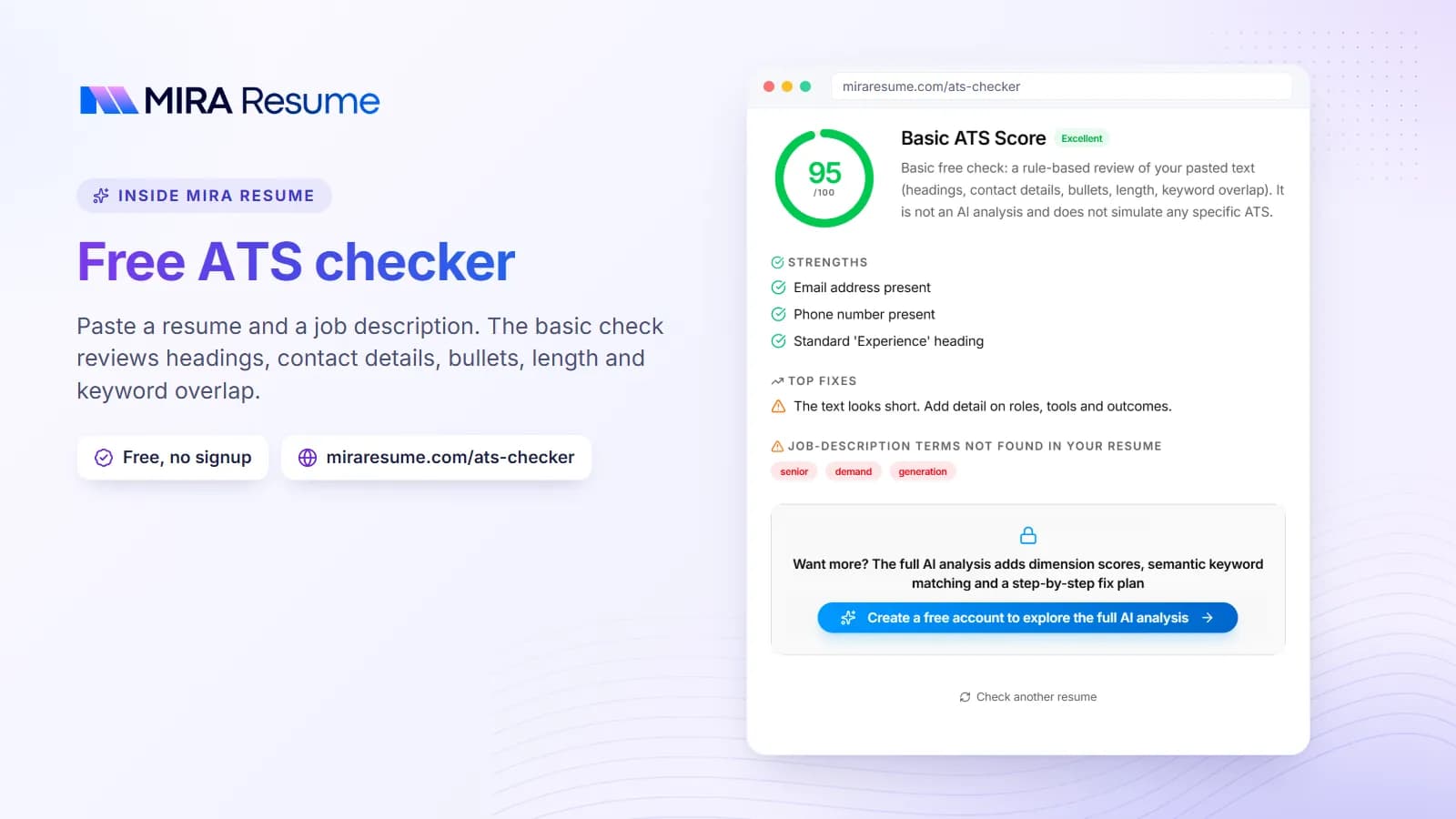
The pattern: name the tool, the method, or the license. Add the level if it helps. This also makes your resume easier for software to match to the job post. After edits, try our ATS checker to see how your skills read.
Hard skills with levels
It helps to be honest about how well you know a skill. Use simple labels.
| Level | Meaning | Example |
|---|---|---|
| Basic | You have used it a little and need help with advanced tasks | Excel: simple sums and tables |
| Intermediate | You use it often and handle most tasks alone | Excel: lookups, filters, charts |
| Advanced | You can solve hard problems and teach others | Excel: pivot tables and macros |
If you label a skill advanced, you may be asked to show it. When in doubt, choose the lower level and let your examples speak.
Common mistakes with hard skills
- Listing skills you cannot use. Employers may test them. Do not claim a skill you cannot show.
- Using a skill bar or star rating. These graphics can fail in software and mean little to a person. Use words instead.
- Including outdated tools. Old software that nobody uses now can make your resume look dated.
- Making the list too long. Twenty or thirty items look like padding. Keep it to what the job needs.
- Mixing hard and soft skills in one list. Keep tools in a skills block and show soft skills through bullets.
- Not matching the job post. If the post asks for QuickBooks and you know it, say so by name.
Hard skills are only part of the picture. Pair them with proof in your bullets and a clear summary, as shown in our resume summary examples.