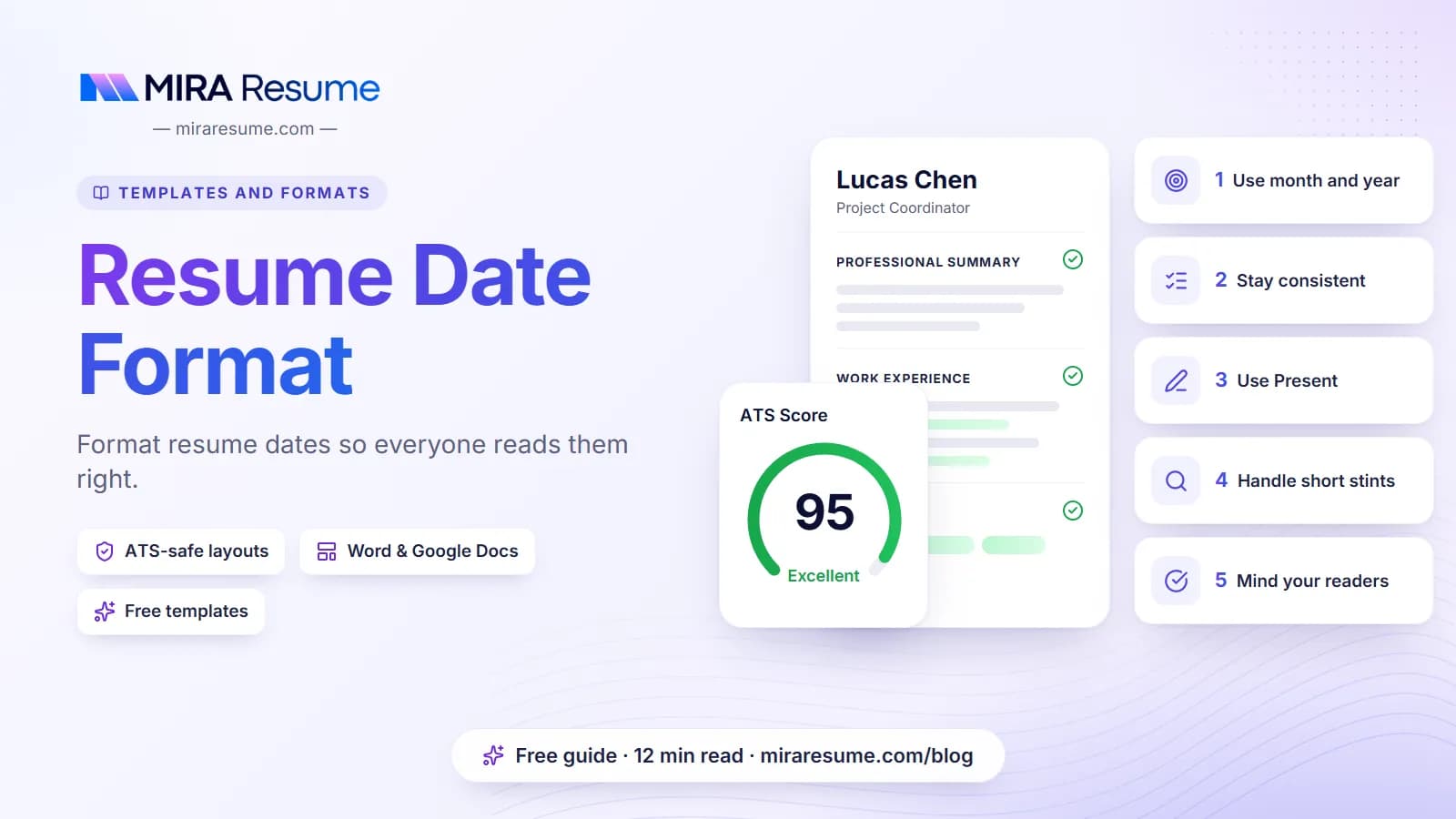

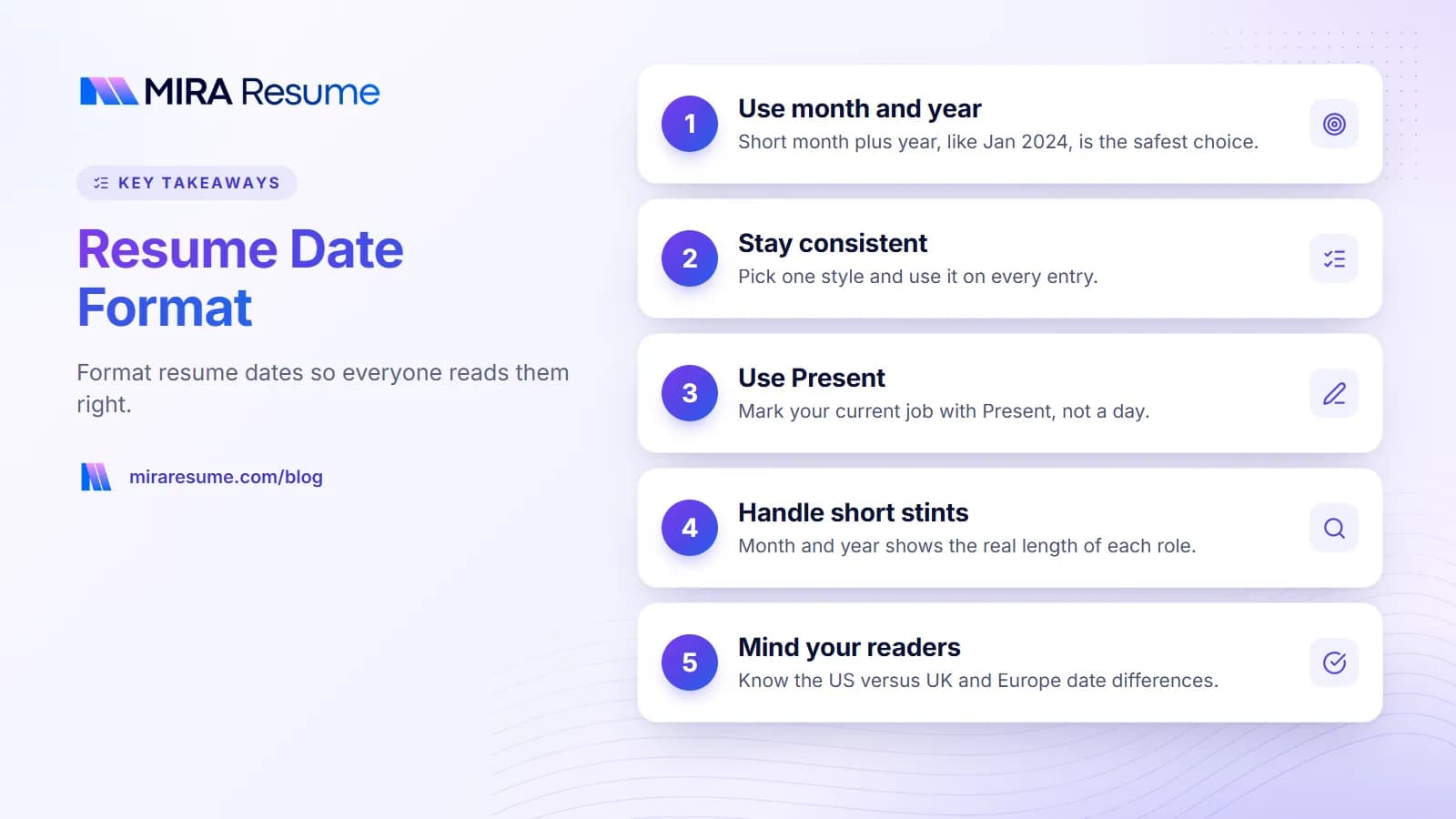
The safest resume date format is month and year with an en dash between them, like Jan 2024 – Mar 2026. Use that same pattern for every job, degree, and certificate, and write "Present" for the job you hold now.
Dates look like a small detail, but they do real work. They tell a recruiter how long you stayed in each role, how recent your skills are, and whether your story hangs together. They also give hiring software something to read when it builds a timeline of your career.
This guide covers the formats that work, when year-only dates make sense, how to line dates up on the right edge, and how to handle tricky cases: short jobs, overlapping roles, gaps, expected graduation, expiring licenses, and readers in other countries. You will find copyable examples in each section.
The quick answer: resume date formats compared
Several styles are acceptable. What matters most is that you pick one and use it everywhere. This table compares the common options so you can choose the right date format for resume entries in your situation.
| Format | Example | Good for | Watch out for |
|---|---|---|---|
| Short month + year | Jan 2024 – Mar 2026 | Almost everyone. Our default pick. | Use the same three-letter months everywhere |
| Full month + year | January 2024 – March 2026 | Roomy layouts, formal fields | Takes more space and can wrap on narrow lines |
| Numeric month/year | 01/2024 – 03/2026 | Compact layouts, some online forms | Slightly harder to scan at a glance |
| Year only | 2024 – 2026 | Older roles, long tenures, education | Can hide short stints, which some readers notice |
| Season + year | Summer 2025 | Internships, seasonal jobs | Means different months in different places |
| Full numeric date | 01/15/2024 | Rarely needed | Clutter, and day-month order is ambiguous across countries |
If you are unsure, use the first row. It is short, easy to read, and clear to readers in any country.
Month and year on a resume vs year only
Putting the month and year on a resume is the most common choice, and for good reason. It shows the real length of each role. "2024 – 2025" could mean two months or nearly two years. "Nov 2024 – Feb 2025" removes the guesswork.
When to use month and year
- Your recent jobs, usually the last 10 to 15 years.
- Any role shorter than two years, where the length matters.
- Internships, contracts, and project work.
- When an application form asks for start and end months anyway, so your resume should match.
When year only can work
- Older roles you list briefly, such as a job from early in your career.
- Education, where the graduation year is usually enough.
- Long tenures, where "2014 – 2022" is already clear.
The one rule is not to mix styles inside the same section. If your top job reads "Mar 2023 – Present" and the one below reads "2019 – 2023," a careful reader may wonder why. Either use month and year for all jobs, or move older jobs into a short "Earlier experience" list where year-only dates look deliberate.
Year-only dates are sometimes used to soften gaps. That can work, but it is not a disguise. Interviewers often ask for exact months, and background checks usually confirm them. Pick the style that is easiest to read, not the one that hides the most.
How to write dates on a resume: placement and alignment
Most layouts put the dates on the same line as the job title or company, pushed to the right edge. The eye can then run straight down the right side and read your resume timeline in seconds.
Project Coordinator, Northfield Logistics Jan 2024 – Present
Denver, CO
Right-align dates with a tab stop in Word
- Type the job title, then press Tab once, then type the dates.
- Select the line. Open the Paragraph settings (Home tab, then the small arrow in the Paragraph group) and click Tabs.
- Enter a tab stop position equal to your text width. On US Letter paper with 1-inch margins, that is 6.5 inches. On A4 with 2.54 cm margins, it is about 15.9 cm.
- Choose Right alignment, click Set, then OK. The dates now sit flush against the right margin.
- Copy that line's formatting to other job lines with the Format Painter so every date lines up.
Right-align dates in Google Docs
Show the ruler (View, then Show ruler). Click on the ruler near the right margin and choose Add right tab-stop. Then press Tab before typing the dates. Drag the small marker if it is not exactly at the edge.
Why not spaces or tables?
Pressing the space bar many times looks fine on your screen but breaks when fonts change. Layout tables can also confuse some applicant tracking systems, which may read cells in an odd order. A tab stop keeps the date on the same line as plain text. If you would rather skip this step, the Mira Resume builder places and aligns dates for you in every template.
Dates on the left, before the job title, are also fine. Just keep the position the same for every entry. For the rest of the page layout, see our guide on how to format a resume.
En dash, hyphen, or "to": separating start and end dates
The typographically correct mark for a range is the en dash (–), which is a little longer than a hyphen (-). Both are widely used on resumes and both are understood. Consistency matters more than the exact character.
| Separator | Example | Notes |
|---|---|---|
| En dash with spaces | Jan 2024 – Mar 2026 | Clean and easy to read. Our pick. |
| En dash, no spaces | 2024–2026 | Common for year-only ranges |
| Hyphen | Jan 2024 - Mar 2026 | Fine, especially if you type in a plain editor |
| The word "to" | Jan 2024 to Mar 2026 | Very clear, slightly longer |
| Em dash (—) | Jan 2024 — Mar 2026 | Too long for ranges. Avoid. |
How to type an en dash
- Windows: hold Alt and type 0150 on the number pad, or press Ctrl and the minus key on the number pad in Word.
- Mac: press Option and the hyphen key.
- Word: typing a word, a space, a hyphen, a space, and another word often turns the hyphen into an en dash automatically.
- Google Docs: use Insert, then Special characters, and search for "en dash."
Whichever mark you choose, check every entry. A mix of dashes and hyphens is one of the most common small errors on a resume, and it is easy to fix with Find and Replace.
Your current job: "Present" and other options
For a job you still hold, write the start date and then "Present."
- Good: Aug 2023 – Present
- Also fine: Aug 2023 – Current, or Aug 2023 – Now
- Avoid: Aug 2023 – (blank), or Aug 2023 – Mar 2026 when you have not left
"Present" is the most common word and the one readers expect. Use it once, for each role you truly hold today. If you have two current roles, such as a full-time job and a part-time teaching post, both can say "Present."
If you have given notice
Keep "Present" until your last day. If you want to be transparent, you can note it in your cover letter or tell the recruiter directly. Do not list a future end date on the resume itself, because it reads as if the job has already ended.
Write current jobs in present tense
A small point that pairs with the date: bullets for your current job use present-tense verbs ("manage," "lead"), while past jobs use past tense ("managed," "led"). Mixed tenses can make a reader double-check your dates.
Short stints, overlapping jobs, and promotions
Short stints
A job that lasted a few months still gets month and year dates: "Apr 2025 – Jul 2025." If it was a contract or temporary role, say so in the title line, such as "Data Analyst (Contract)." That one word explains the short length before anyone asks. If several short contracts came through one agency, you can group them under the agency name with one date range and list the clients below.
Overlapping jobs
Overlap is normal. People work a side job while studying, freelance alongside a full-time role, or start a new job before a part-time one ends. List each role with its real dates, in order of the start date, newest first. If one role was part-time, add "(Part-time)" after the title so the overlap makes sense.
Marketing Specialist, Brightwave Media Feb 2024 – Present
Freelance Copywriter (Part-time) Jun 2022 – Present
Promotions at one company
Put the company name once with the full date range, then list each title with its own dates underneath. This shows growth without making it look like you changed employers. Our guide on how to show a promotion on a resume has more layouts.
Harbor Point Bank Mar 2020 – Present
Senior Analyst Jan 2023 – Present
Analyst Mar 2020 – Dec 2022
Gaps in your resume timeline
A gap is simply a period between two end and start dates. Clear dates do not create gaps, they just show them, and most gaps have ordinary reasons: caregiving, health, study, relocation, a layoff, or time out to travel.
A few date-related choices help:
- Keep month and year dates. Switching to year-only only for the jobs near a gap tends to draw more attention, not less.
- Label meaningful time. If you studied, volunteered, or cared for a family member, you can list it as its own line with dates, such as "Career break: family care, Jun 2023 – Feb 2024."
- Do not stretch dates. Extending an end date to cover a gap is easy to check and can cost you an offer.
Short gaps of a few months rarely need any comment on the page. For longer ones, see our sample resume with gaps in employment, which shows wording for common reasons. A chronological resume template makes dates easy to read, and a hybrid layout can shift attention toward your skills if a gap is long.
Education and graduation dates
For education, the graduation date is usually enough. Most people show the year, or the month and year if the degree is recent.
| Situation | Example |
|---|---|
| Finished degree | B.S. in Accounting, Lakeview University, May 2023 |
| Degree in progress | B.A. in Psychology, Expected May 2027 |
| Older degree | MBA, Ridgeway Business School, 2011 (or no date) |
| Unfinished degree | Coursework in Computer Science, Eastbrook College, 2019 – 2021 |
| Study abroad or short program | Exchange semester, Lyon, France, Fall 2024 |
Expected graduation
If you are still studying, write "Expected" before the month and year. Recruiters for internships and graduate roles use this date to check whether you can start when they need you. "Anticipated" also works, but "Expected" is shorter and more common.
Can you leave the graduation date off?
Yes. Some experienced candidates drop older graduation years so the page focuses on recent work. That is a common, accepted choice. Be aware that some online application forms ask for the date anyway. For more examples, see how to list education on a resume.
Certifications, licenses, and expiry dates
Certifications usually show the month and year you earned them. If a credential expires and must be renewed, adding the expiry date can help, because many roles in healthcare, safety, and IT require it to be current.
- Certified Scrum Master (CSM), Scrum Alliance, Issued Mar 2025, Expires Mar 2027
- BLS Provider, American Heart Association, Valid through Oct 2027
- Google Data Analytics Certificate, Jun 2024
- Project Management Professional (PMP), In progress, exam planned Feb 2027
Leave off credentials that have lapsed unless the job posting asks about them or you are actively renewing. If you are renewing, say so: "Renewal in progress." Our guide on how to list certifications on a resume covers where this section goes and what else to include.
International date formats: US vs UK and Europe
The United States writes numeric dates month first (03/04/2026 is March 4). The UK, much of Europe, India, and many other places write the day first (03/04/2026 is 3 April). That difference is why full numeric dates are risky on a resume.
The fix is simple: spell out the month. "Mar 2026" means the same thing everywhere. Since resumes rarely need the day, the problem mostly disappears once you drop it.
| Region | Common style on CVs and resumes | Safe choice |
|---|---|---|
| US and Canada | Jan 2024 – Mar 2026, or 01/2024 – 03/2026 | Jan 2024 – Mar 2026 |
| UK and Ireland | Jan 2024 – Mar 2026, or 2024 – 2026 | Jan 2024 – Mar 2026 |
| Continental Europe | 01/2024 – 03/2026, or 01.2024 – 03.2026 | Spelled-out month, or the local form if you apply locally |
| Applying across borders | Varies | Always spell out the month |
Month/year numeric dates like 01/2024 are not ambiguous, because there is no day. They are fine if you prefer a compact look. Just avoid day/month/year in full.
How ATS software reads resume dates
An applicant tracking system (ATS) stores resumes and often tries to pull out details such as job titles, employers, and dates. Some systems use those dates to estimate total years of experience. How well this works varies a lot between systems, and no outsider can say exactly how a given employer's software behaves.
What we can say is which habits make dates easier for software to recognize:
- Use standard patterns. "Jan 2024," "January 2024," and "01/2024" are common forms that parsers are built to look for.
- Keep dates in the body of the page. Some systems ignore headers, footers, and text boxes.
- Keep each date range on one line, close to the job title or company it belongs to.
- Avoid creative wording such as "since early 2024" or "two-plus years." Write the dates instead.
- Be consistent. The same pattern on every entry is easier for both people and software.
Our guide on how ATS works explains the bigger picture. To see how a parser reads your own file, run it through the ATS checker and look at whether each job shows the right dates.
Common resume date mistakes and a final check
Mistakes to fix
- Mixed formats: "Jan 2024" on one line and "01/2023" on the next.
- Mixed separators: en dashes in one place, hyphens in another.
- Abbreviations with and without periods: "Jan." and "Feb" side by side. Pick one style.
- Full dates with days: they add clutter and can be misread across countries.
- Dates out of order: reverse-chronological means newest first, in every section.
- A missing end date: every past job needs one. Every current job says "Present."
- Dates that do not match LinkedIn or your application form: recruiters notice. Update all of them together.
Final date checklist
- Every entry uses the same pattern, such as "Mmm YYYY – Mmm YYYY."
- Dates line up in the same place on every job.
- Current roles say "Present," and bullets are in present tense.
- Degrees in progress say "Expected" with a month and year.
- Expiring licenses show a valid-through date.
- No numeric day-first or month-first full dates remain.
- The dates match your LinkedIn profile and any form you fill in.
Read your resume timeline from top to bottom one last time. If a stranger could follow your career from the dates alone, you are done.