
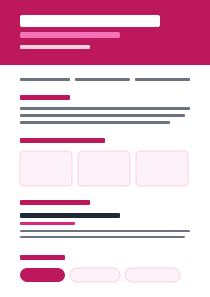
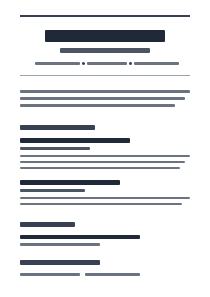
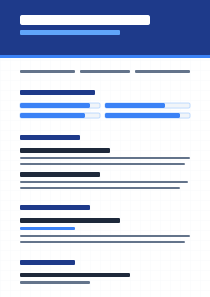
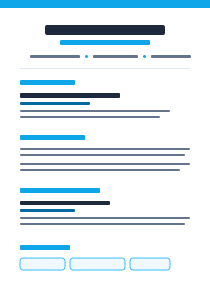
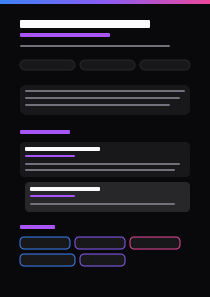
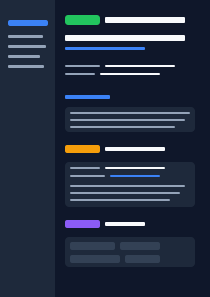
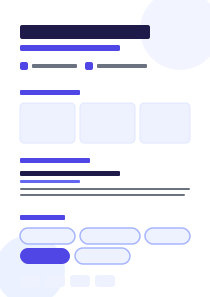
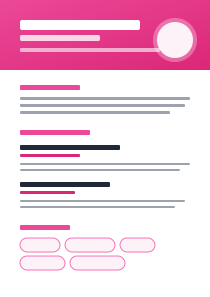


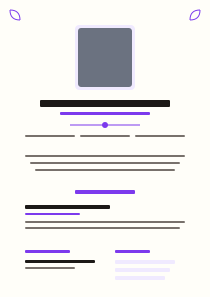
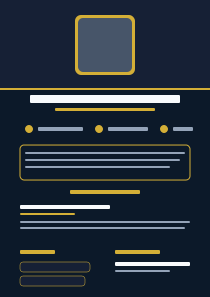
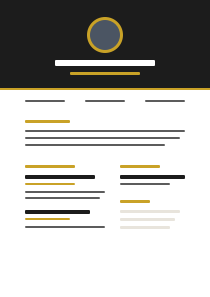
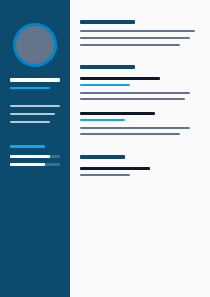
Template Selector
Which Template Style is Right for You?
Technical Standards
ATS Document Compatibility Standards
100% Text Parseable
Our templates export as true searchable text PDFs. No image-only layers which block keyword scanning.
Standard Typography
Utilizes parser-supported fonts (Arial, Calibri, Georgia) to ensure spider bots catalog dates and sections cleanly.
Zero Layout Blockers
Built strictly without float-boxes, tables, or complex background charts that merge text rows in scanner databases.
Gallery FAQ
Frequently Asked Questions
Are all 51 resume templates guaranteed to pass ATS parsers?
Yes! Every single template in our gallery is engineered according to ATS structural specifications—using standard font hierarchies, single-column margins, and semantic section tags that parser engines like Greenhouse, Lever, and Workday read effortlessly.
Is PDF or Microsoft Word (DOCX) better for job applications?
Modern ATS software handles searchable vector PDFs seamlessly while preserving your exact typography and spacing. PDF is recommended for 95% of online applications unless a job posting specifically requests a Word document.
Why do some ATS checkers flag multi-column templates?
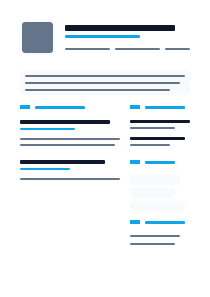
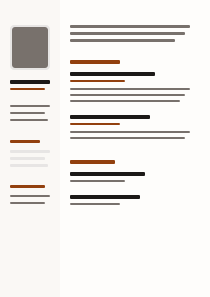
Older legacy ATS engines read documents horizontally across the page. When text is arranged in side-by-side columns, text lines can get merged together into garbled strings. Our templates keep text streams clean and linear.
Can I switch templates without losing my resume content?
Yes! You can switch between Modern, Classic, Executive, Developer, or Creative templates with a single click in the studio. Your text, experience bullets, and contact information automatically re-flow into the new design.
Which resume template should I choose for my industry?
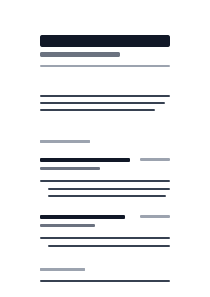
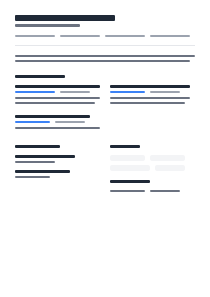
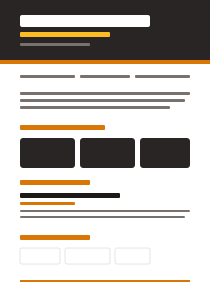
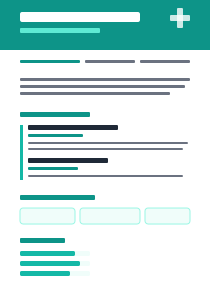
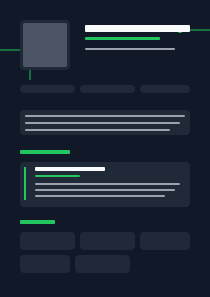
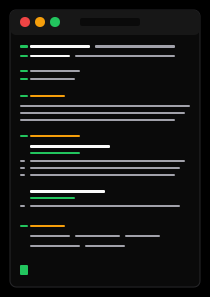
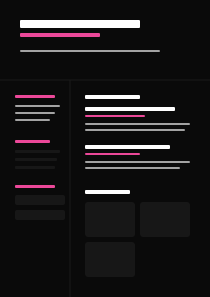
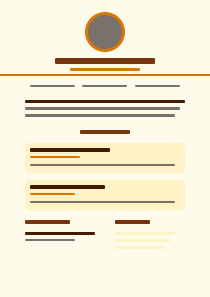
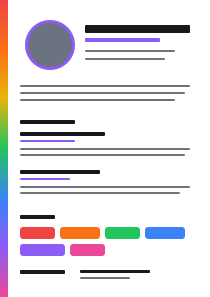
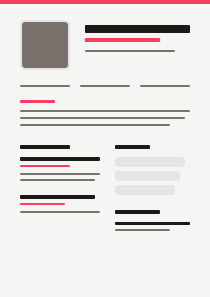
Use Tech & Product for software/data roles, Executive & Leadership for management, Minimal/Classic for finance/legal/government, and Creative for design/marketing roles.
What fonts are used in these ATS-friendly templates?
All templates use standard web-safe and Google Fonts (Inter, Roboto, Georgia, Calibri, Arial) that are pre-configured to embed correctly in PDF exports so ATS parsers never misread special characters.
Should a resume template be 1 page or 2 pages long?
For candidates with under 5 years of experience, a 1-page template is standard. For candidates with 7+ years of experience or executive roles, a 2-page template gives adequate room for metric bullet points.
Are free resume templates available to export?
Yes! Free tier users can access 5 core ATS templates and export PDF copies at zero cost. Pro and Elite subscribers unlock all 51 premium templates and DOCX export.
Why the Right Resume Template Matters
Most Free Resume Templates you find online are built purely for aesthetics, heavily utilizing complex tables, text boxes, and multi-column designs. While these look beautiful to a human, they often break when ingested by an Applicant Tracking System (ATS). Our ATS Resume Templates are architected differently. They prioritize machine-readability using semantic document structuring while maintaining a highly professional, modern look.
100% Parsing Accuracy
Every layout in our Resume Builder gallery is tested against standard parsers like Workday and Taleo to ensure your critical contact info, dates, and skills are extracted perfectly.
Industry Specific Designs
Whether you are generating a Resume for a conservative finance role or a creative design position, we have a style that matches your target industry's expectations.
Instantly Swap Themes
Because our CV Maker separates your content data from the visual design, you can cycle through dozens of premium templates with a single click without ever re-typing your work history.
Why Templates Matter
Why ATS-Friendly Resume Templates Matter
Choosing the wrong resume template can silently disqualify you before a recruiter ever reads your application. Applicant Tracking Systems parse resume text by reading documents line by line, extracting contact information, section headers, job titles, dates, and skills. Multi-column templates cause ATS parsers to merge adjacent columns into a single garbled line — for example, your job title from the left column and your employment dates from the right column may be merged into unreadable text like "Software Engineer Jan 2020 – Mar 2023" appearing as a single field that cannot be categorized.
Template font choice is equally critical. Non-standard or decorative fonts (script fonts, display typefaces, icon fonts) may not be embedded correctly in PDF exports, causing the ATS to extract garbled characters instead of readable text. Mira Resume templates use a curated set of ATS-safe fonts: Calibri, Arial, Garamond, Georgia, and Times New Roman — all widely supported across ATS platforms including Workday, Greenhouse, Lever, iCIMS, and Oracle Taleo.
Every template in Mira Resume's gallery is tested quarterly against all five enterprise ATS platforms. We submit test resumes built with each template to our ATS testing environment and verify that name, contact details, all experience sections, education, and skills fields are extracted correctly. Templates that fail any parsing test are either corrected or removed from the gallery. This means you can choose any template in Mira's collection with confidence that it will pass ATS screening.
How to Choose the Right Resume Template
- 1Identify your industry and career levelDifferent industries have different resume format norms. Technology and finance roles typically use clean, minimal templates that prioritize information density. Creative fields allow slightly more design variation, though still within ATS-safe bounds. Executive roles benefit from classic, conservative layouts. Entry-level candidates should avoid overly complex templates that pad limited experience with excessive visual design.
- 2Confirm single-column layoutFor any role at a company that uses ATS software (which includes the vast majority of companies with more than 50 employees), a single-column layout is non-negotiable. Two-column templates look attractive but fail ATS parsing on most enterprise platforms. All Mira Resume templates are single-column by design.
- 3Match visual weight to company cultureResearch the company's culture before selecting a template. A startup applying for a brand designer role may appreciate a more visually distinctive template. A government agency or law firm application should use a conservative, minimal template. Both types are available in Mira's gallery and labeled by recommended context.
- 4Check section coverageYour chosen template should accommodate all sections you need: Professional Summary, Work Experience, Education, Skills, Certifications, and optionally Projects and Volunteer Experience. Some templates are optimized for experienced professionals with long work histories; others are designed for entry-level candidates or career changers who need to emphasize skills and education more prominently.
- 5Run the ATS Checker before applyingAfter building your resume, paste the job description into Mira Resume's ATS Checker and run a compatibility check. Even with a strong template, keyword optimization specific to each role is essential. The ATS Checker identifies missing keywords and section gaps that will lower your ATS score on that specific job posting.
Resume Template Category Guide
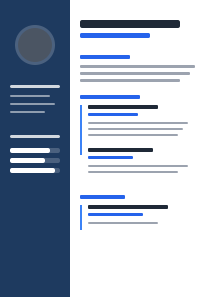
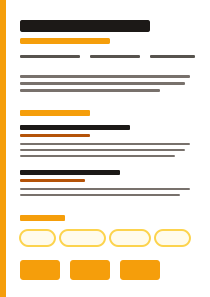
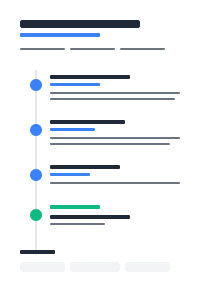
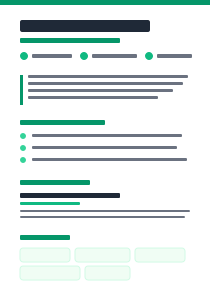
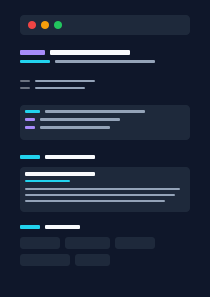
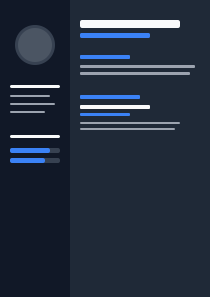
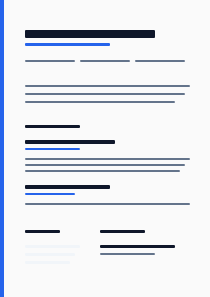
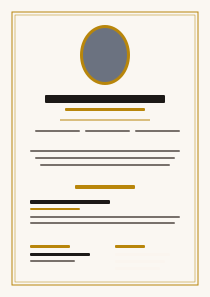
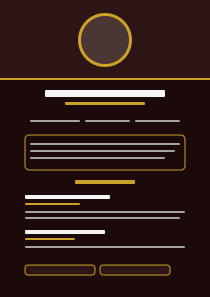
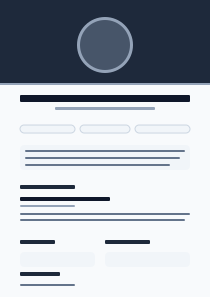
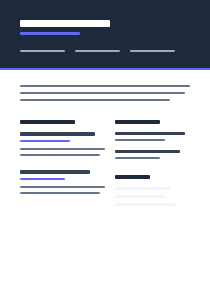
- Modern Templates: Clean, contemporary designs with strong typography hierarchy and subtle accent colors. Best for technology, marketing, product management, and consulting roles. Modern templates use generous white space and clear section separation to improve readability for both ATS systems and human reviewers.
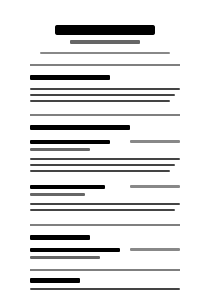
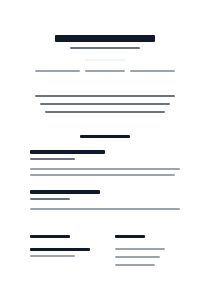
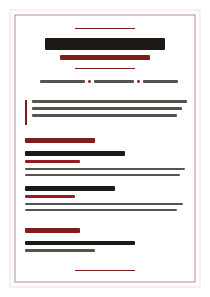
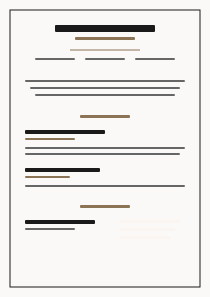
- Classic Templates: Traditional, conservative layouts prioritizing information density and professional tone. Best for finance, legal, government, academia, and executive roles. Classic templates have been in use for decades because they reliably pass all ATS systems and convey professionalism in industries where visual creativity is not expected.
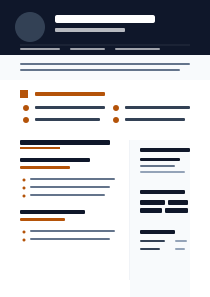
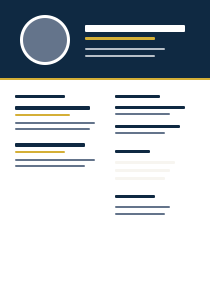
- Executive Templates: Senior-professional layouts designed for Director, VP, C-suite, and Managing Director applications. Executive templates include dedicated sections for board memberships, publications, speaking engagements, and strategic achievements. Formatted to reflect the seniority and breadth of experience expected at leadership level.
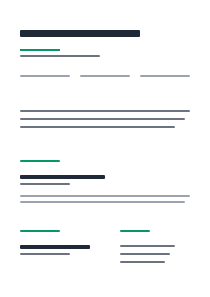
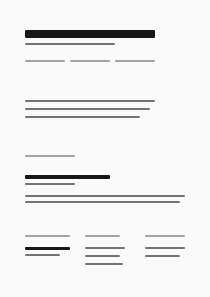
- Minimal Templates: Ultra-clean designs with maximum white space and minimal visual elements. Preferred by job seekers who want their content to dominate the page without visual distraction. Minimal templates are also the safest choice for ATS parsing since they have the fewest design elements that could interfere with text extraction.
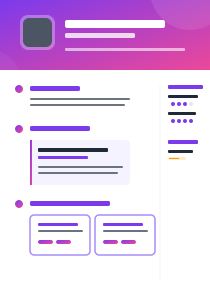
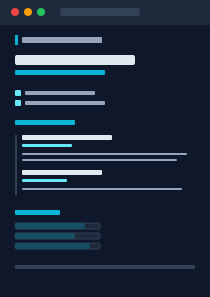
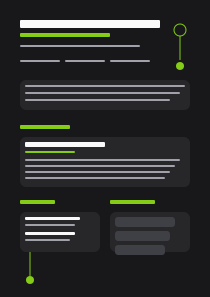
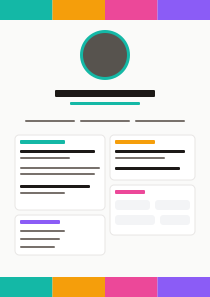
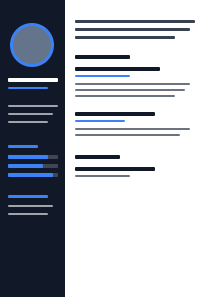
- Creative Templates: Slightly more visually distinctive layouts suitable for design-adjacent roles (UX, graphic design, brand management, advertising) where some visual personality is appropriate. All creative templates in Mira's gallery remain single-column and ATS-safe — the visual distinction comes from typography and spacing, not multi-column layouts or graphics.
Resume Templates — Frequently Asked Questions
Are all Mira Resume templates ATS-compatible?
Yes. Every template in Mira Resume's gallery is tested quarterly against five major enterprise ATS platforms: Workday, Greenhouse, Lever, iCIMS, and Oracle Taleo. All templates use single-column layouts, ATS-safe fonts (Calibri, Arial, Garamond, Georgia, Times New Roman), standard section headings, and text-based PDF export. No template contains multi-column layouts, text boxes, tables spanning columns, or graphics that would interfere with ATS text extraction.
Can I switch templates after building my resume?
Yes. You can switch your resume to any other template at any time without losing your content. Mira Resume stores your resume content separately from the template formatting, so switching templates is a one-click operation. Your work history, education, skills, and all other content remain intact. This allows you to test different visual presentations of the same resume content before committing to one for a specific application.
Which template is best for software engineers?
For software engineering roles, Modern or Minimal templates are recommended. These prioritize technical skills visibility, project descriptions, and clean information hierarchy — which aligns with what engineering hiring managers and technical recruiters expect to see. Avoid overly designed templates that use graphic elements to represent skill levels, as these are not parseable by ATS systems and reduce the space available for substantive technical content.
Which template is best for executive roles?
For Director, VP, and C-suite roles, Executive or Classic templates are the most appropriate choice. These formats include space for strategic summary statements, board memberships, board-level achievements, and extensive work history. Conservative typography and minimal design convey the seniority and professionalism expected for leadership applications. Avoid templates designed for entry-level or mid-career candidates that do not provide adequate space for the depth of experience at executive level.
Can I download templates as PDF and Word?
Yes. All Mira Resume templates can be exported in both ATS-optimized PDF (text-based vector PDF, not an image PDF) and Microsoft Word DOCX format. PDF and Word export are available on the Pro plan. The free plan provides a watermarked PDF preview. Both export formats use ATS-safe fonts and single-column layout to ensure maximum parsing compatibility.
Are premium templates included in the free plan?
The free plan includes 5 ATS-optimized resume templates. Pro and Elite plan users have access to the full gallery of 50+ premium templates including Modern, Classic, Executive, Minimal, and Creative categories. Premium templates include additional layout variations, color theme options, and specialty section configurations for specific career types (engineering, healthcare, legal, academic).
How often are new templates added?
New resume templates are added to the gallery quarterly, following our regular ATS compatibility testing cycle. Each new template batch is tested against all five enterprise ATS platforms before release. We also retire templates that do not maintain passing ATS compatibility scores across all platforms, so every template in the gallery has been validated against current ATS parsing behavior.
Do templates support color themes?
Yes. Most Mira Resume templates support multiple color themes, allowing you to adjust the accent color of section headers, dividers, and other visual elements. All available color themes are ATS-safe — color is applied only to text and decorative lines, not to backgrounds that could interfere with text contrast or readability. Theme options appear in the template customization panel in the resume editor.